Continuing from last time I contacted Aquatuning for assistance on the 90 degree conntector defects. As part of my email I uploaded the picture showing the issue and stated it was with all 6 connectors, can you please check your stock as I would like some without the defect. The customer service rep acknowledged the issue, included a photo showing his connector with hard tubes at each side and said he is sending me a new one for free.
Not so fast
First of all I did state 6 are defective and what really stood out was the photo of his connector. This was not placed against a square edge as I showed but more importantly I could clearly see the same defect in his photo. I replied back and got another response which suggested that I should try to bend my hard tubes to make the angle a perfect 90 degree. (Excuse me? I purchased hard tubes and 90 degree connectors to avoid making bends in my hard tubes, furthermore this is beyond the point as the connectors are defective) My last reply I simply asked to return all 6 connectors for the reason that they are defective and not 90 degrees, the RMA is in progress and the 7th connector appears to be lost by by UPS delivery.
The way forward

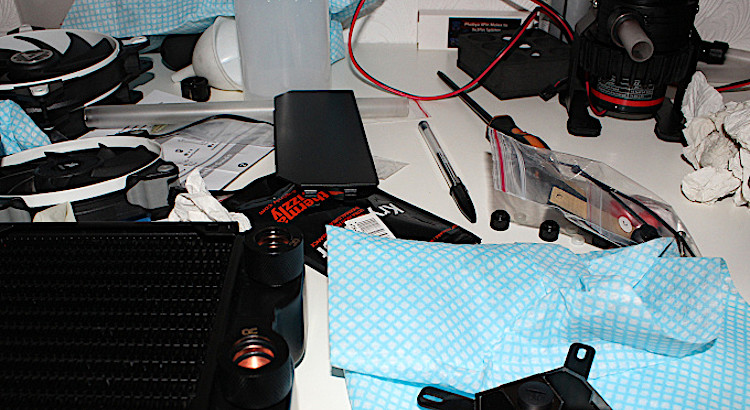
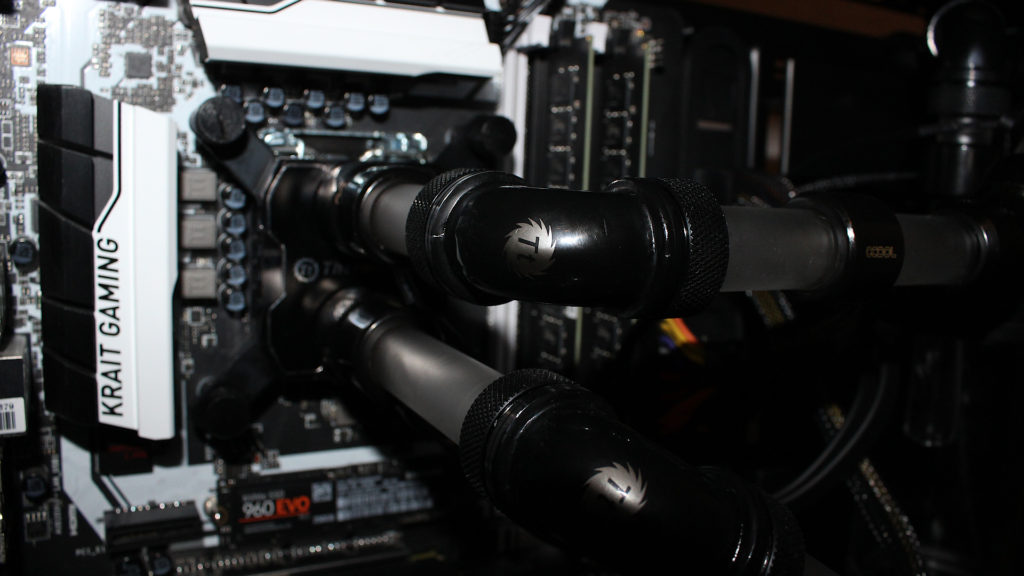
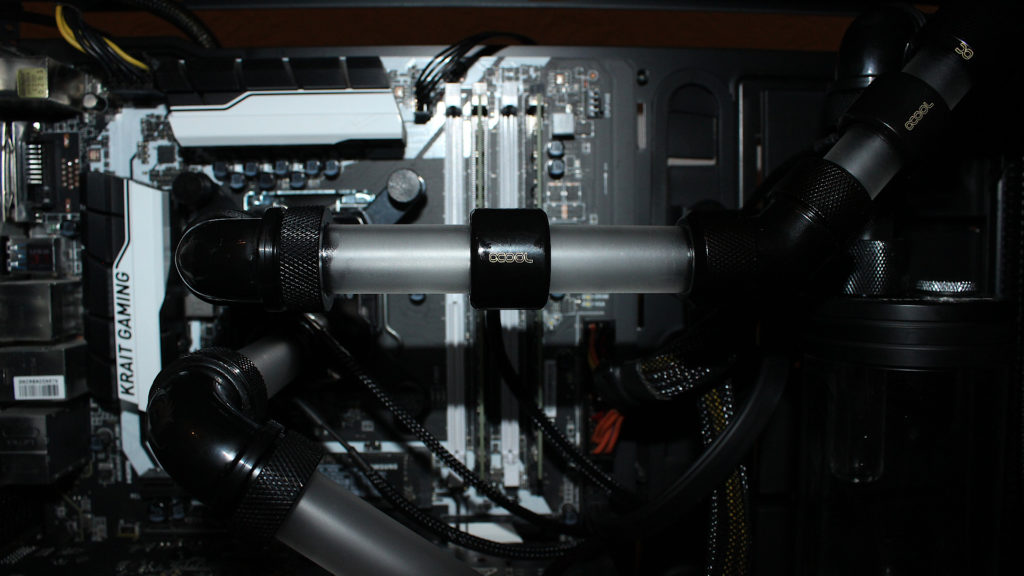
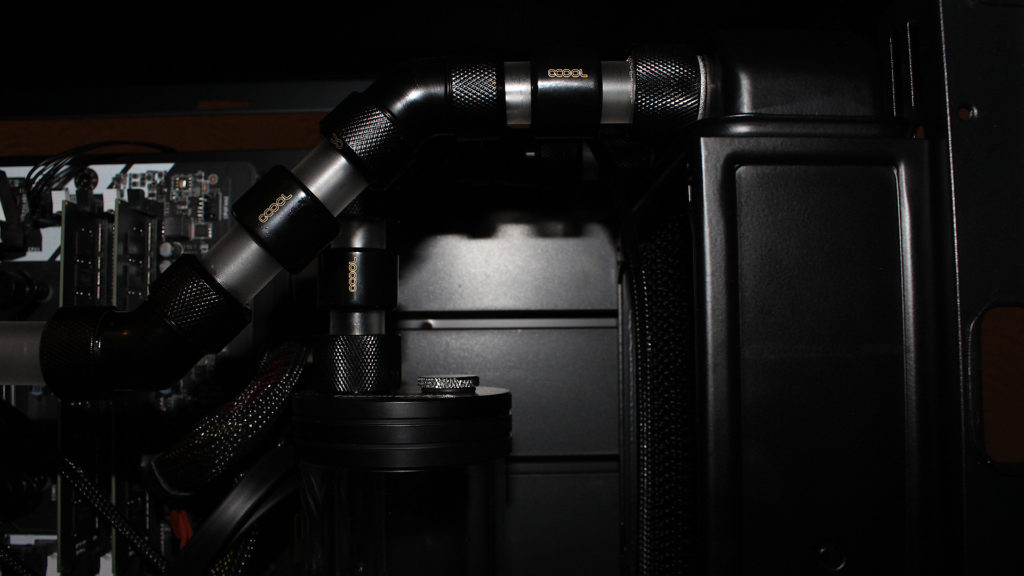
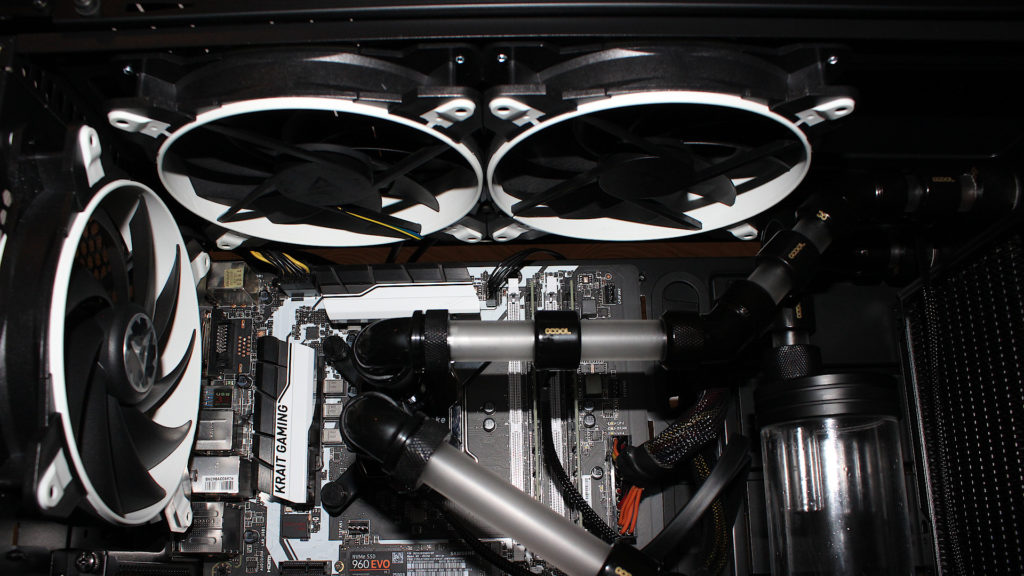
This may not look like progress, it looks like I took everything out, spilled some coolant and lost a bit of thermal paste but I have new 90 degree connectors by ThermalTake to go in so this is the only way. The tops fans now fit and the alignment is perfectly straight with all the pipes and radiator. The pump needs some lighting and I may change the top fans to push air out instead of pull towards the VRM heatsinks.
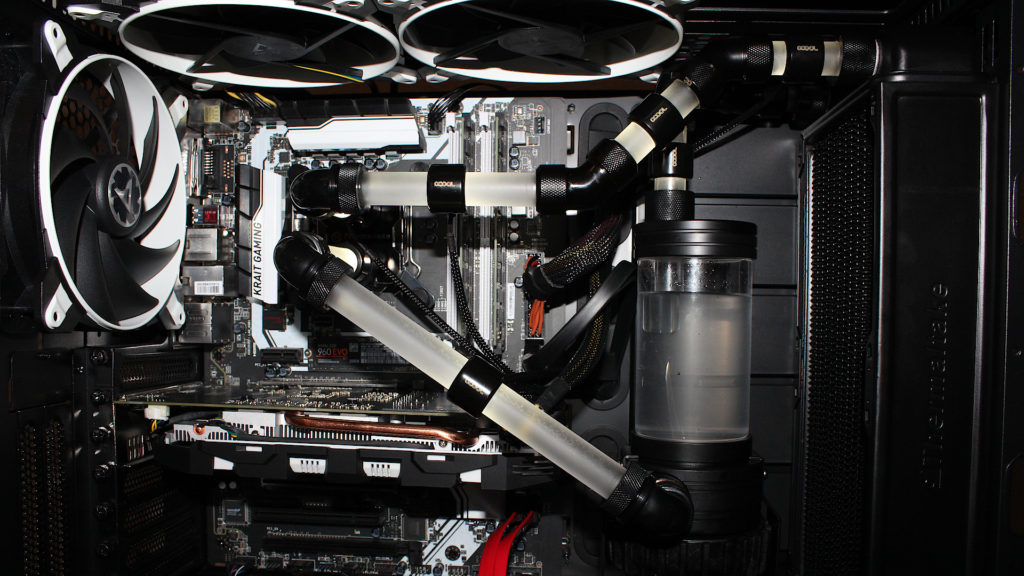
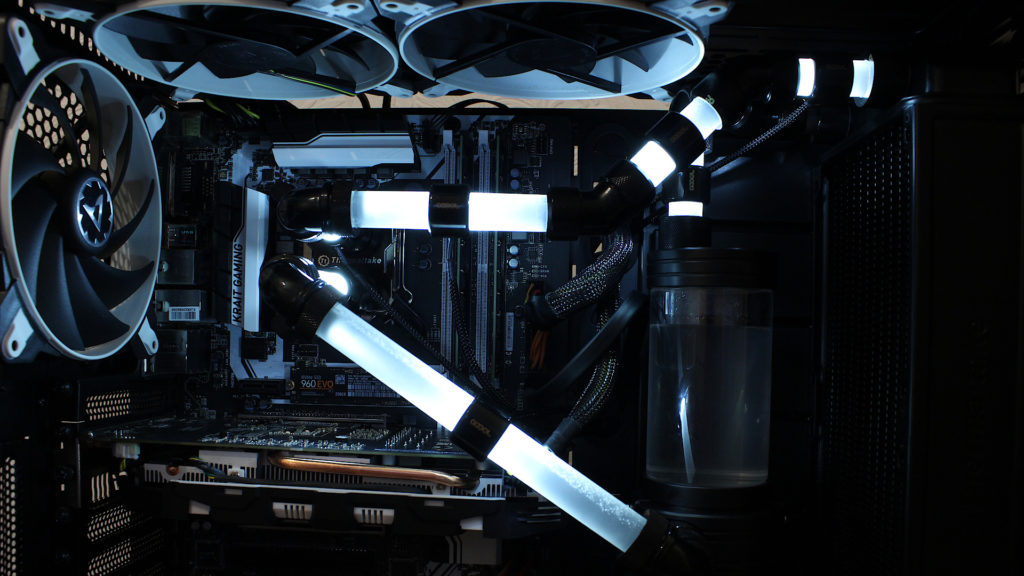
Change of thermal paste
The Grizzly Kryonaut also seems to be reacting with the nickle plating on the Thermaltake waterblock, slight pitting of some kind so I used the supplied thermaltake paste instead. Temperatures are identical so it will likely remain for a very long time.

Next steps
- Change the hard drives.
- Need to make a custom wiring loom for the LED lighing rings.
- Add LED light to pump as it looks dull.
- Memory heat spreaders.
Changes made to setup so far
- Hard tube routing to avoid top fans.
- Swapped Aquacool 90 degree connectors to Thermaltake 90 degree connectors.
- Stopped using the Grizzly Kryonaut thermal paste.