It’s been around 6 months since I took the laptop apart to apply new liquid metal on the CPU and new thermal paste on the GPU which has been working without issues. I originally got the laptop as I had planned 3 months away in a different country so wanted something that could play a few games during my visit so now that I’m back home I feel like it’s time to take a look inside and see what’s going on.
The CPU, i9-14900HX
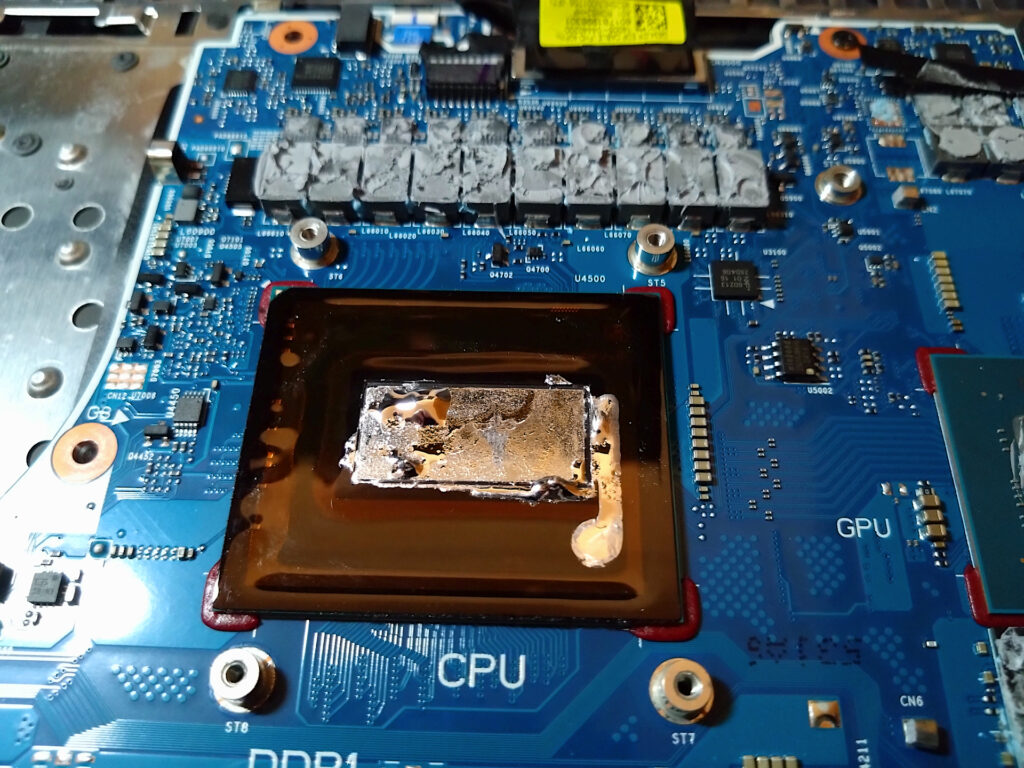
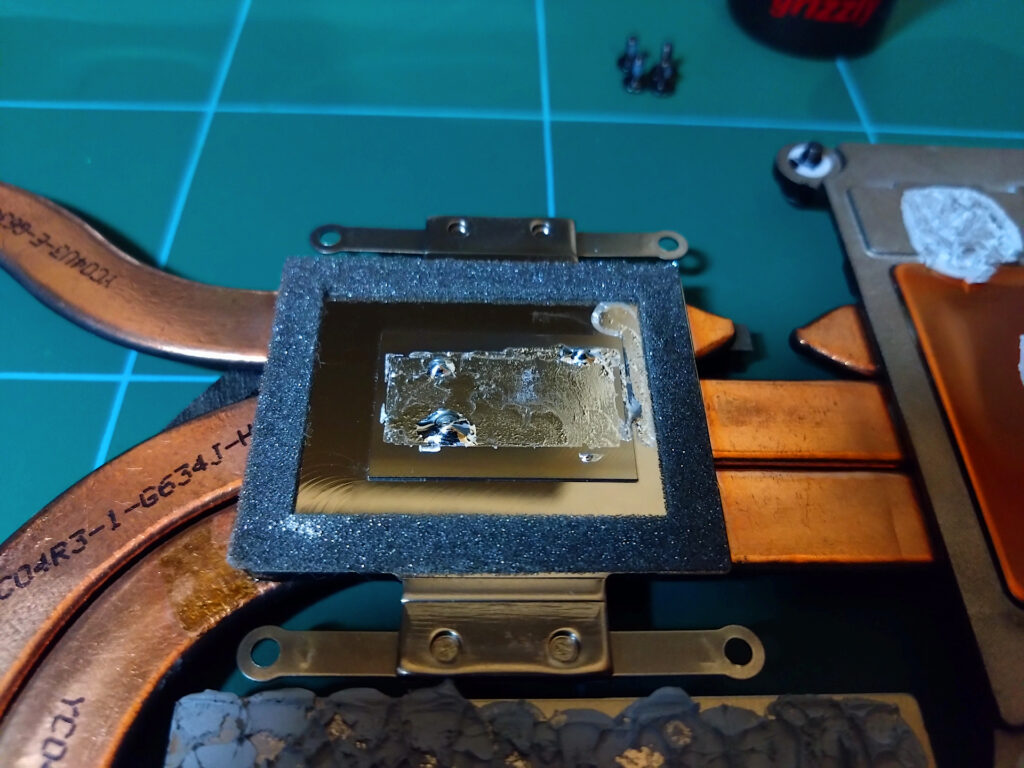
The liquid metal on the CPU shows some movement, what we see here is a grouping of liquid metal towards the left half of the CPU DIE and the right half its a lot thinner / dry and there is pooling over the edge on the protective barrier. The heatsink also shows the same pattern and on both in the current state there are no dry spots but it is very close to being that way. This is interesting as the core layout within the CPU DIE and where the liquid metal has gathered is on top the E-cores and the thinner side / puddle is where the P-cores are located. This is the hotspot of the CPU and shows how over time the liquid metal pumps out. Intel have changed the core layout on the newer generation CPUs (200 series / 275HX…) so that the E-cores and P-cores are evenly distributed within the DIE to improve the heat distribution and other performance related aspects so if you laptop is a newer CPU generation the thermal paste distribution over time / heat cycles should look a lot better than this.
The GPU, RTX 4060
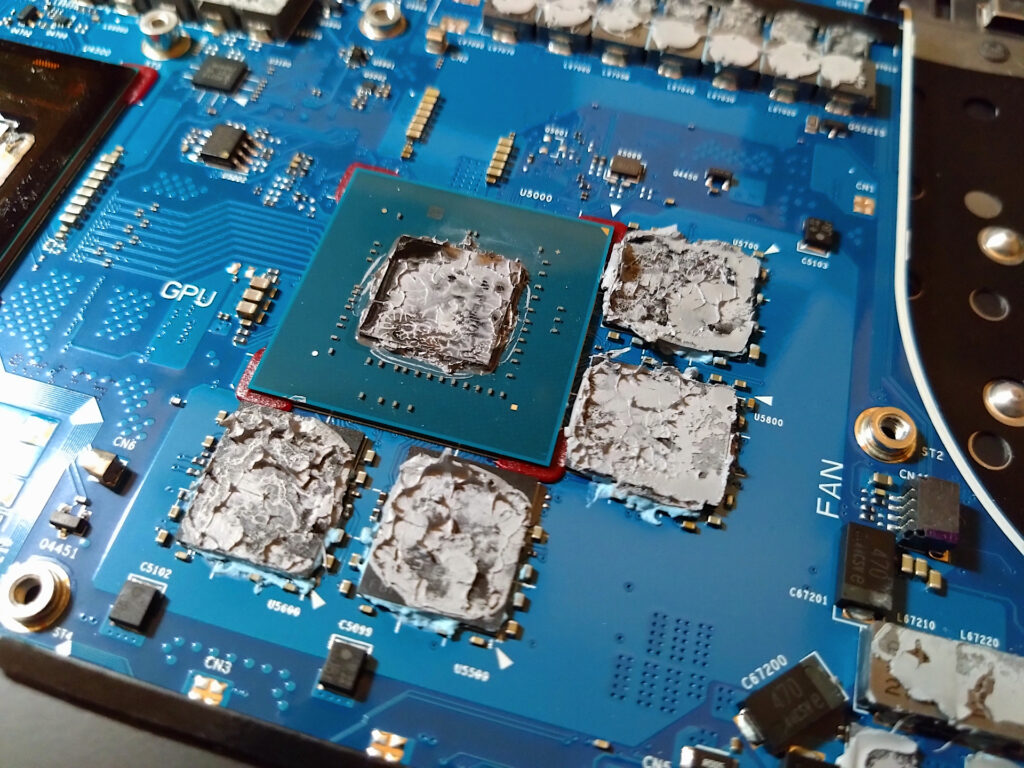
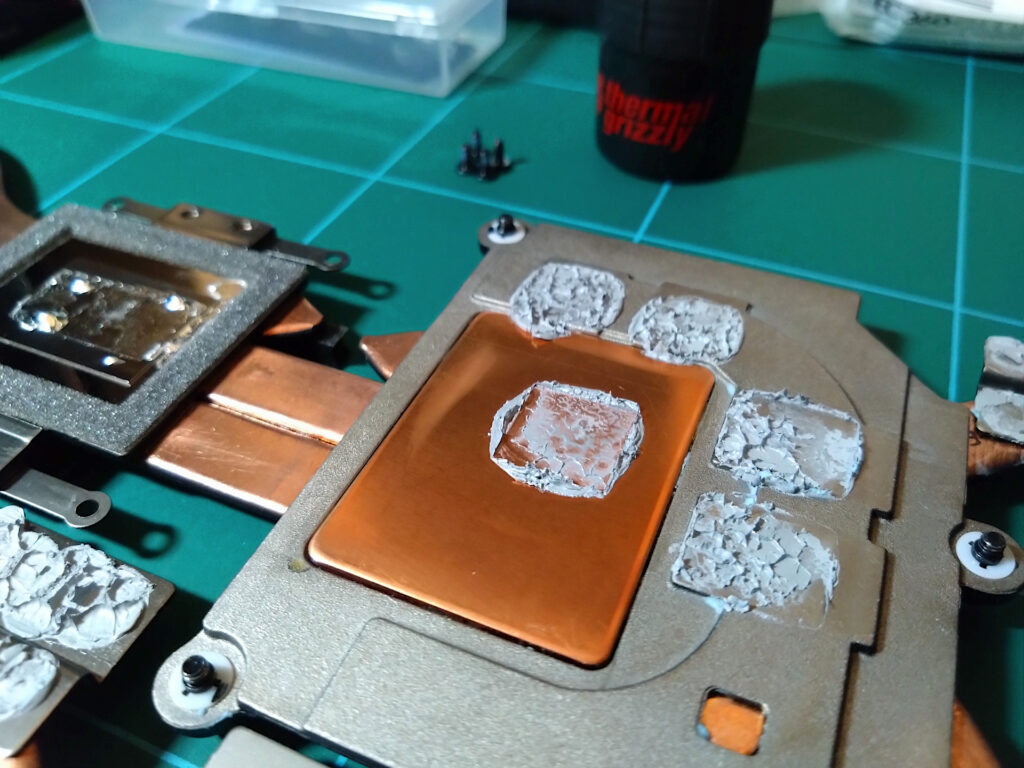
This also shows some extreme pump out considering only 6 months usage, the Thermal paste used was Arctic MX-6 and I applied this over the entire GPU DIE, in the image above it has thinned out to the point of being almost gone from the top left corner.
CPU, GPU, Heatsink Cleaned
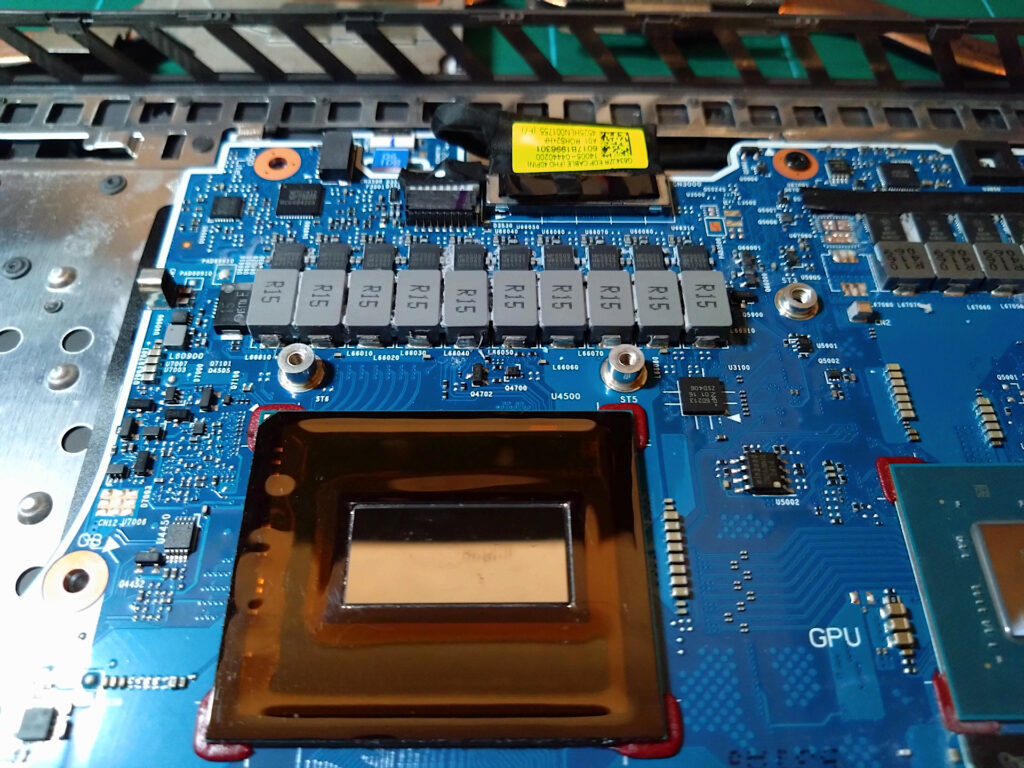
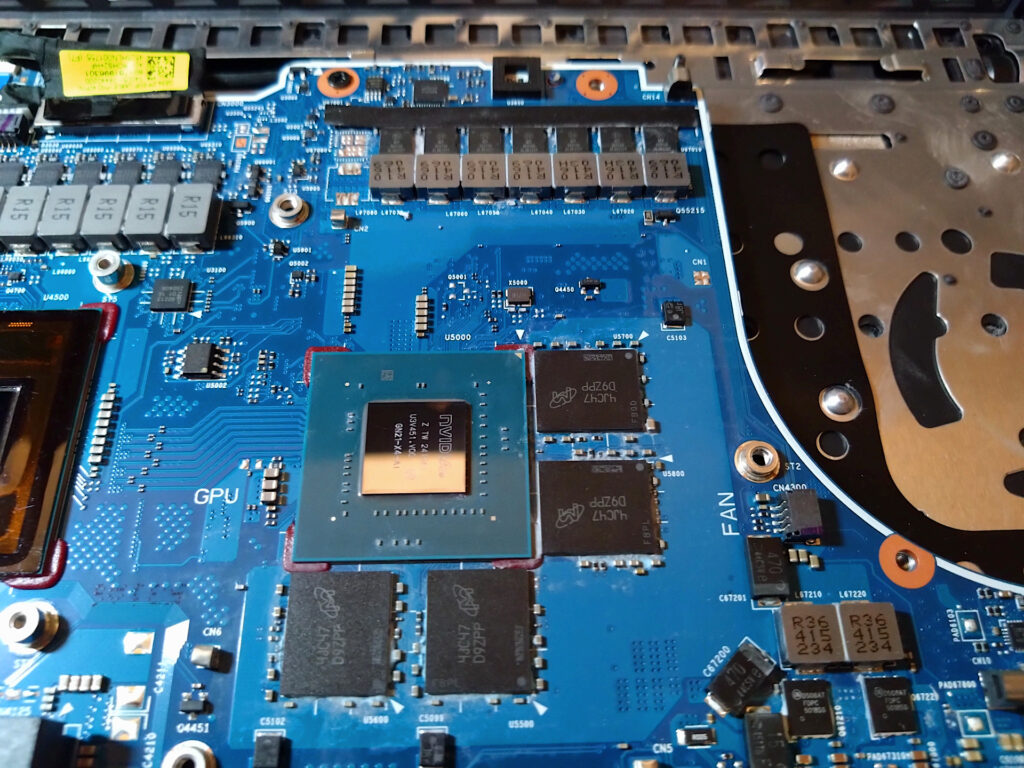
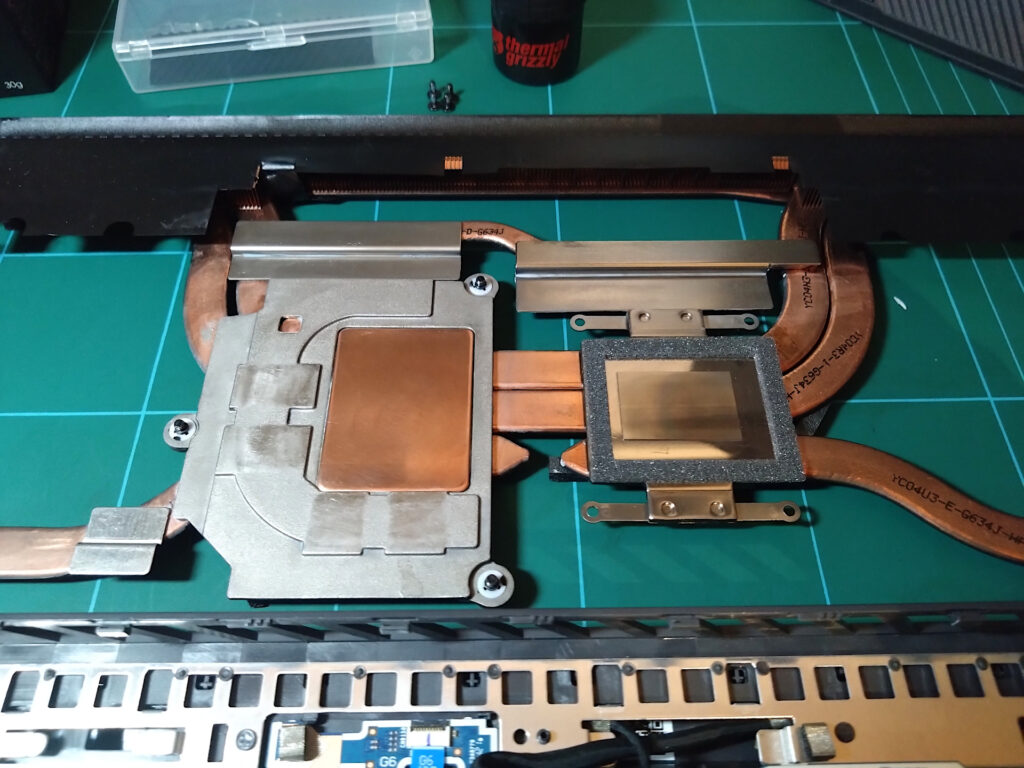
Cleaning liquid metal takes a lot of time and consideration as you need to be careful on how you move over the motherboard / CPU with cotton swabs but eventually I have cleaned and removed all thermal paste over the CPU, GPU, GPU Memory and VRMs in preparation for some new thermal paste.
Based on what I have seen above, 6 months usage shows the liquid metal has moved a considerable amount to the point of bordering drying out on the P-cores. The pooling is also a problem as once the liquid metal is off the DIE it has free flowing movement so if the laptop is on the side and knocked it will drip anywhere inside the protective barrier. It’s also showing a very similar appearance to when I first took it apart upon a few days usage, the E-cores being covered in liquid metal whereas the P-cores are thinner. During my travel with the laptop it has always been carried flat and horizontally without fail which I did to minimise any vertical movement to the liquid metal. What would have happened if I went another 6 months without checking? Well I’m sure there would be a completely dry spot on the CPU and probably extreme difficulty in cleaning the heatsink as once the liquid metal goes dry it has the potential to corrode the surface, even if it is nickel plated. Next I’ll work out what to do as I might try some other alternative to liquid metal for the purpose of testing :).