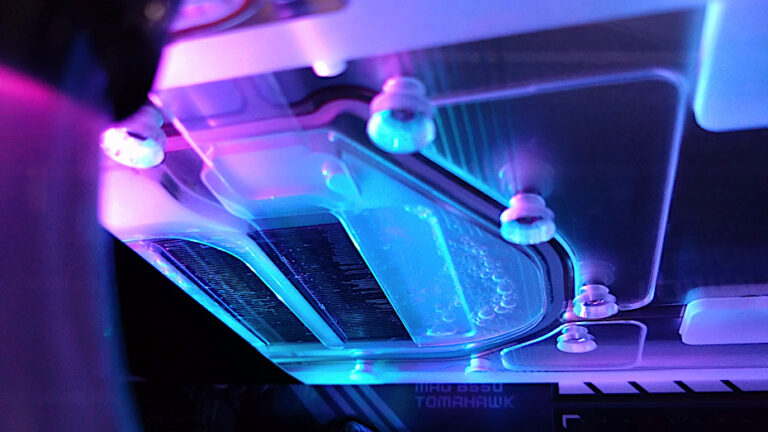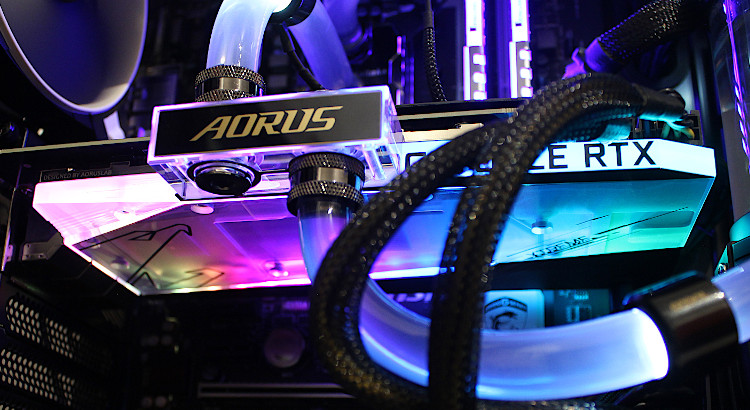
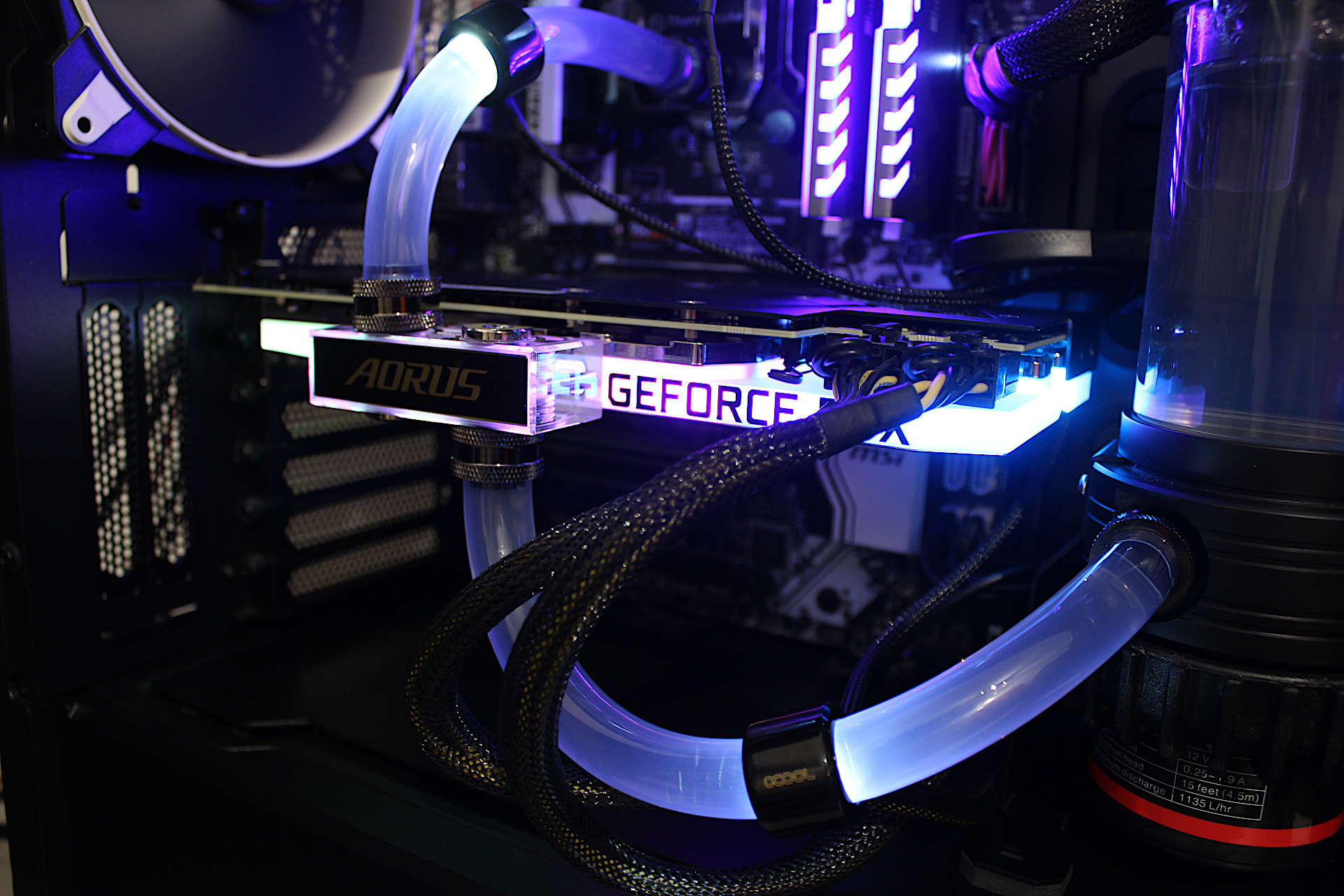
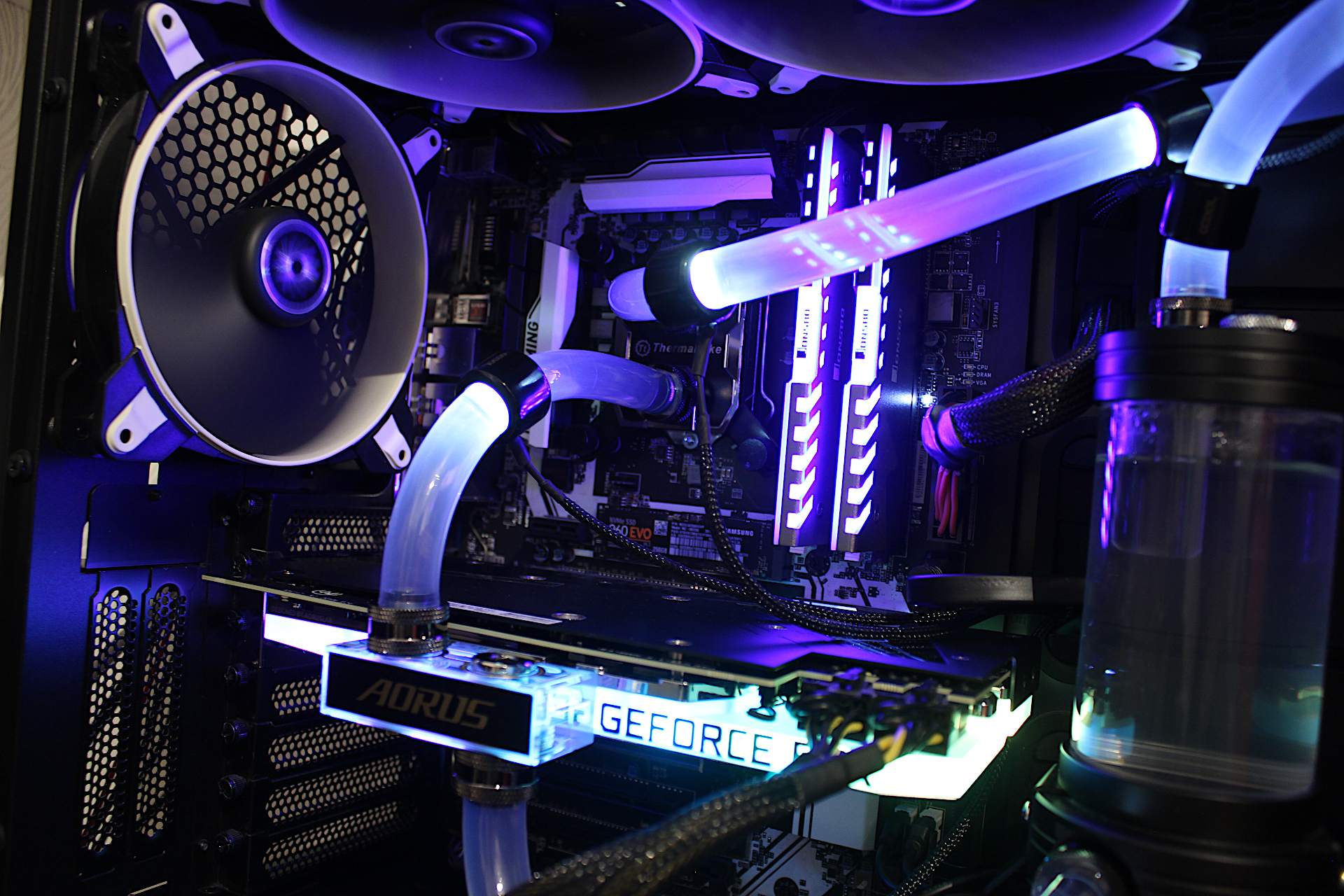
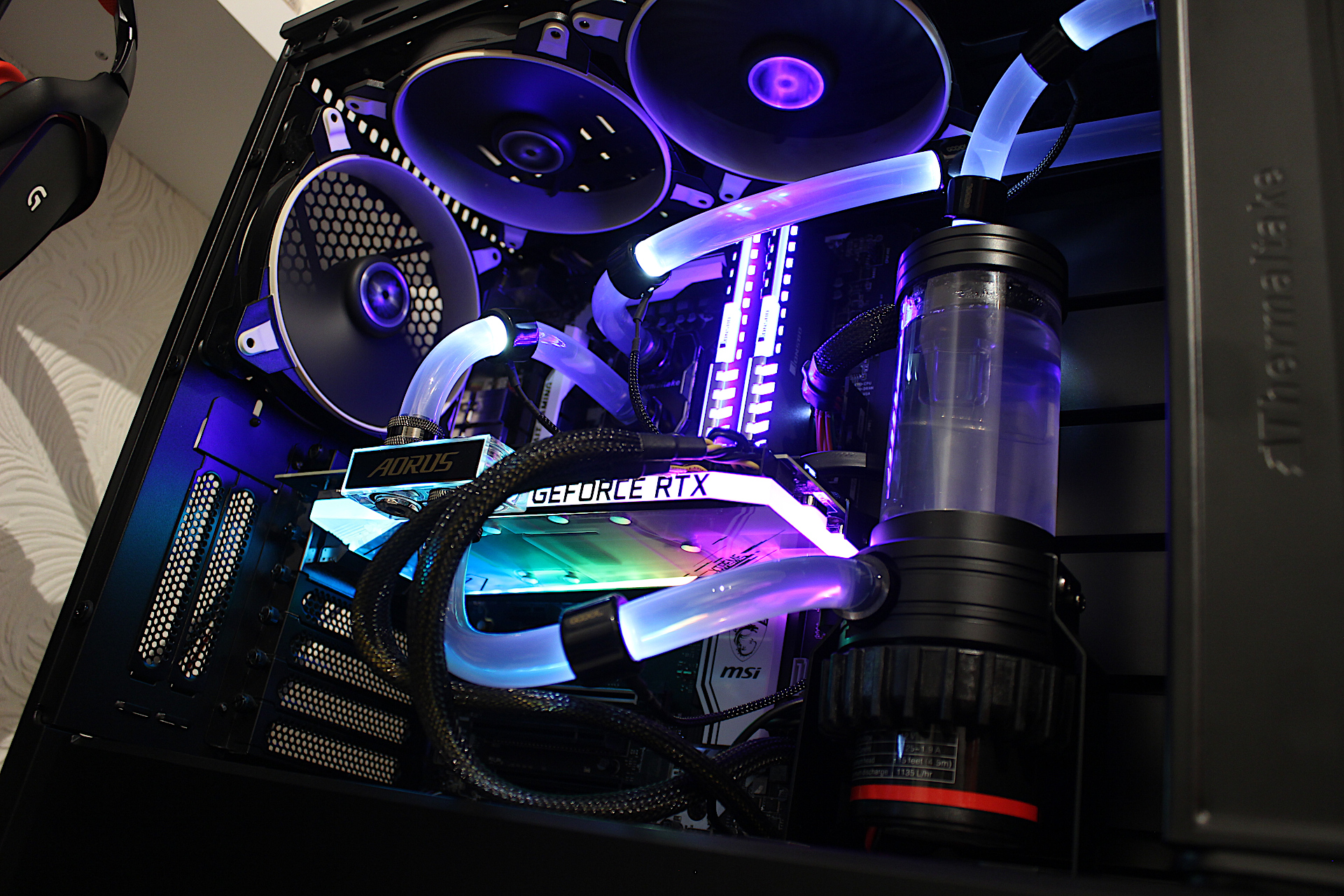
After draining my water loop I installed the RTX 3080, including cutting new tubes and refilling along with the GPU support stand to prevent the card from flexing the PCI-E slot and causing damage. Everything went fine and the card worked without issues lighting up my case with a rainbow RGB cycle effect. Temperatures appeared good so I started some testing to see how well Gigabyte’s waterblock performs on the RTX 3080. This is a simple review of temperatures using Furmark as I believe this is sufficient to determine how the GPU will perform under quite a high load. Gaming performance will depend on other factors such as the water cooling setup being used and heat dissipation from the CPU. I will run real world tests to determine my water cooling setup performance later.
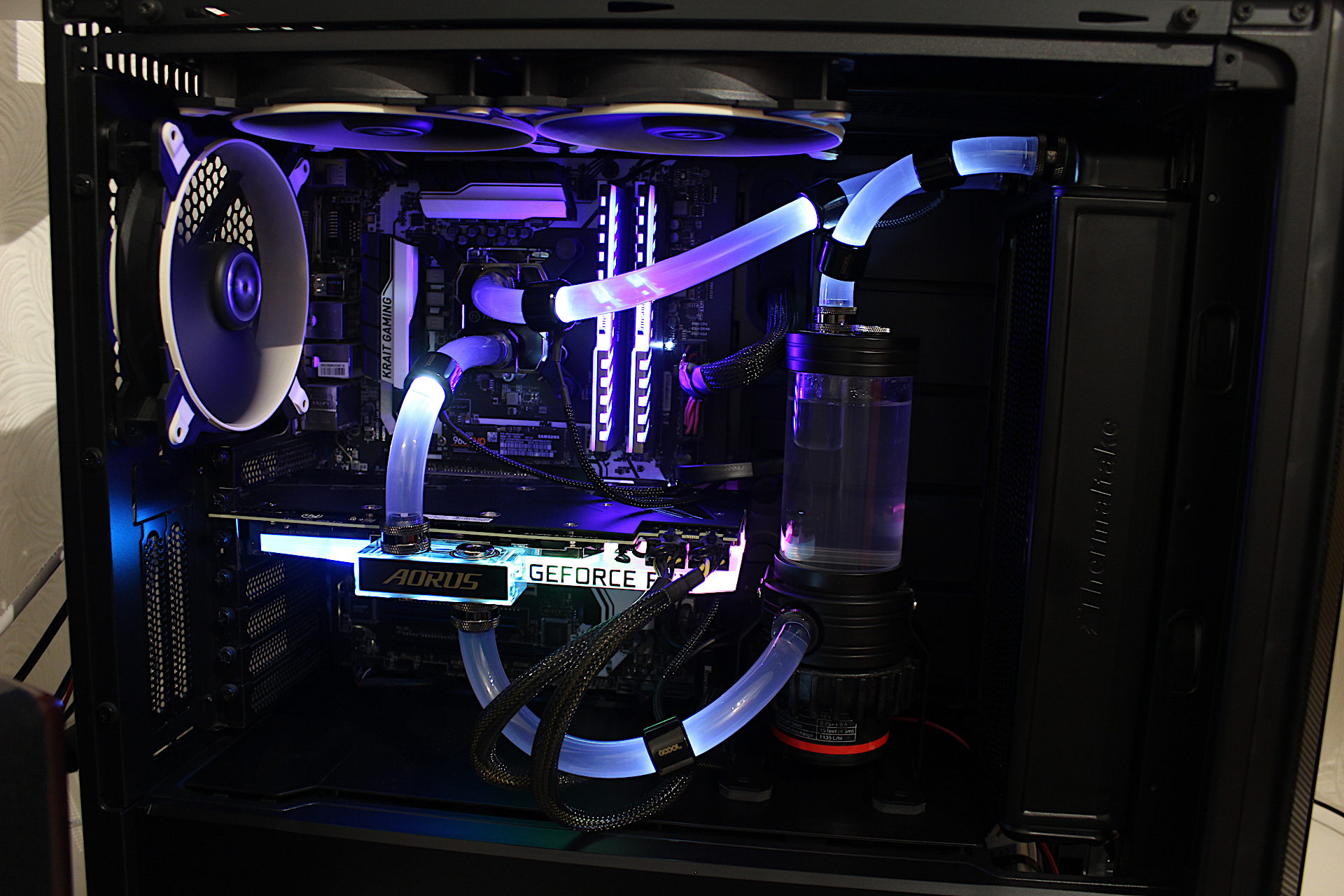
The water cooling setup
- Intel i7-6700K Skylake running at 4.6GHz
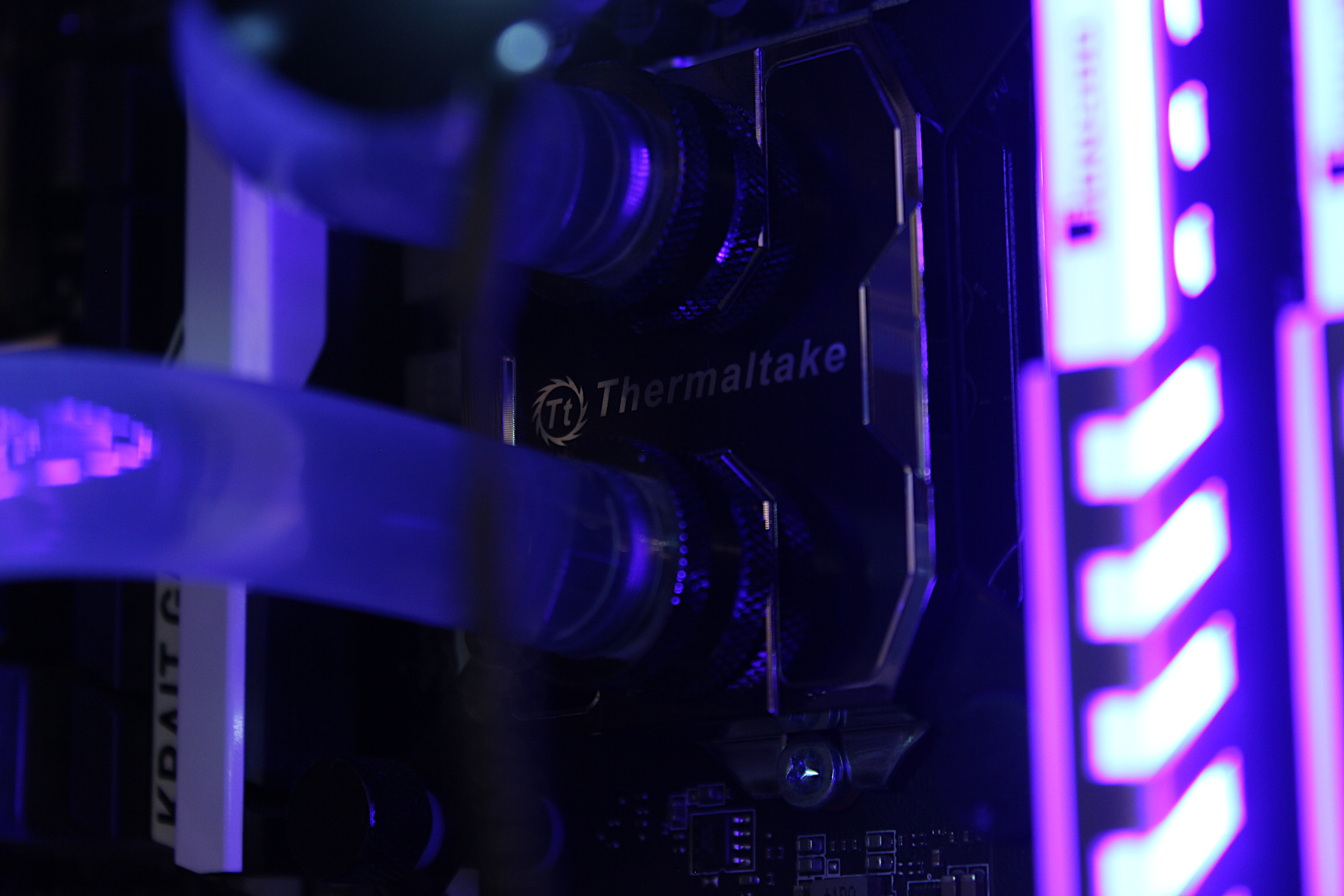
- ThermalTake Pacific W1 CPU Water Block
- ThermalTake Pacific RL280 Radiator with 2 front Arctic BioniX F140 fans
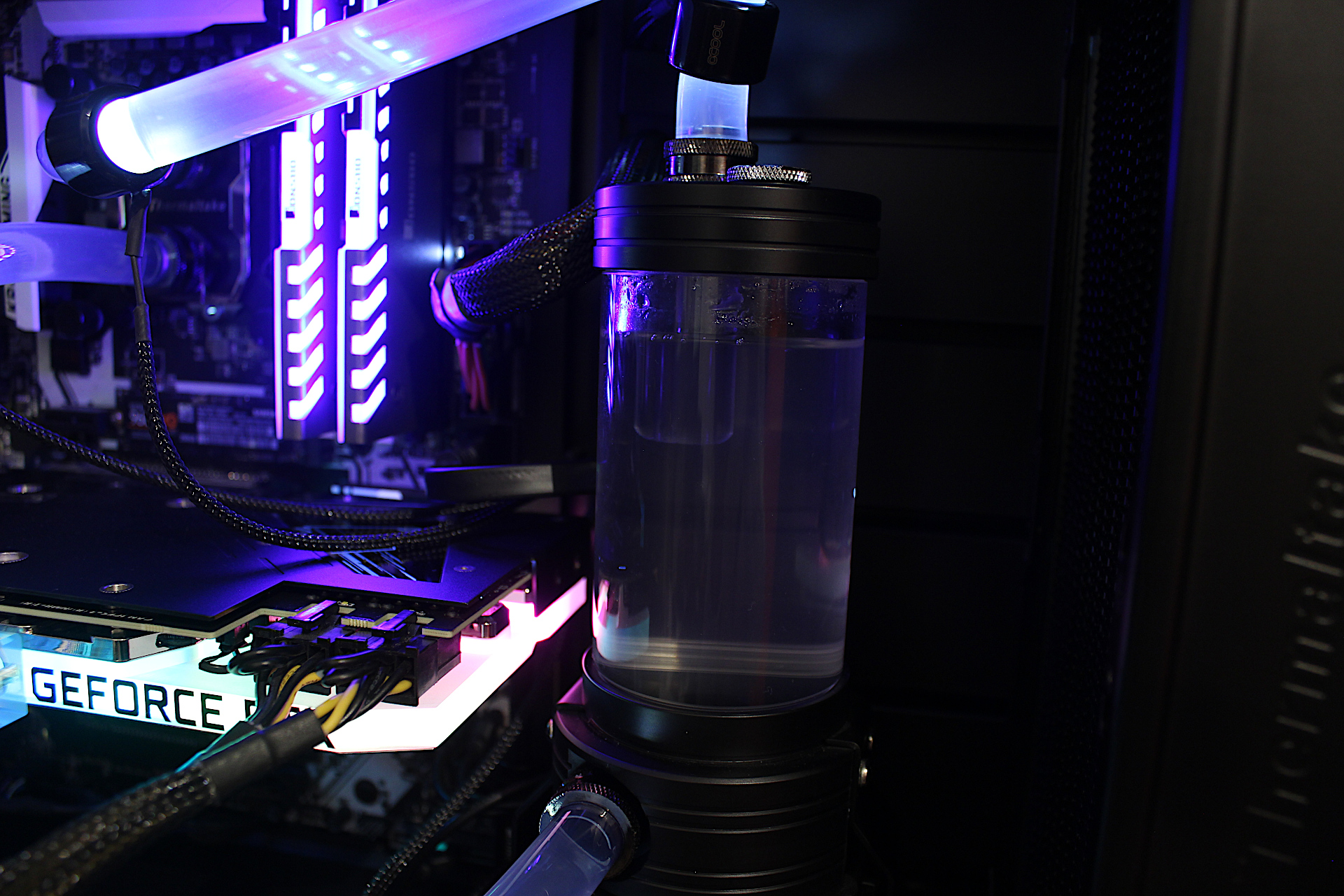
- ThermalTake Pacific PR15-D5 Pump
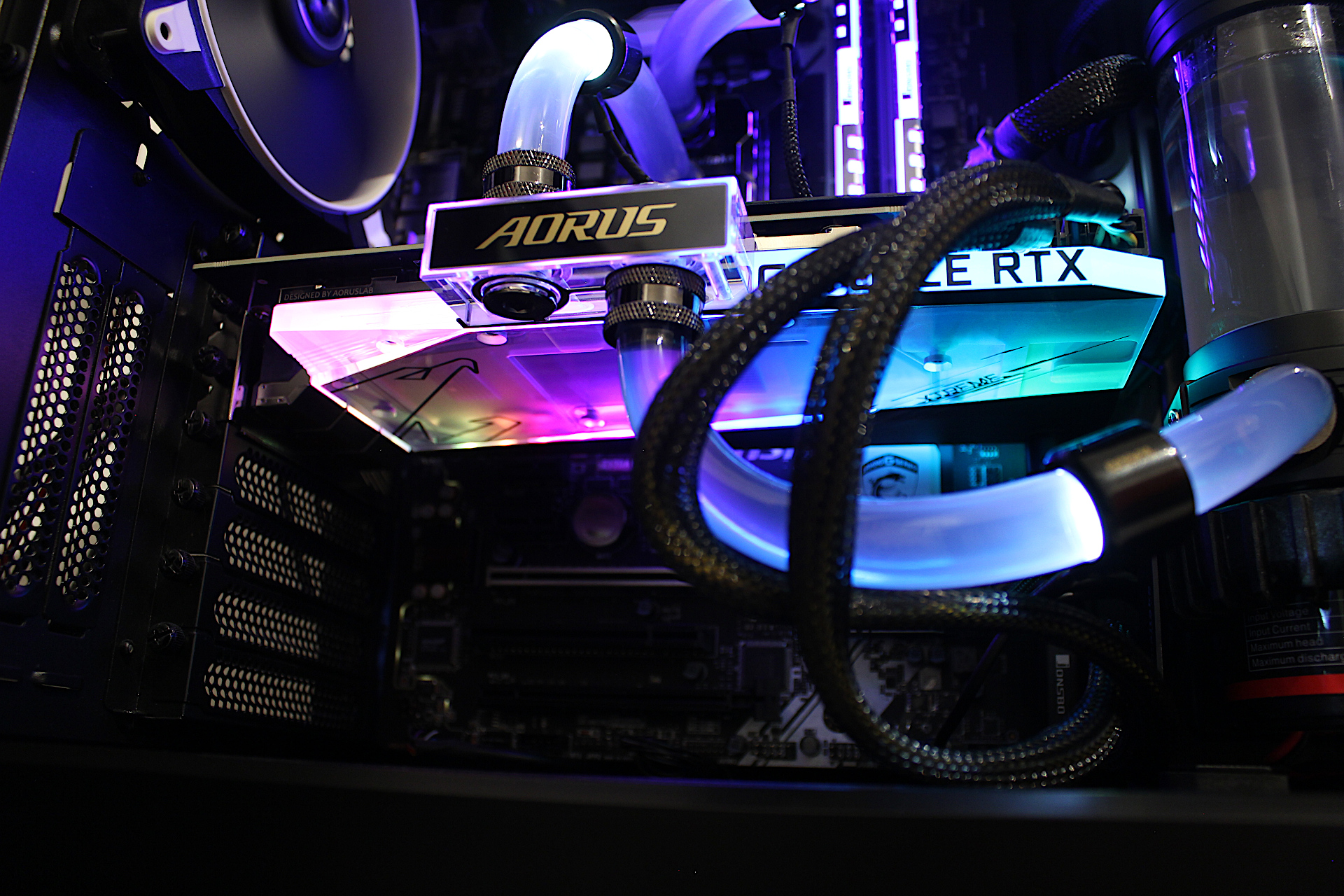
- Gigabyte AORUS RTX 3080 Xtreme Waterforce WB 10G

Furmark Stress Test
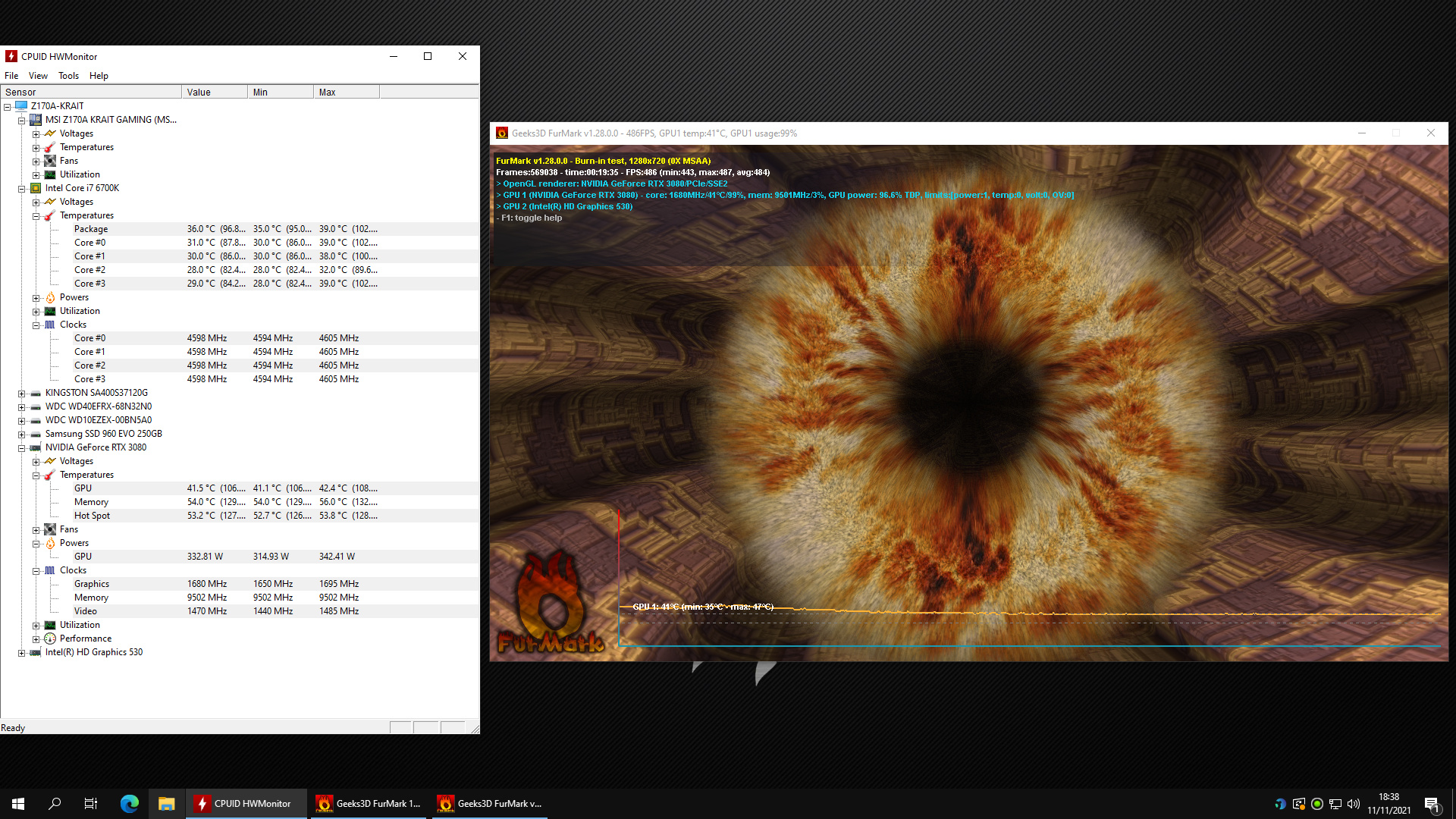
Furmark generates heat which doesn’t come close to any game you can run, it usually stresses the card beyond what is considered normal operating conditions which makes it a good tool to see how well my water cooling set up will hold up. (CPU / water loop efficiency not being tested) With my pump and fans running at max settings the GPU temperatures after 18 minutes peaked at
- GPU 42.4 Deg C
- Memory 56.0 Deg C
- Hot Spot 53.8 Deg C
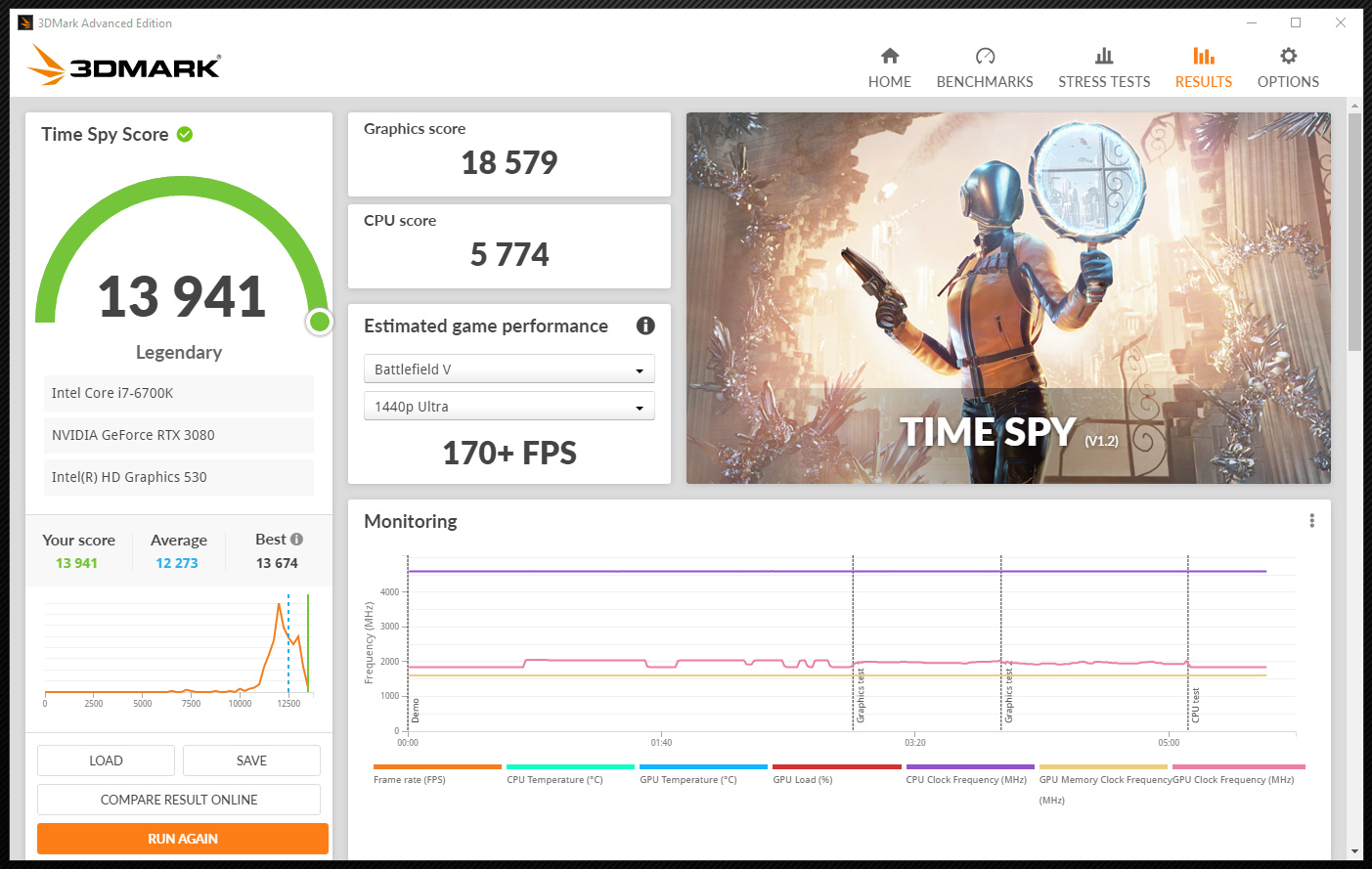
The results are quite impressive and the water block appears to be working well. I have also run 3DMARK Time Spy benchmark just to see how well the card performs which resulted in 18579 points.
3DMark Time Spy Benchmark
Farcry 5 game play temperatures
This is with the pump running on the lowest setting and all the fans running on low speed, 1500RPM
GPU Support Stand
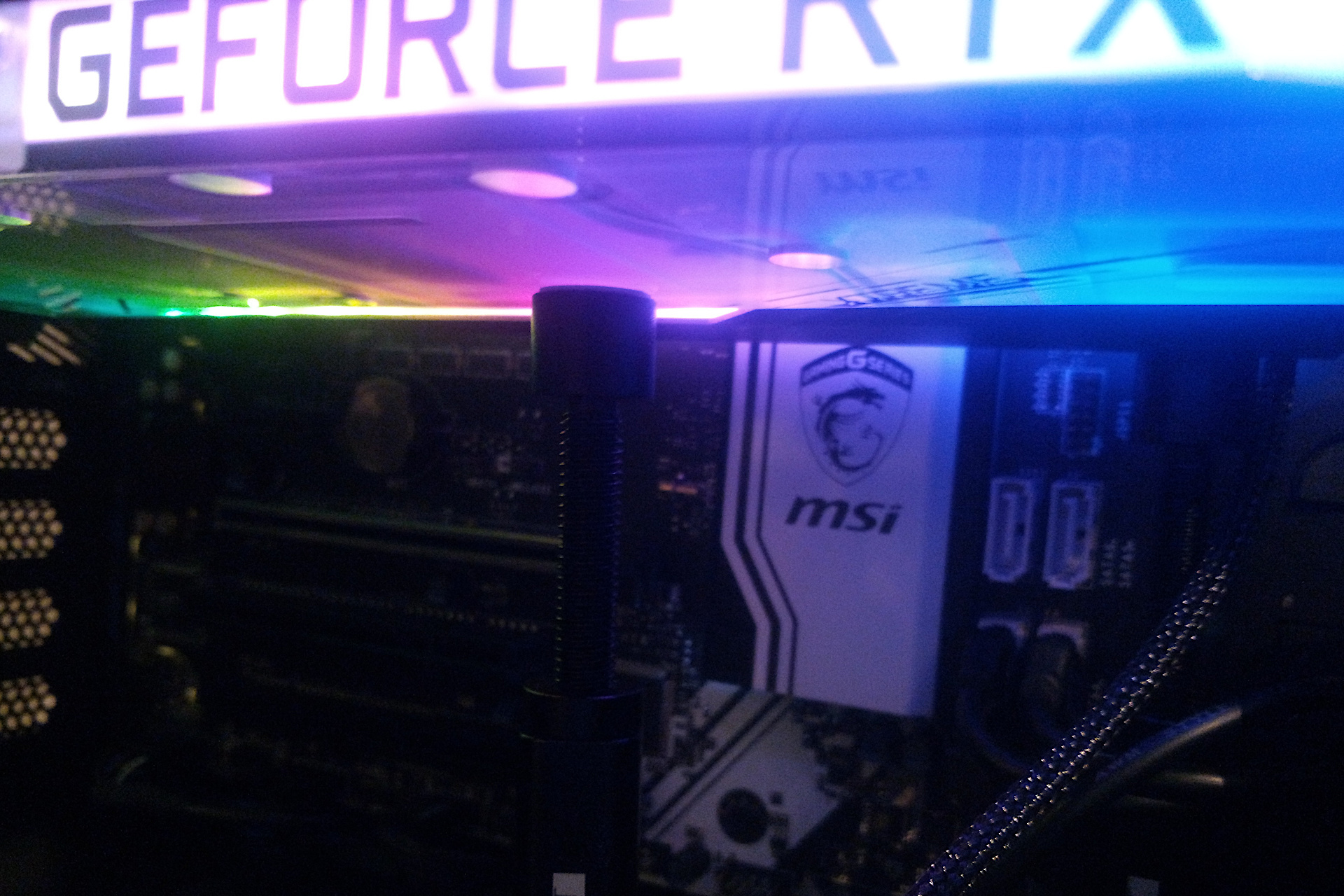
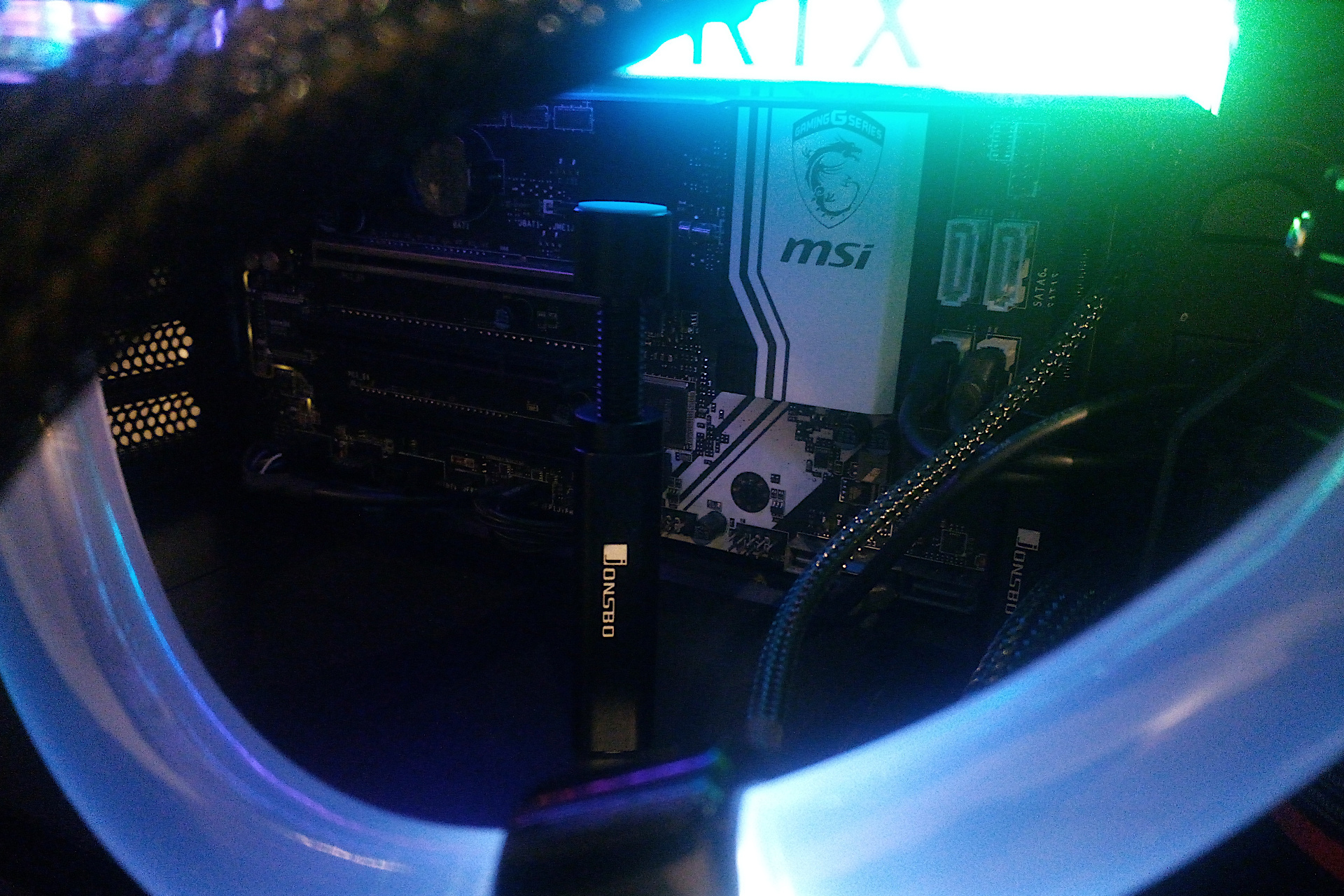
I mentioned earlier about using a GPU stand in a previous post due to the weight of the RTX 3080, this is the one I went for which I placed towards the rear edge near the PCI-E slot to support the card. I Purchased 2 of them just in case however only used one, can you see it near the the SATA cables?
My thoughts
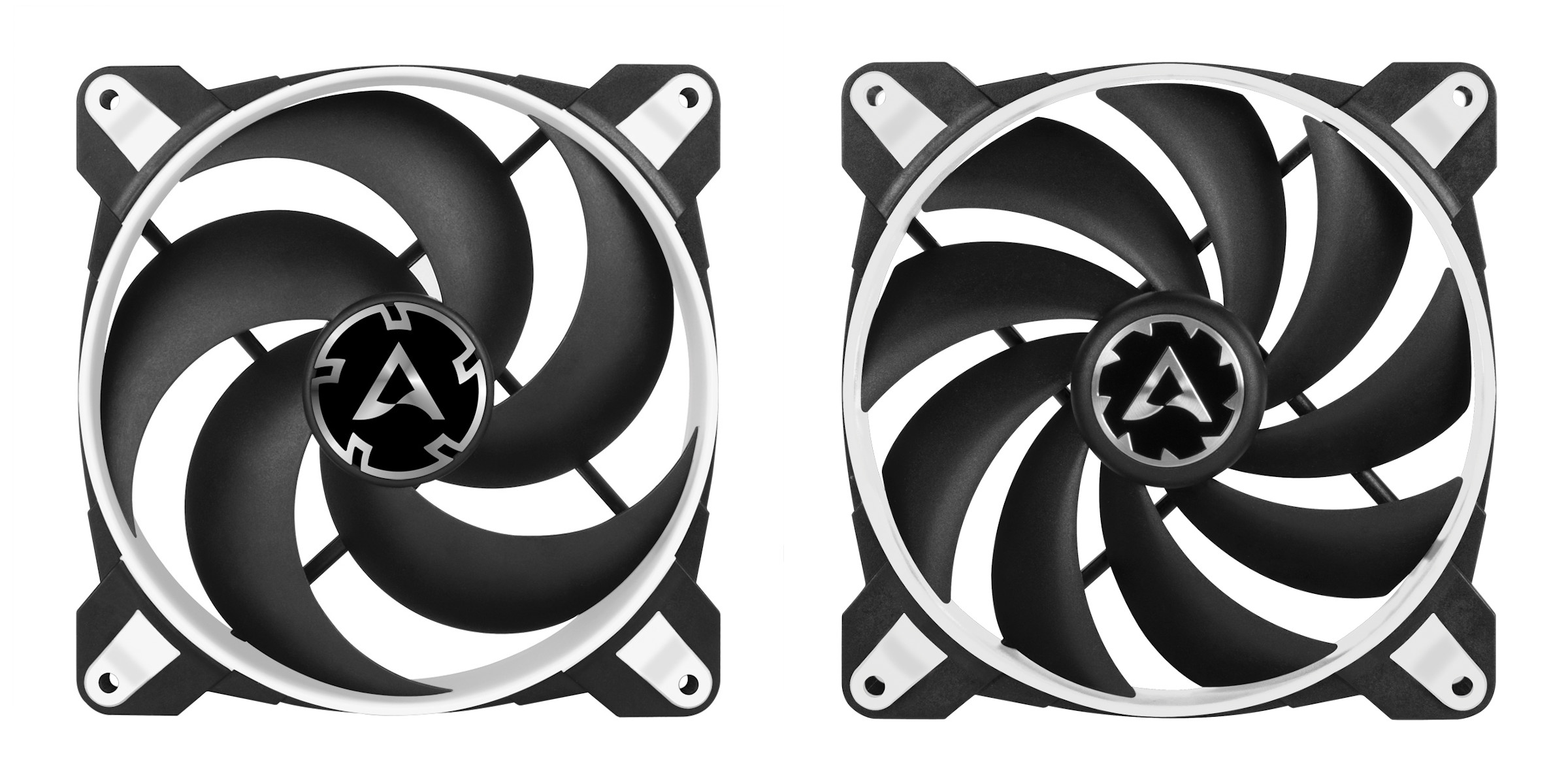
I am very pleased with the temperatures of the Gigabyte AORUS Xtreme Waterforce WB RTX 3080 GPU, the waterblock works and looks nice with the RGB lighting. In terms of my water cooling setup I will be making a few changes as it appears the Arctic BioniX F140 fans on the radiator are not doing such a good job. I say this because even with the water pump running on the lowest setting with the fans on maximum RPM the temperatures are not far off. I have 4 Arctic BioniX P140 fans coming for a push pull configuration, these are the high static pressure versions of the F140.
More tweaks and testing required but if you are looking for a cool and quiet RTX 3080, the Gigabyte Aorus Waterforce WB series is worth a look.