It’s been 1 year since I put Arctic MX-6 thermal paste in the laptop as a temporary replacement and it’s been doing ok but recently I have started to notice slightly higher peak temperatures at times so decided it’s time to check the thermal paste.
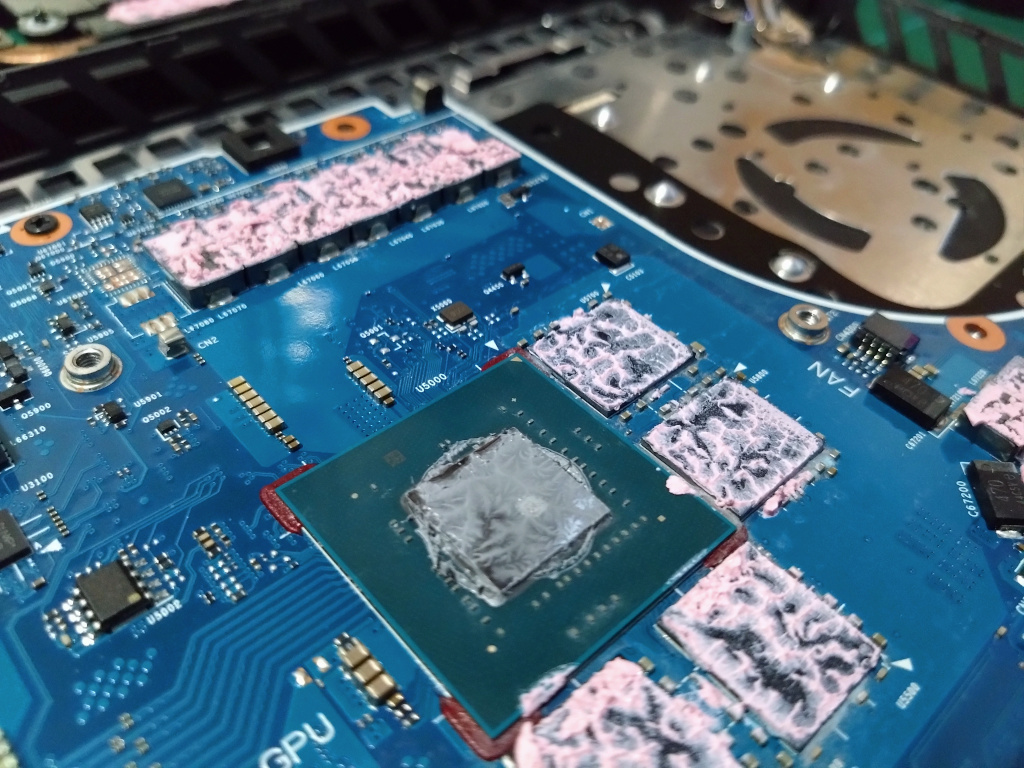
Arctic MX-6 Thermal Paste
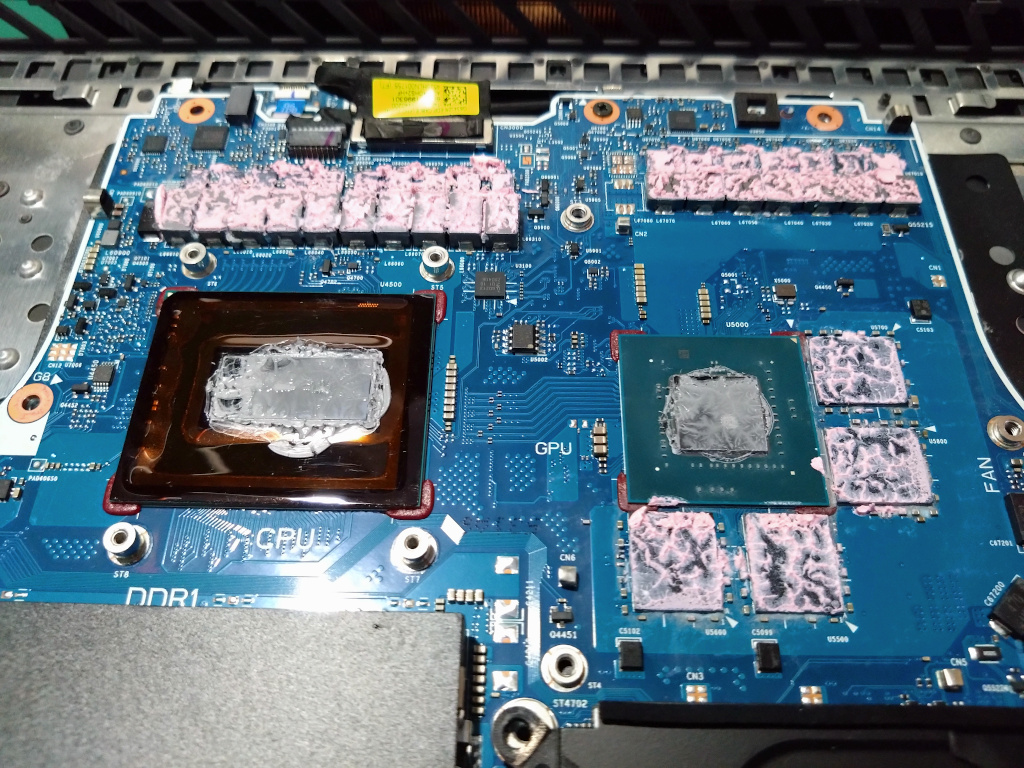
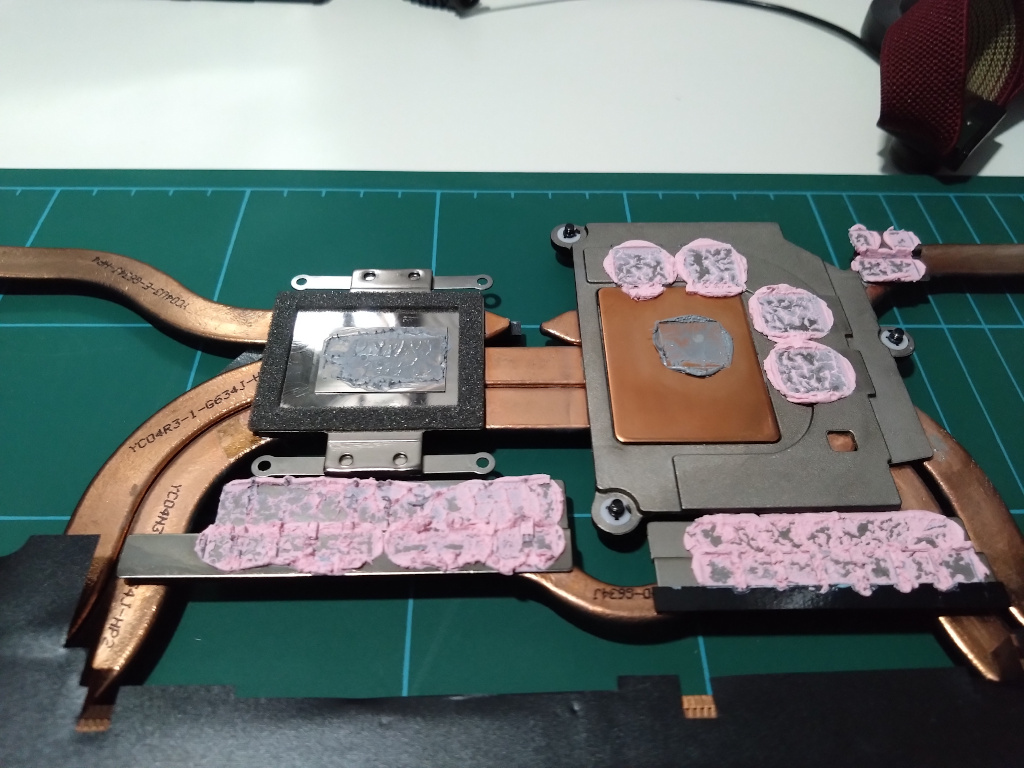
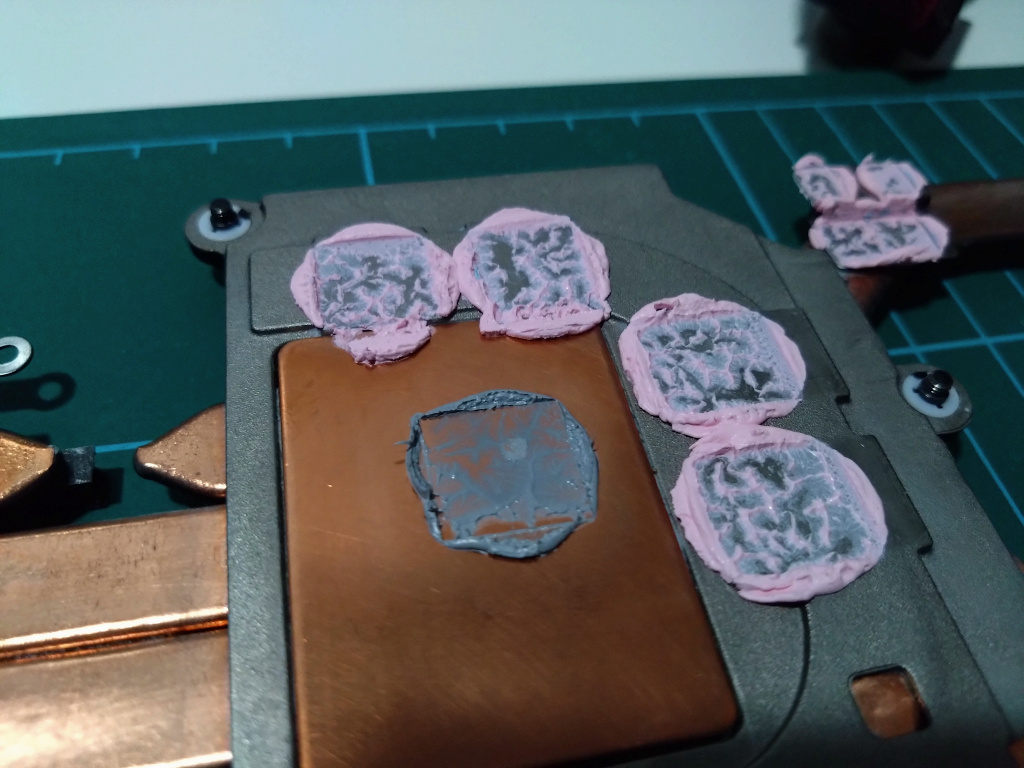
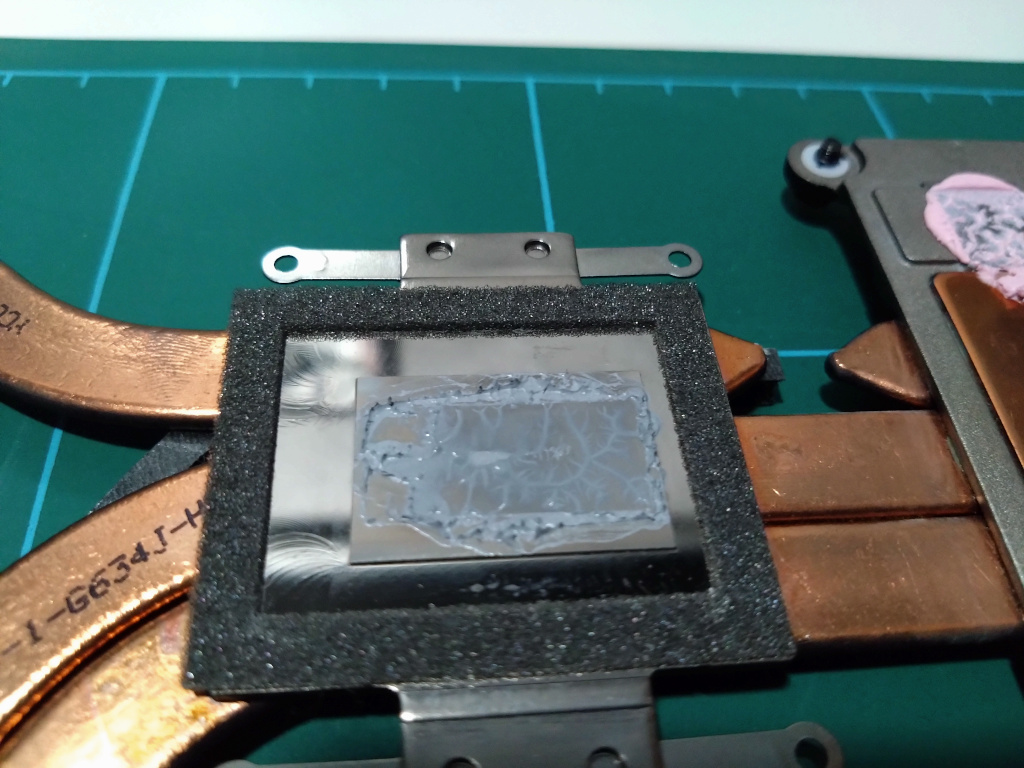
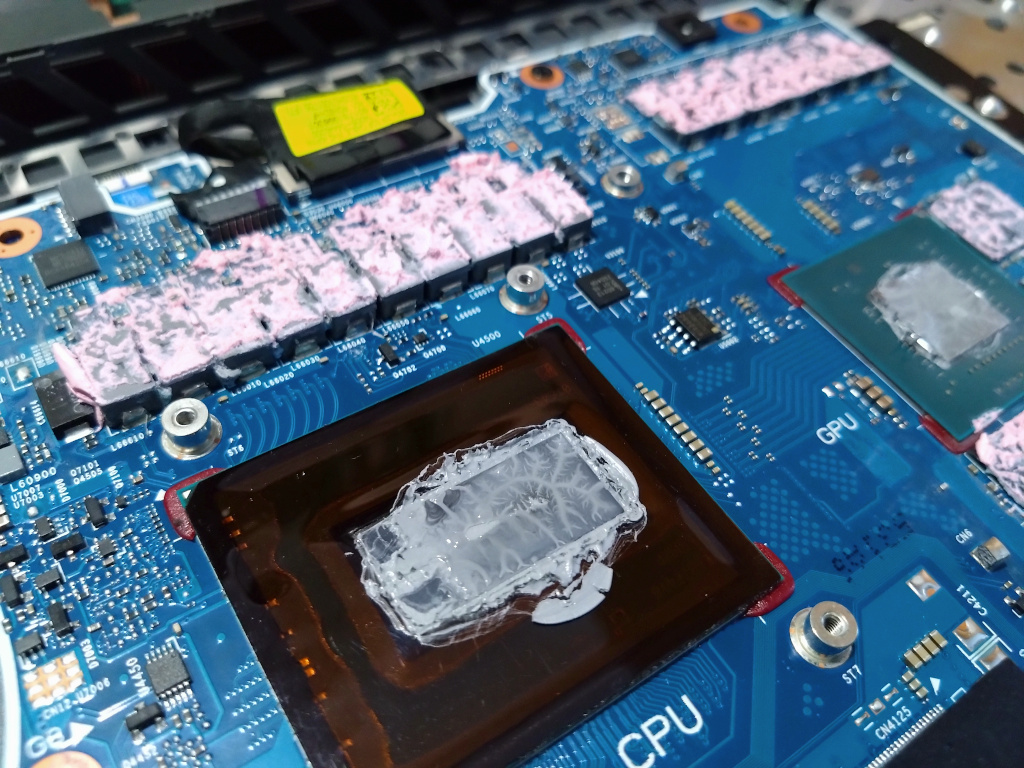
Looking at the images it’s clear the thermal paste has reached a critical point on both the CPU and GPU as there are areas of virtually no contact. Interestingly on the CPU the left side of the DIE seems to feature a very thin spot which is exactly above the iGPU within the Core (2x Media engine location)
The GPU is similar to my last 6 months review but this time it appears to have held up much better and that is purely down to the laptop only being used with the Llano V12 Cooling pad. (Previously I was in a different country and used the laptop with no cooling pad)
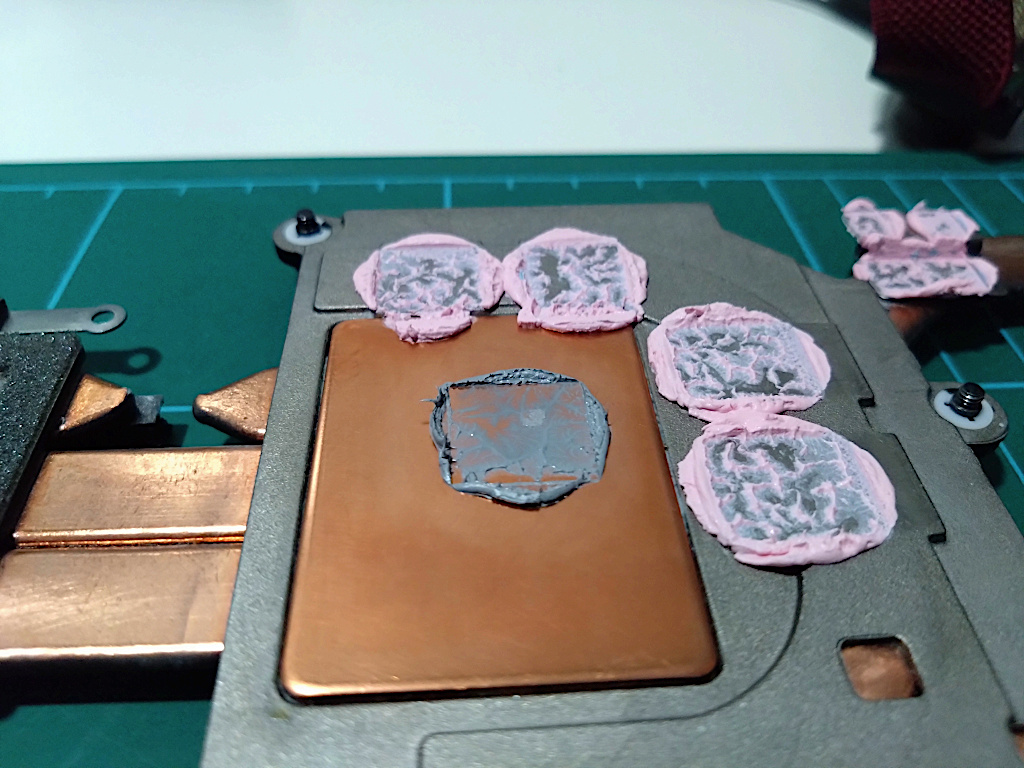
Thermal Grizzly TG Putty Basic
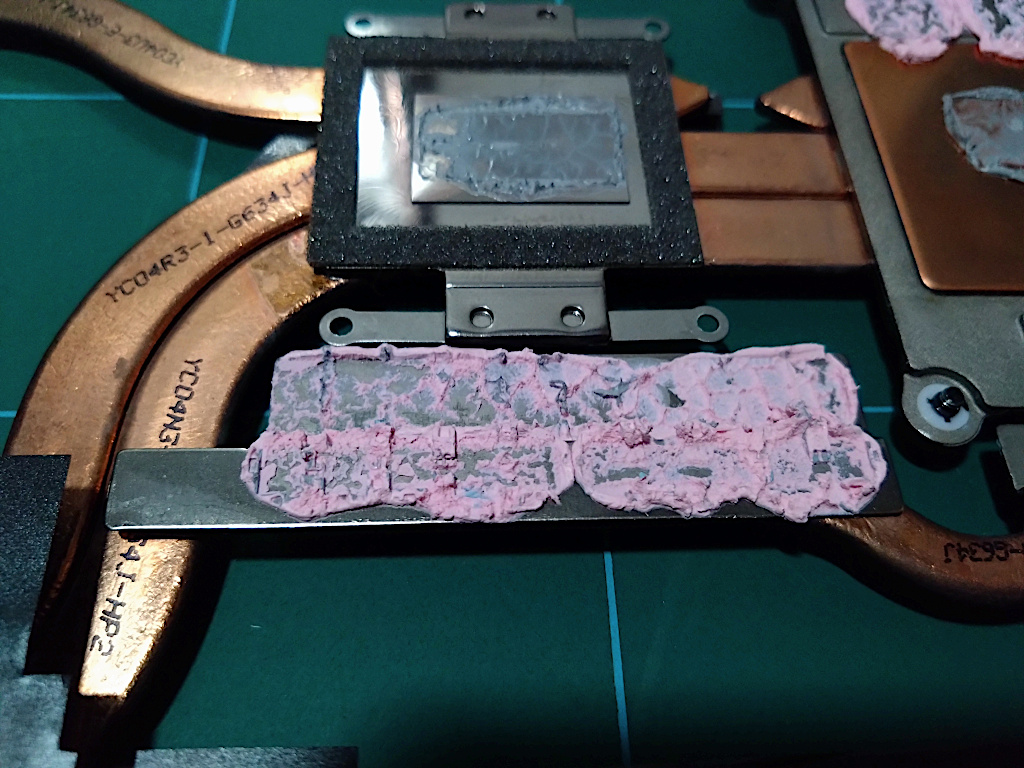
This appears to have held up quite well, it’s still useable and not dry with very good adhesion to the heatsink.
Chipset Fan Modification
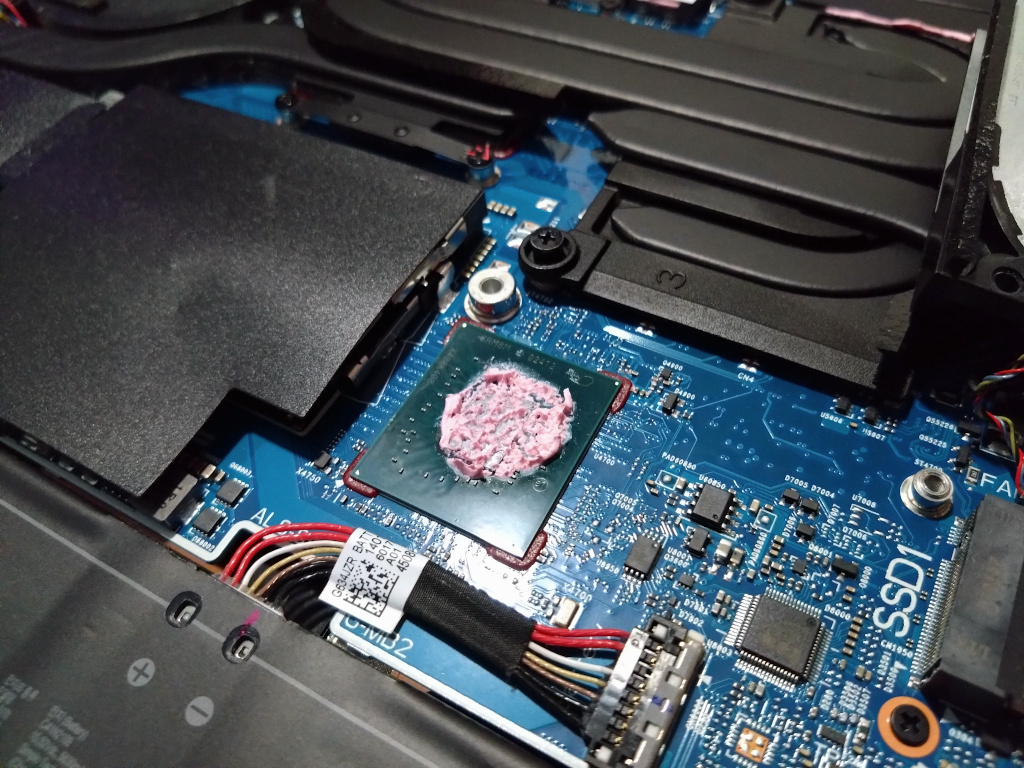
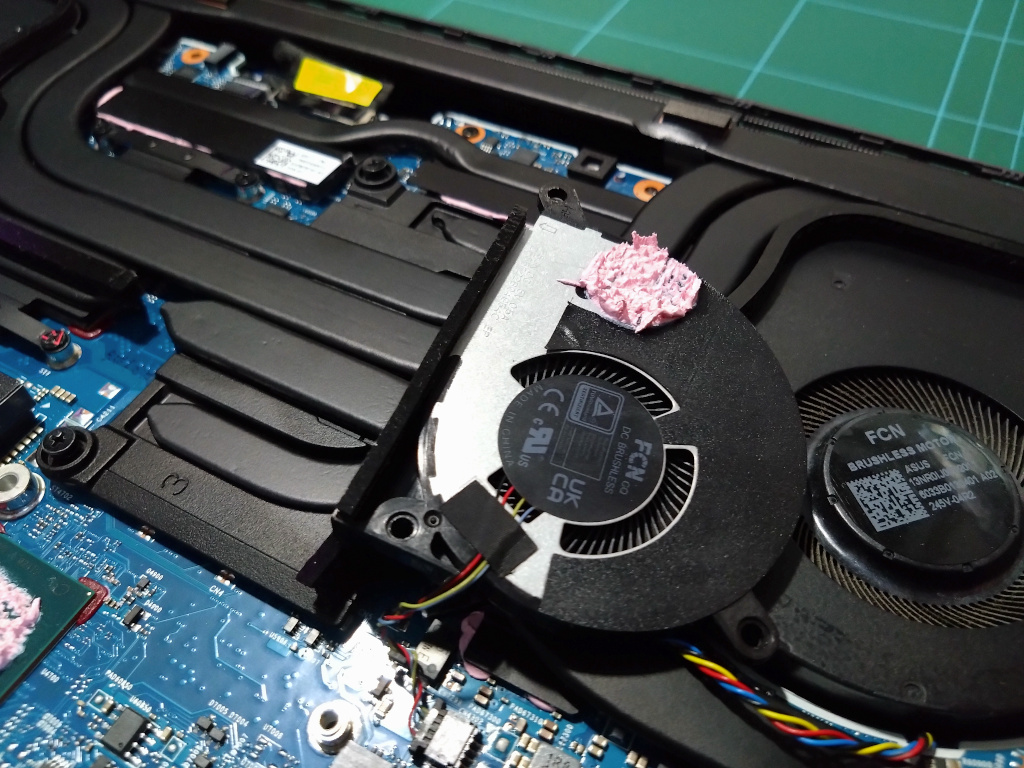
Also working well and here you can see how I cut part of the fan’s insulation so that the thermal putty made direct contact with the metal frame.
What’s Next?
I’m going to try Arctic MX-7 on the GPU but for the CPU I will revert back to liquid metal but this time attempt to make an air tight seal around the DIE by using a very thick bead of Arctic MX-4 all around. I have chosen Arctic MX-4 for this specific purpose as it doesn’t contain any metallic particles so there is no risk of the liquid metal reacting to it. The goal is to make a tighter seal / leak barrier around the CPU DIE which should also prevent air exposure and help contain the liquid metal / reduce the pump out over time.