Skip to content

ElectroStingz

Primary Menu
  • Guides
    • Intel 6700K Adaptive Mode Overclocking
    • Delidding my Intel i7-6700K processor
    • Intel i9-14900HX Lower Temperature Tweaks
    • Additional Monitor Refresh Rates
    • Laptop CPU Boost Control For Windows
  • Home
  • 2021
  • November
  • My Gigabyte AORUS RTX 3080 Xtreme Waterforce WB GFX Card Has Arrived
  • GFX Card
  • Hardware
  • PC Gaming
  • RTX 3080

My Gigabyte AORUS RTX 3080 Xtreme Waterforce WB GFX Card Has Arrived

ElectroStingz November 9, 2021 1 minute read
CREATOR: gd-jpeg v1.0 (using IJG JPEG v80), quality = 90

CREATOR: gd-jpeg v1.0 (using IJG JPEG v80), quality = 90

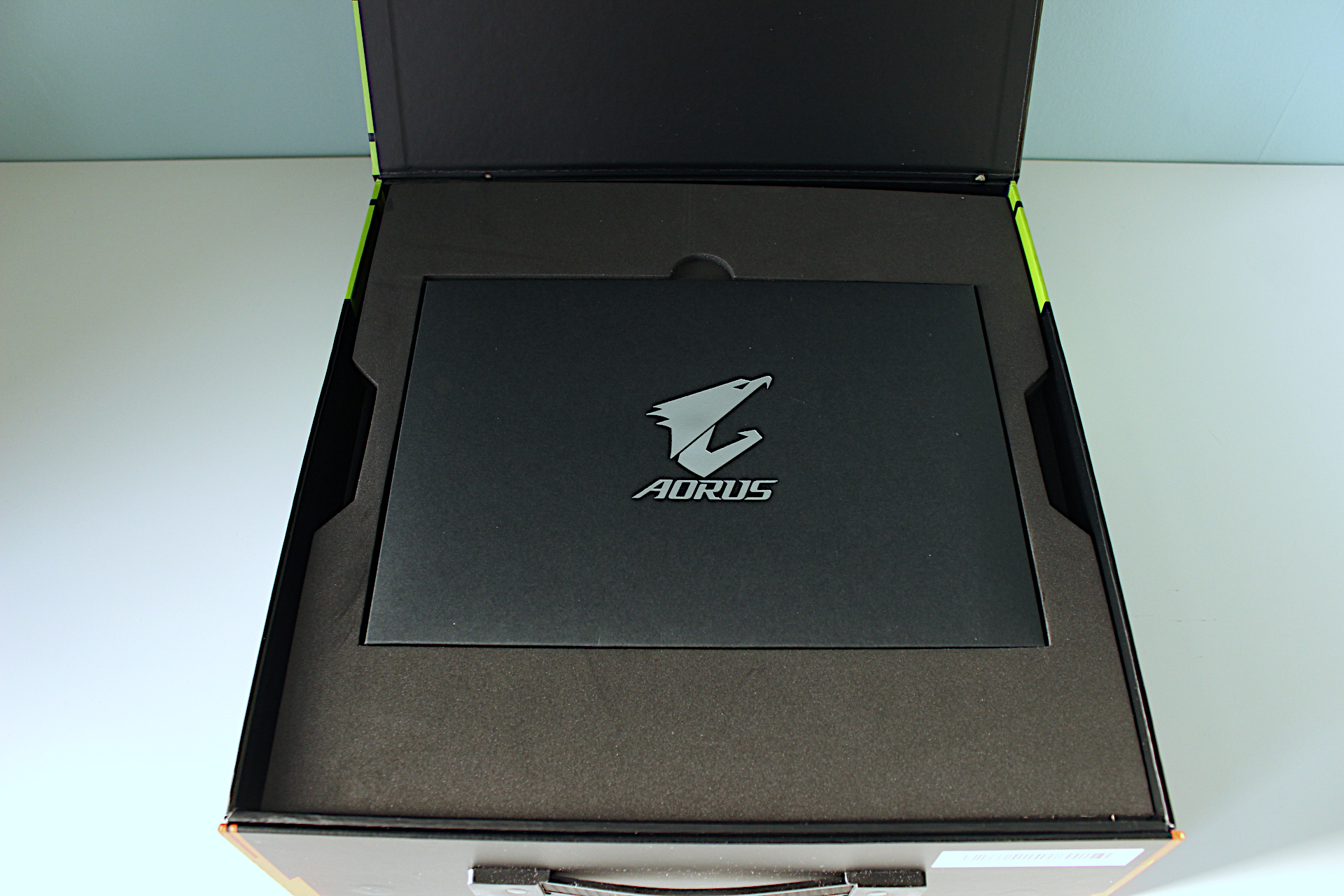
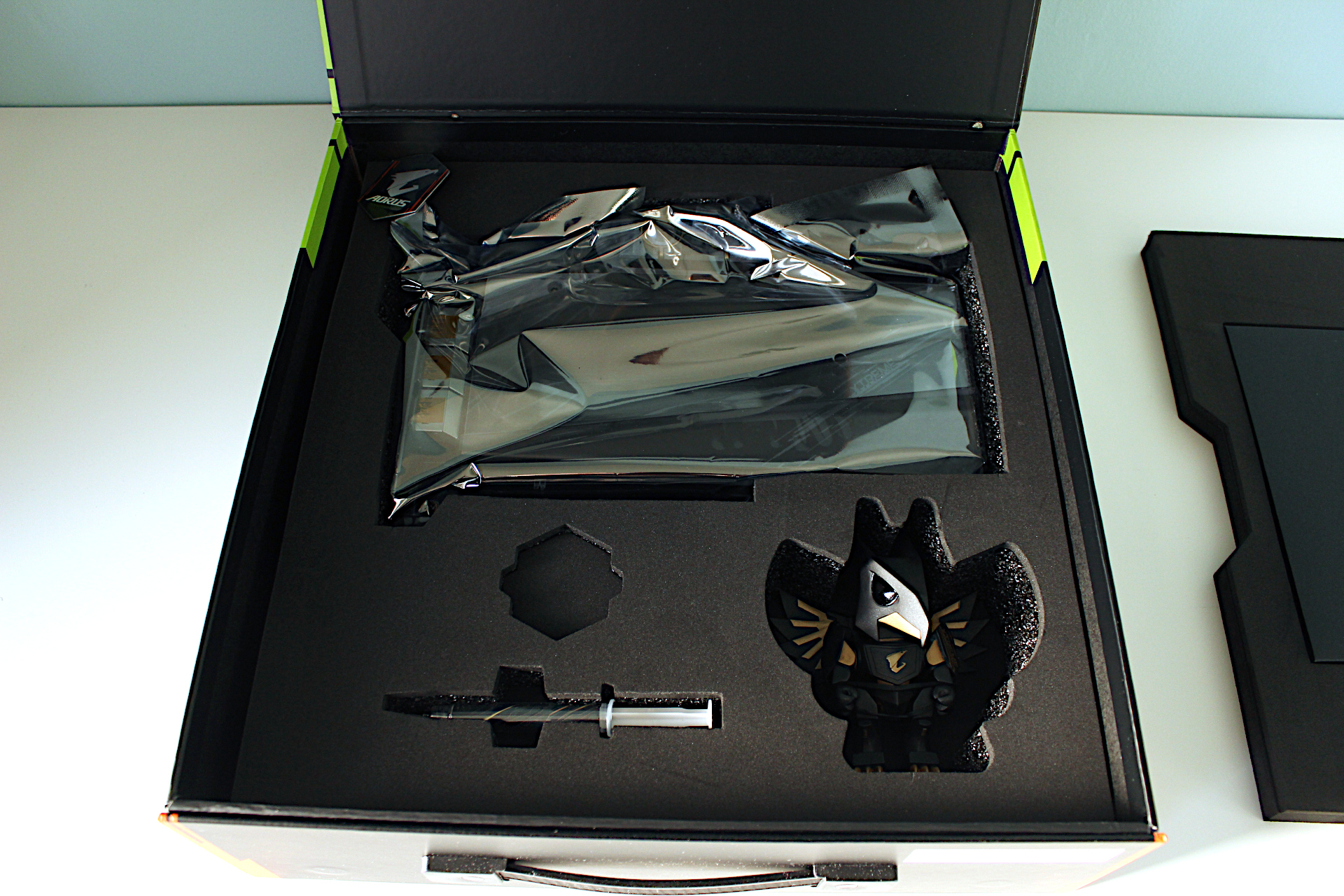
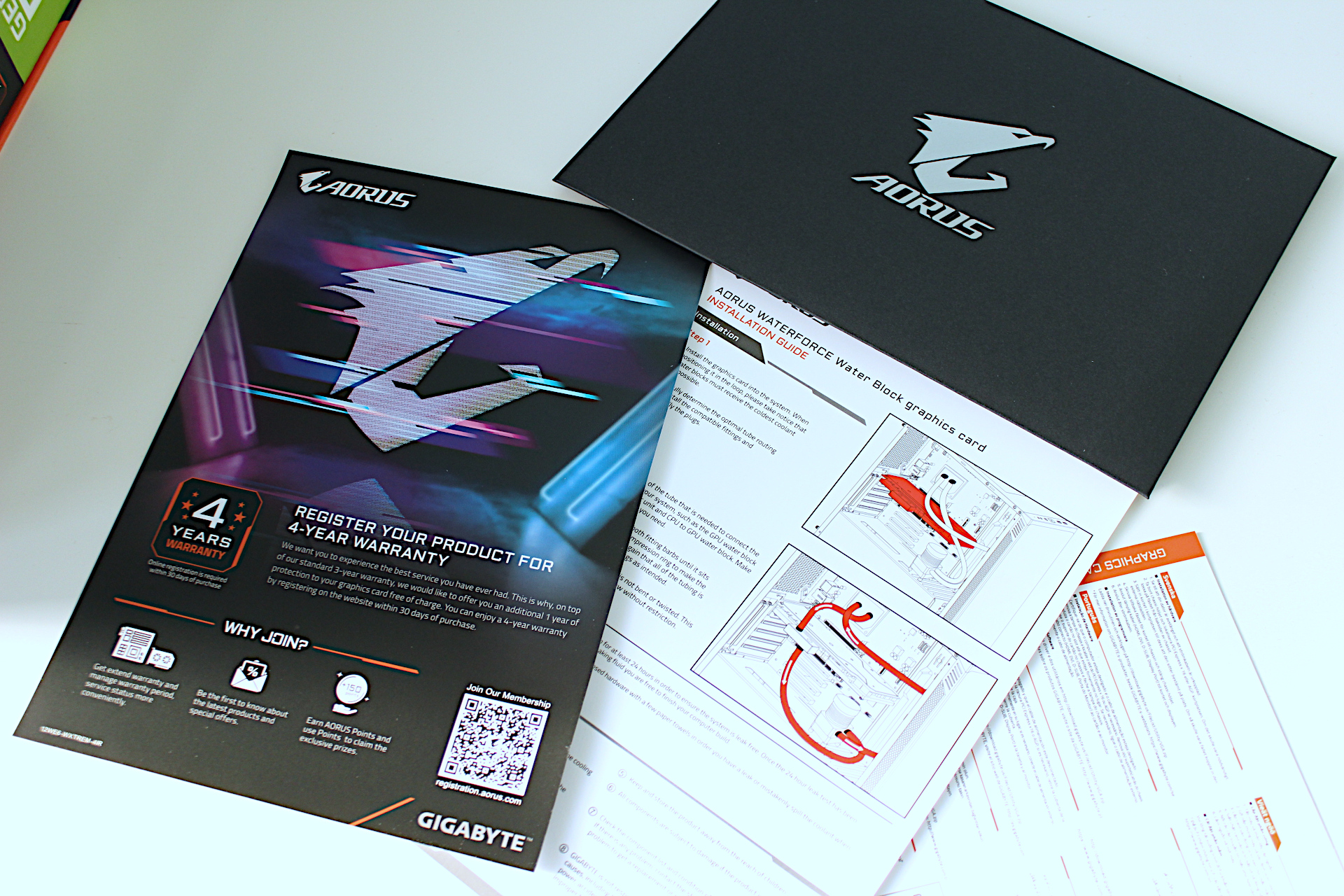
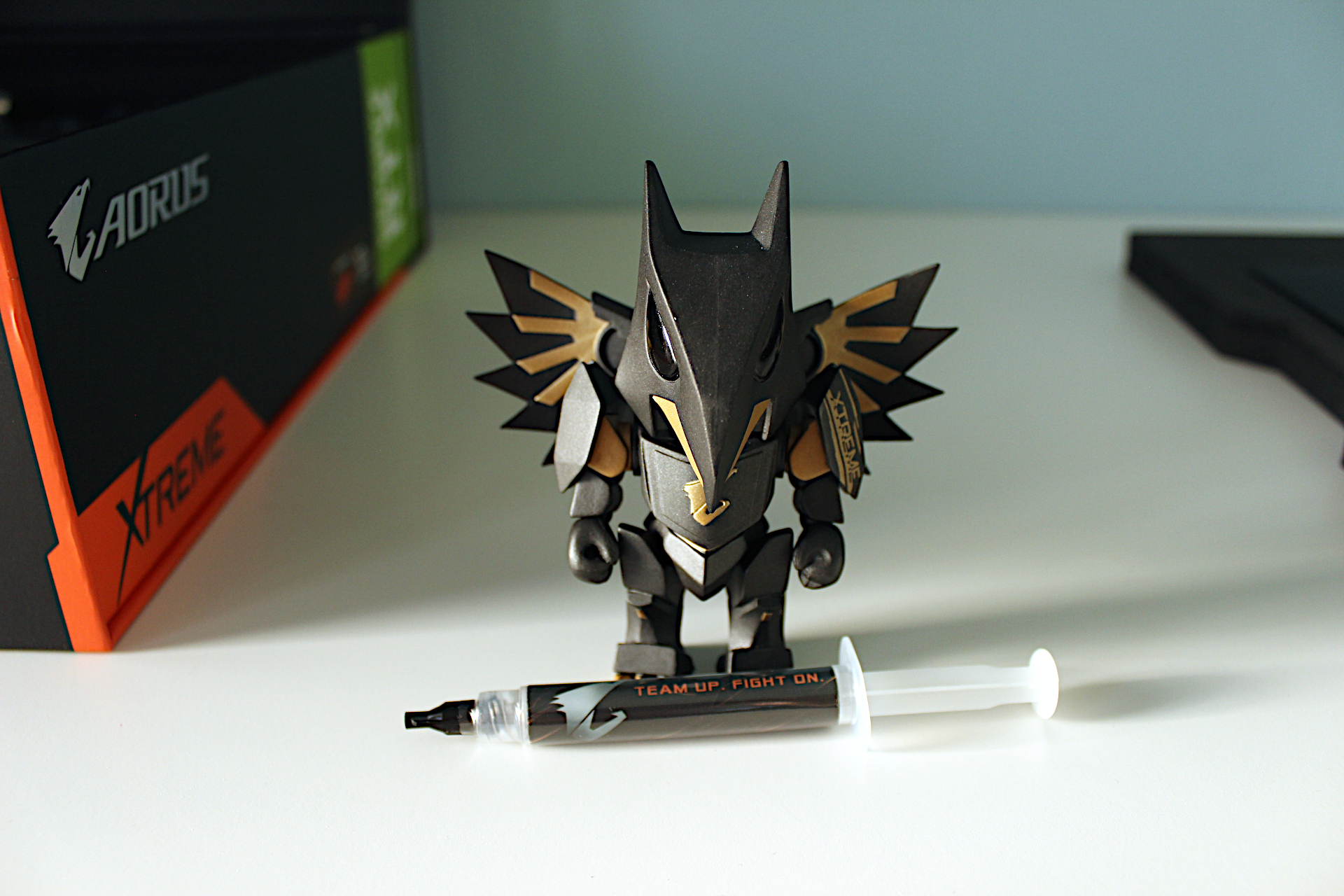
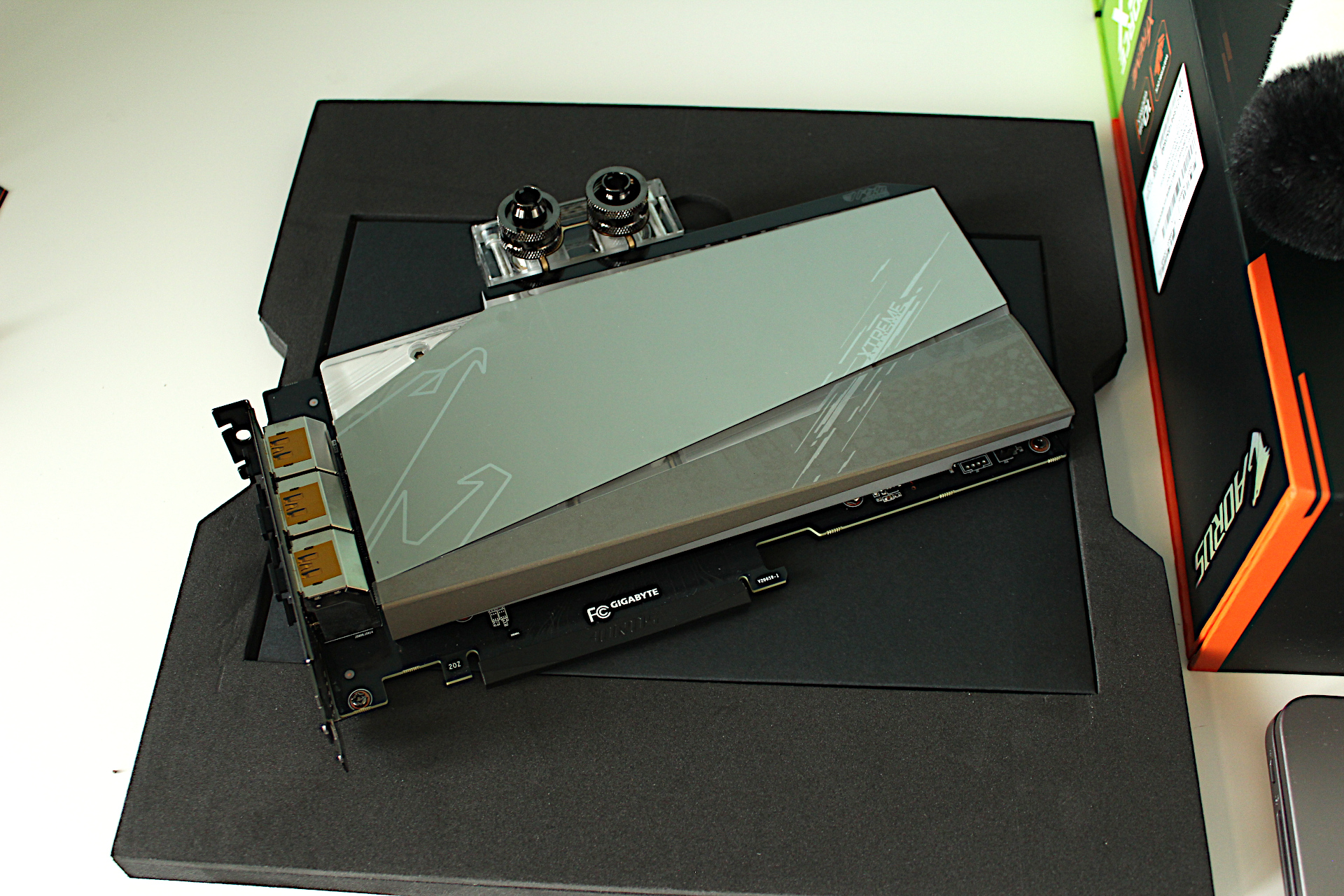
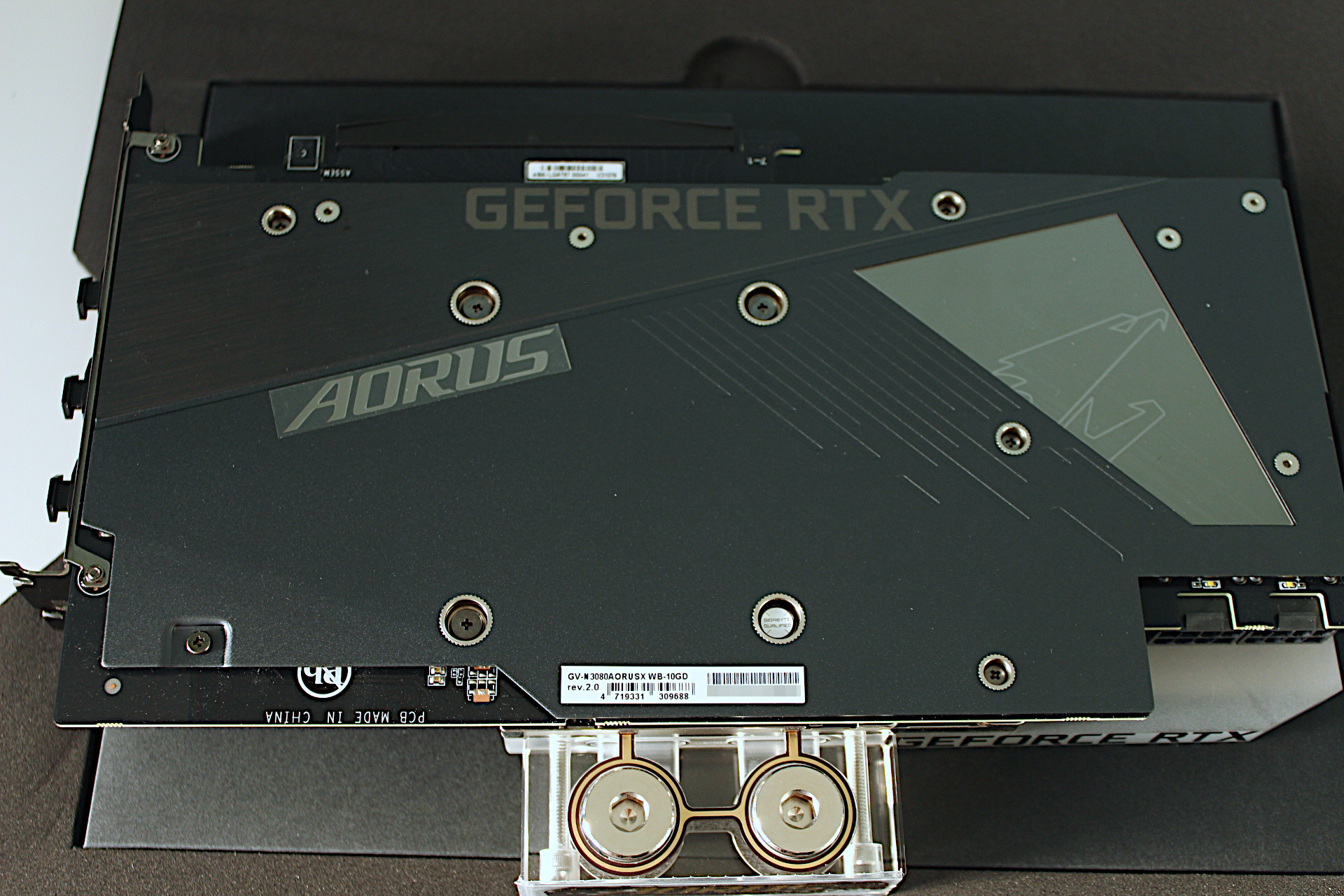
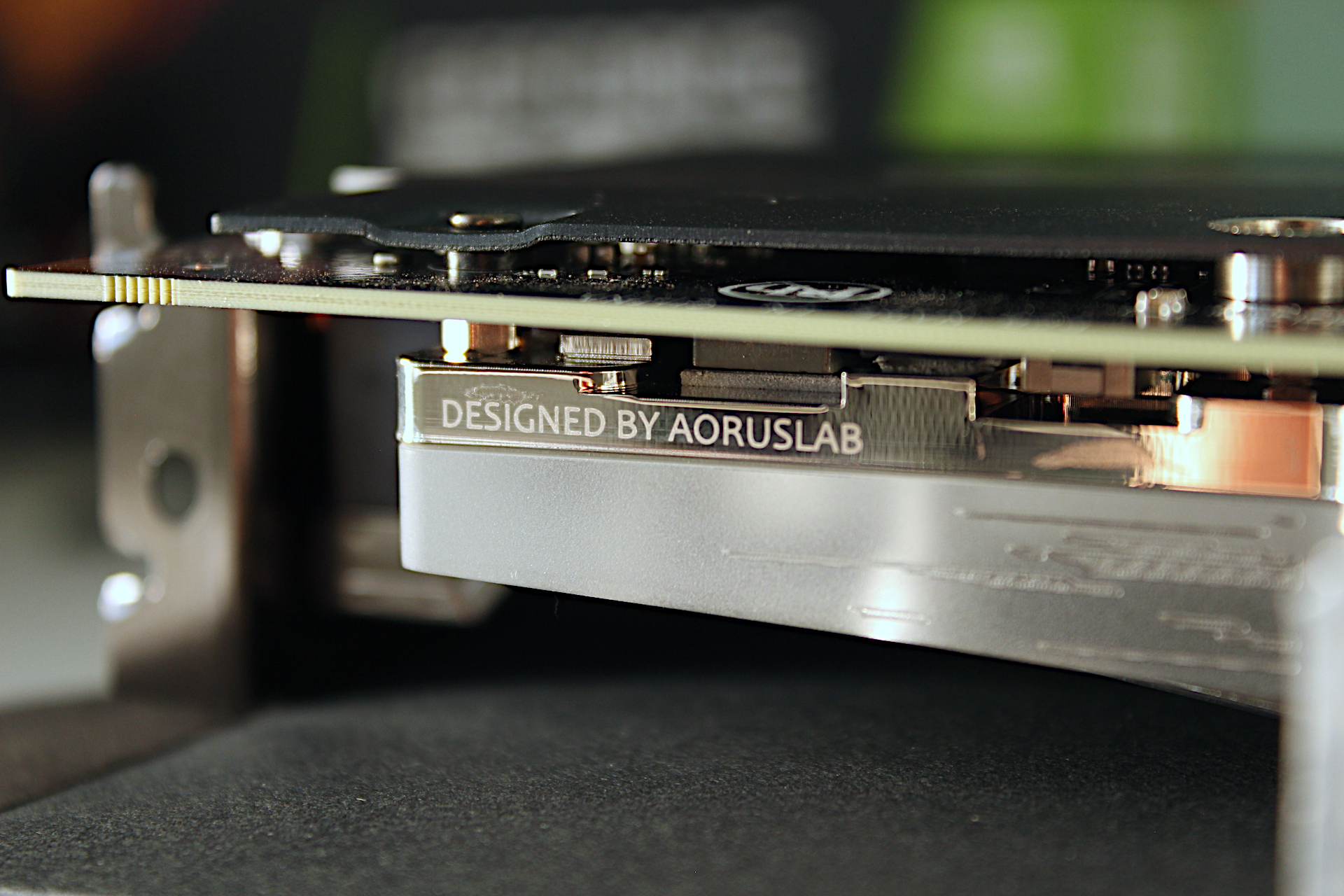
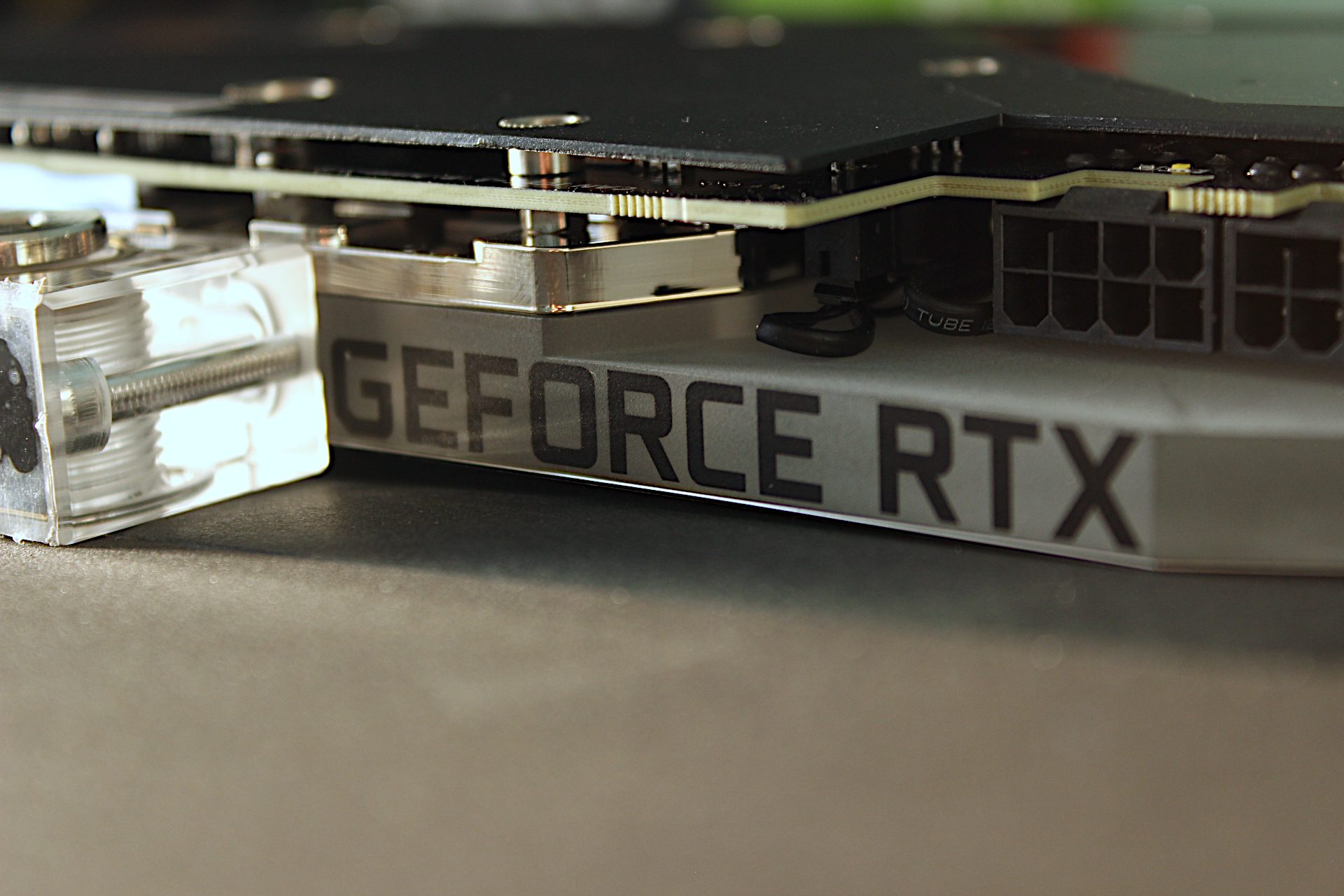
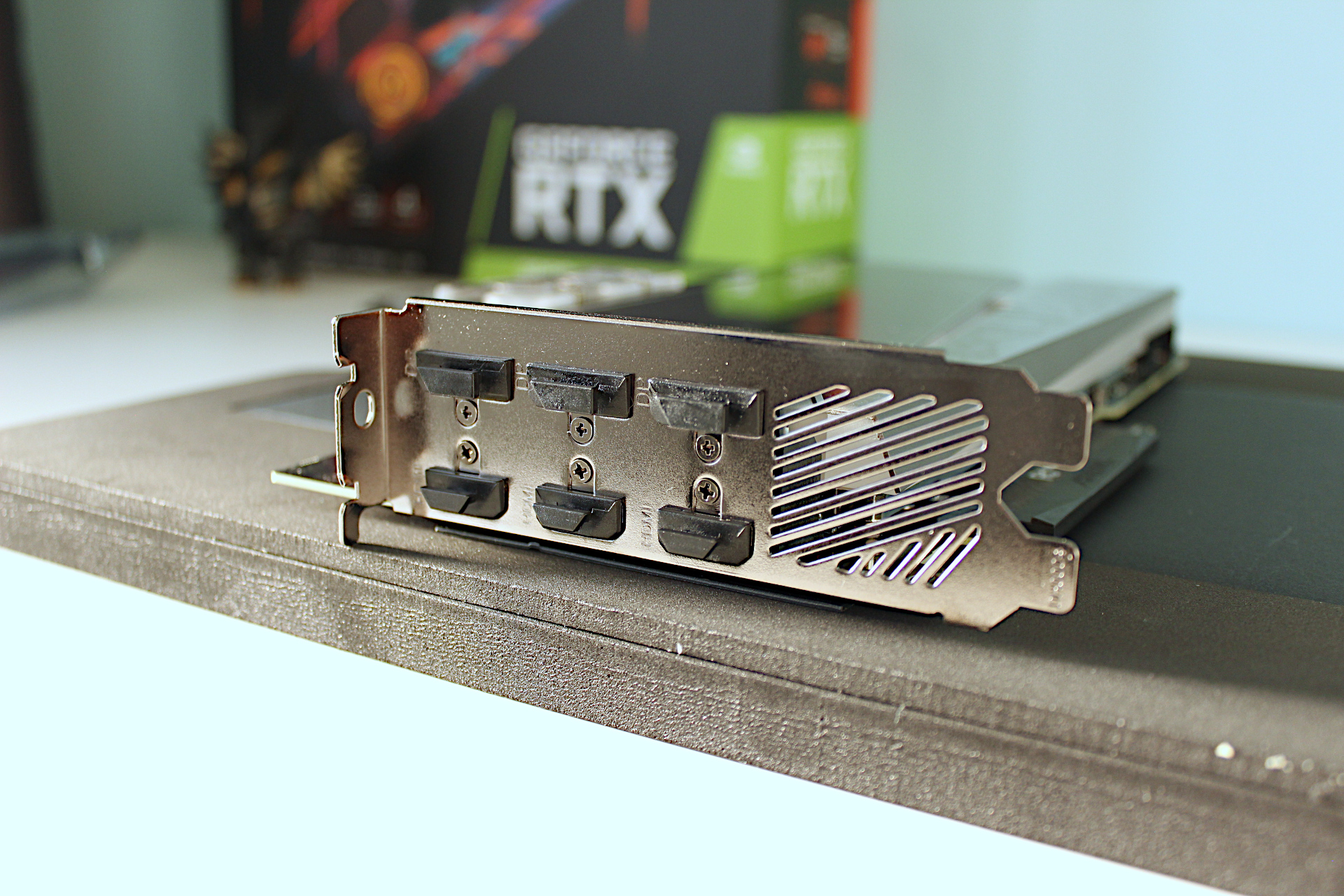
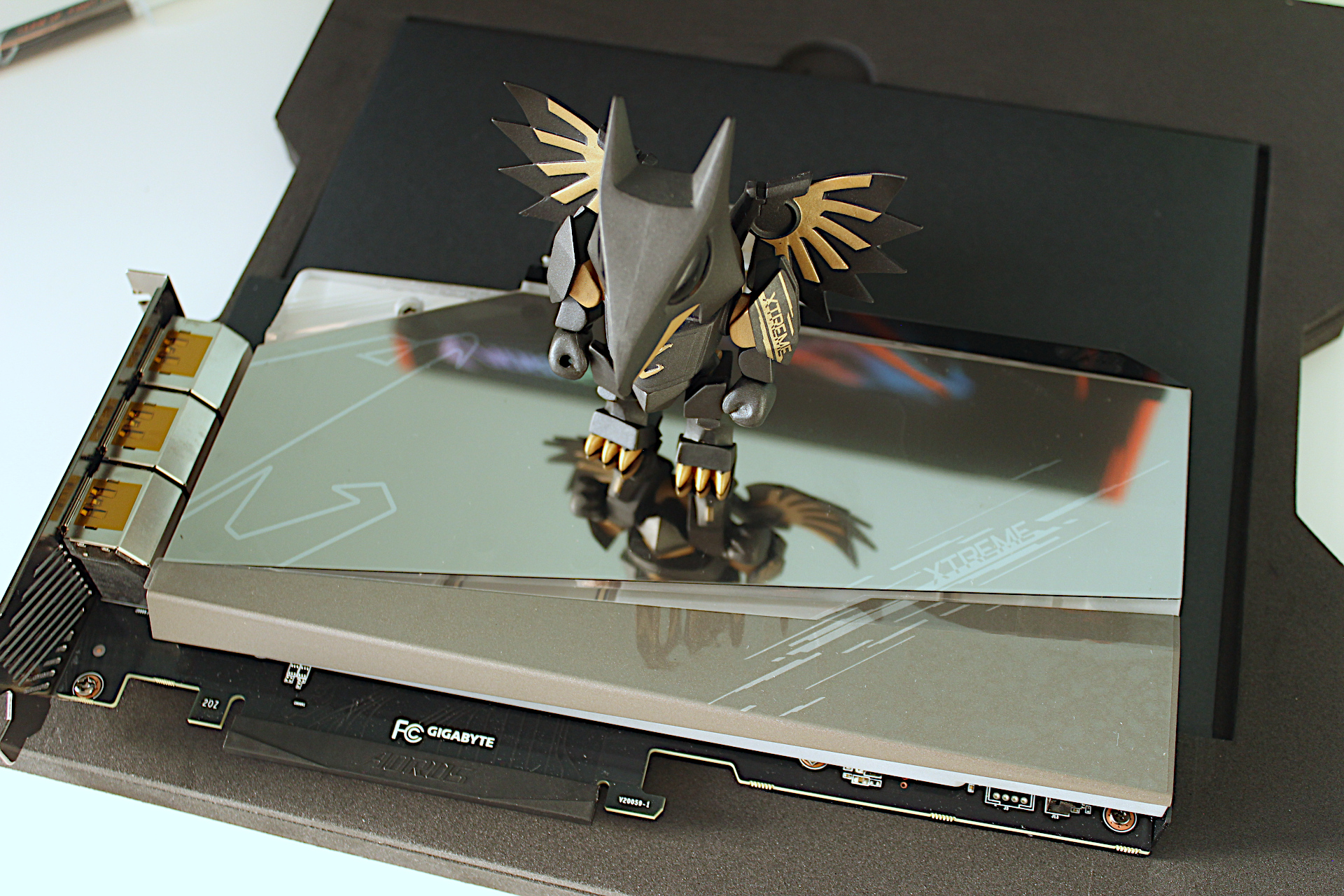
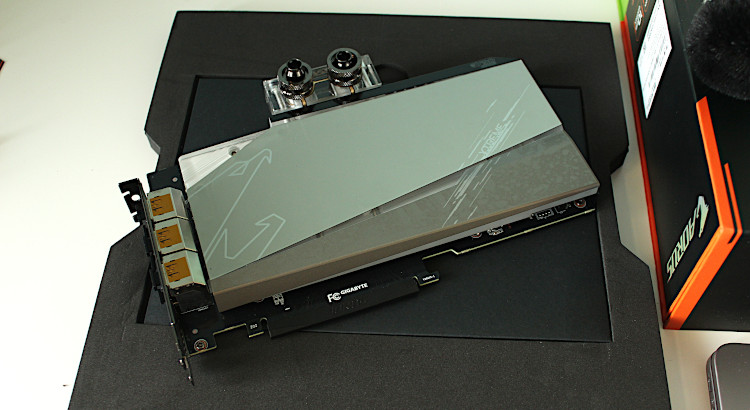
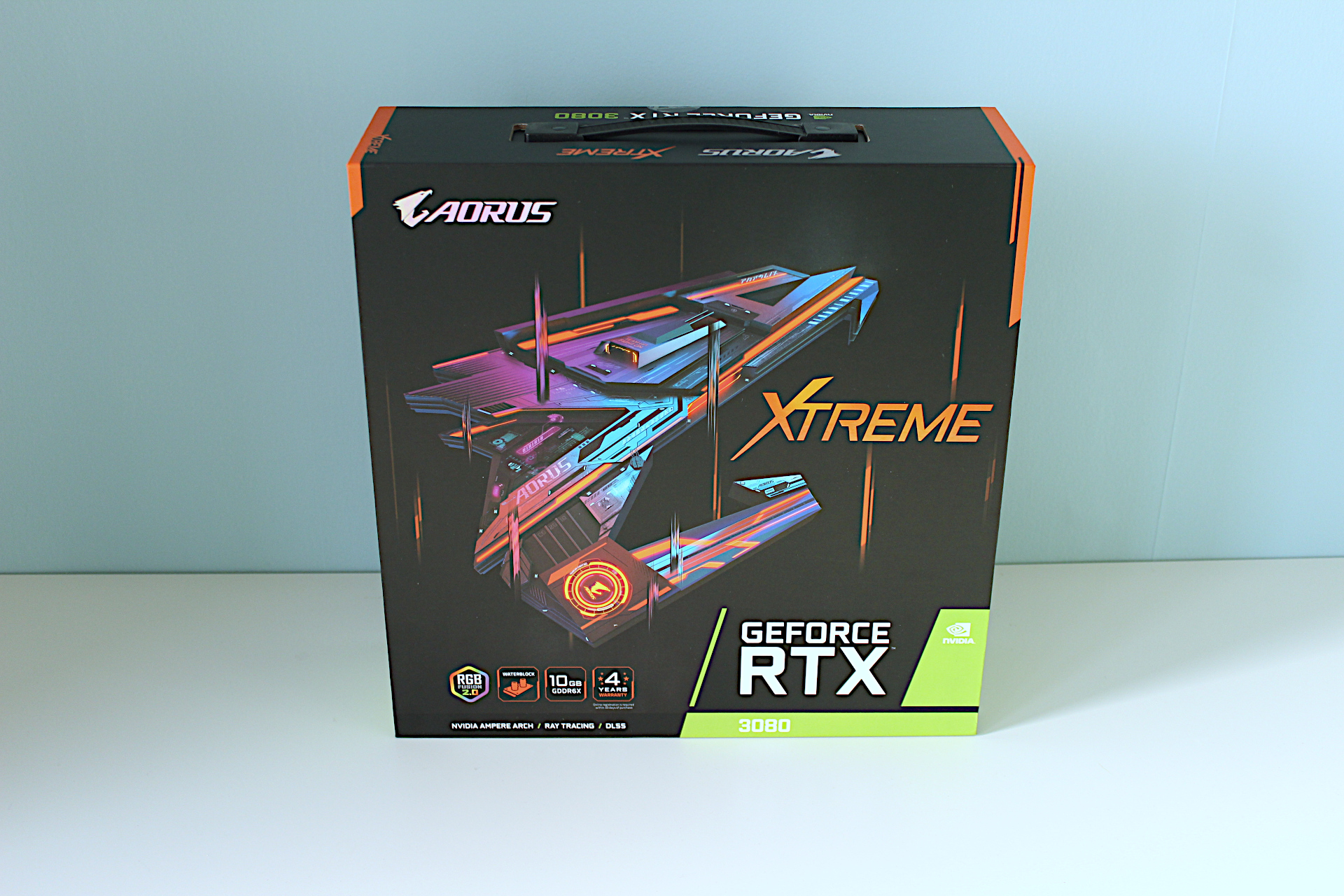
This came in a very big box and when I took the card out the first thing I noticed was the weight of the thing, it’s very heavy. Build quality is high and everything appears to be quite refined and well protected.
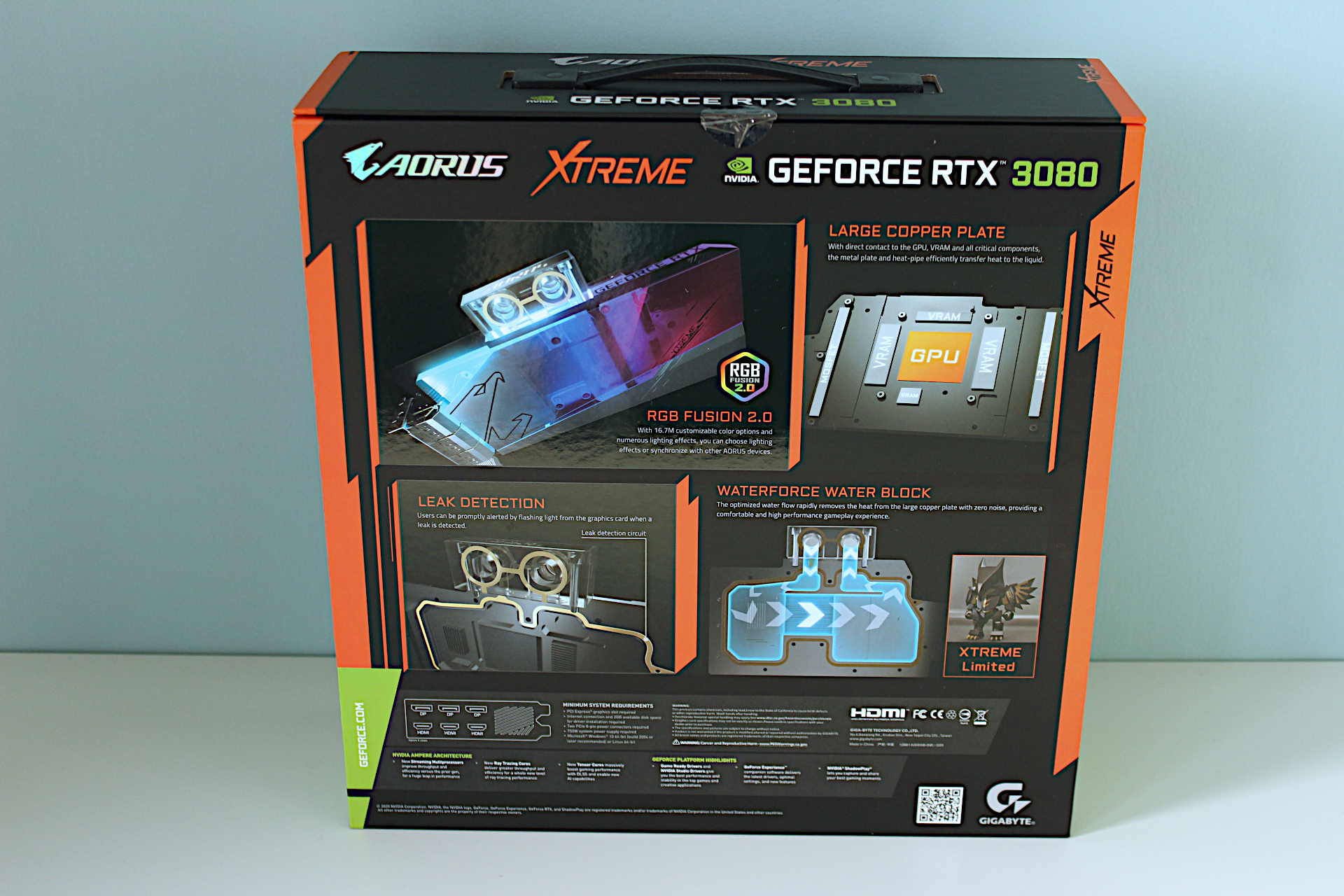
RTX_3080_16
RTX_3080_17
RTX_3080_18
RTX_3080_19
RTX_3080_3
RTX_3080_20
RTX_3080_21
RTX_3080_8
RTX_3080_1
RTX_3080_5
RTX_3080_6
RTX_3080_7
RTX_3080_2
RTX_3080_11
RTX_3080_13
RTX_3080_15

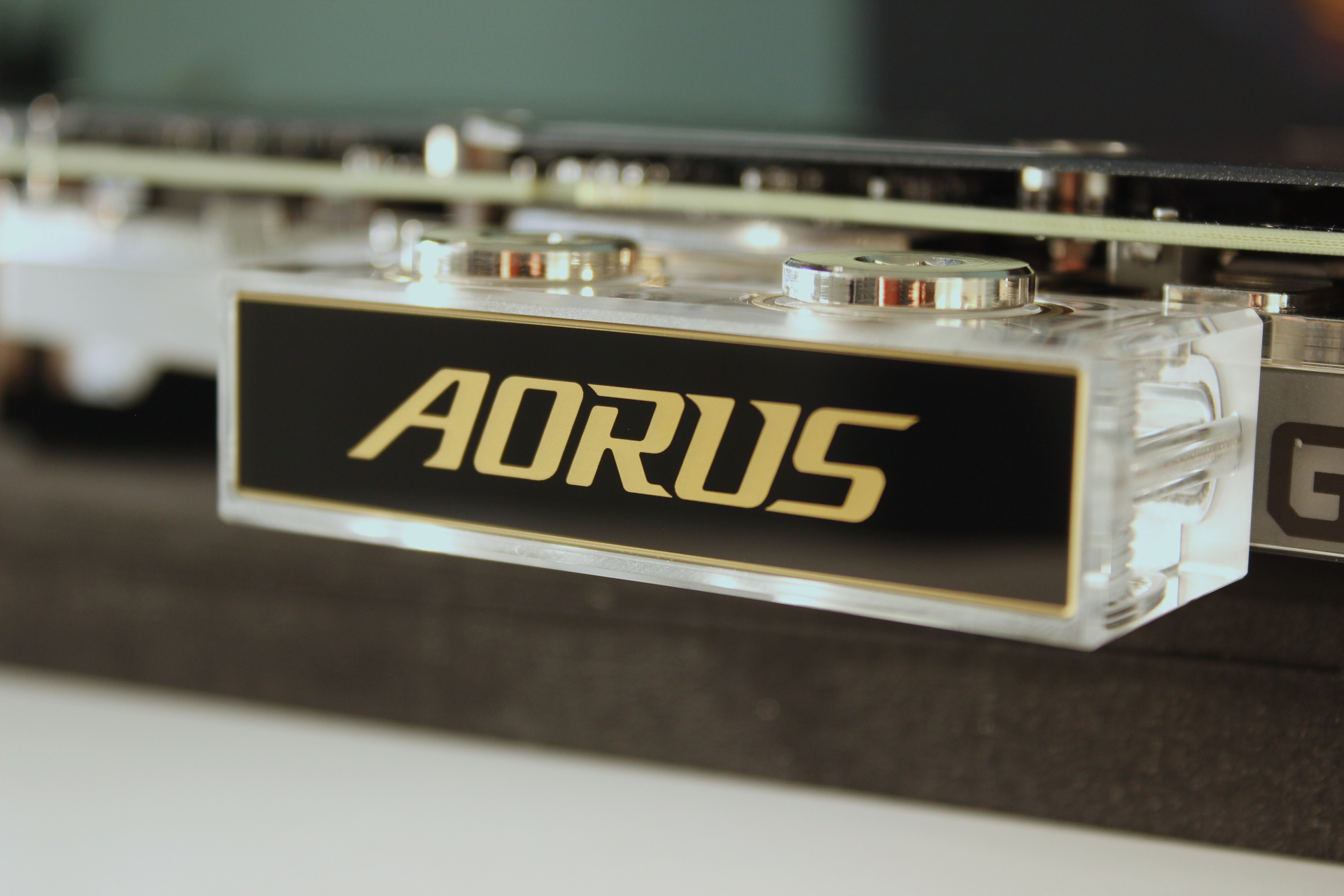
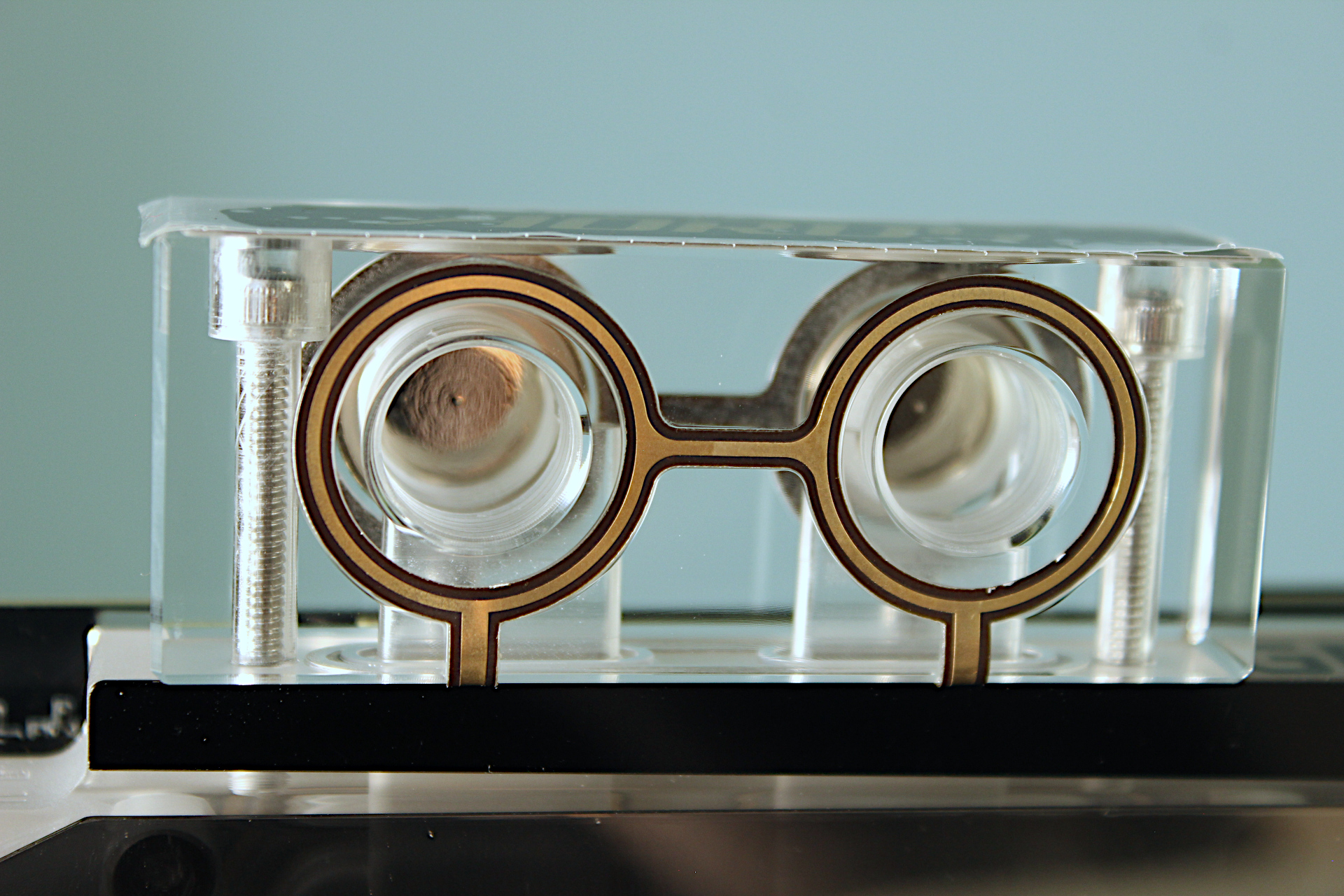
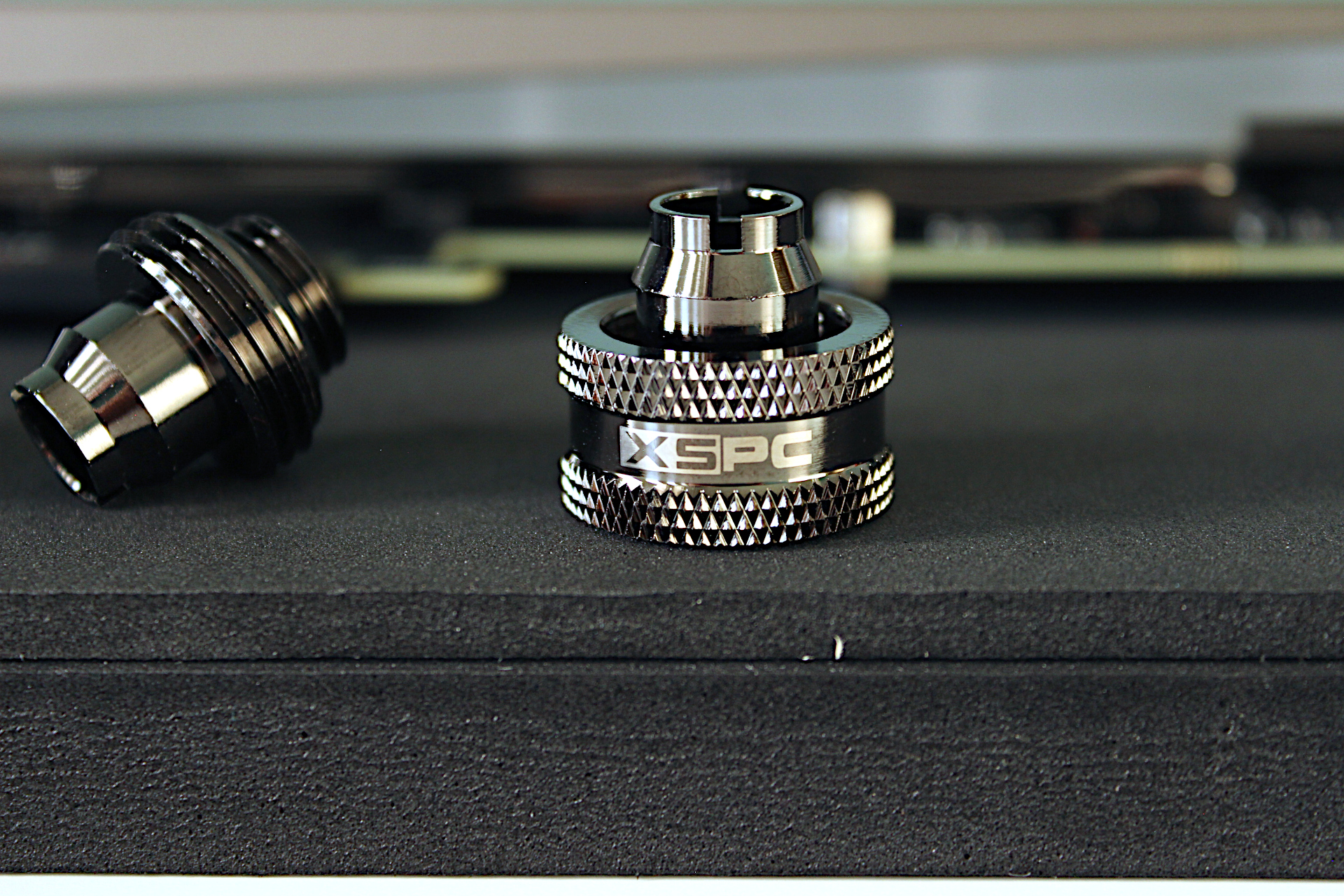
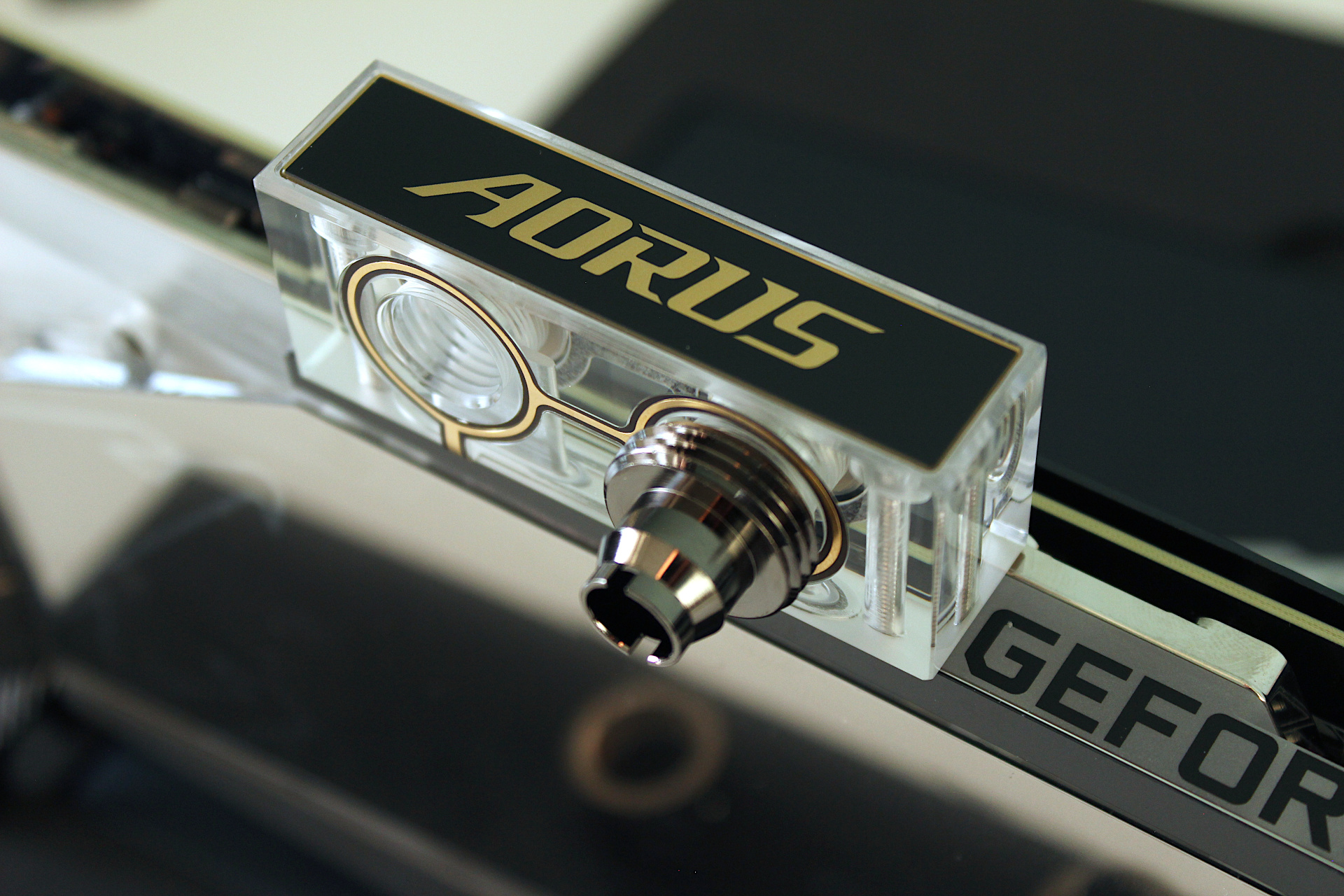
The XSPC compression connectors I will be using with the water block will go underneath and above so one of the caps needs to be removed and installed below. They don’t provide you a tool for this so you will require a 6.0mm hex bit.

An important note about the weight of the card

By design the card is heavily reinforced by the water block and a metal backplate so it will not flex / sag which means the PCI-E slot will be under a lot of stress. PCI-E slots have been known to snap due to heavy high end gaming GFX cards which is why motherboard manufacturers started reinforcing the x16 slots with metal. To avoid such issues I will be looking to get some kind of additional support for the card. Next I will get this installed and post back with some testing results.
Post navigation

Previous: GFX Card Update: Gigabyte AORUS RTX 3080 Xtreme Waterforce Rev 2.0
Next: Gigabyte AORUS RTX 3080 Xtreme Waterforce WB Mini Review

Related Posts

FT_SP
  • GFX Card
  • Hardware
  • Modification
  • PC Gaming
  • Review
  • RTX 3080
  • Water Cooling

AMD Ryzen 9 5900X With An RTX 5080 GPU

ElectroStingz July 20, 2026
6monthcheck
  • Hardware
  • Laptop
  • PC Gaming
  • Technology

ASUS ROG Strix G16 2024 – New Liquid metal and Arctic MX-7

ElectroStingz July 4, 2026
6monthcheck
  • Hardware
  • Laptop
  • Modification
  • Review

ASUS ROG Strix Laptop – Checking Arctic MX-6 Thermal Paste After 1 Year

ElectroStingz June 25, 2026

ASUS ROG STRIX G16 2024 Laptop

  • by ElectroStingz ASUS ROG Strix Laptop - Checking Arctic MX-6 Thermal Paste After 1 Year
  • by ElectroStingz ASUS ROG Strix G16 - Checking Thermal Paste After 6 Months
  • by ElectroStingz Asus Rog Strix G16 Gaming Laptop Is It Overheating? – Part 2
  • by ElectroStingz Asus Rog Strix G16 Gaming Laptop Is It Overheating? - Part 1

Water Cooled RTX 3080

  • by electrostingz AMD Ryzen 9 5900X With An RTX 5080 GPU
  • by electrostingz My Watercooling Radiator Push Pull Upgrade
  • by electrostingz Gigabyte AORUS RTX 3080 Xtreme Waterforce WB Mini Review
  • by electrostingz My Gigabyte AORUS RTX 3080 Xtreme Waterforce WB GFX Card Has Arrived
  • by electrostingz GFX Card Update: Gigabyte AORUS RTX 3080 Xtreme Waterforce Rev 2.0

i9-14900HX Temperature Testing Cinebench R23

i9-14900HX Temperature Testing CPUZ

Copyright © All rights reserved. | MoreNews by AF themes.