Skip to content

ElectroStingz

Primary Menu
  • Guides
    • Intel 6700K Adaptive Mode Overclocking
    • Delidding my Intel i7-6700K processor
    • Intel i9-14900HX Lower Temperature Tweaks
    • Additional Monitor Refresh Rates
    • Laptop CPU Boost Control For Windows
  • Home
  • 2018
  • August
  • Water Cooling Project Update
  • PC Gaming
  • Technology
  • Water Cooling

Water Cooling Project Update

ElectroStingz August 14, 2018 2 minutes read
Water Cooling Project Update

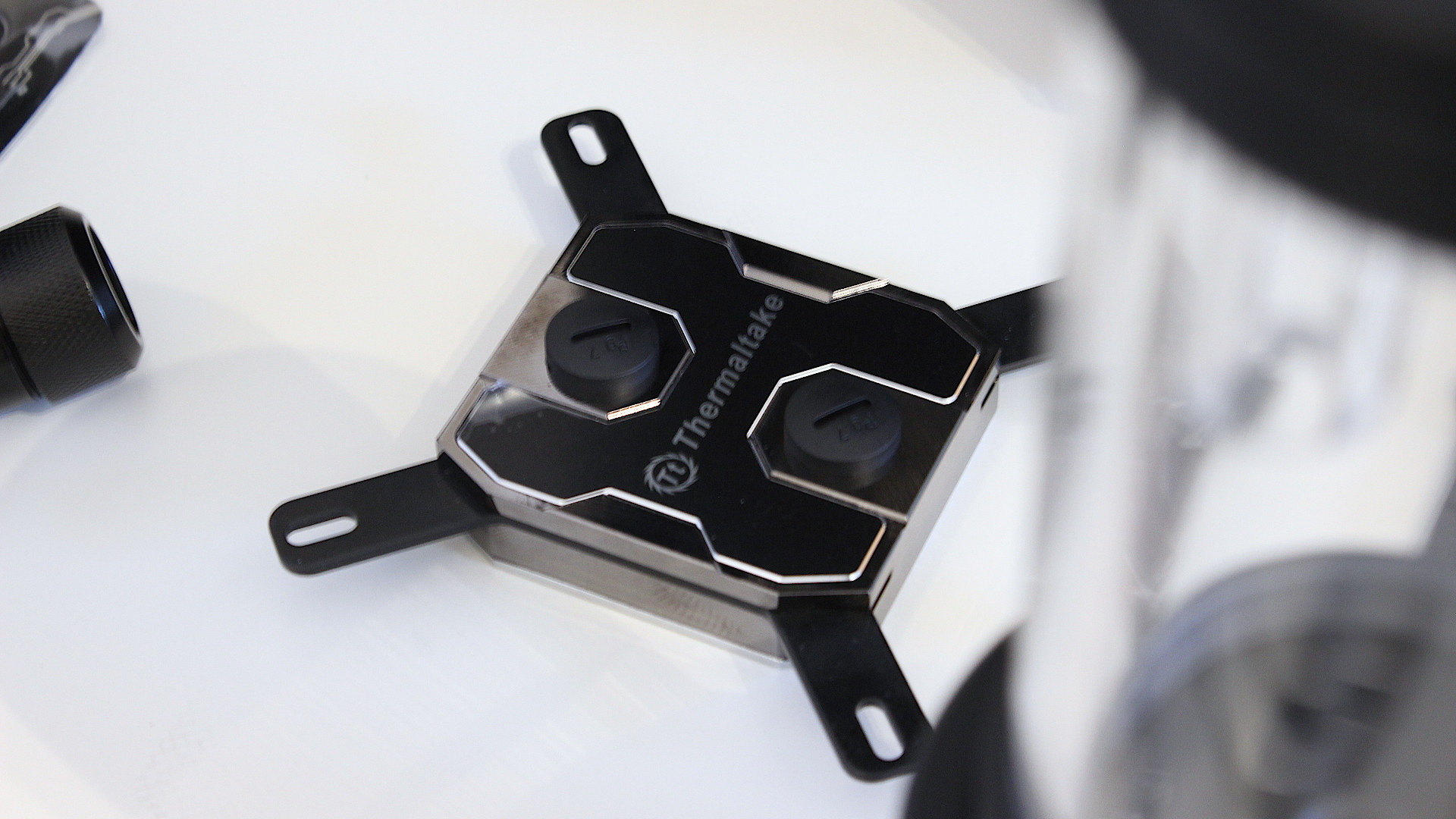
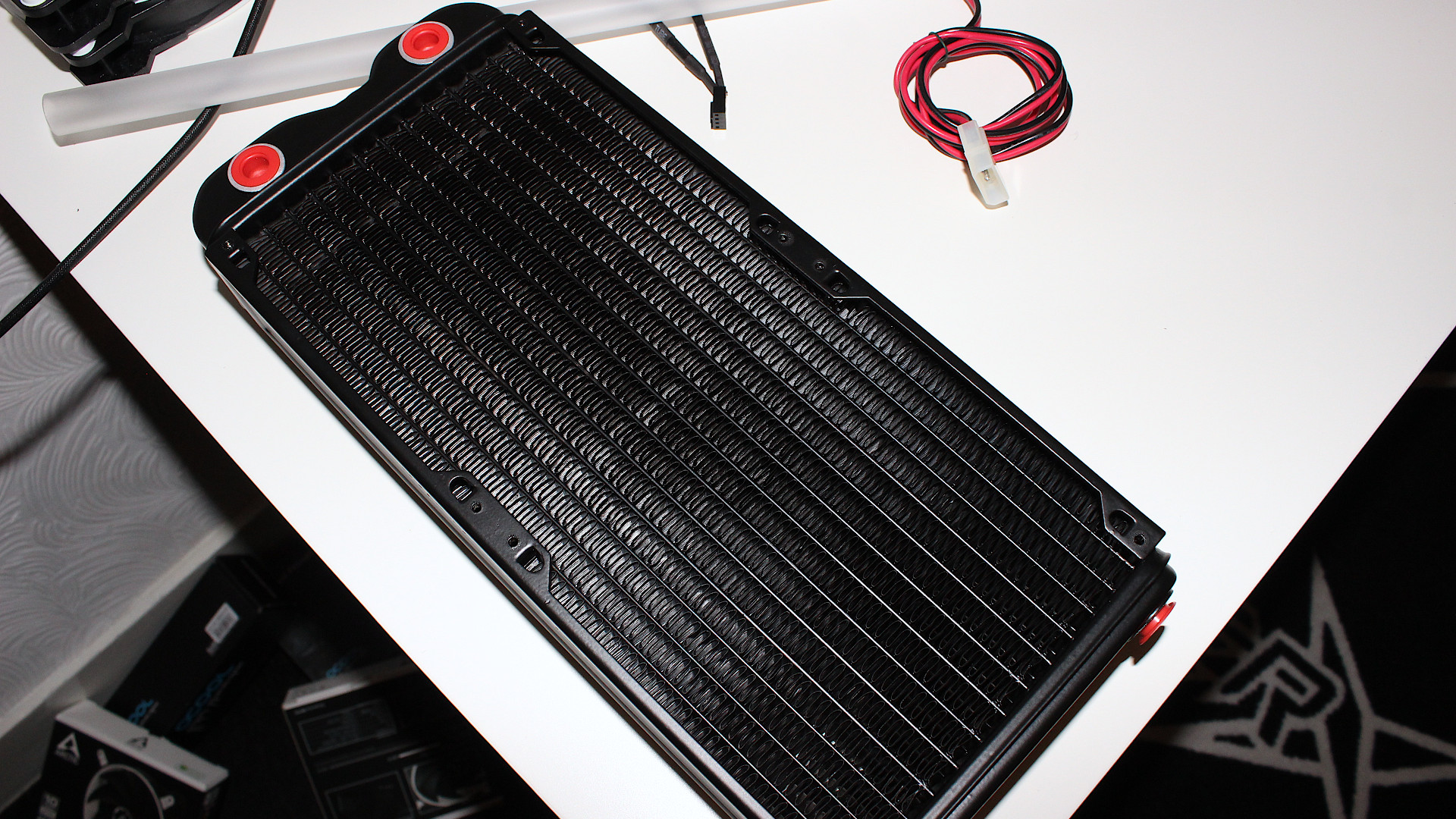
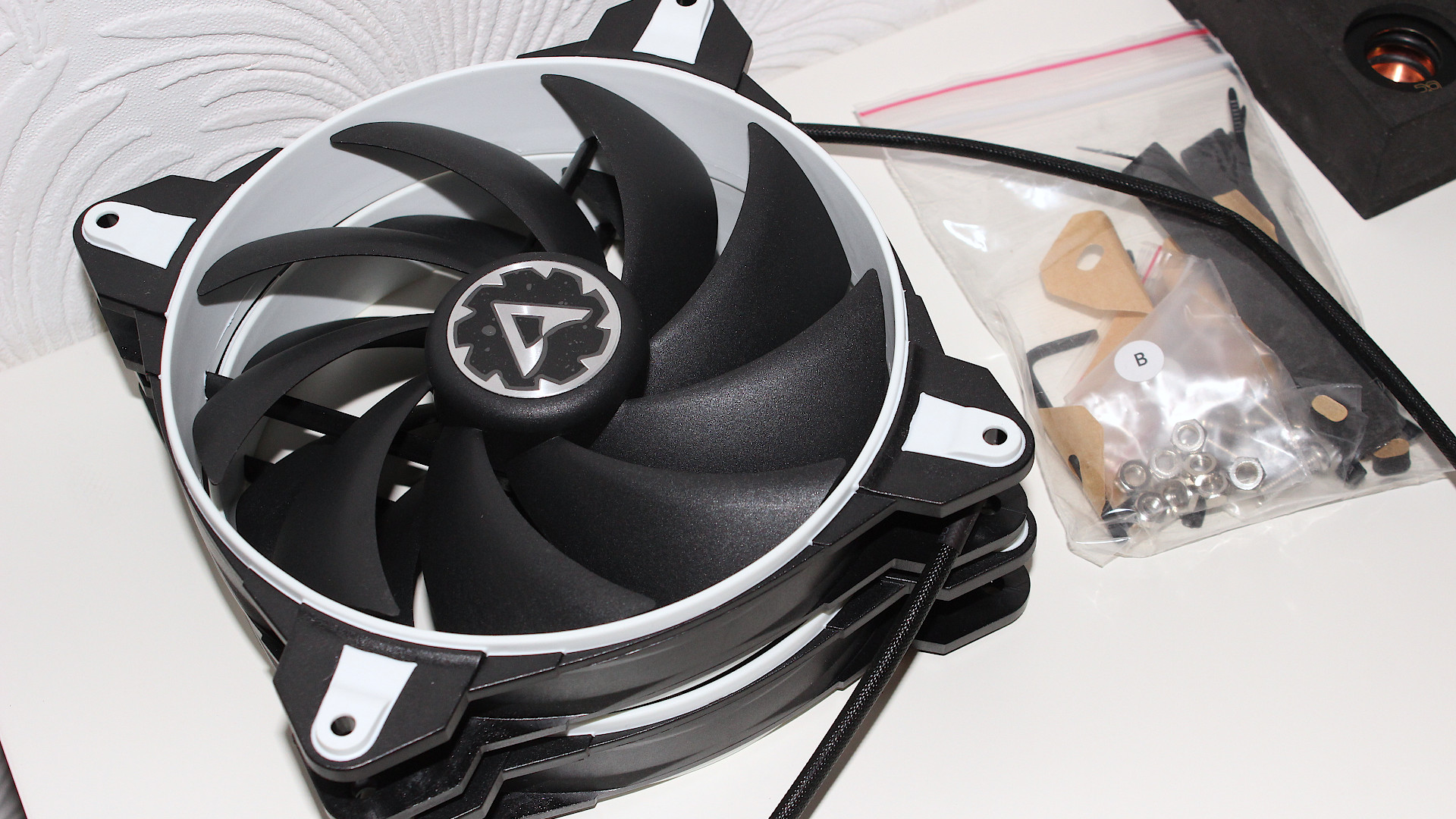
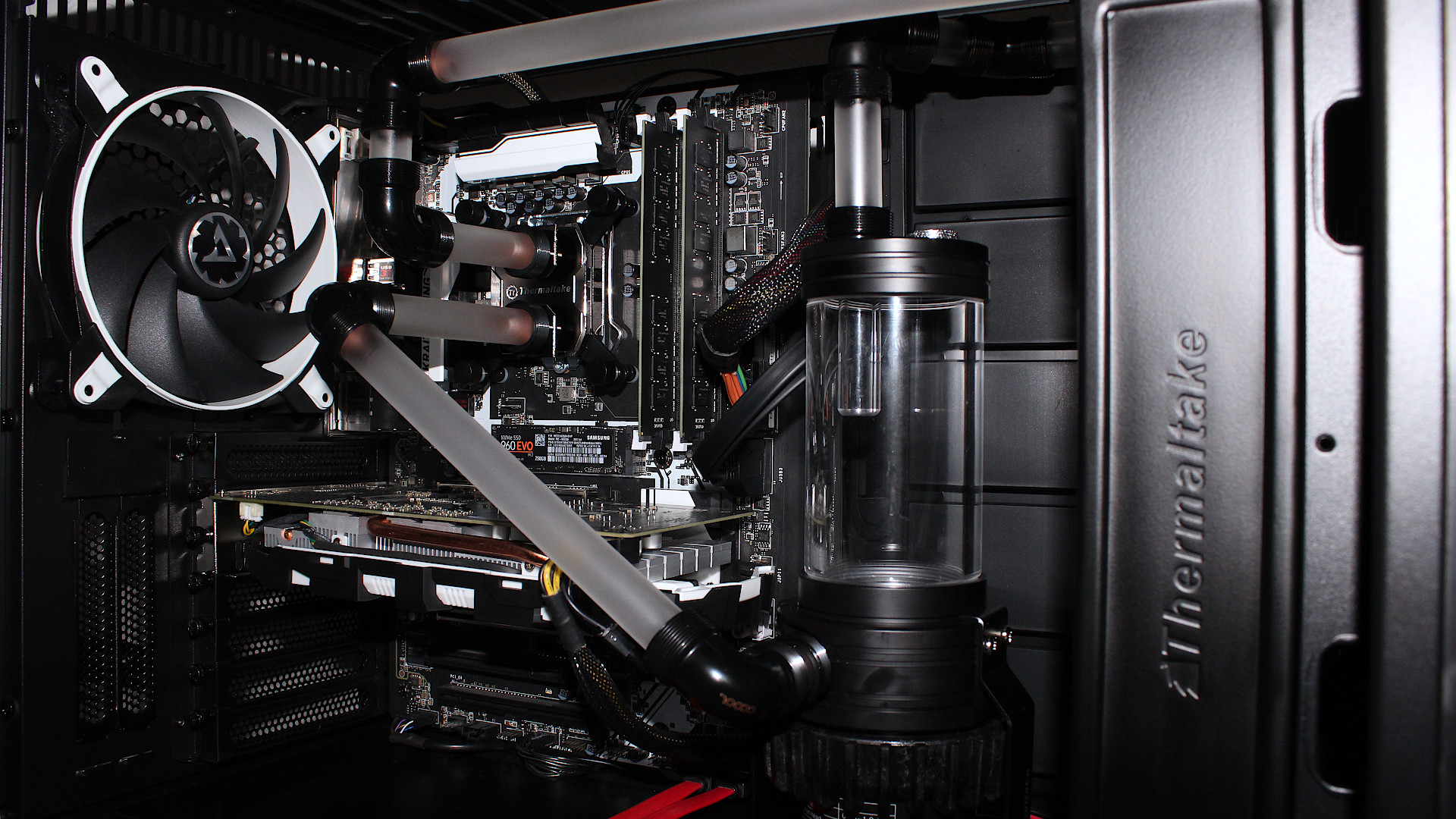
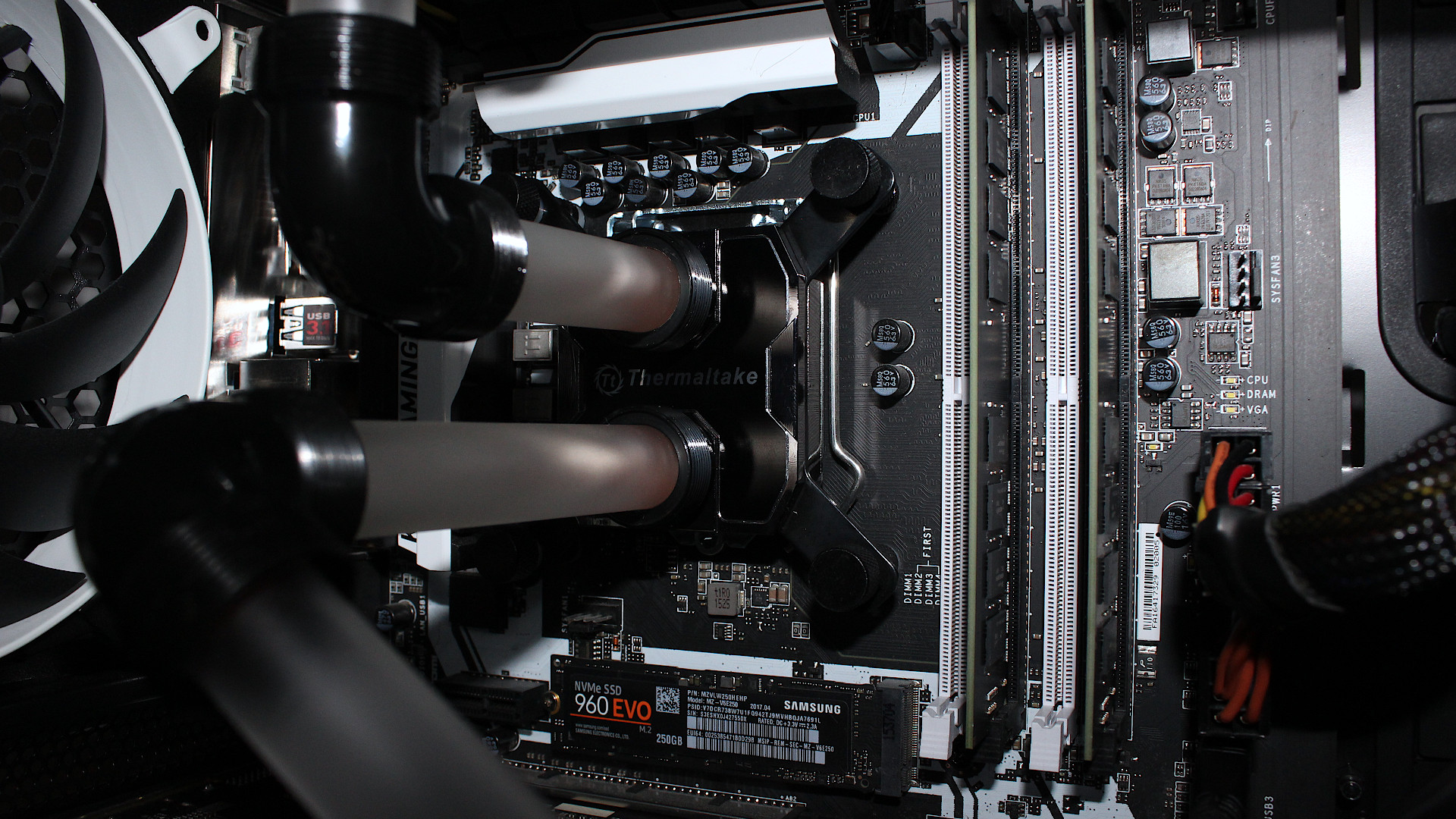
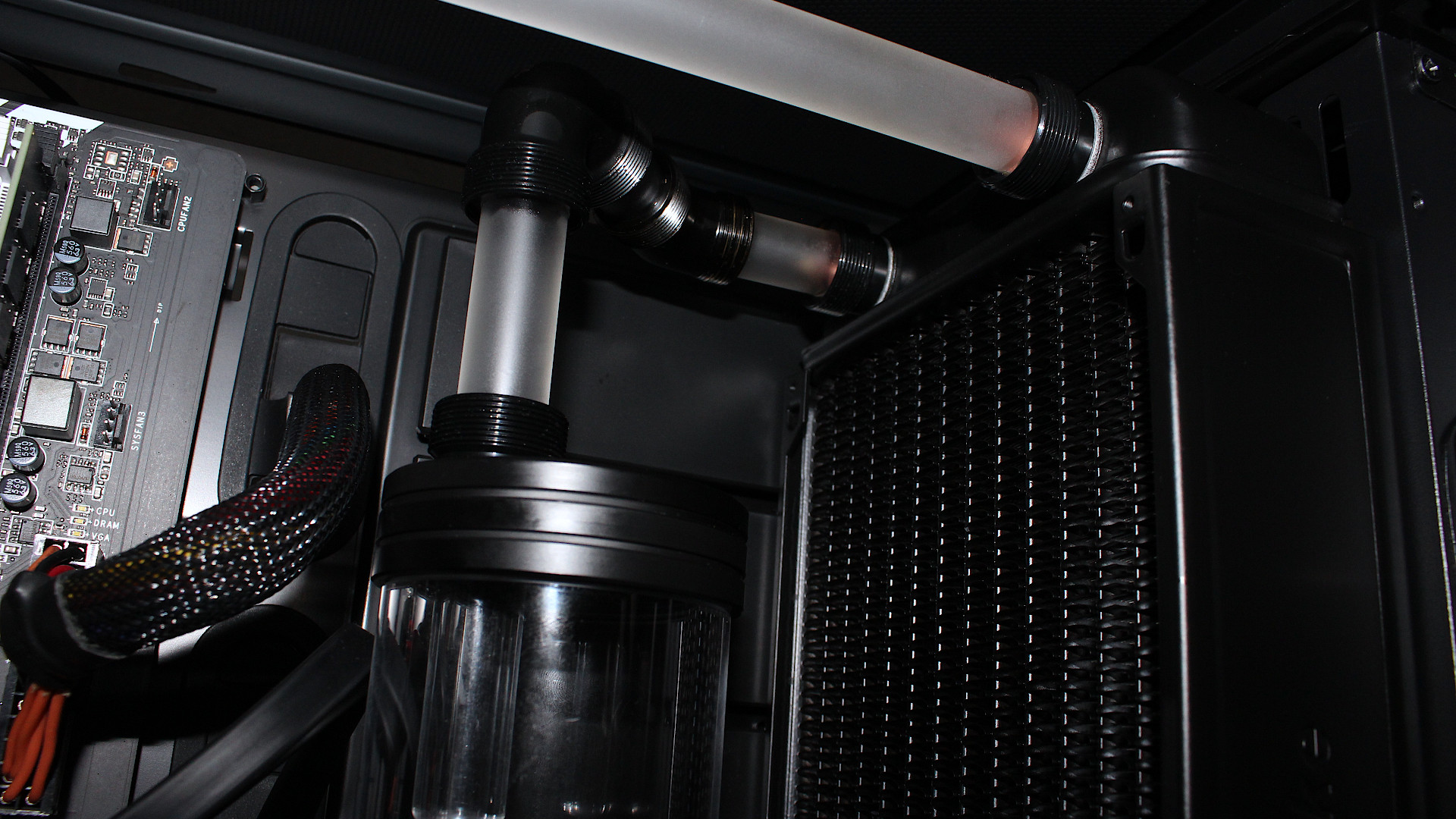
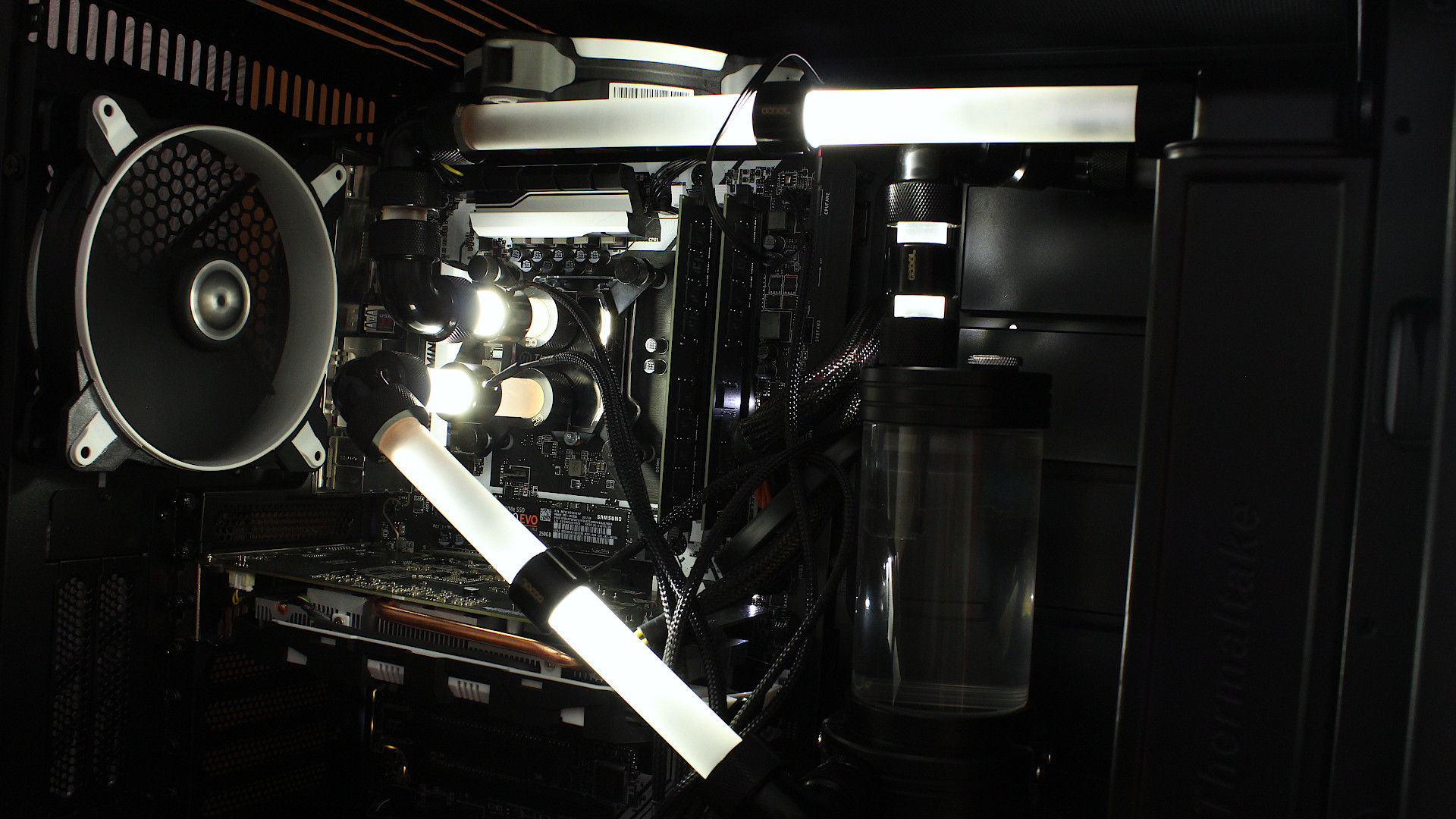
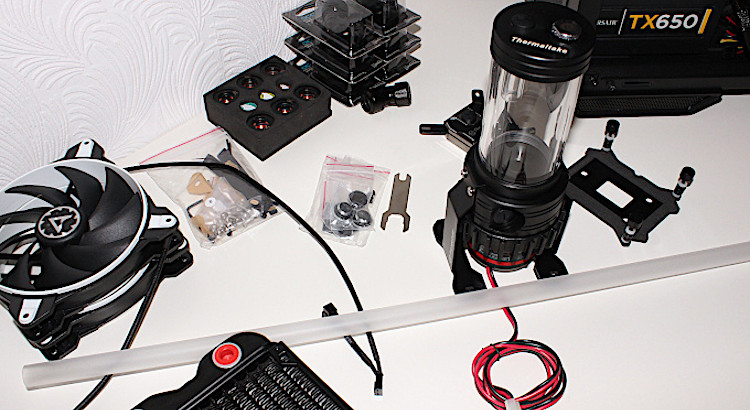
All my parts arrived so some progress has been made however things are not quite ready and the Alphacool 90 degree fittings I used are not 90 degrees. This has caused the hard tubing to be slightly off and placed stress on some areas.

Current Progress
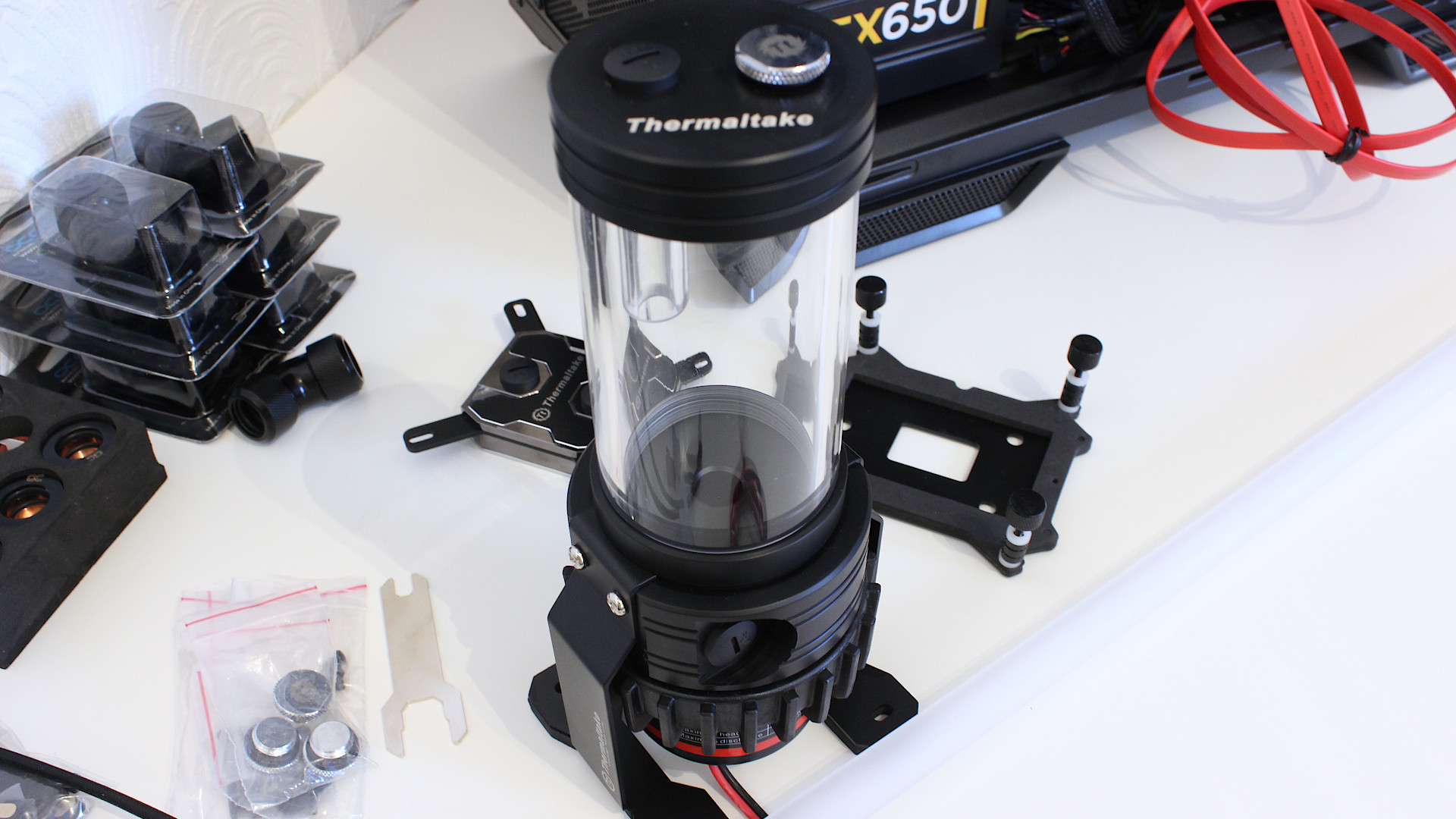
Water Cooling Project Update

Checking the temperatures

This was performed with the Thermaltake pump and radiator fans running at the lowest setting, room temperature being 23.8 degrees C. The whole setup is very quiet and right now the two WD Blue 1TB drives are the loudest components in my PC.

Alphacool 90 degree fitting defect

When you buy a fitting that is suppose to be a perfect right angle you don’t expect it to come with an offset which completely ruins the hard tube routing and creates stress points.

I didn’t check this beforehand and only discovered as I was having issues with aligning my pipes. I continued to use the fittings by making some adjustments but am not happy with the overall result and have contacted Aquatuning.com (the place of purchase) for assistance. All 6 fittings I purchased are exactly the same so this is likely a manufacturing defect.

What’s next?

  • Hopefully get new fittings which are 90 degrees.
  • Re-route the upper tubing, it is too high which prevents the top case fans being installed
  • Sort out the wiring for the LED rings
  • Remove the loud WD Blue 1TB drives replace with Seagate BarraCuda 2.5″ (faster and quieter)
  • Install memory heat spreaders on the 2x16GB memory sticks.
Post navigation

Previous: Delidding my Intel i7-6700K processor
Next: Water Cooling Project Update 2

Related Posts

FT_SP
  • GFX Card
  • Hardware
  • Modification
  • PC Gaming
  • Review
  • RTX 3080
  • Water Cooling

AMD Ryzen 9 5900X With An RTX 5080 GPU

ElectroStingz July 20, 2026
6monthcheck
  • Hardware
  • Laptop
  • PC Gaming
  • Technology

ASUS ROG Strix G16 2024 – New Liquid metal and Arctic MX-7

ElectroStingz July 4, 2026
CPU_BOOST_FT
  • Guides
  • Hardware
  • Laptop
  • PC Gaming
  • Software
  • Technology

Laptop CPU Boost Control For Windows

ElectroStingz February 8, 2026

ASUS ROG STRIX G16 2024 Laptop

  • by ElectroStingz ASUS ROG Strix Laptop - Checking Arctic MX-6 Thermal Paste After 1 Year
  • by ElectroStingz ASUS ROG Strix G16 - Checking Thermal Paste After 6 Months
  • by ElectroStingz Asus Rog Strix G16 Gaming Laptop Is It Overheating? – Part 2
  • by ElectroStingz Asus Rog Strix G16 Gaming Laptop Is It Overheating? - Part 1

Water Cooled RTX 3080

  • by electrostingz AMD Ryzen 9 5900X With An RTX 5080 GPU
  • by electrostingz My Watercooling Radiator Push Pull Upgrade
  • by electrostingz Gigabyte AORUS RTX 3080 Xtreme Waterforce WB Mini Review
  • by electrostingz My Gigabyte AORUS RTX 3080 Xtreme Waterforce WB GFX Card Has Arrived
  • by electrostingz GFX Card Update: Gigabyte AORUS RTX 3080 Xtreme Waterforce Rev 2.0

i9-14900HX Temperature Testing Cinebench R23

i9-14900HX Temperature Testing CPUZ

Copyright © All rights reserved. | MoreNews by AF themes.