Skip to content

ElectroStingz

Primary Menu
  • Guides
    • Intel 6700K Adaptive Mode Overclocking
    • Delidding my Intel i7-6700K processor
    • Intel i9-14900HX Lower Temperature Tweaks
    • Additional Monitor Refresh Rates
    • Laptop CPU Boost Control For Windows
  • Home
  • 2018
  • August
  • Jonsbo NC-2 RGB Memory Heat Spreader
  • Modification
  • Overclocking
  • PC Gaming
  • Technology

Jonsbo NC-2 RGB Memory Heat Spreader

ElectroStingz August 20, 2018 3 minutes read
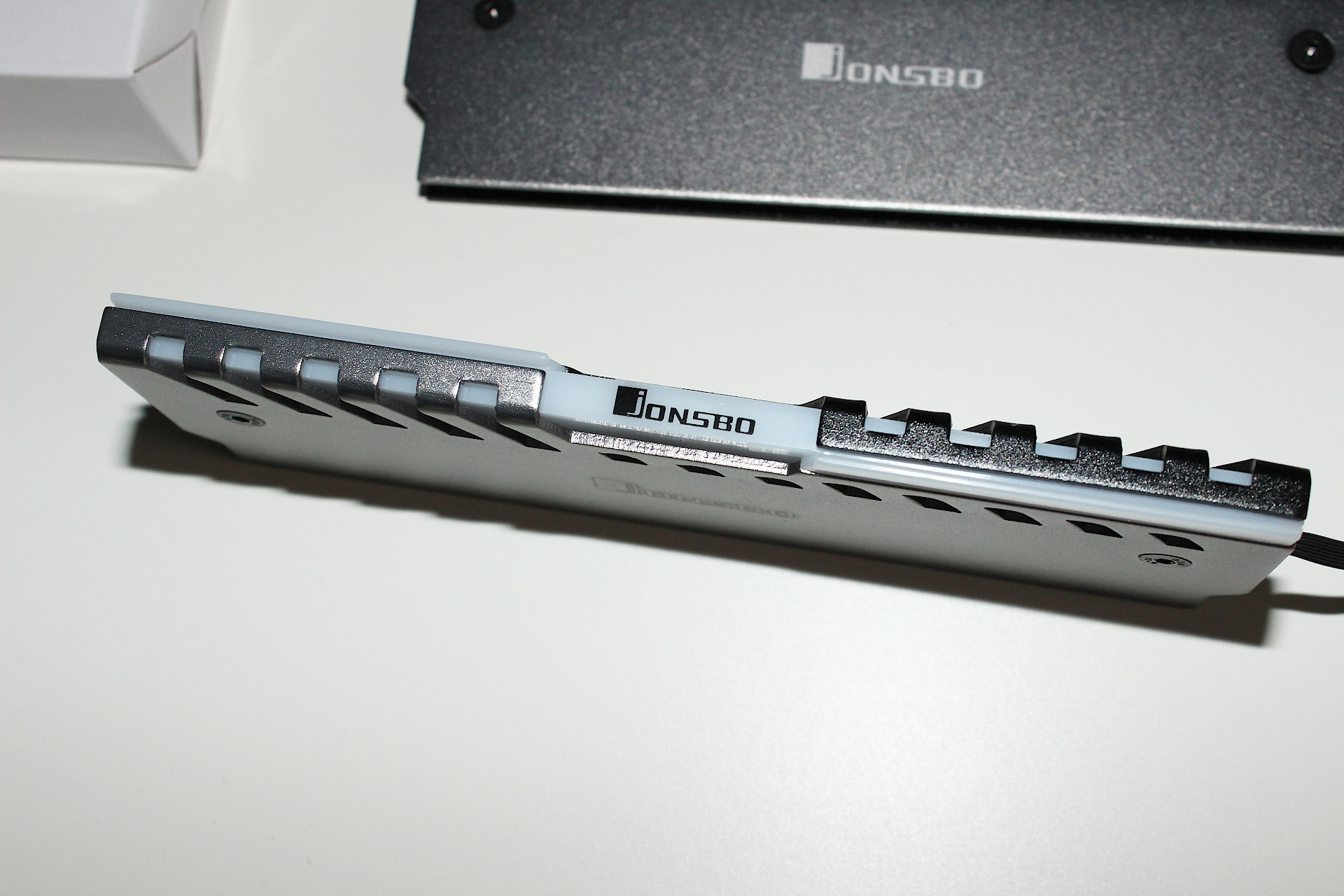
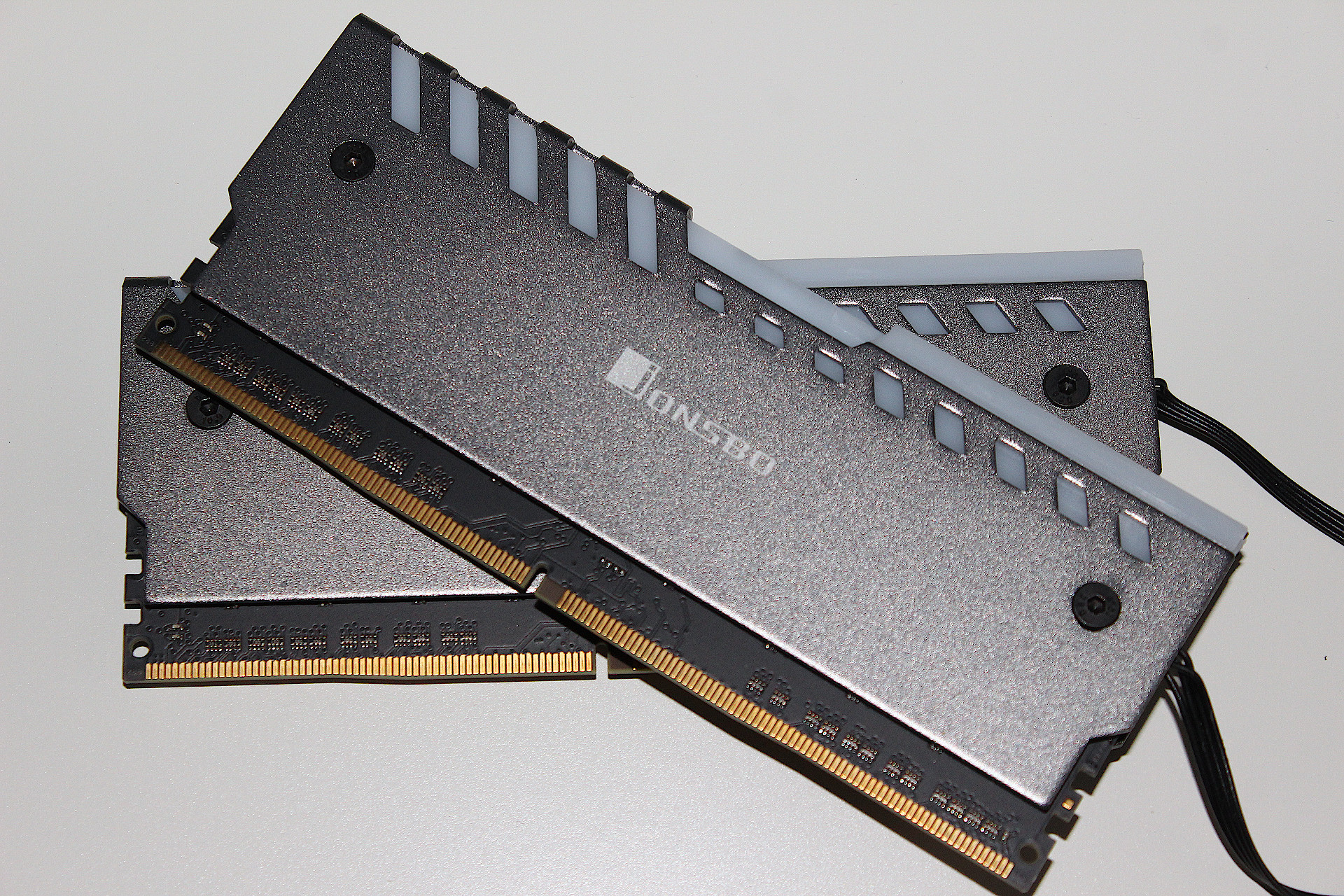
Jonsbo NC-2 RGB Memory Heat Spreader

My ADATA XPG Z1 2x16GB DDR4 3000MHz memory kit was originally purchased for a project to convert a PC into a small mini-ITX gaming machine. This didn’t work out (see previous posts) and the ADATA heat spreaders on the XPG Z1 were removed so it would fit under the low profile heatsink used in that setup. Anyway, I have been trying to re-organised some stuff as the 2x16GB is being wasted in the PFSense box I built so this is the reason why it is being used for my water cooling project. The Original Corsair Vengeance LPX 4x8GB 3200MHz DDR4 was sold on ebay to recover some expenses, £276.00, not bad.

Why buy these RGB heat spreaders?

G.Skill probably have the best looking RGB memory kit with their Trident Z RGB series but it would cost close to £400 and requires software to control the lighting effects. I’m not looking for this level of control and just want a bit of lighting. I’m also pleased with the ADATA 2x16GB 3000MHz DDR4 kit as it is able to run at 3200MHz so it makes sense to see what heat spreaders are available. I came across a some really cheap looking RGB ones on Amazon which eventually lead my research to the Jonsbo NC-2 RGB memory heat spreaders.
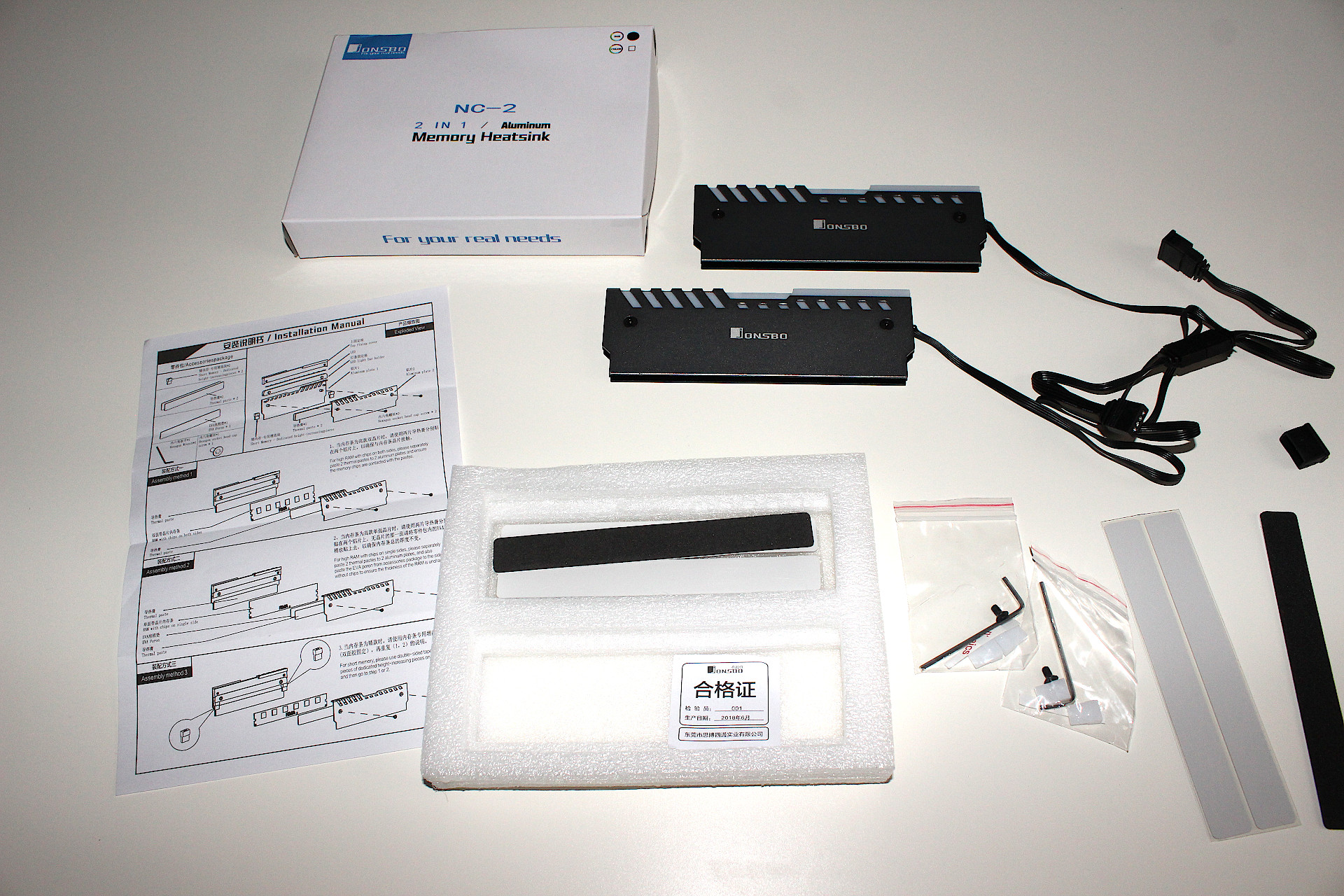
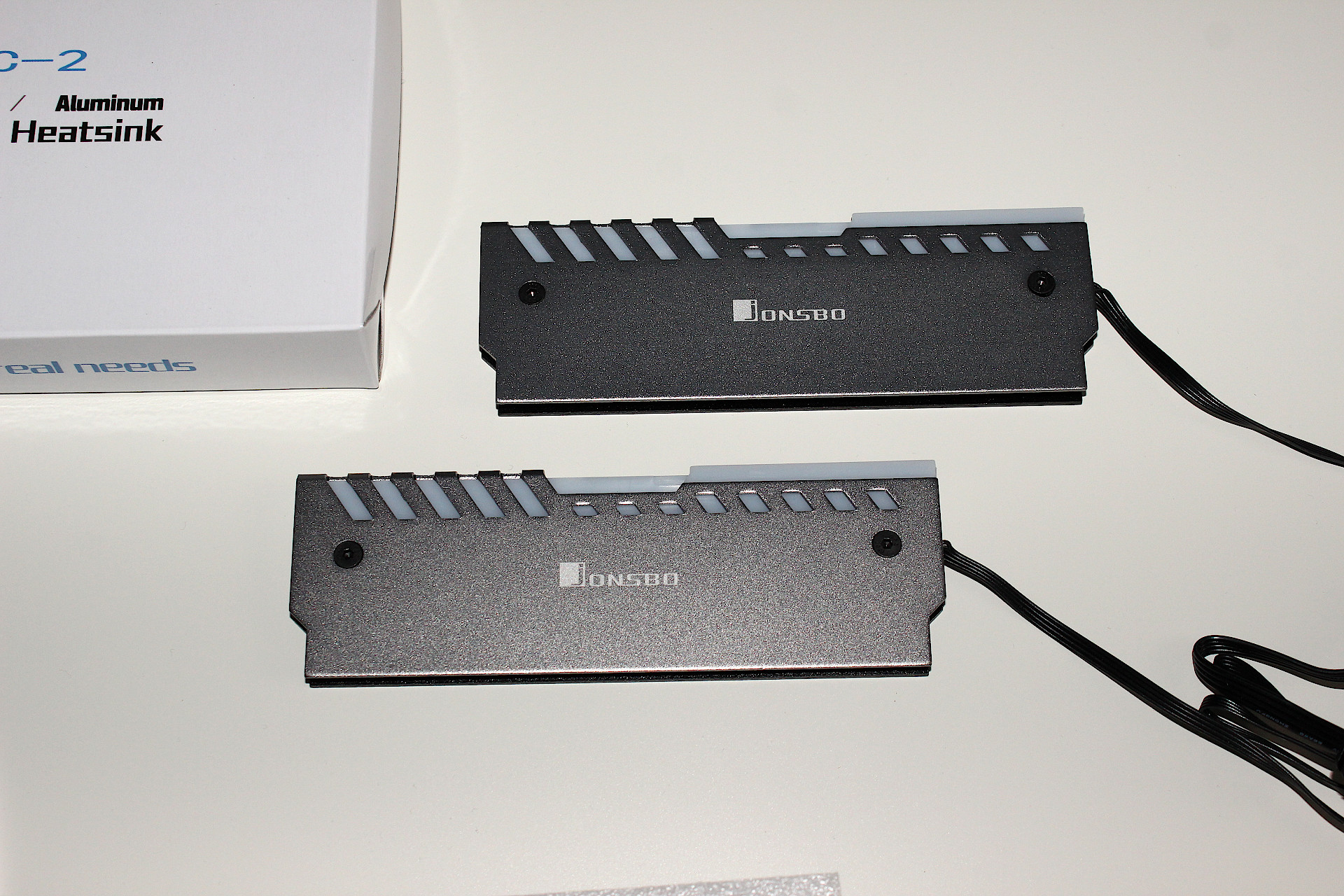
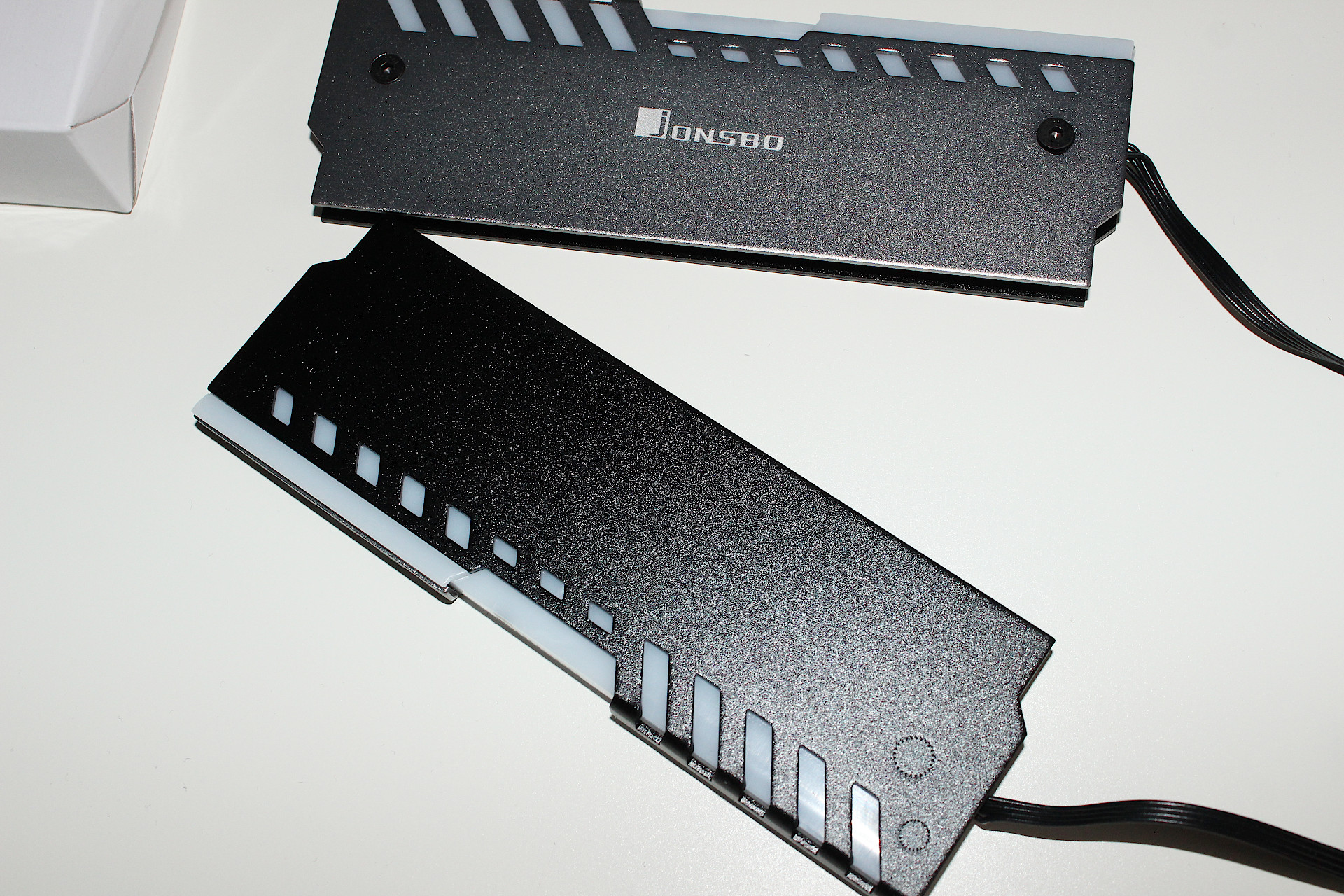
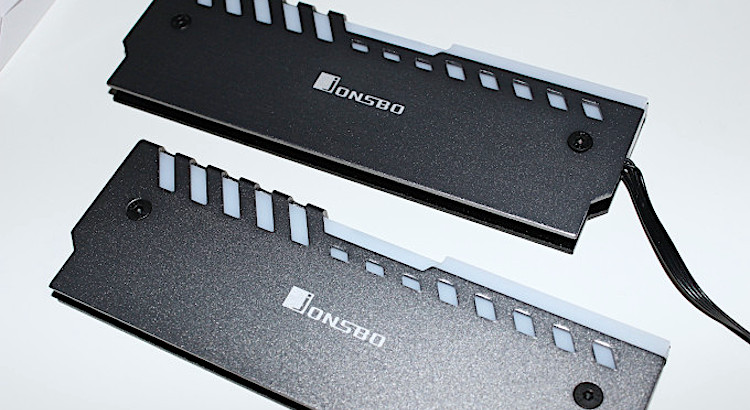
Jonsbo NC-2 RGB Memory Heat Spreader

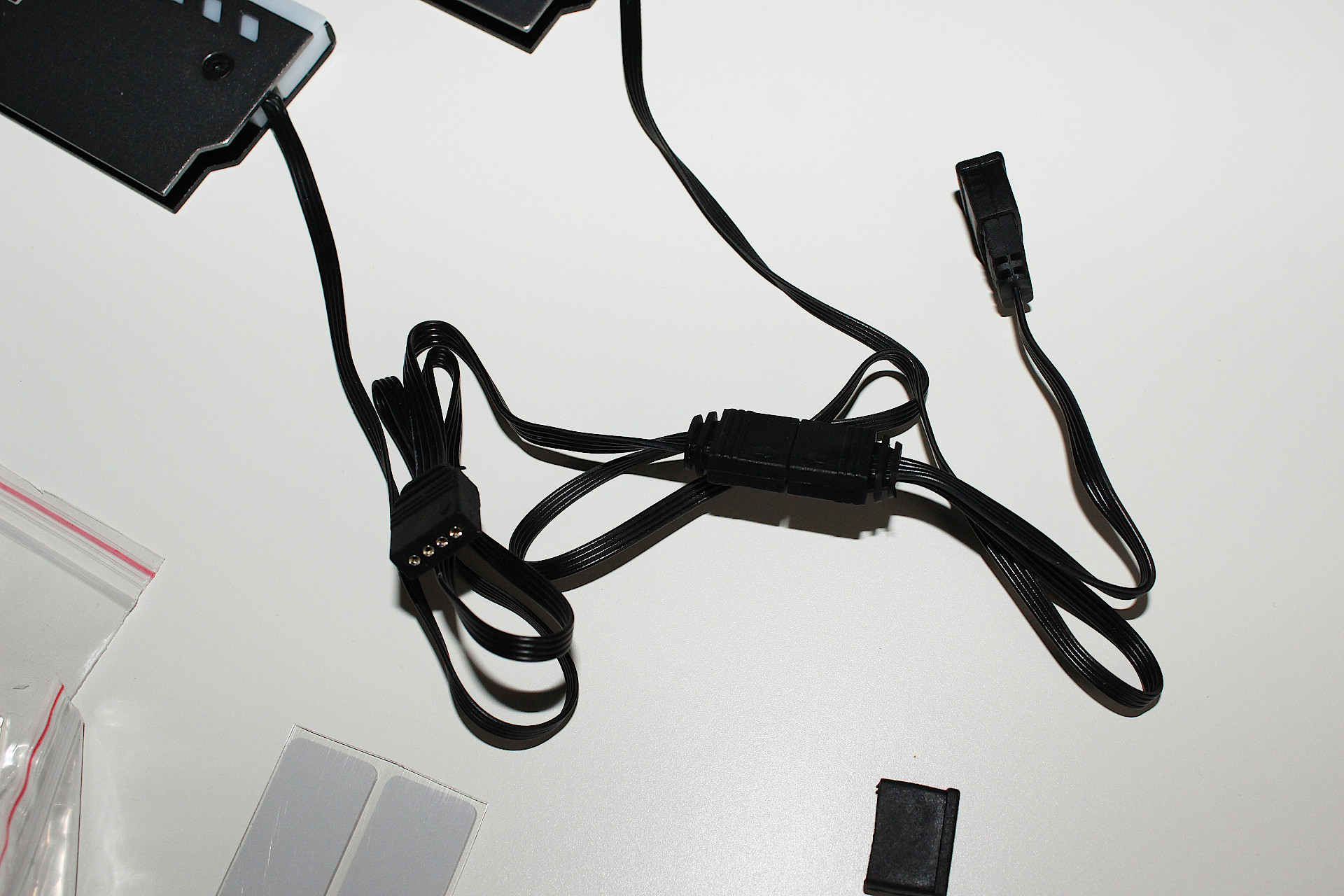
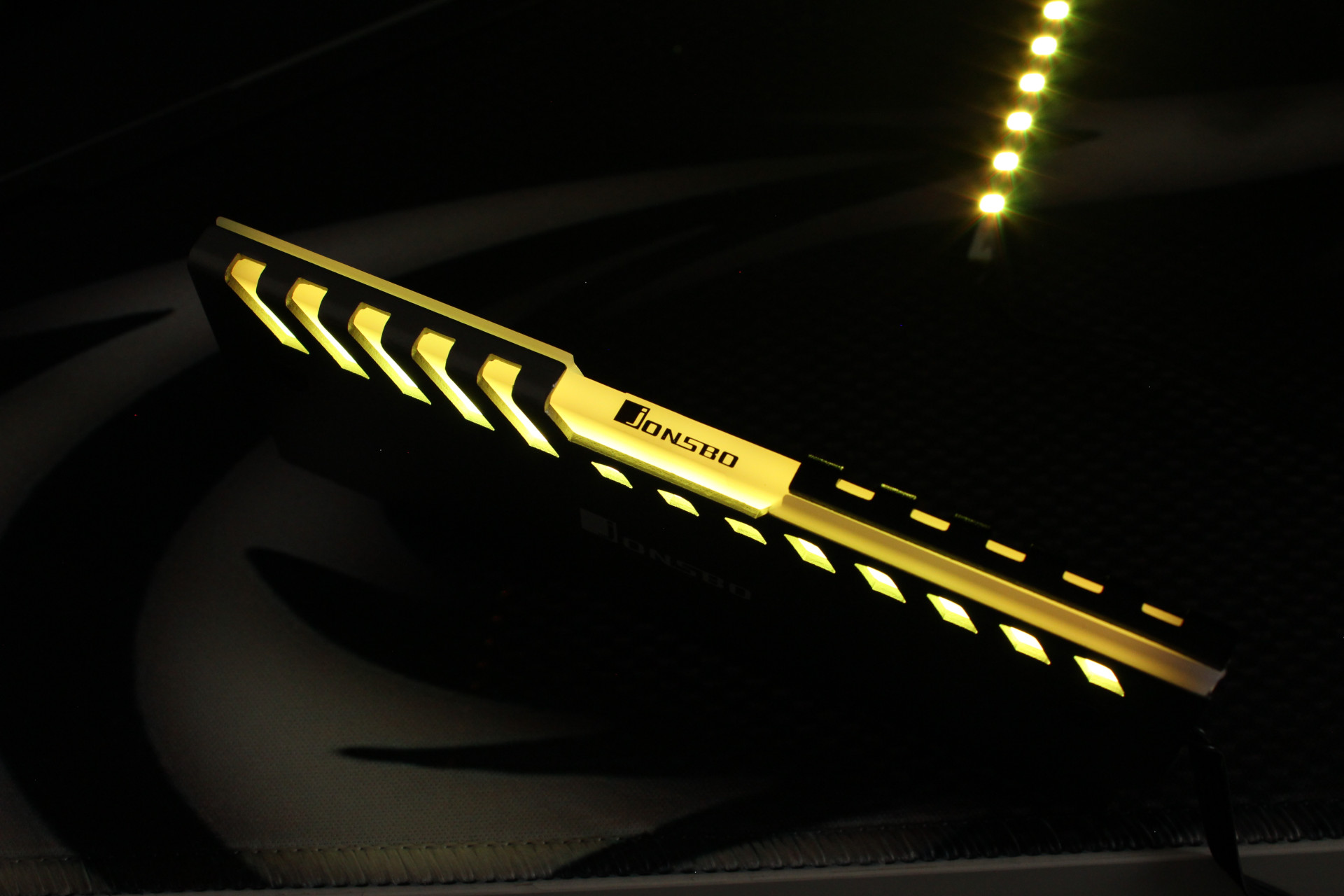
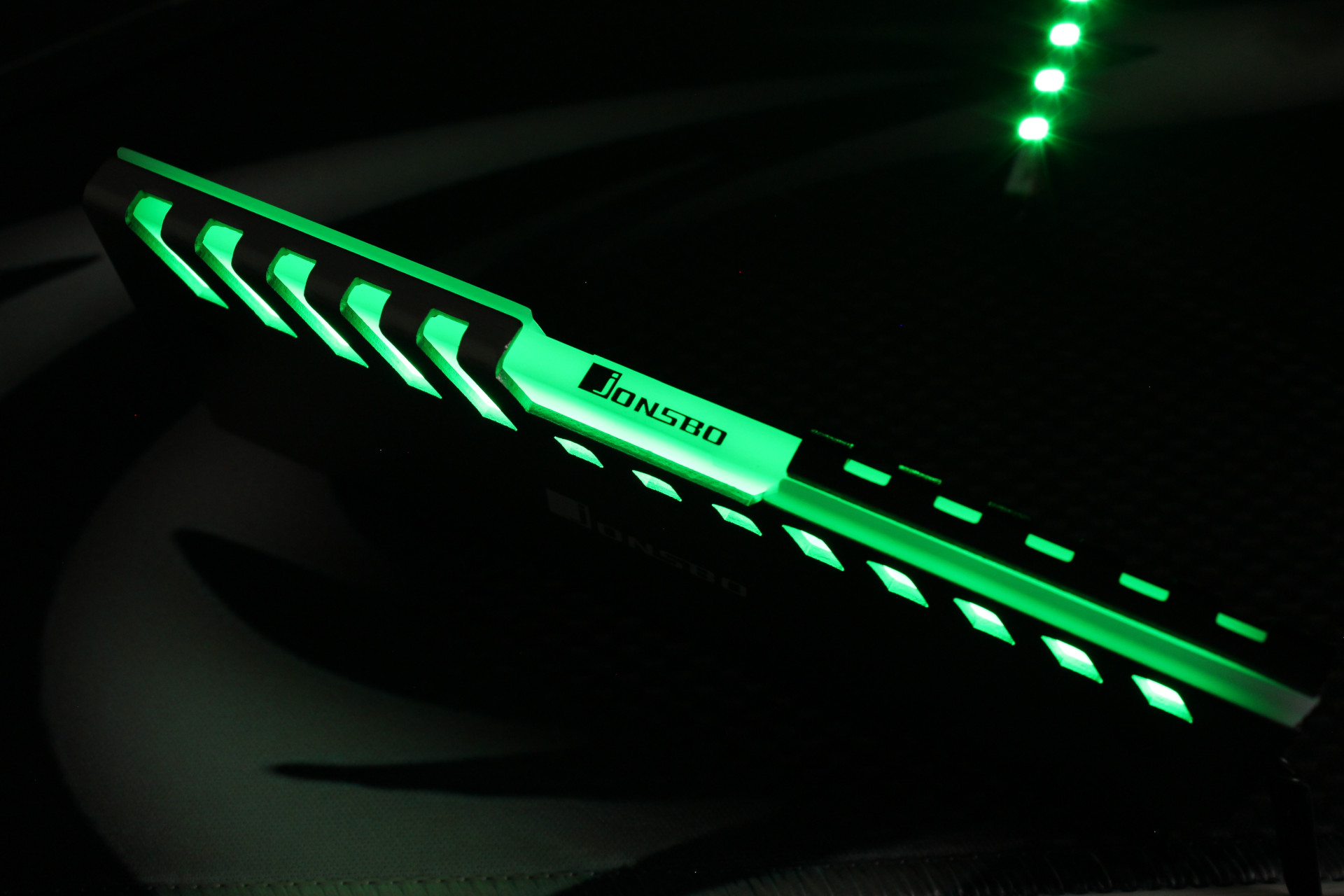
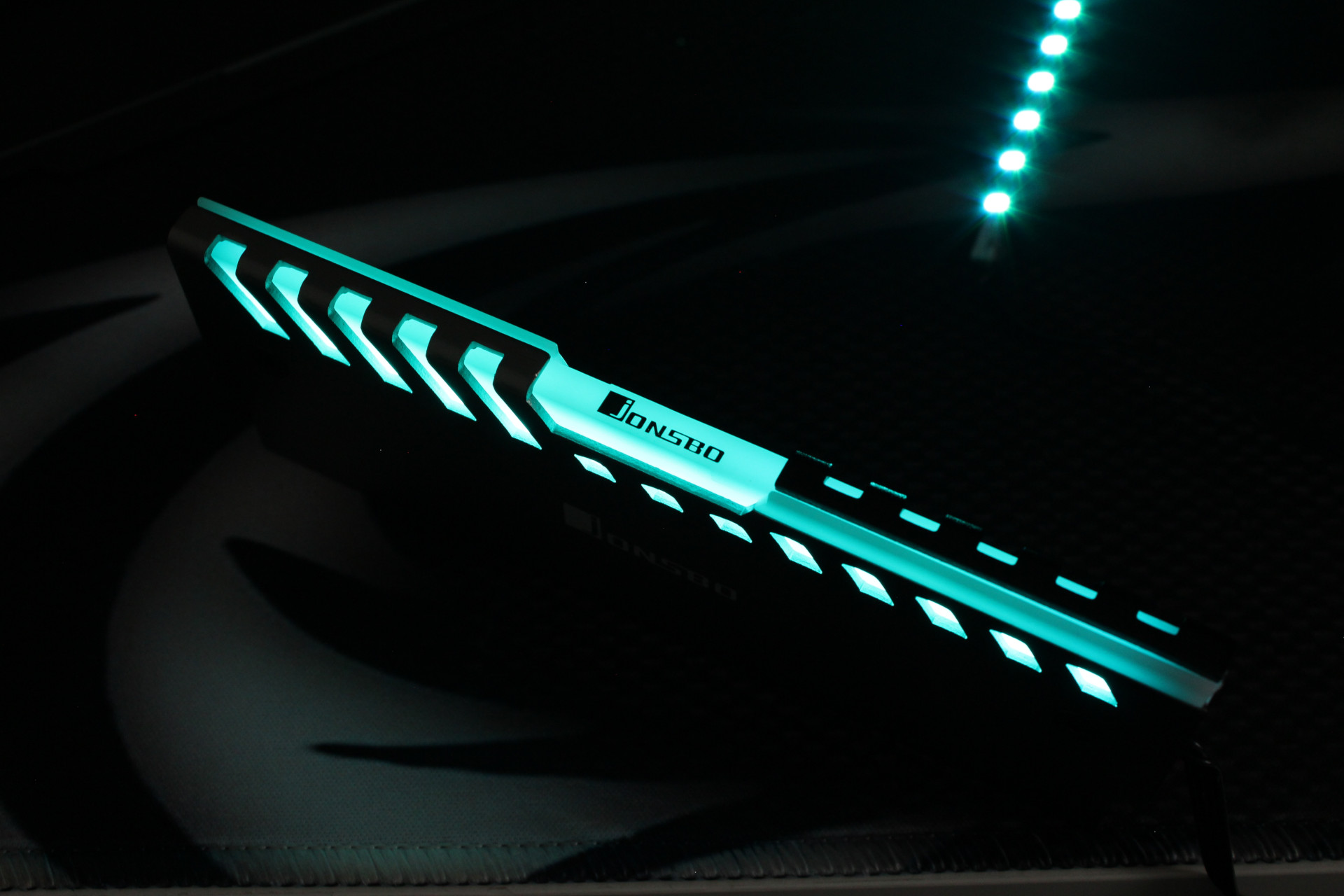
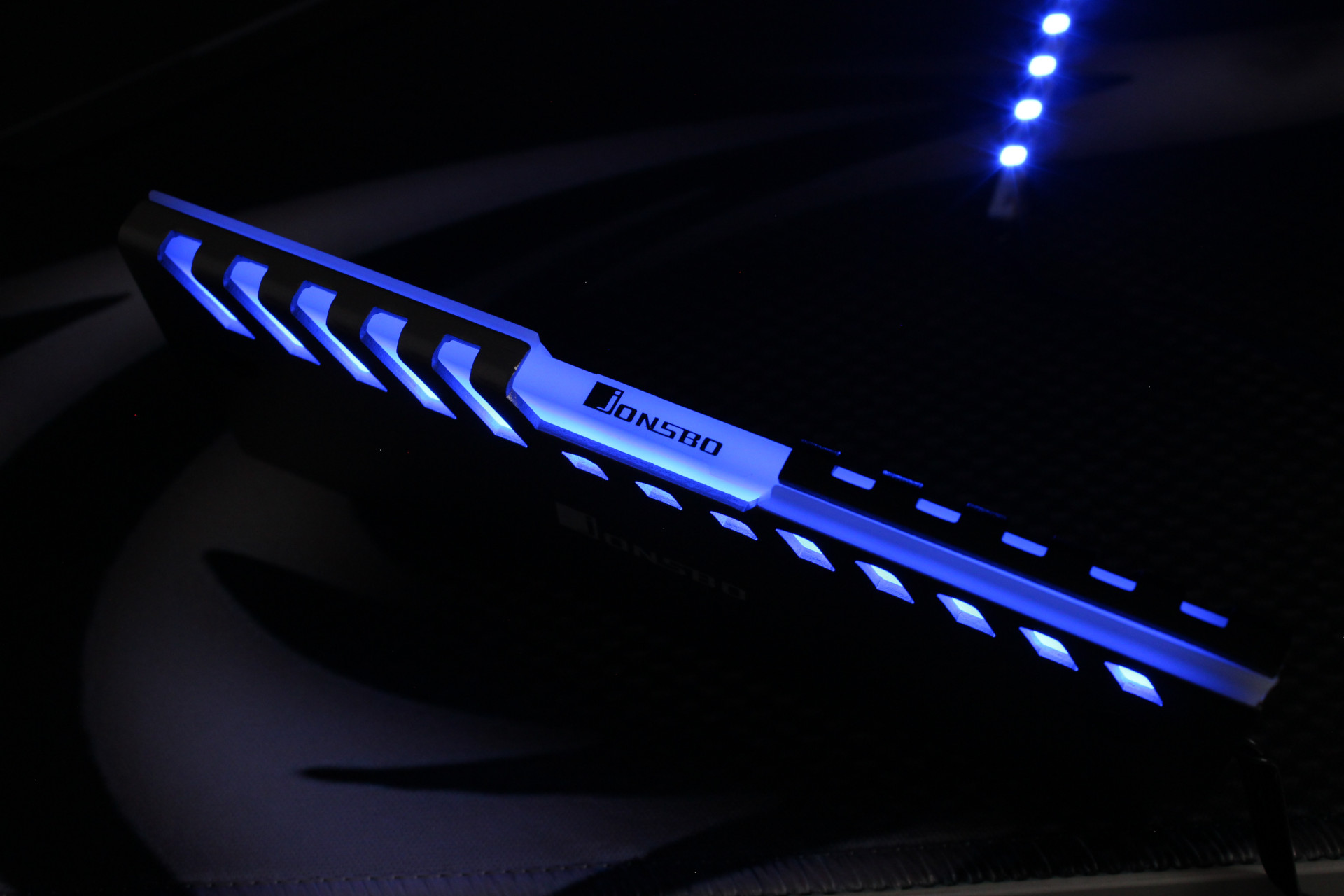
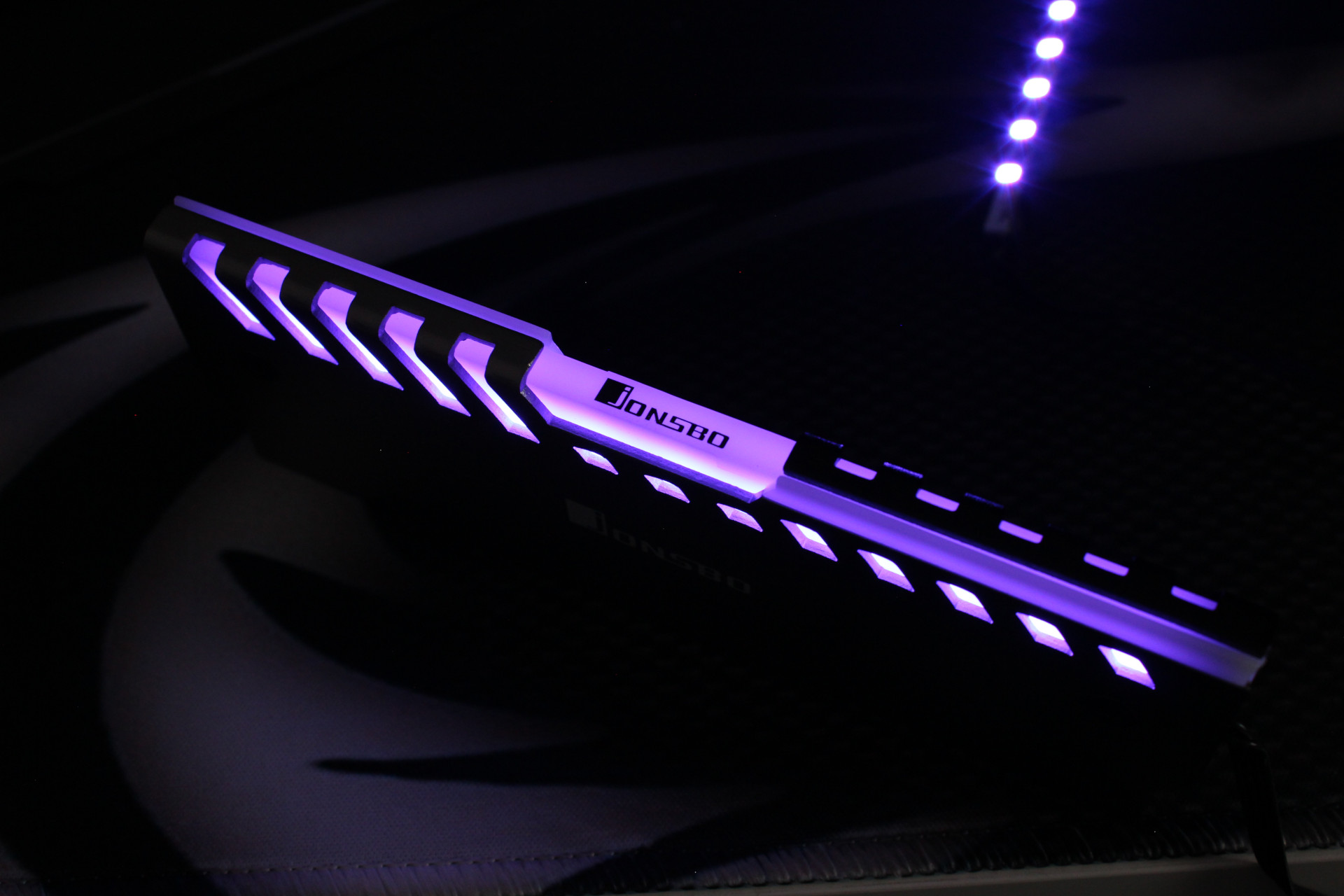
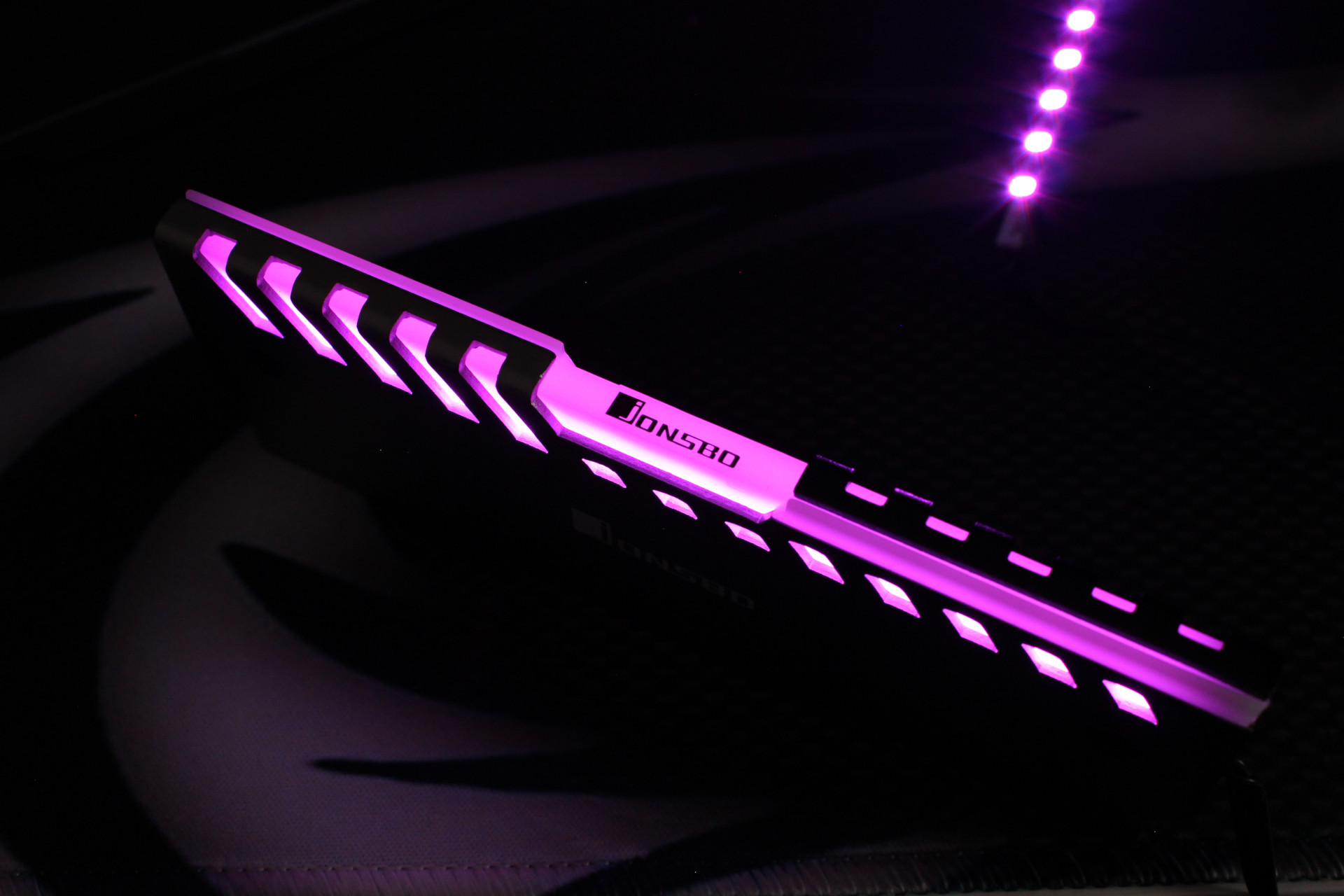
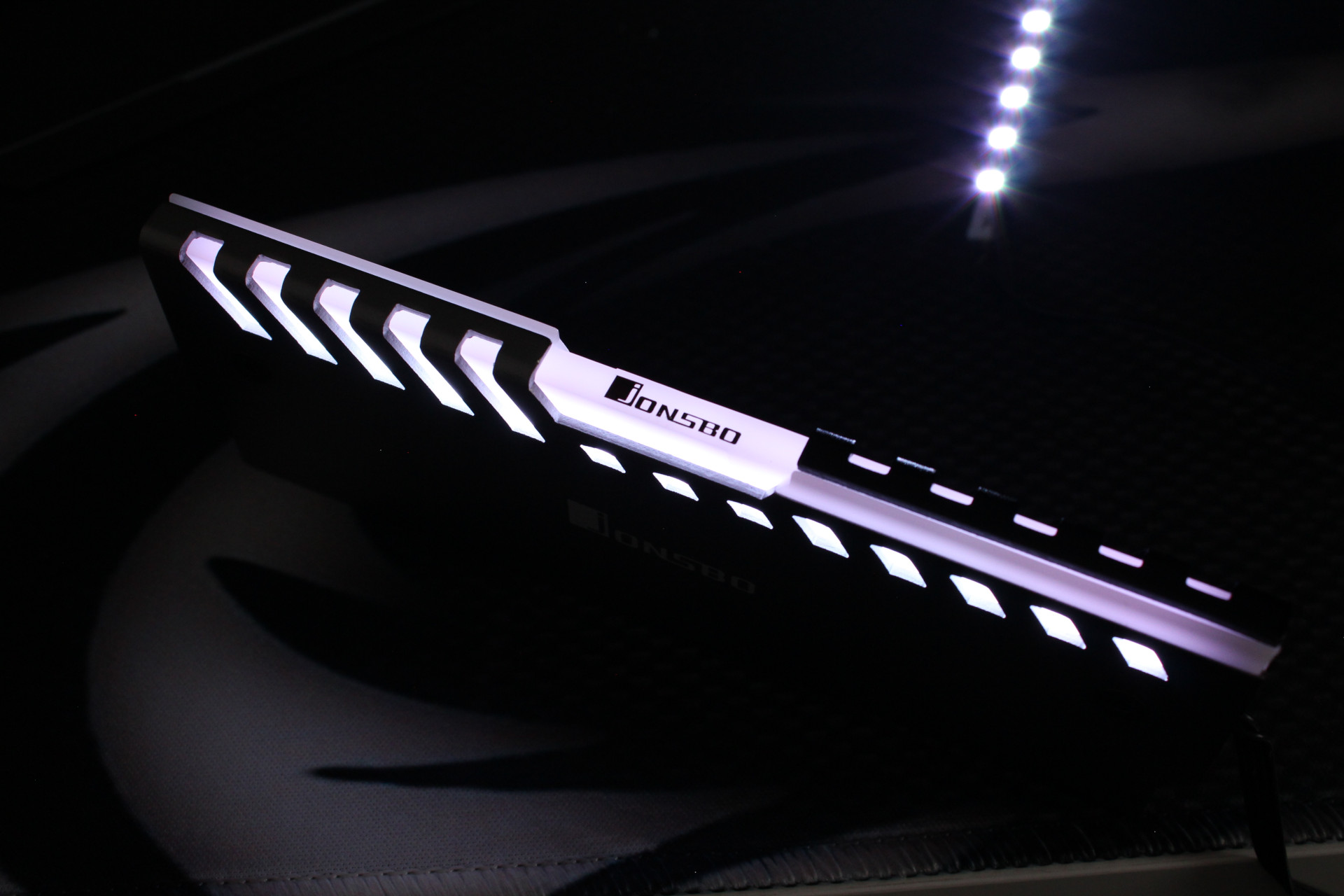
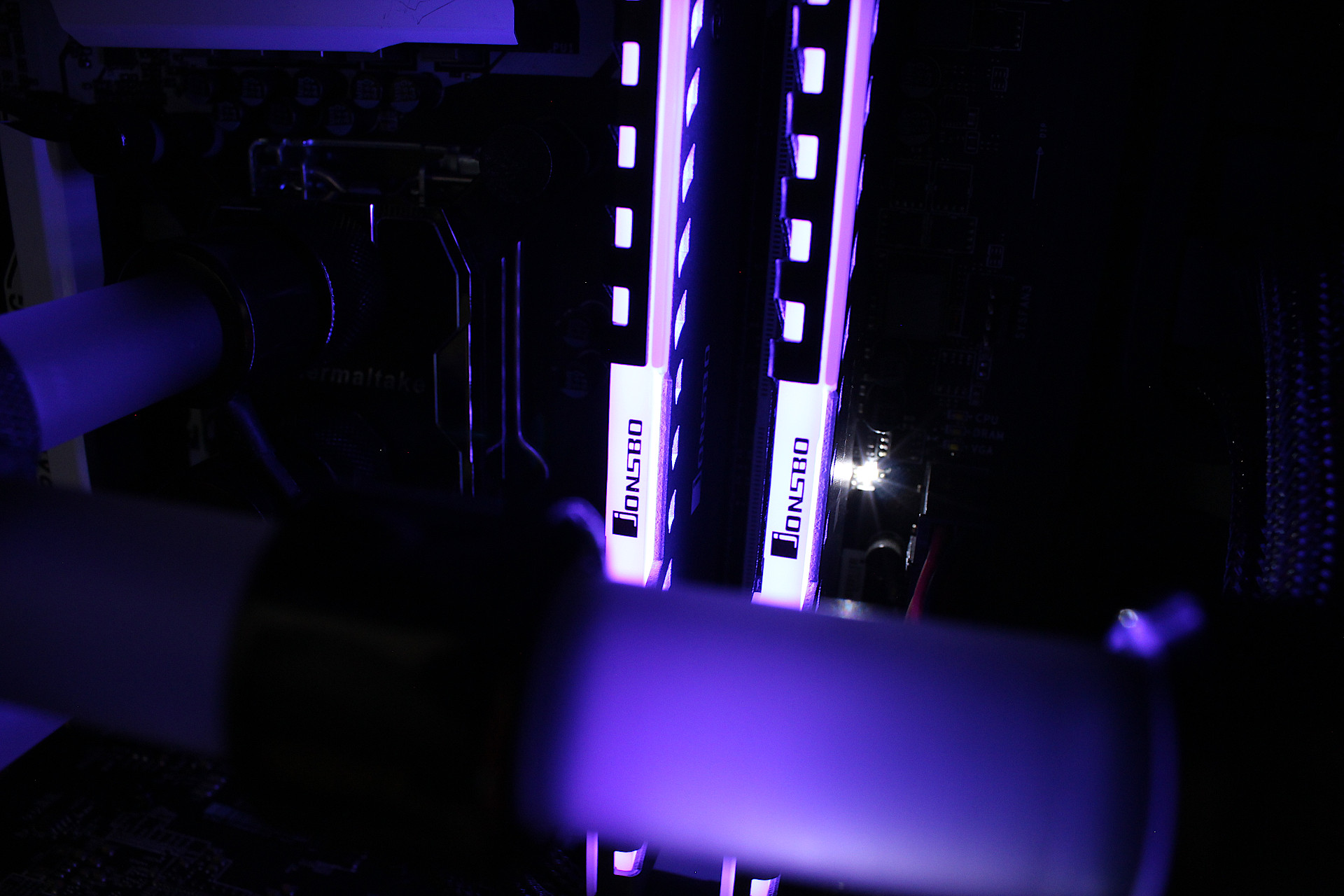
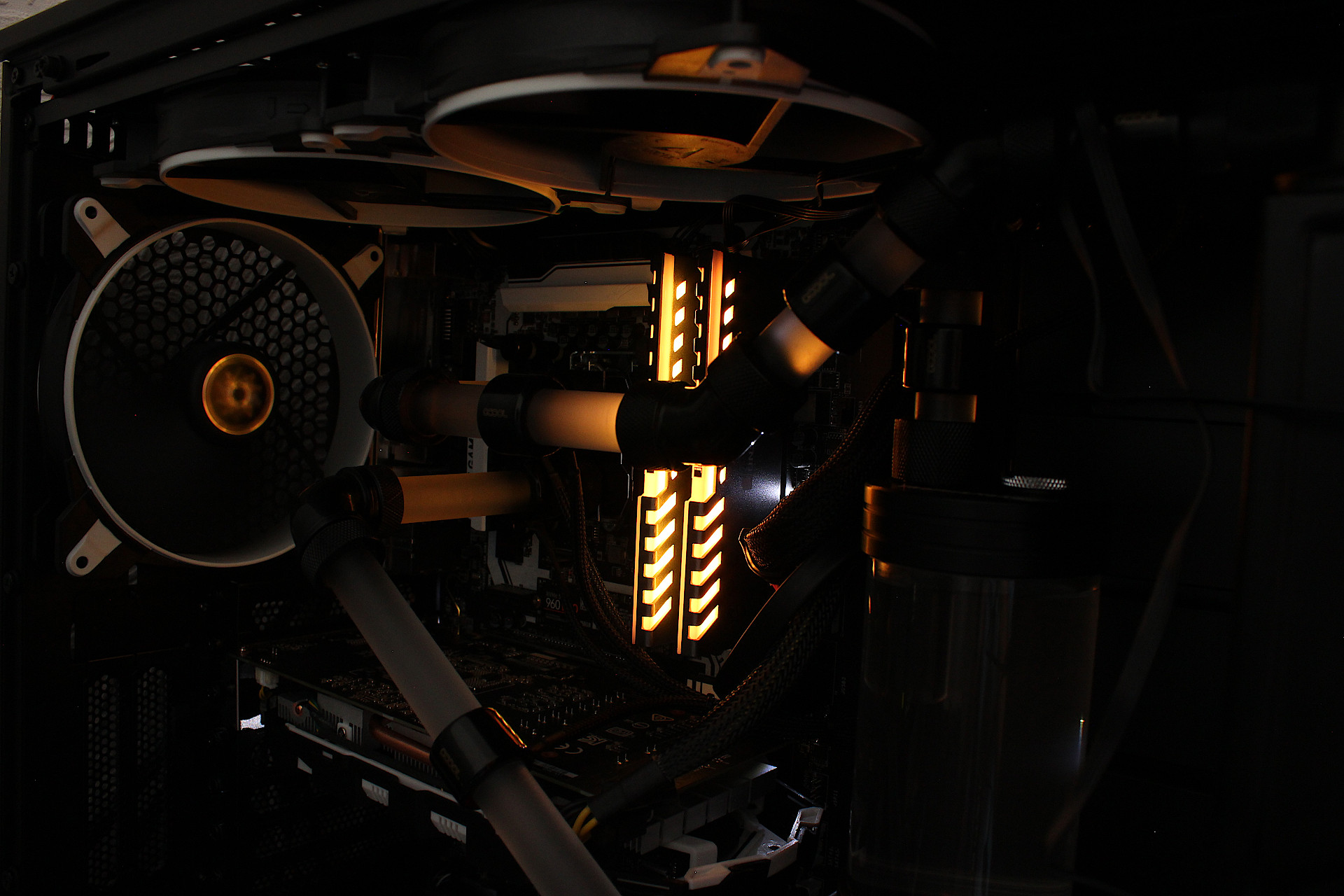
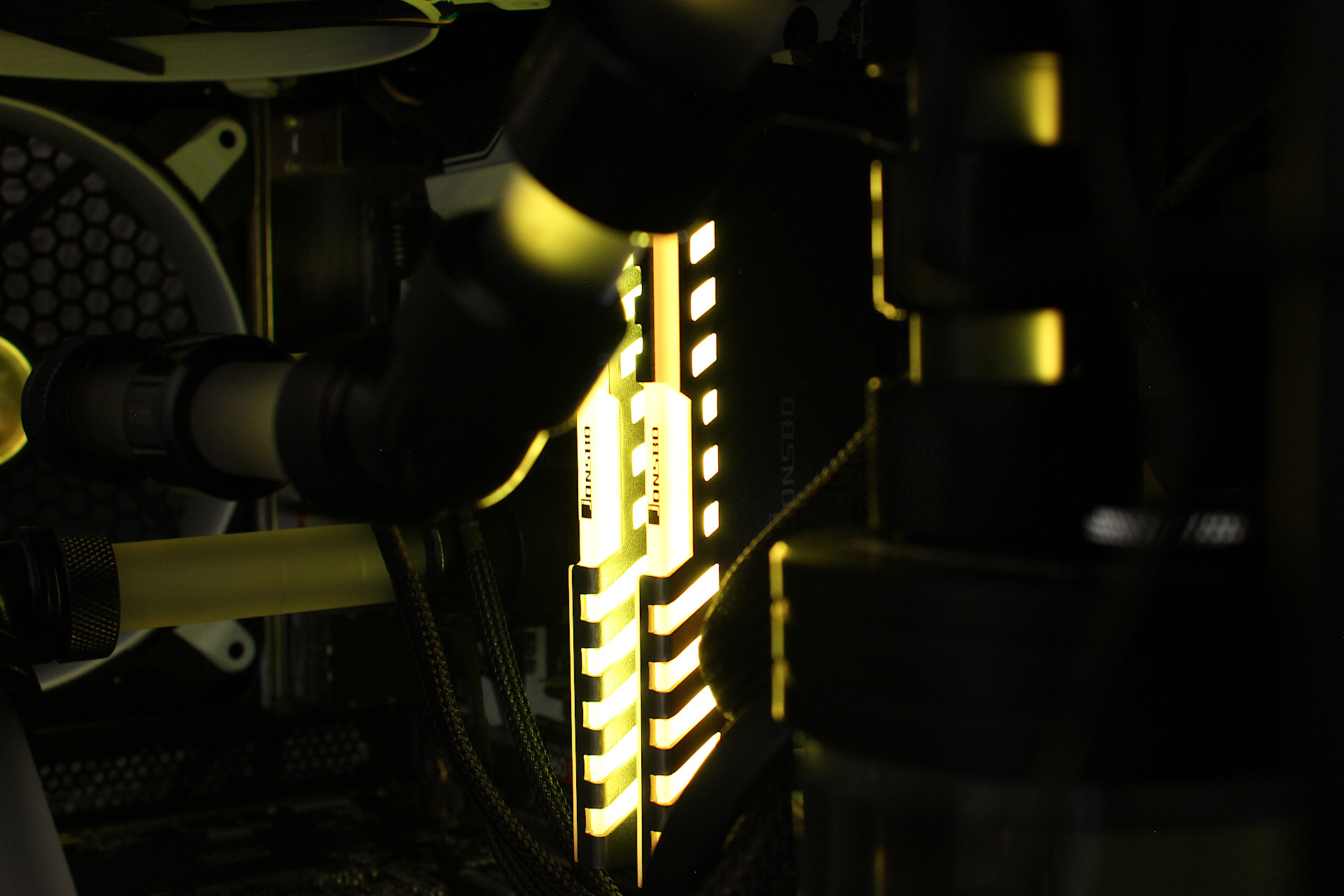
Fitting is simple and they offer two versions, one is fully automated which cycles through an RGB preset. The other comes with an RGB LED strip which you must connect to an RGB controller, either standalone or through a motherboard RGB header. Below are some samples when plugged into a standalone RGB controller, the ones with the remote.
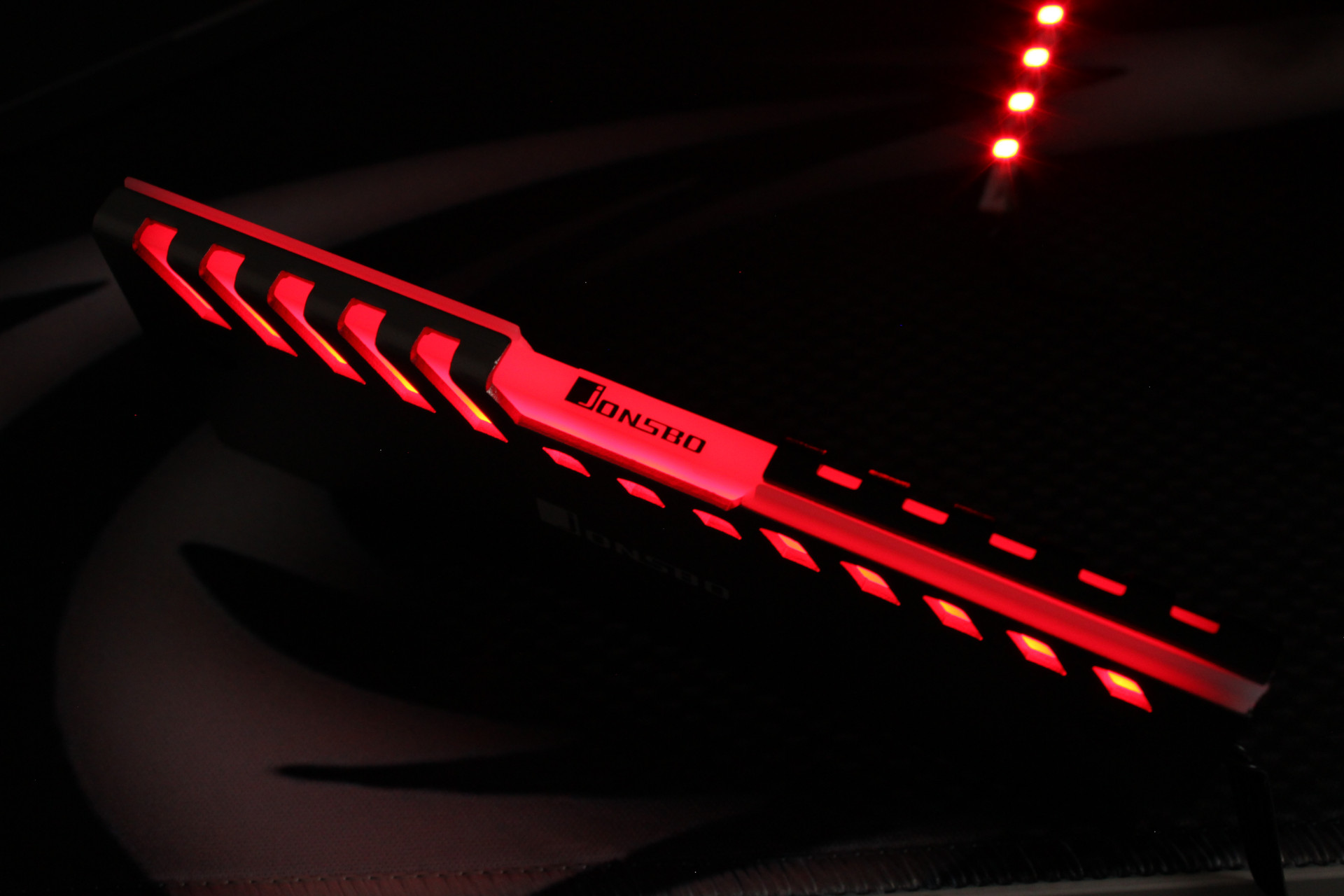
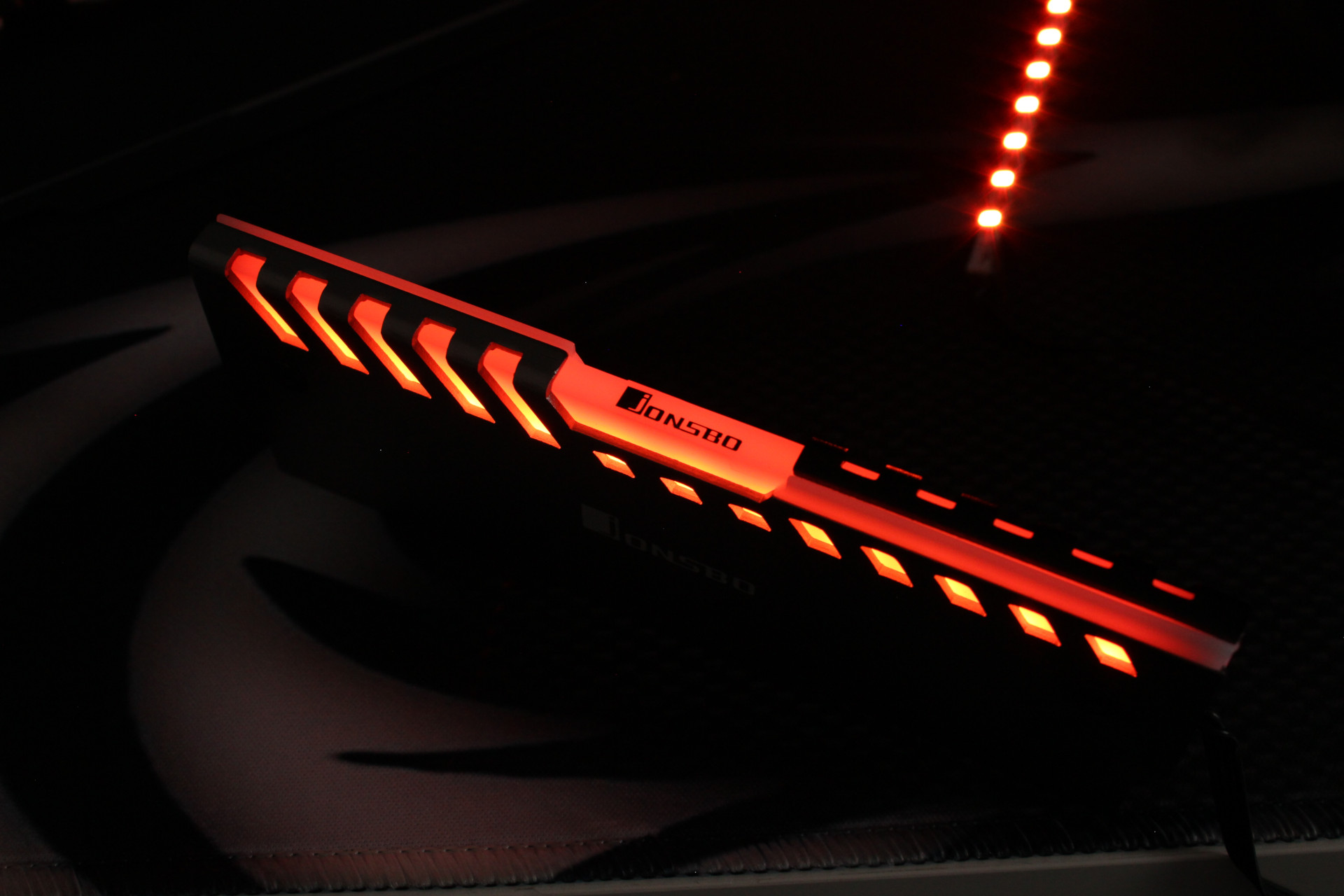
Jonsbo NC-2 RGB Memory Heat Spreader

Hopefully I have done an OK job trying to illustrate the colours, most cameras over saturate the photo due to the sensor being sensitive to a higher frequency range than the human eye. Personally I like the overall look and design of the Jonsbo NC-2, build quality is very strong and the light diffuser works really well.

Assembly

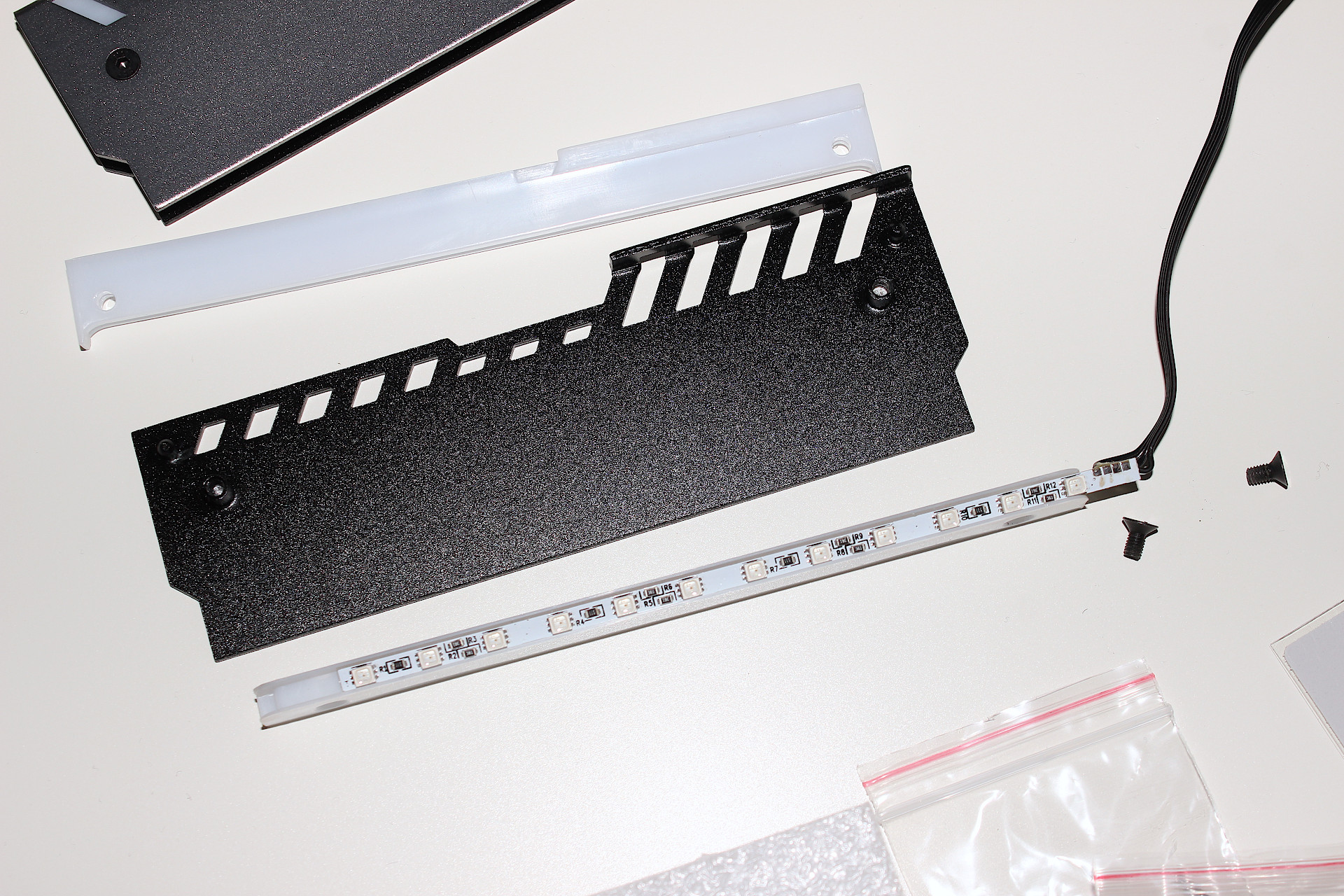
As mentioned before, this is really easy and all you need to do is align the thermal pad and tighten the screws. Obviously make sure you place the RAM module so that the RGB wire at the end you prefer, I have the wire going towards the top of my case.

One thing to note when installing the thermal pad, align the bottom edge with the base of the memory chips as any overlap may protrude beyond the heat spreader.
Jonsbo NC-2 RGB Memory Heat Spreader

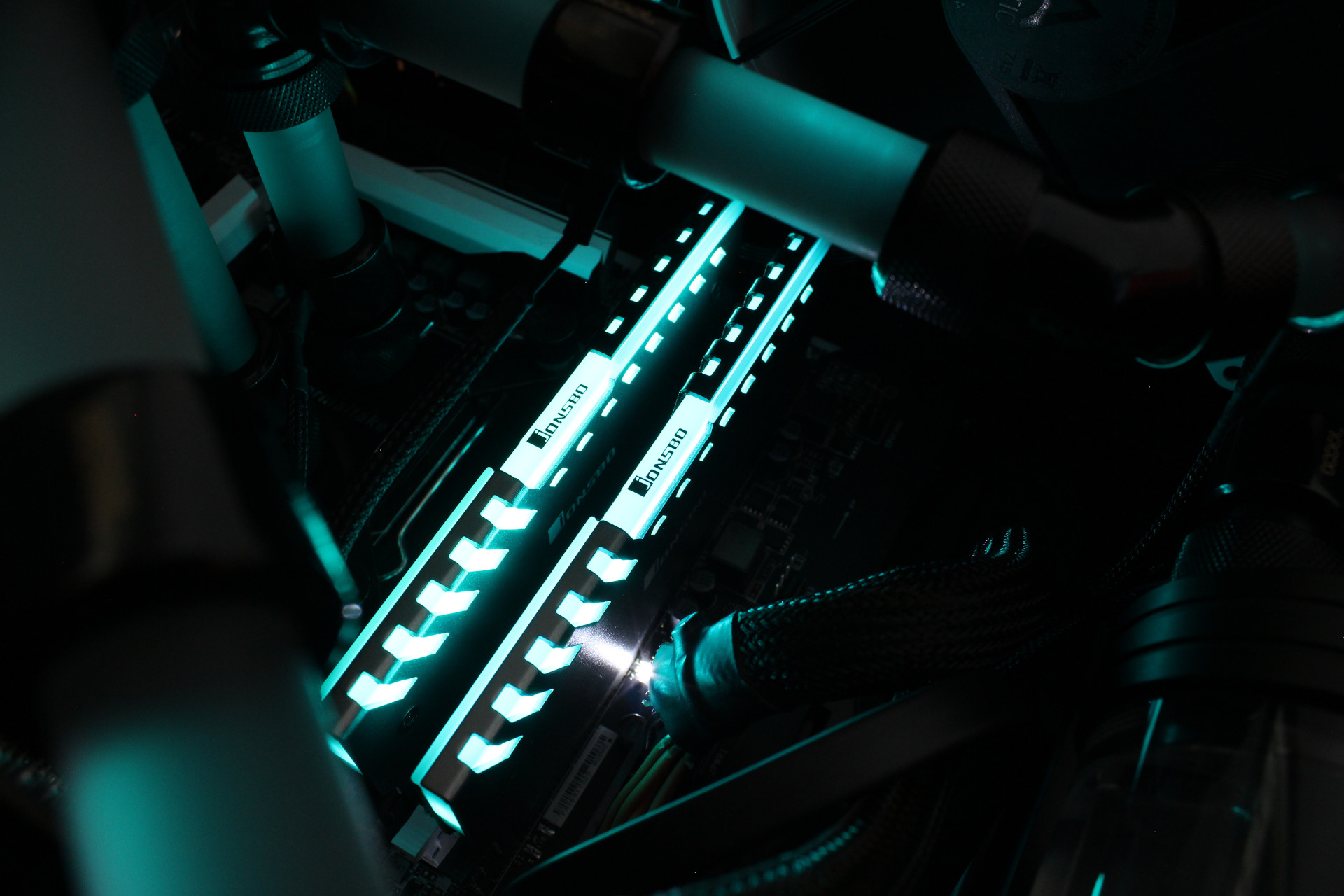
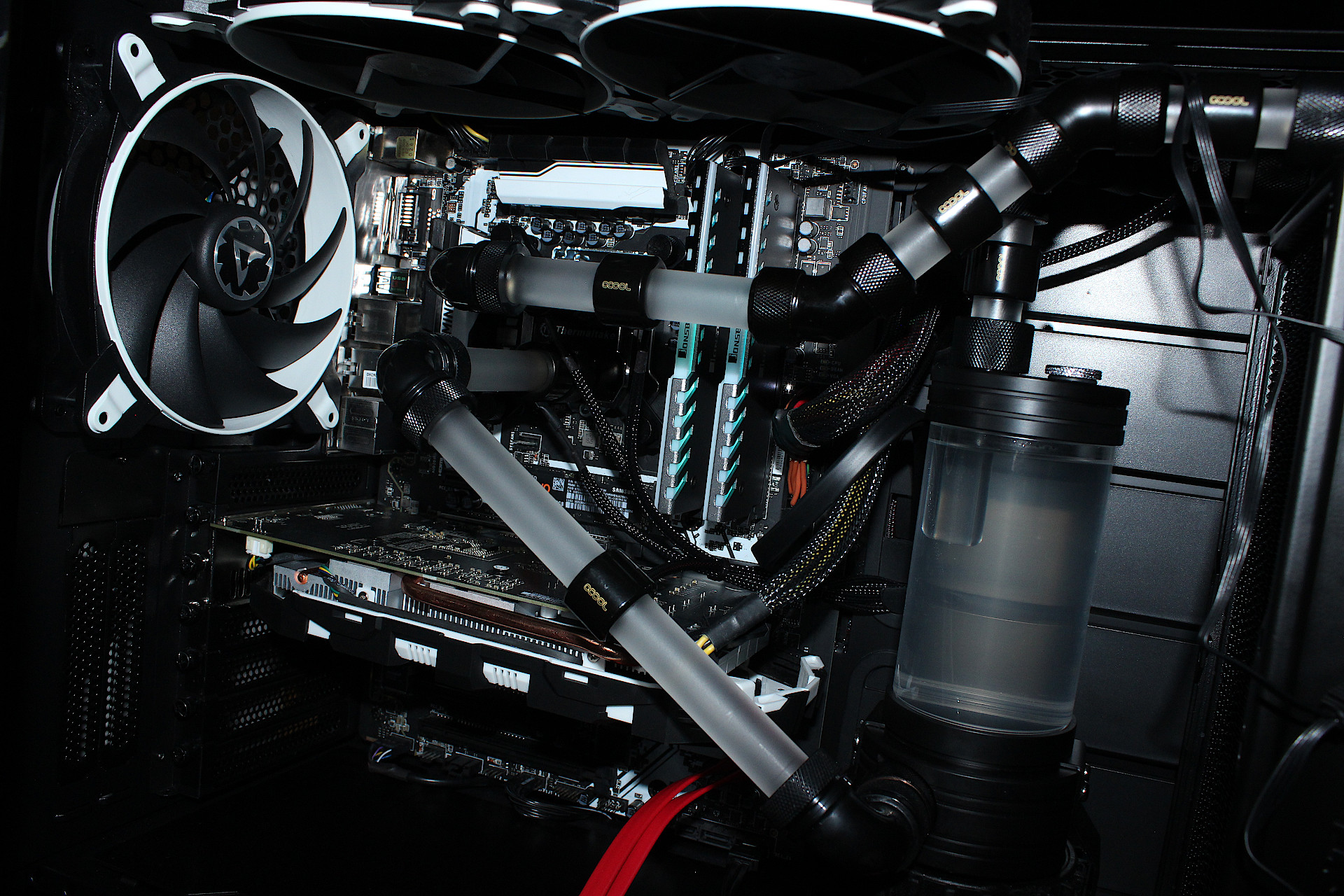
The final result has transformed the overall look of the PC and on maximum brightness it does provide an illuminating glow inside so if you don’t have any other lighting you may find it is all you need. I’m pleased with the result and would recommend the Jonsbo NC-2 RGB heat spreaders to anyone willing to put a little effort into modding their PC.

Post navigation

Previous: Water Cooling Project Update 2
Next: Water Cooling Project Update 3

Related Posts

FT_SP
  • GFX Card
  • Hardware
  • Modification
  • PC Gaming
  • Review
  • RTX 3080
  • Water Cooling

AMD Ryzen 9 5900X With An RTX 5080 GPU

ElectroStingz July 20, 2026
6monthcheck
  • Hardware
  • Laptop
  • PC Gaming
  • Technology

ASUS ROG Strix G16 2024 – New Liquid metal and Arctic MX-7

ElectroStingz July 4, 2026
6monthcheck
  • Hardware
  • Laptop
  • Modification
  • Review

ASUS ROG Strix Laptop – Checking Arctic MX-6 Thermal Paste After 1 Year

ElectroStingz June 25, 2026

ASUS ROG STRIX G16 2024 Laptop

  • by ElectroStingz ASUS ROG Strix Laptop - Checking Arctic MX-6 Thermal Paste After 1 Year
  • by ElectroStingz ASUS ROG Strix G16 - Checking Thermal Paste After 6 Months
  • by ElectroStingz Asus Rog Strix G16 Gaming Laptop Is It Overheating? – Part 2
  • by ElectroStingz Asus Rog Strix G16 Gaming Laptop Is It Overheating? - Part 1

Water Cooled RTX 3080

  • by electrostingz AMD Ryzen 9 5900X With An RTX 5080 GPU
  • by electrostingz My Watercooling Radiator Push Pull Upgrade
  • by electrostingz Gigabyte AORUS RTX 3080 Xtreme Waterforce WB Mini Review
  • by electrostingz My Gigabyte AORUS RTX 3080 Xtreme Waterforce WB GFX Card Has Arrived
  • by electrostingz GFX Card Update: Gigabyte AORUS RTX 3080 Xtreme Waterforce Rev 2.0

i9-14900HX Temperature Testing Cinebench R23

i9-14900HX Temperature Testing CPUZ

Copyright © All rights reserved. | MoreNews by AF themes.