Skip to content

ElectroStingz

Primary Menu
  • Guides
    • Intel 6700K Adaptive Mode Overclocking
    • Delidding my Intel i7-6700K processor
    • Intel i9-14900HX Lower Temperature Tweaks
    • Additional Monitor Refresh Rates
    • Laptop CPU Boost Control For Windows
  • Home
  • 2023
  • August
  • A Small Upgrade To My PC
  • Hardware
  • Modification
  • PC Gaming

A Small Upgrade To My PC

ElectroStingz August 1, 2023 2 minutes read
Upgrade_FT

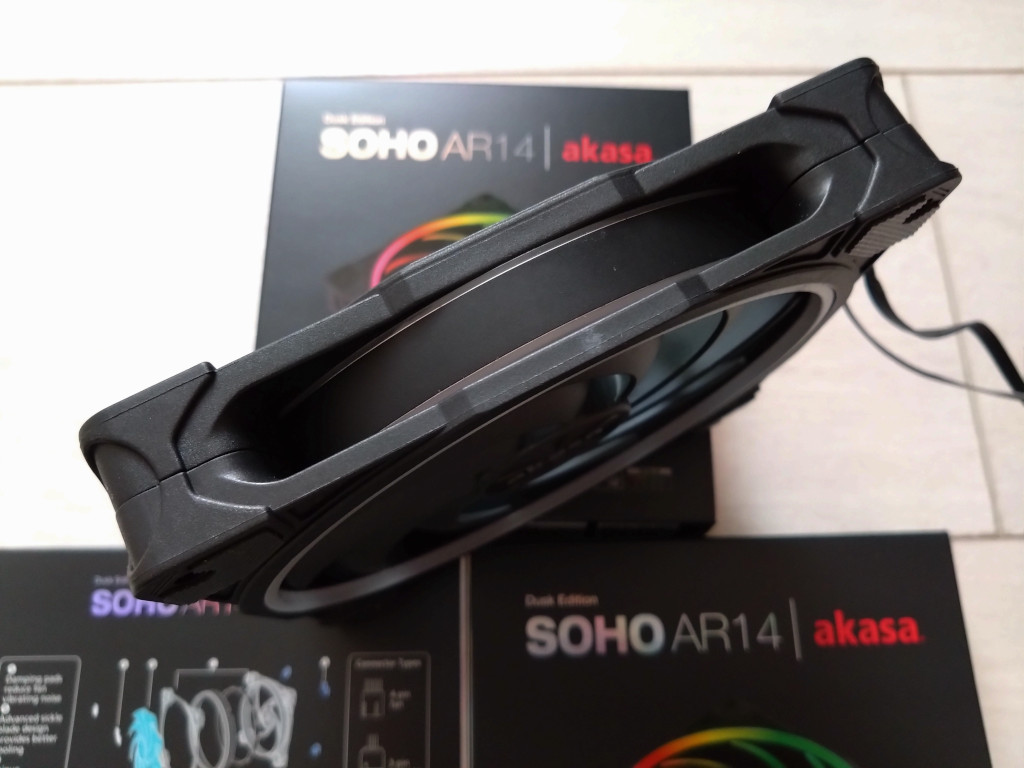
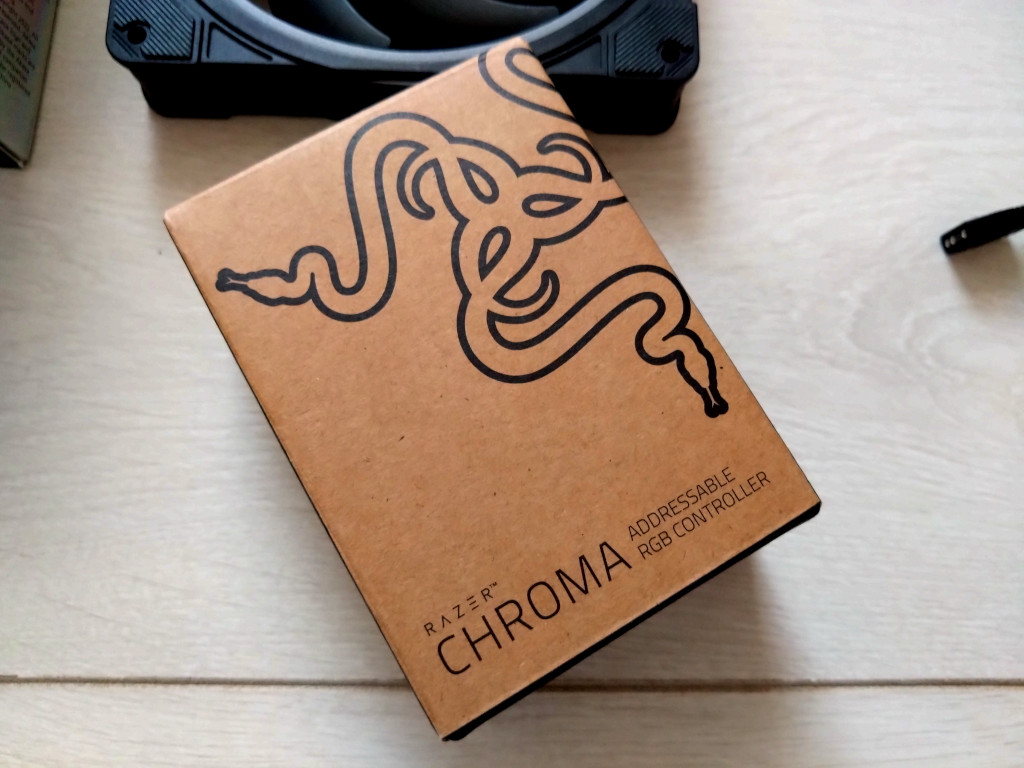
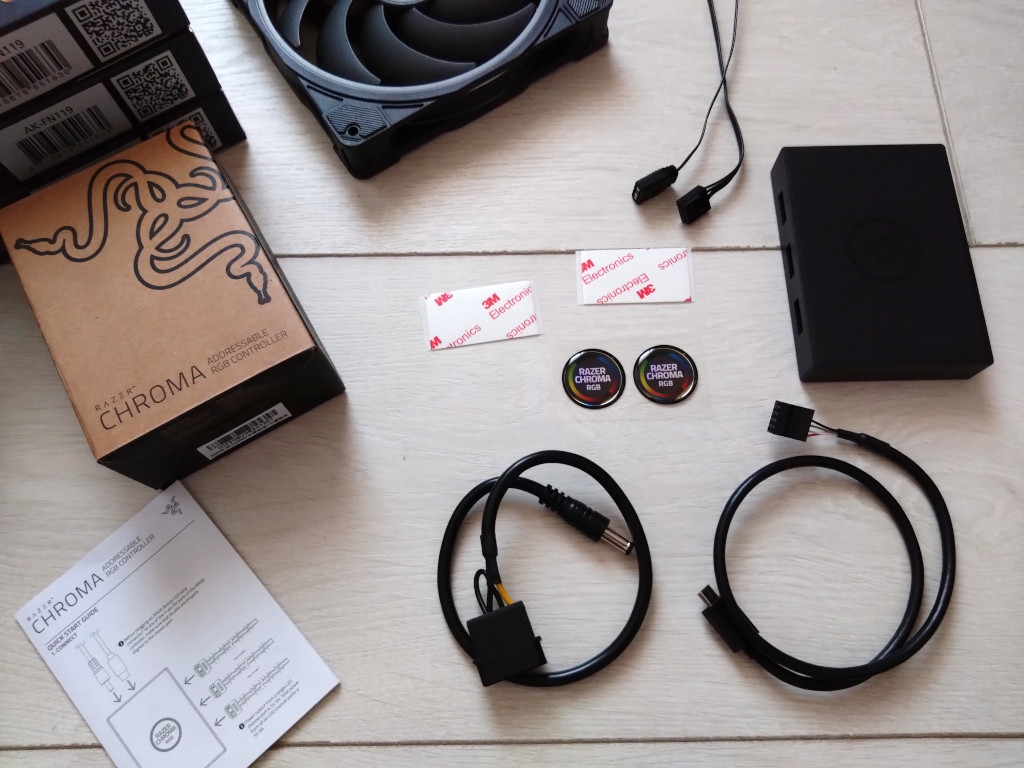
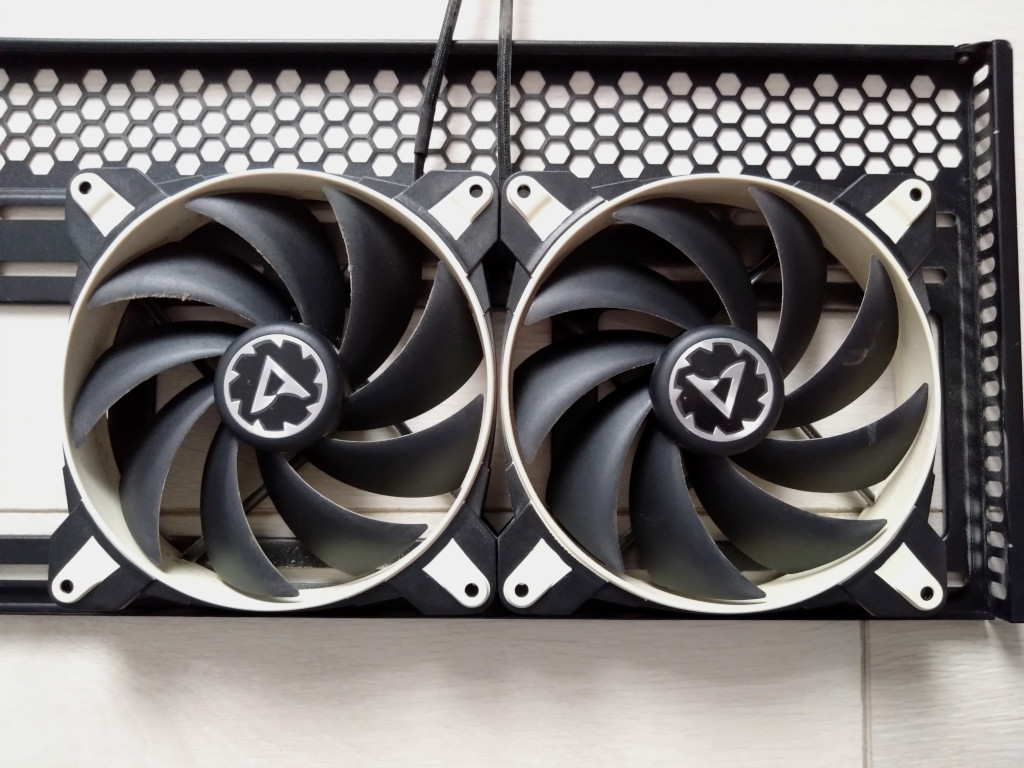
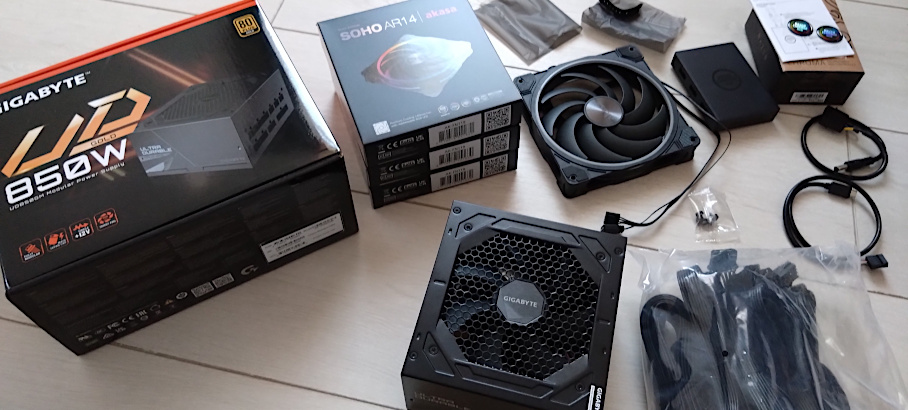
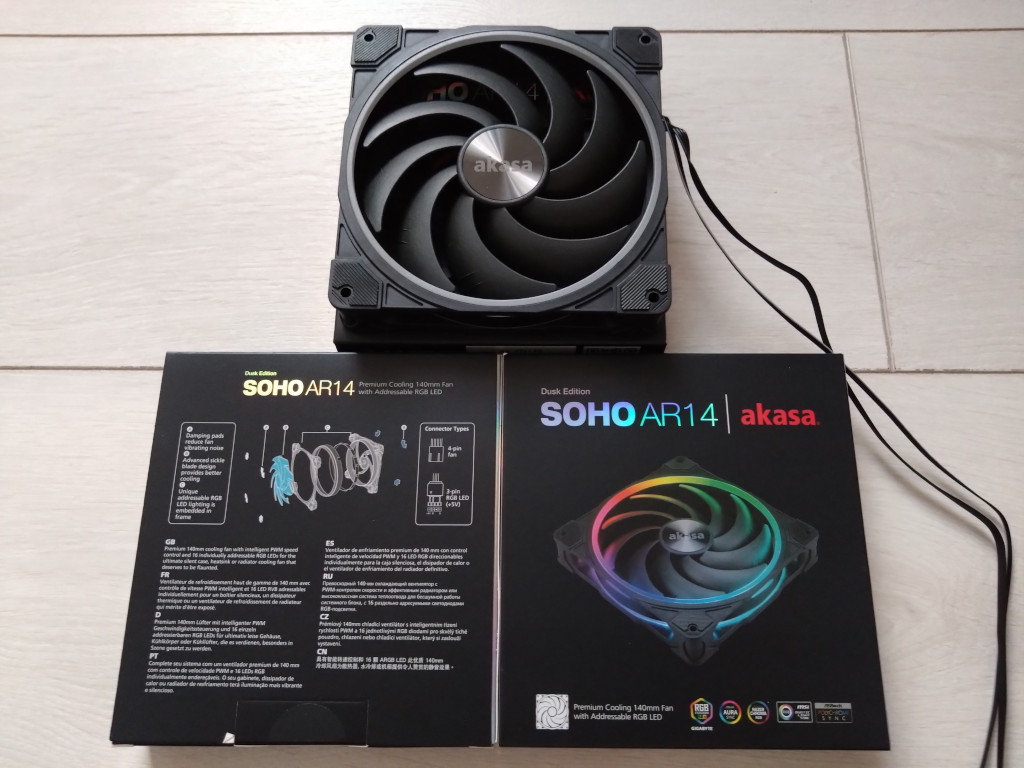
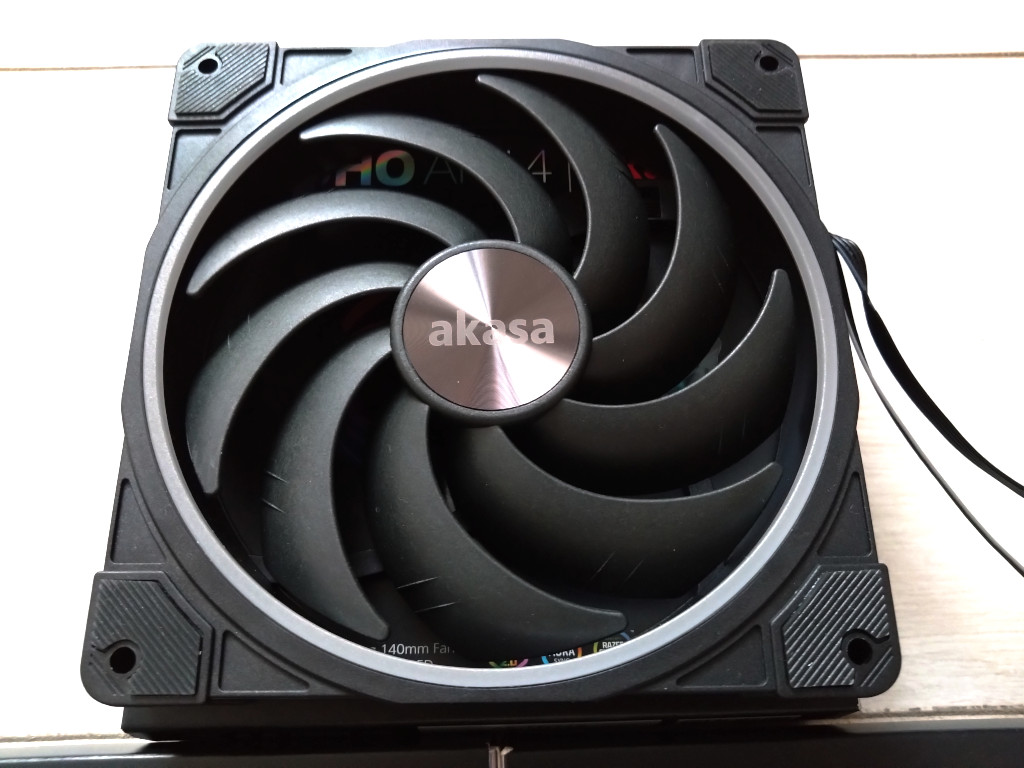
It’s been a while since my PC has had any significant upgrades, the i7-6700K CPU is still working well with the water cooling setup but the Arctic case fans have become noisy and now rattle so I have decided it’s time for an upgrade. One thing which has picked up since the original build is the use of aRGB lighting on case fans and motherboards so I have picked the Akasa SOHO AR14 fans as suitable replacements. To make use of the aRGB lighting I have also bought an aRGB controller hub, the RAZER CHROMA as my motherboard (MSI Z170A KRAIT Gaming) does not have the ability to control the lights.
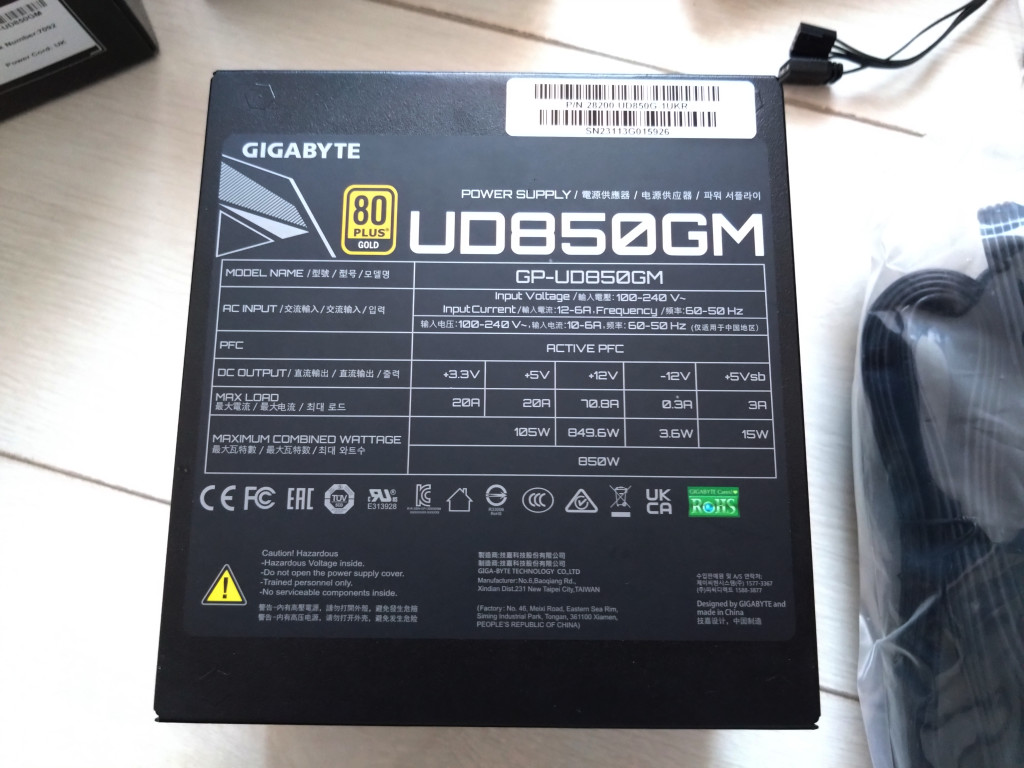
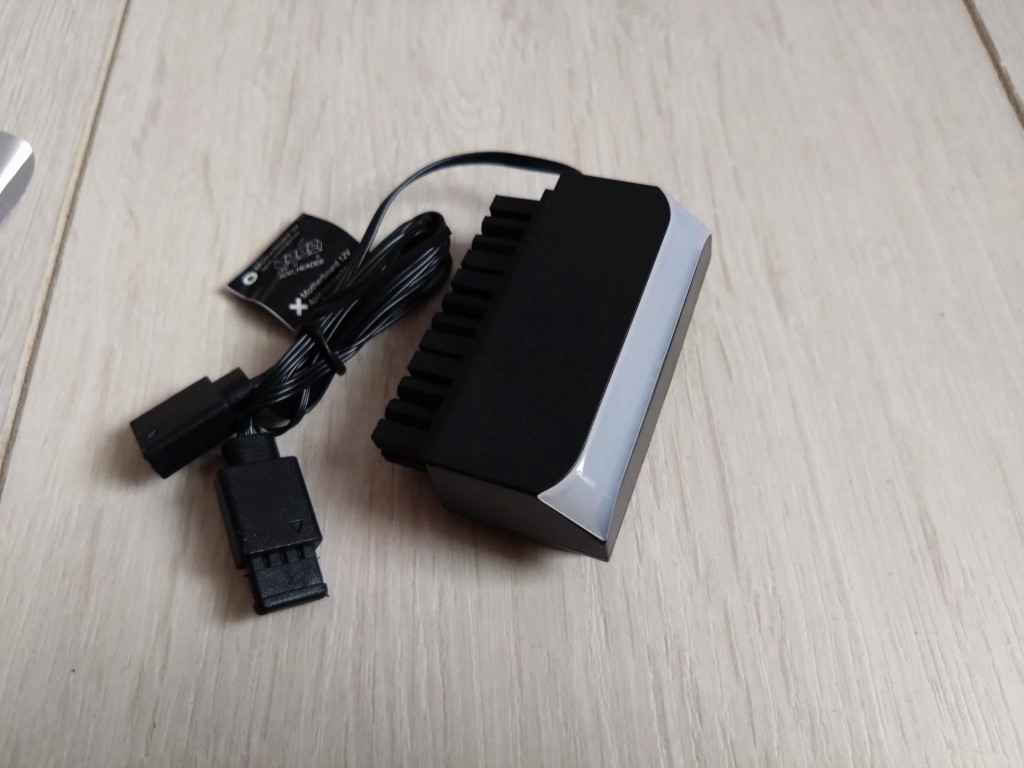
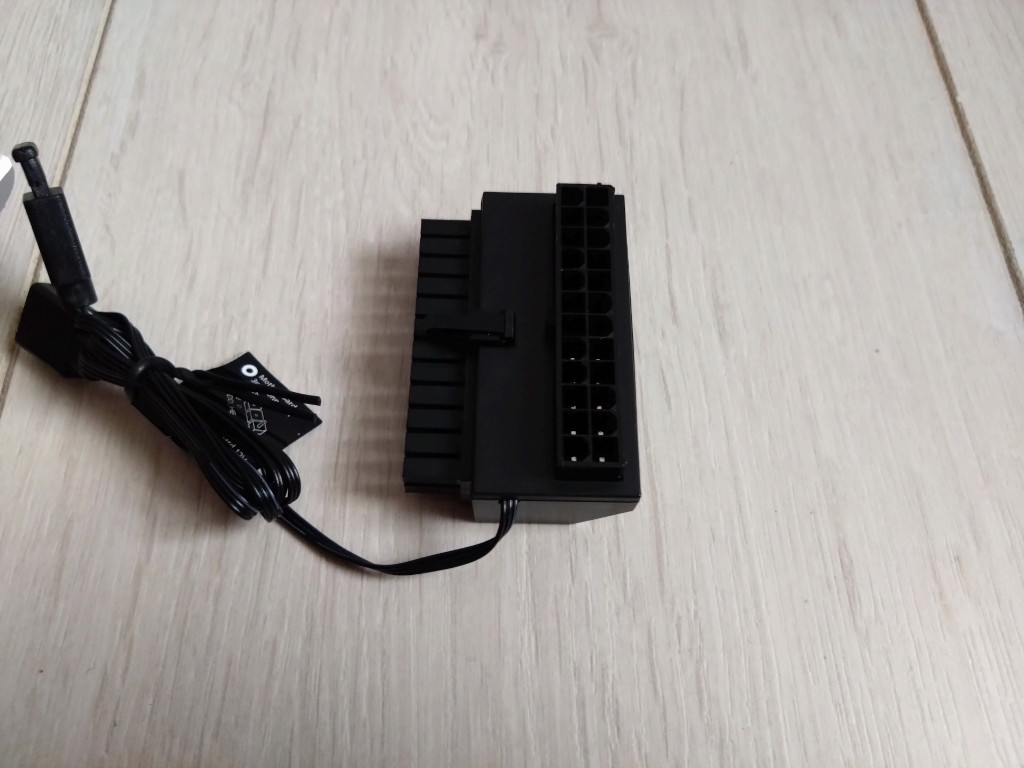
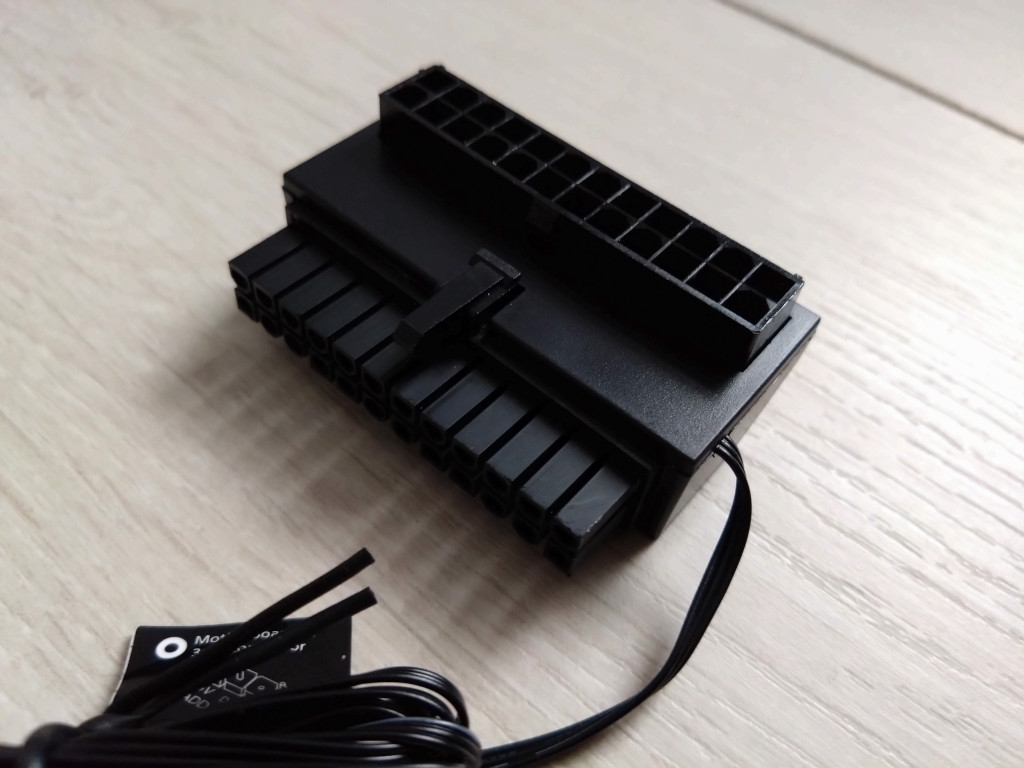
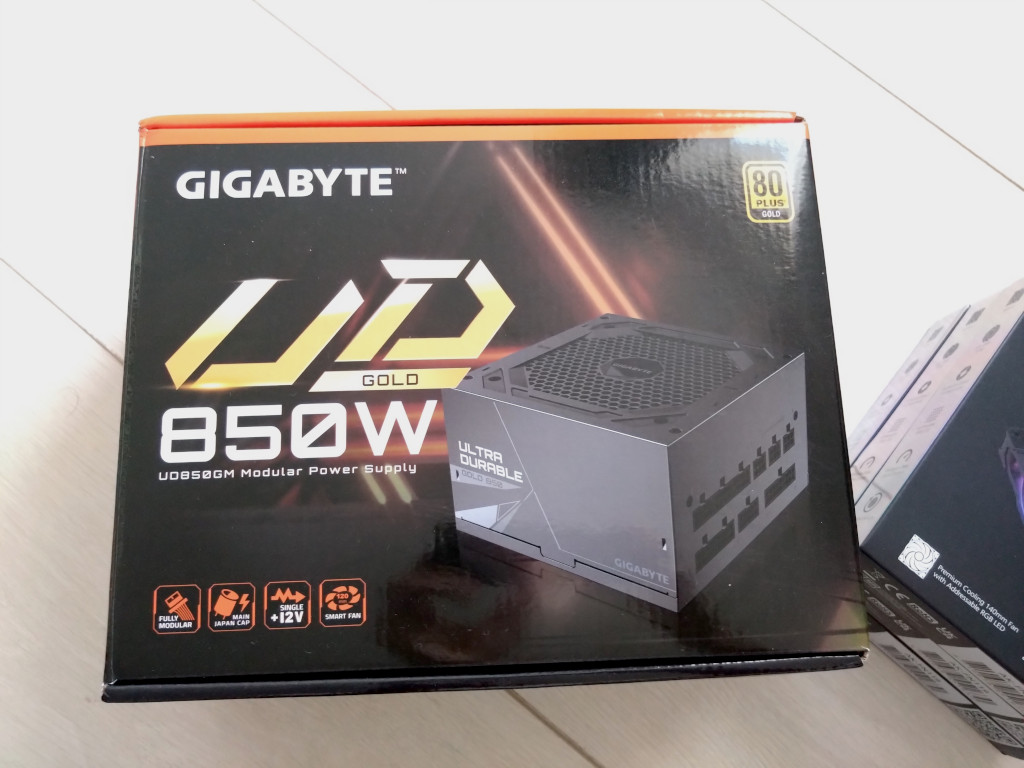
Whilst on the upgrade path I have been thinking about my current power supply which is a 12+ year old Corsair TX650W PSU, still working but I feel something new is required so will be changing this to a Gigabyte UD850GM 80PLUS Gold PSU and right angle ATX connector with aRGB illumination.
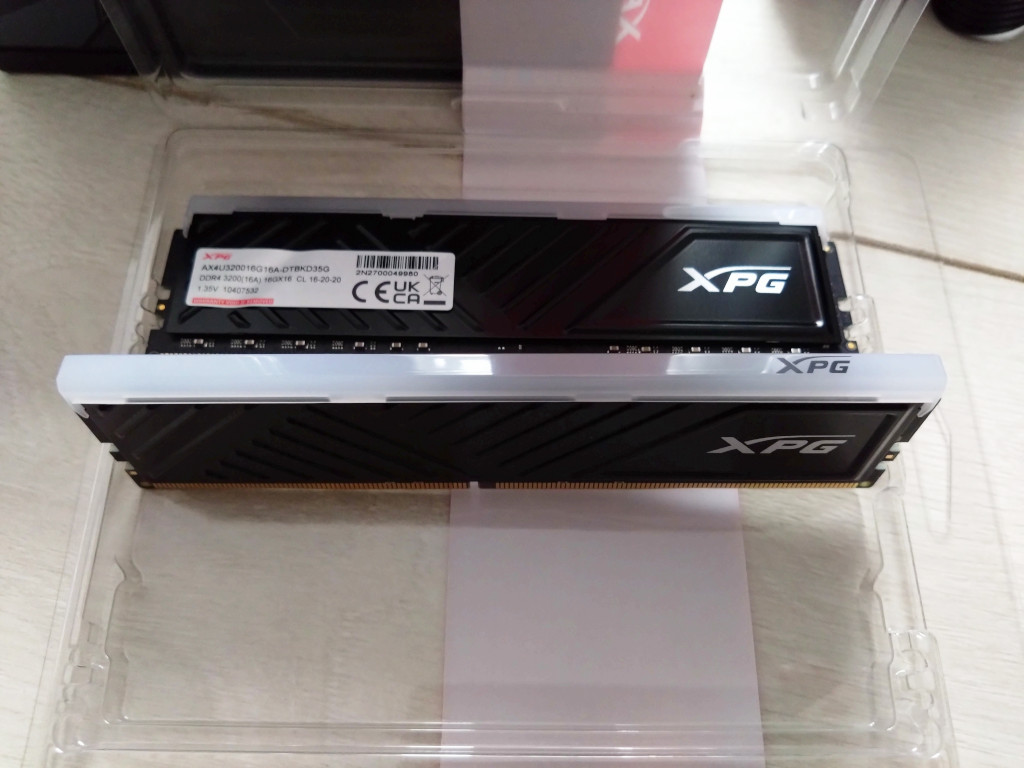
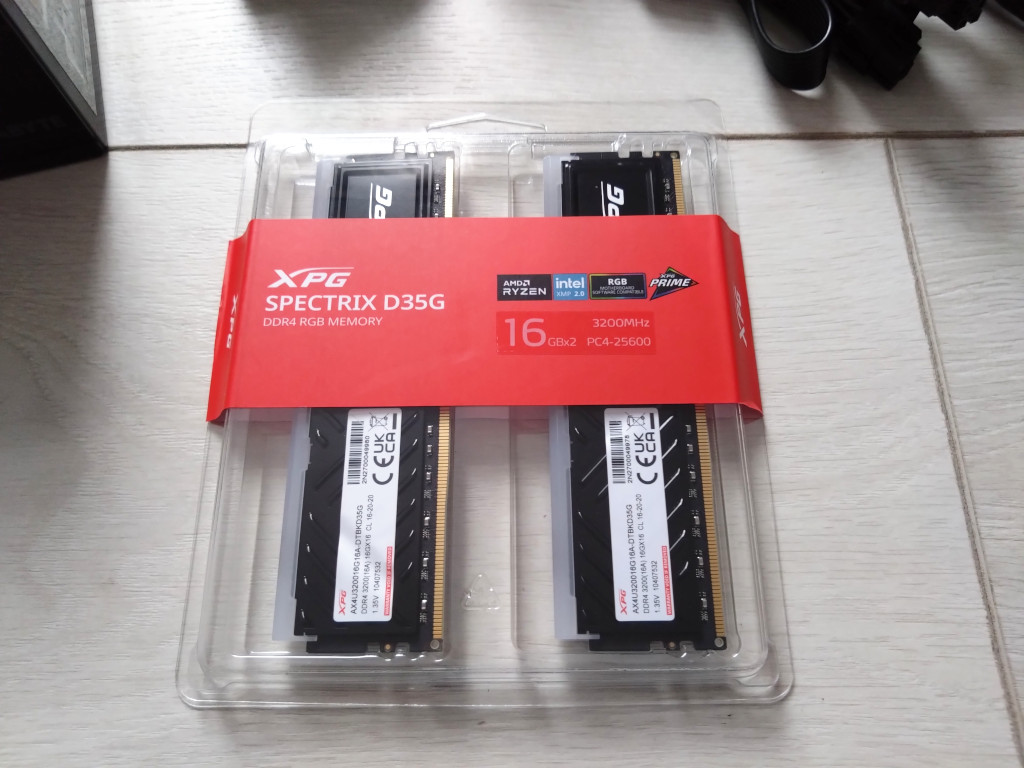
And my RAM is also being upgraded, the JONSBO LED heatspreaders have worked well but I am hoping the RAZOR CHROMA aRGB controller will be able to also control some new RAM with intergrated LEDS, ADATA XPG Spectrix D35G 2x16GB DDR4 3200MHz.
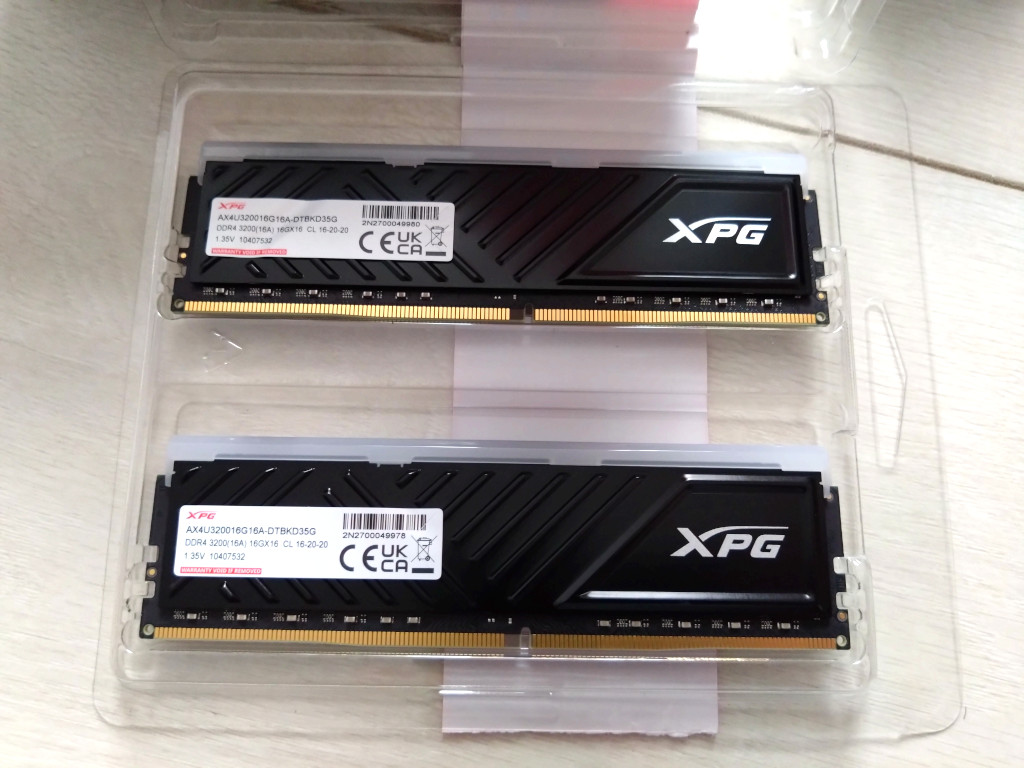
The Upgrade

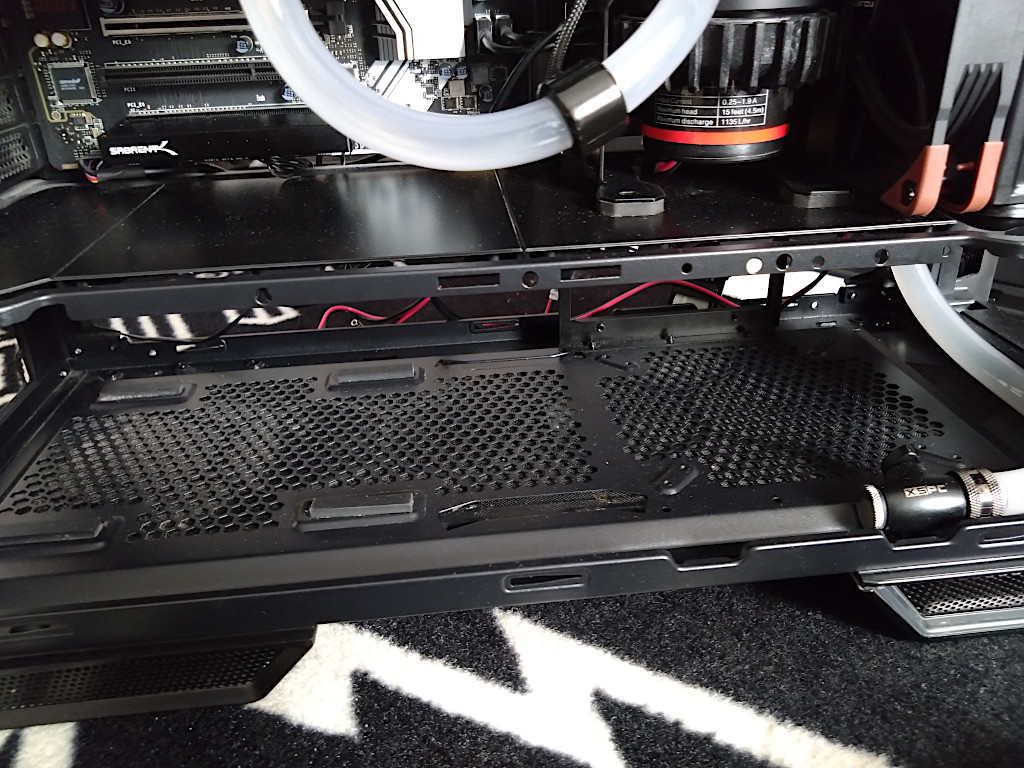
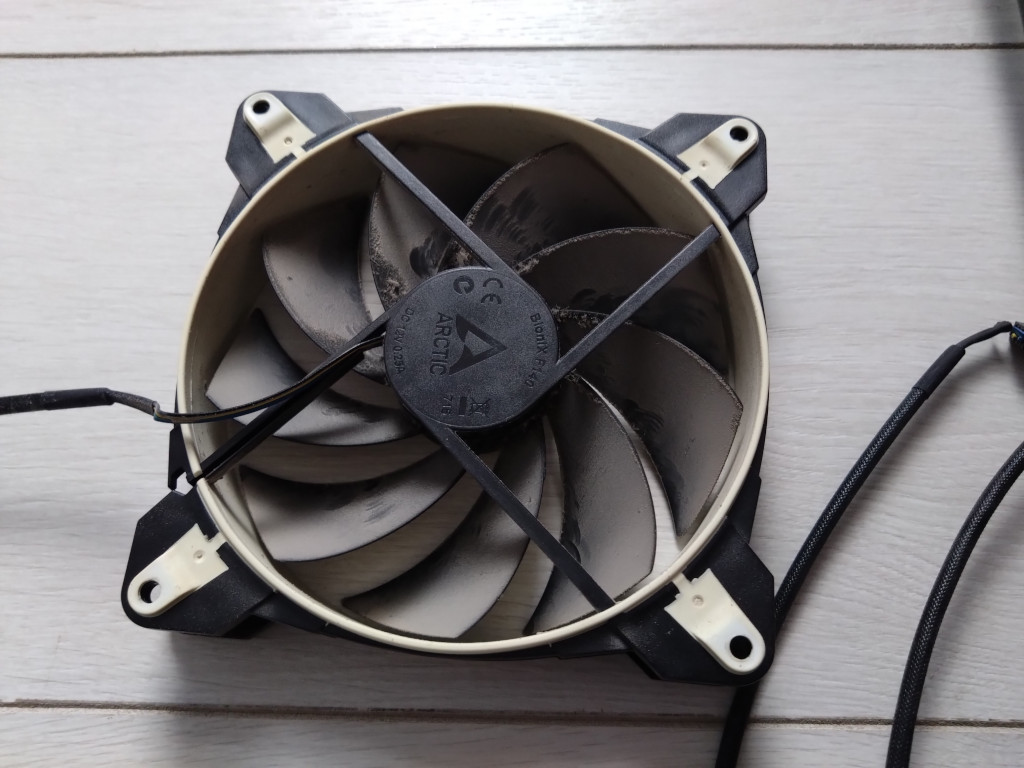
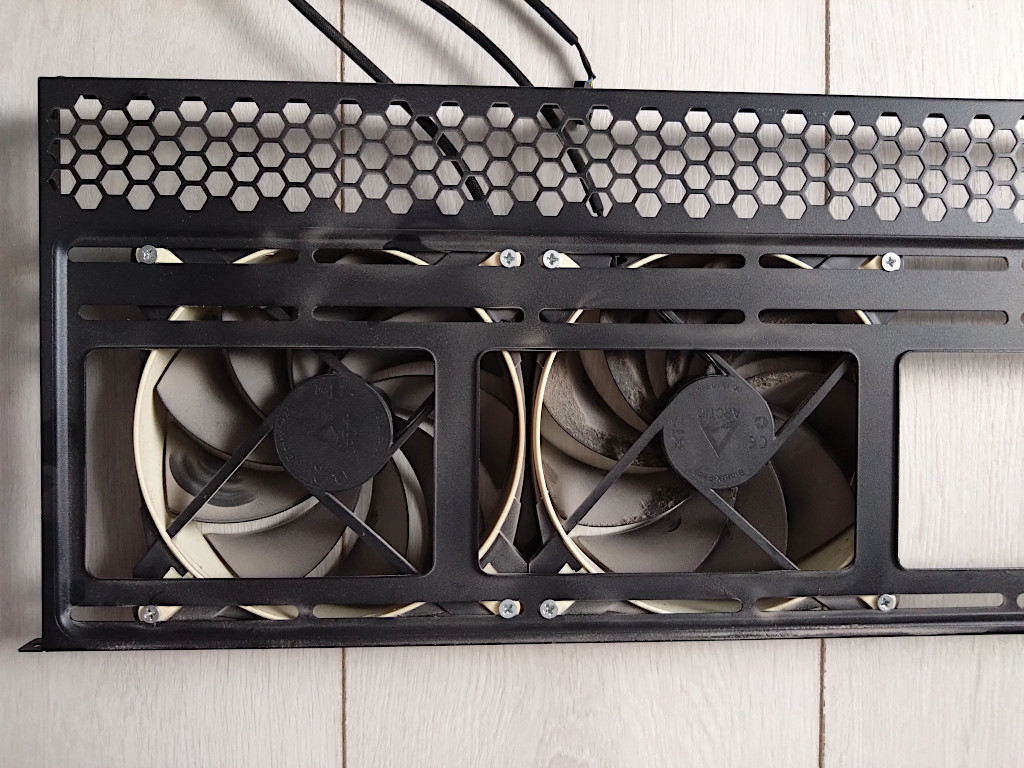
Starting with removal of the old fans, PSU and RAM, its clear there is a lot of dust and the fans have discoloured slightly.
Next I put everything together, it’s all hidden and upon turning on everything worked which is where I stopped. Next I’ll get the software installed in windows to see what I can do with the RAZER CHROMA.
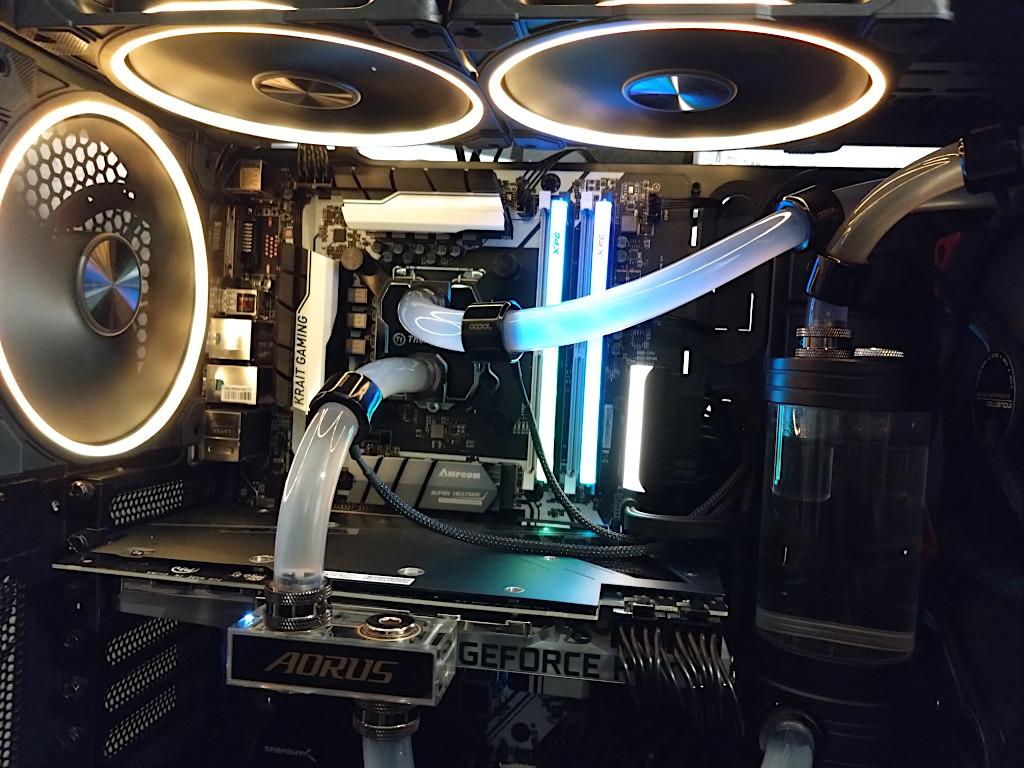
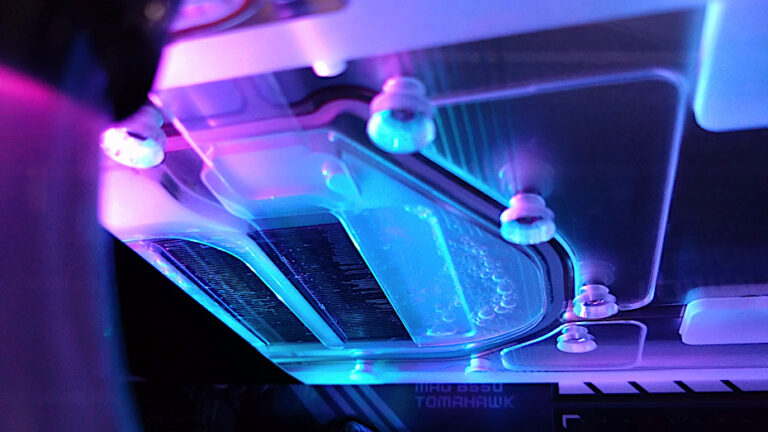
Also my LED RING lights around the water tubes have stopped working so it’s next on the list of fixes but overall I think things are starting to light up nicely.
Post navigation

Previous: Creative SXFI Air Gamer Headset Review
Next: A Small Upgrade To My PC Part 2

Related Posts

FT_SP
  • GFX Card
  • Hardware
  • Modification
  • PC Gaming
  • Review
  • RTX 3080
  • Water Cooling

AMD Ryzen 9 5900X With An RTX 5080 GPU

ElectroStingz July 20, 2026
6monthcheck
  • Hardware
  • Laptop
  • PC Gaming
  • Technology

ASUS ROG Strix G16 2024 – New Liquid metal and Arctic MX-7

ElectroStingz July 4, 2026
6monthcheck
  • Hardware
  • Laptop
  • Modification
  • Review

ASUS ROG Strix Laptop – Checking Arctic MX-6 Thermal Paste After 1 Year

ElectroStingz June 25, 2026

ASUS ROG STRIX G16 2024 Laptop

  • by ElectroStingz ASUS ROG Strix Laptop - Checking Arctic MX-6 Thermal Paste After 1 Year
  • by ElectroStingz ASUS ROG Strix G16 - Checking Thermal Paste After 6 Months
  • by ElectroStingz Asus Rog Strix G16 Gaming Laptop Is It Overheating? – Part 2
  • by ElectroStingz Asus Rog Strix G16 Gaming Laptop Is It Overheating? - Part 1

Water Cooled RTX 3080

  • by electrostingz AMD Ryzen 9 5900X With An RTX 5080 GPU
  • by electrostingz My Watercooling Radiator Push Pull Upgrade
  • by electrostingz Gigabyte AORUS RTX 3080 Xtreme Waterforce WB Mini Review
  • by electrostingz My Gigabyte AORUS RTX 3080 Xtreme Waterforce WB GFX Card Has Arrived
  • by electrostingz GFX Card Update: Gigabyte AORUS RTX 3080 Xtreme Waterforce Rev 2.0

i9-14900HX Temperature Testing Cinebench R23

i9-14900HX Temperature Testing CPUZ

Copyright © All rights reserved. | MoreNews by AF themes.