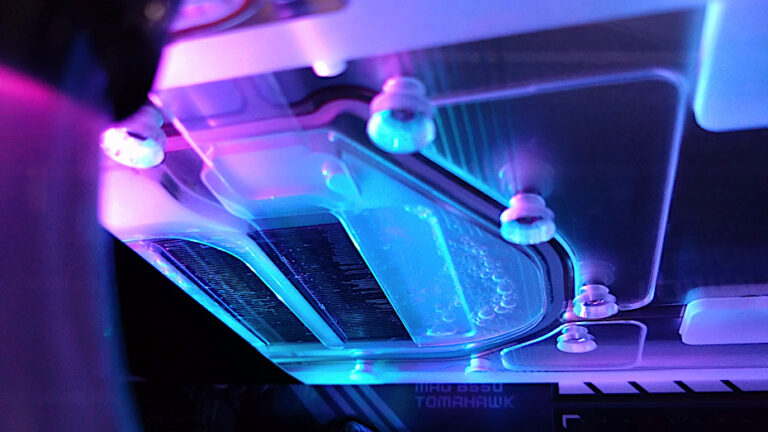
Things didn’t work out with the EC360 graphite pad, after completing the build and putting everything back together the laptop turned on and got stuck at the ASUS ROG BIOS Logo, it then after 1 min turned off and repeated the cycle until it simply turned off.
I was sure my build went fine so I had no choice but to take the heatsink off to inspect the EC360 graphite pads to see if they were actually making good contact, which revealed they were not even under any compression from the heatsink. Both pads had no visible imprint and looked exactly as they were when I installed them. Not the result I was expecting and now this indicates a problem with the ASUS heatsink / design, that it is not applying any pressure to the CPU or GPU DIE to the point that there is at least a 0.05mm Gap between the surfaces. I currently have the laptop running again with my backup Arctic MX-6 paste but now I need to reconsider my next move. No heatsink should have 0 contact pressure or rely on the thermal material to make 100% contact.
On the plus side the Thermal Grizzly Putty worked well and did a good job spreading out once the heatsink was installed. I went for the blob method instead of trying to spread this out evenly with the spatula as the VRM components are quite small in size so it’s going to get full coverage no matter what happens. (The picture makes it look a lot larger than it actually is)
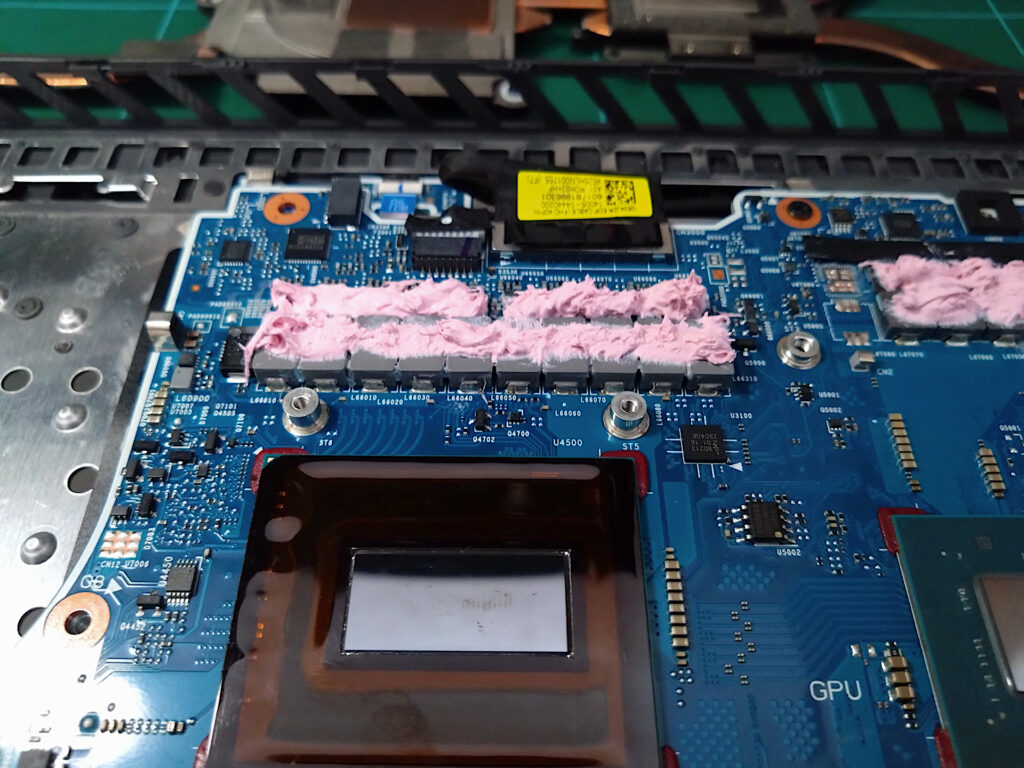
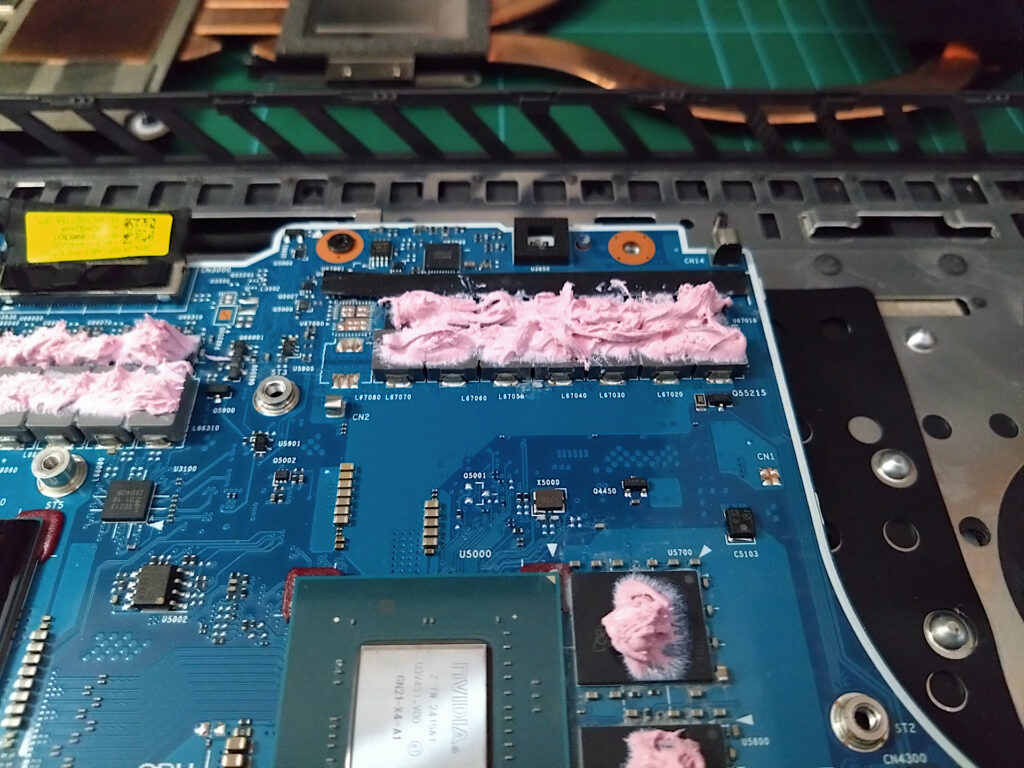
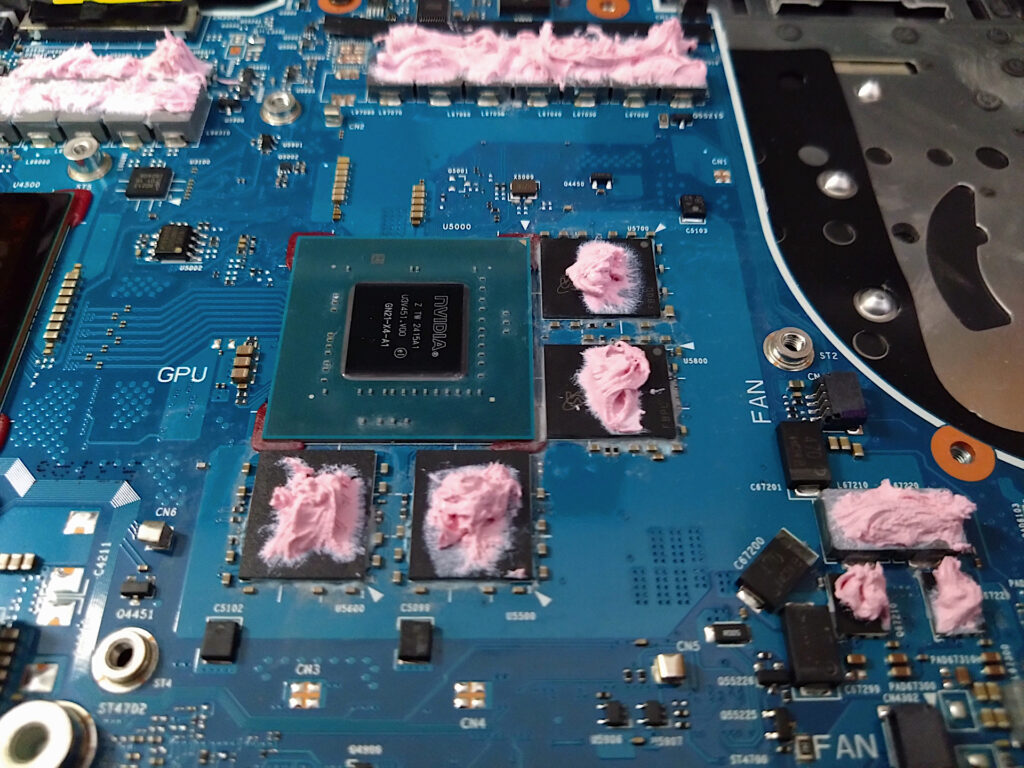
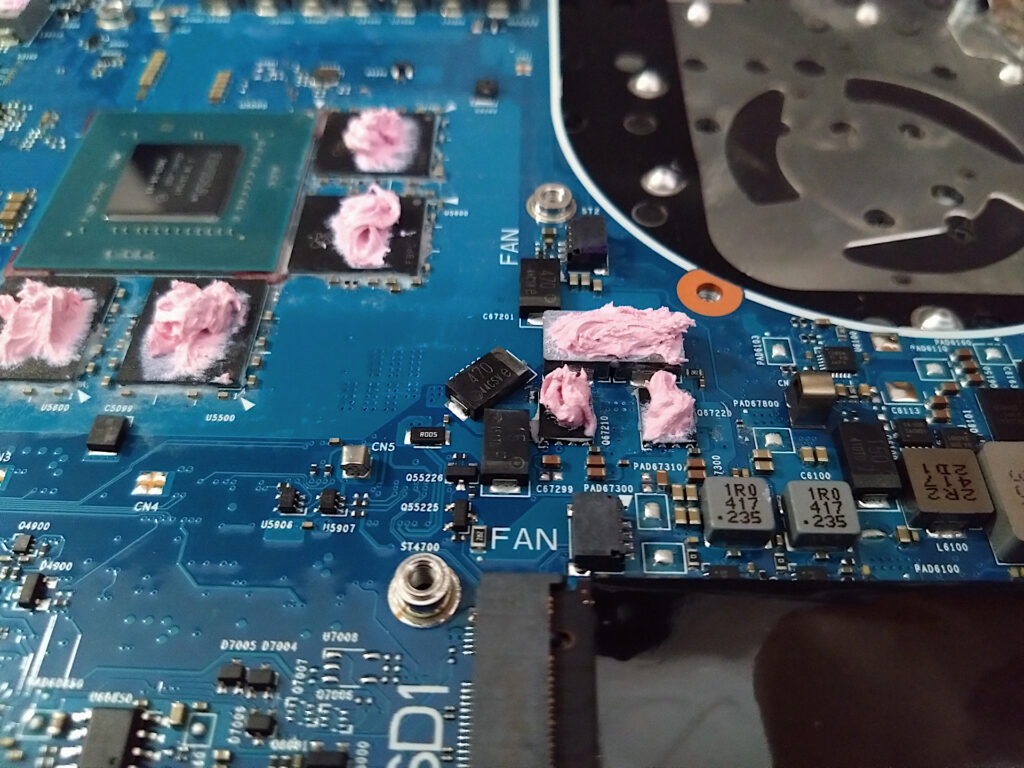
I’m a little disappointed on how this entire experiment has turned out, a design flaw with the heatsink is not an easy fix.
Arctic MX-6 vs Liquid Metal
As the opportunity presents itself I did some testing just to see how well this performs compared to the Thermal Grizzly Liquid metal that was used previously.
| i9-14900HX | Liquid Metal | MX-6 | Difference |
| Package | 66 | 74 | +8 |
| VR | 70 | 70 | 0 |
| P-Cores (2094MHz) | 63 | 74 | +11 |
| E-Cores (2194MHz) | 68 | 72 | +4 |
This is a test done using Prime95 Small FFTs for Maximum heat and power draw and to ensure equal testing conditions Turbo Boost is disabled in the Windows Power profile setting. Hardware monitor was used to record the above peak temperatures once the fan RPM had settled to a constant speed.
As expected Liquid metal always out performs thermal paste and here we see and 11 Deg C difference on the P-cores. Whilst this shows a difference it’s not just about the numbers, longevity matters along with the practical side of things. From what I’ve seen so far, 6 months usage is enough for the Liquid metal to pump out considerably so do I really want to go back to it? I’m not sure yet and will see how things turn out over time or if some other alternative exists, like the Kryosheet.