Skip to content

ElectroStingz

Primary Menu
  • Guides
    • Intel 6700K Adaptive Mode Overclocking
    • Delidding my Intel i7-6700K processor
    • Intel i9-14900HX Lower Temperature Tweaks
    • Additional Monitor Refresh Rates
    • Laptop CPU Boost Control For Windows
  • Home
  • 2018
  • August
  • Water Cooling Project Update 3
  • PC Gaming
  • Technology
  • Water Cooling

Water Cooling Project Update 3

ElectroStingz August 26, 2018 1 minute read
Water Cooling Project Update 3

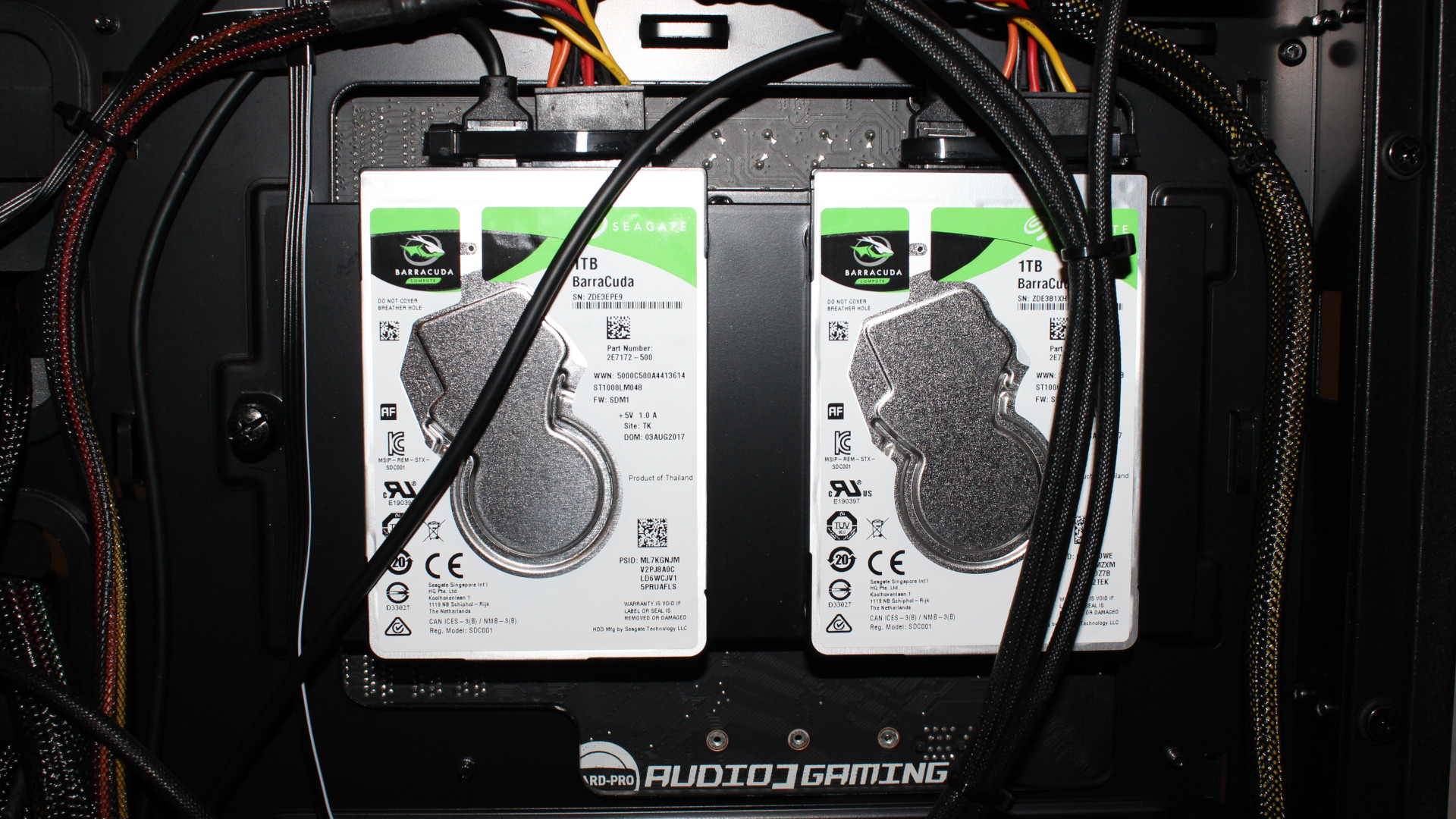
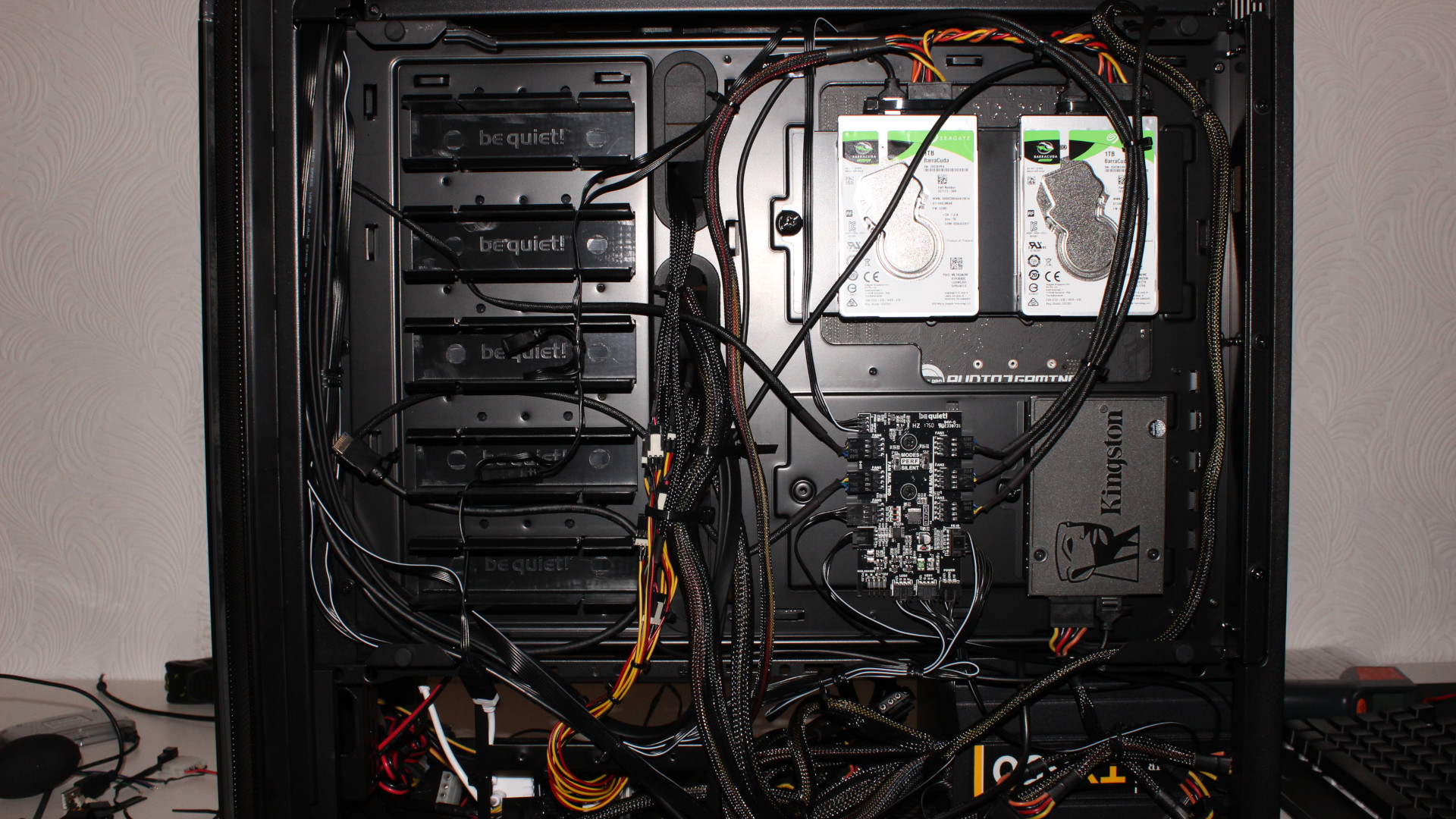
After spending some time with the water cooling pipework I swapped over my 3.5″ WD Blue drives to the 2.5″ Seagate Barracudas and gave them a go. Whilst everything appeared to be fine in Windows the drives kept spinning down during no activity. I set the power saving state of the drives manually using Xubuntu (HDPARM) to write directly to the APM which made no difference. This wasn’t really a problem but the when it came to recording using OBS, OBS kept coming out with a buffer overflow message when recording to the Seagate Barracuda drives. Quite disappointing and I never expected the drives to be quite bad considering their READ / WRITE speeds. With this issue I had no choice but to revert back to my 3.5″ WD Blue drives which do add a considerable amount of noise but at least it’s stutter free and OBS works.
Water Cooling Project Update 3

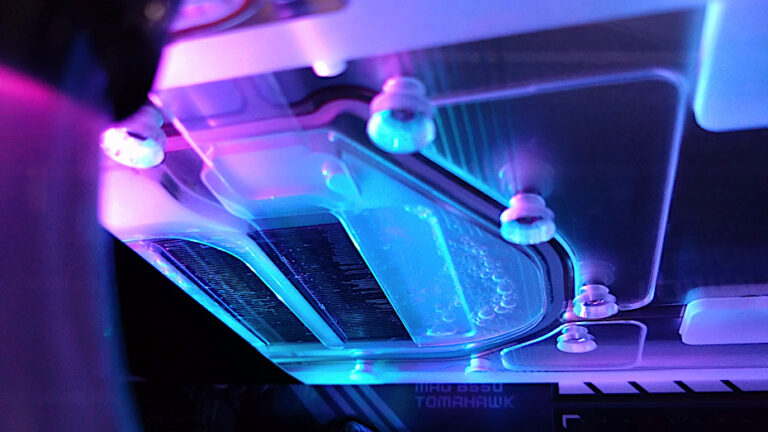
Looks messy but this portion will be covered by the case panel and the visible part through the glass window will be tidy as shown here with my rounded SATA cables. It’s almost ready and now I just need to add a few bits and do some better testing, more to come soon.
Post navigation

Previous: Jonsbo NC-2 RGB Memory Heat Spreader
Next: Water Cooling Project Update 4

Related Posts

FT_SP
  • GFX Card
  • Hardware
  • Modification
  • PC Gaming
  • Review
  • RTX 3080
  • Water Cooling

AMD Ryzen 9 5900X With An RTX 5080 GPU

ElectroStingz July 20, 2026
6monthcheck
  • Hardware
  • Laptop
  • PC Gaming
  • Technology

ASUS ROG Strix G16 2024 – New Liquid metal and Arctic MX-7

ElectroStingz July 4, 2026
CPU_BOOST_FT
  • Guides
  • Hardware
  • Laptop
  • PC Gaming
  • Software
  • Technology

Laptop CPU Boost Control For Windows

ElectroStingz February 8, 2026

ASUS ROG STRIX G16 2024 Laptop

  • by ElectroStingz ASUS ROG Strix Laptop - Checking Arctic MX-6 Thermal Paste After 1 Year
  • by ElectroStingz ASUS ROG Strix G16 - Checking Thermal Paste After 6 Months
  • by ElectroStingz Asus Rog Strix G16 Gaming Laptop Is It Overheating? – Part 2
  • by ElectroStingz Asus Rog Strix G16 Gaming Laptop Is It Overheating? - Part 1

Water Cooled RTX 3080

  • by electrostingz AMD Ryzen 9 5900X With An RTX 5080 GPU
  • by electrostingz My Watercooling Radiator Push Pull Upgrade
  • by electrostingz Gigabyte AORUS RTX 3080 Xtreme Waterforce WB Mini Review
  • by electrostingz My Gigabyte AORUS RTX 3080 Xtreme Waterforce WB GFX Card Has Arrived
  • by electrostingz GFX Card Update: Gigabyte AORUS RTX 3080 Xtreme Waterforce Rev 2.0

i9-14900HX Temperature Testing Cinebench R23

i9-14900HX Temperature Testing CPUZ

Copyright © All rights reserved. | MoreNews by AF themes.