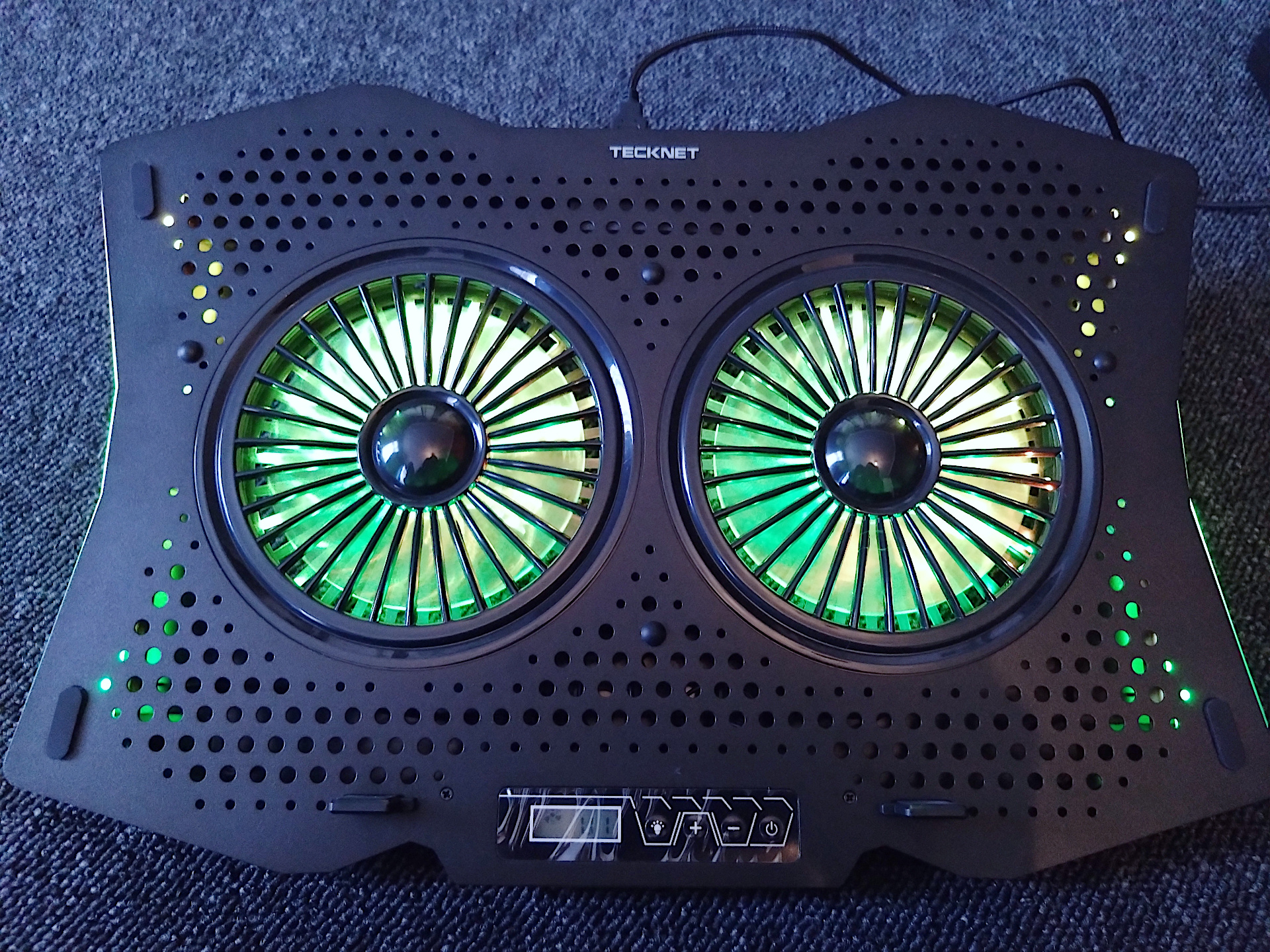
Just out of interest I wanted to see if a cooling pad would have any significant improvement to the ASUS ROG STRIX G16 (2024) gaming laptop. I went for this one as it visually looked OK and for the price it featured an aluminum base plate and some RGB lights 🙂
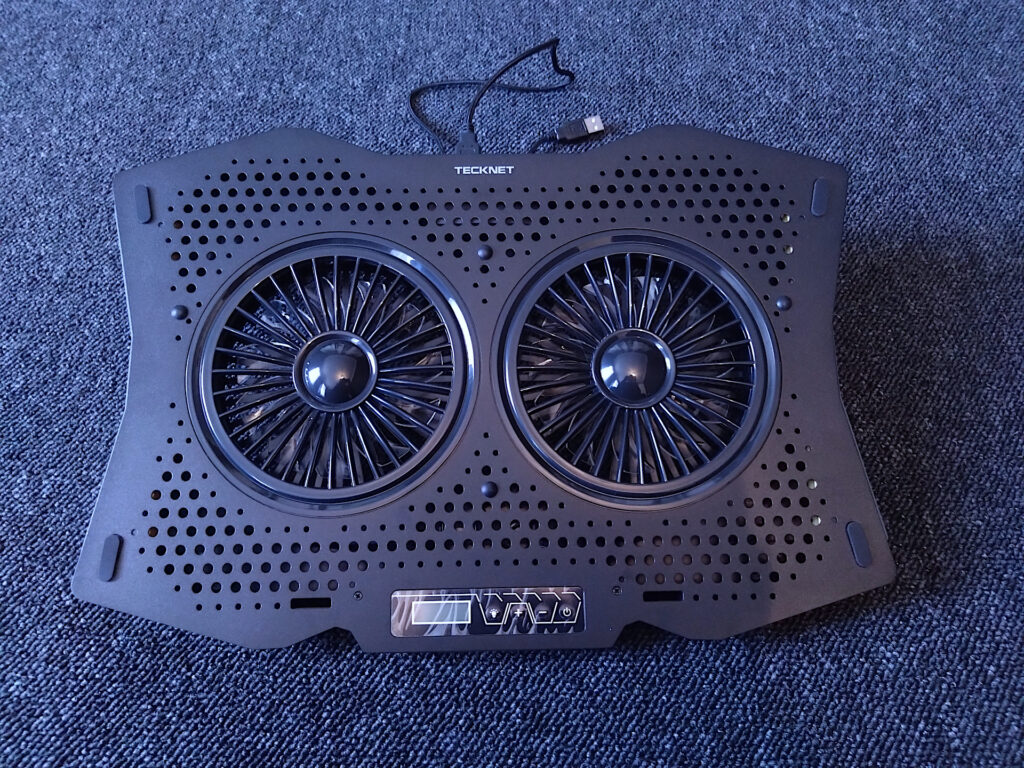
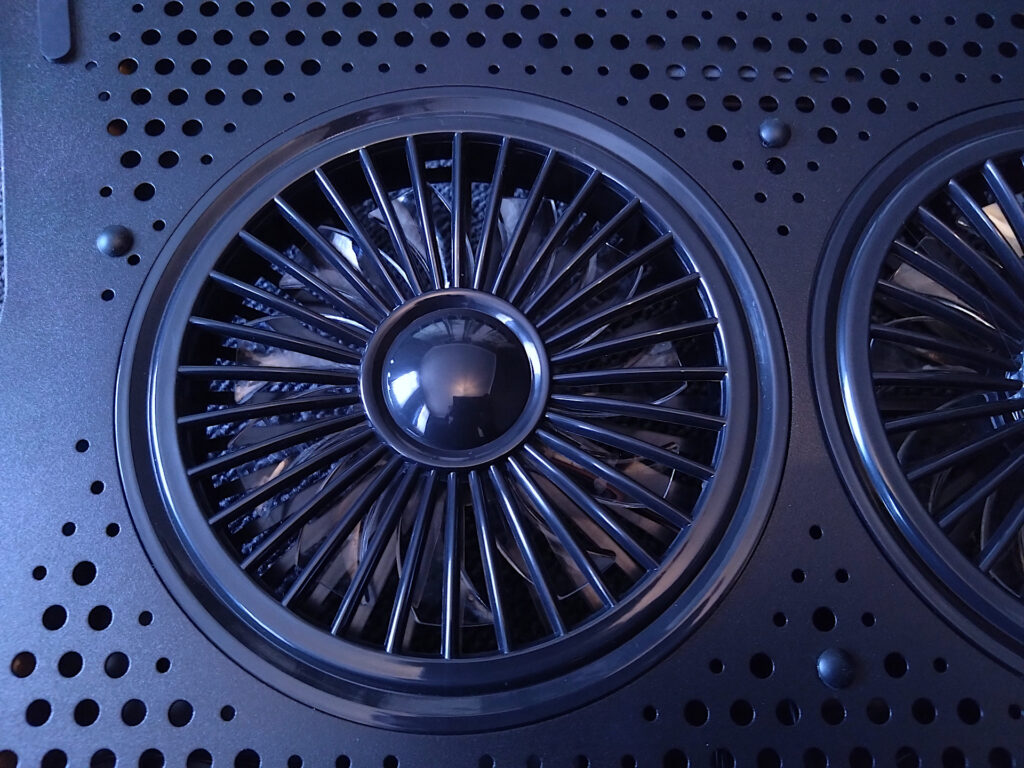
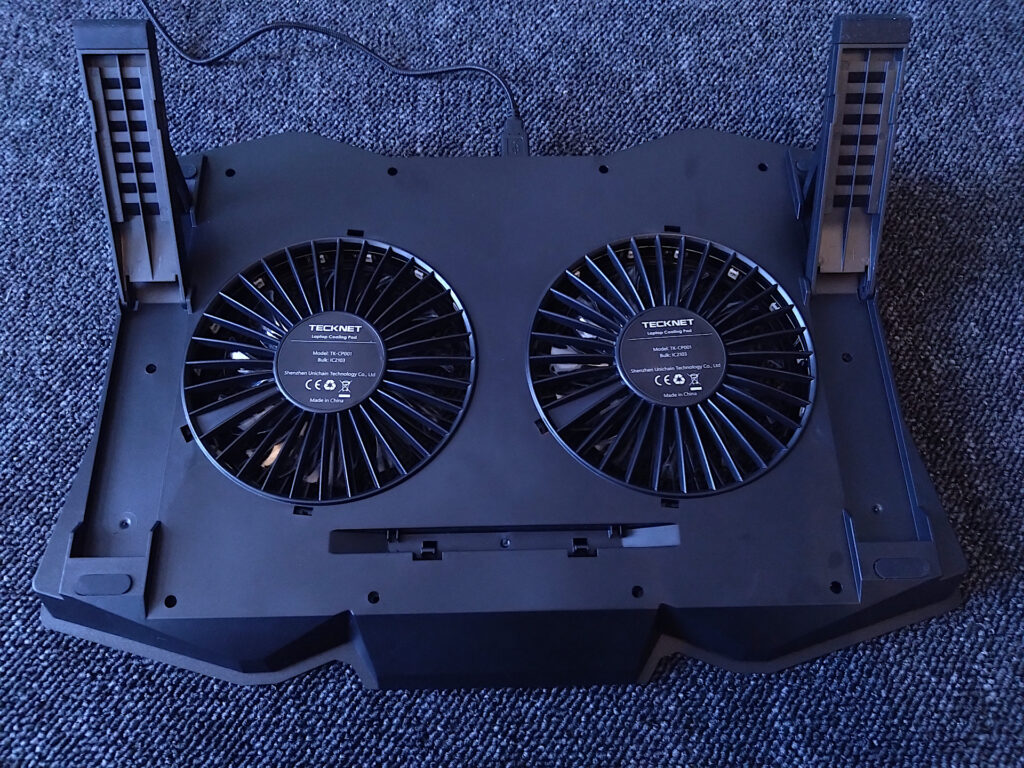
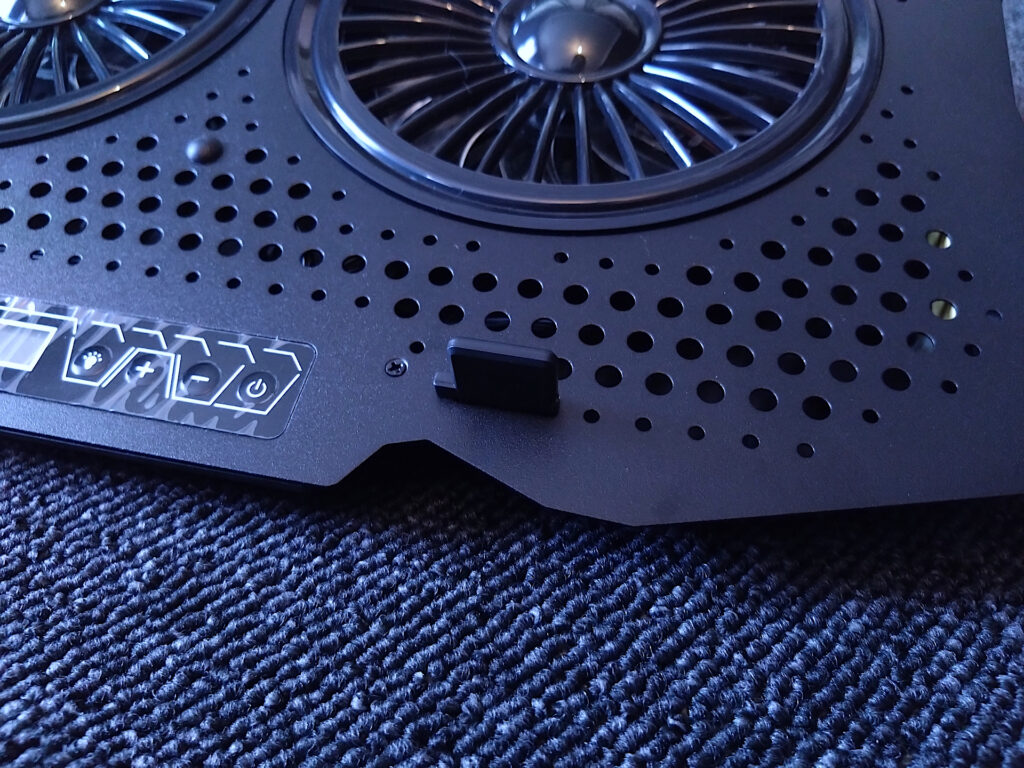
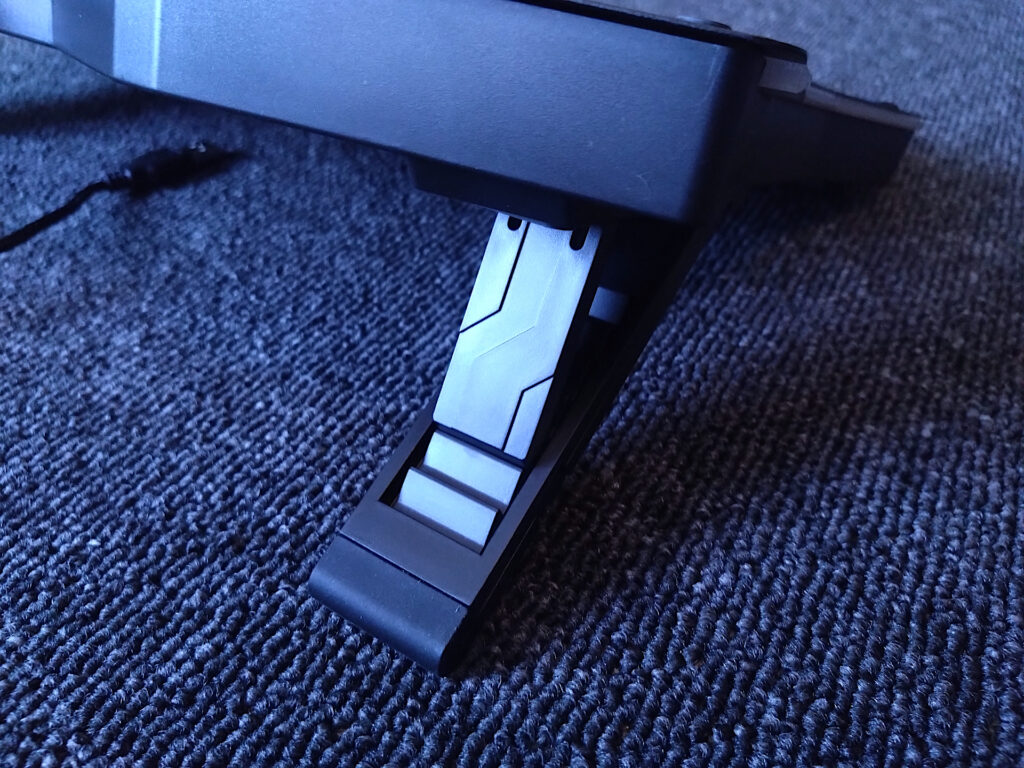
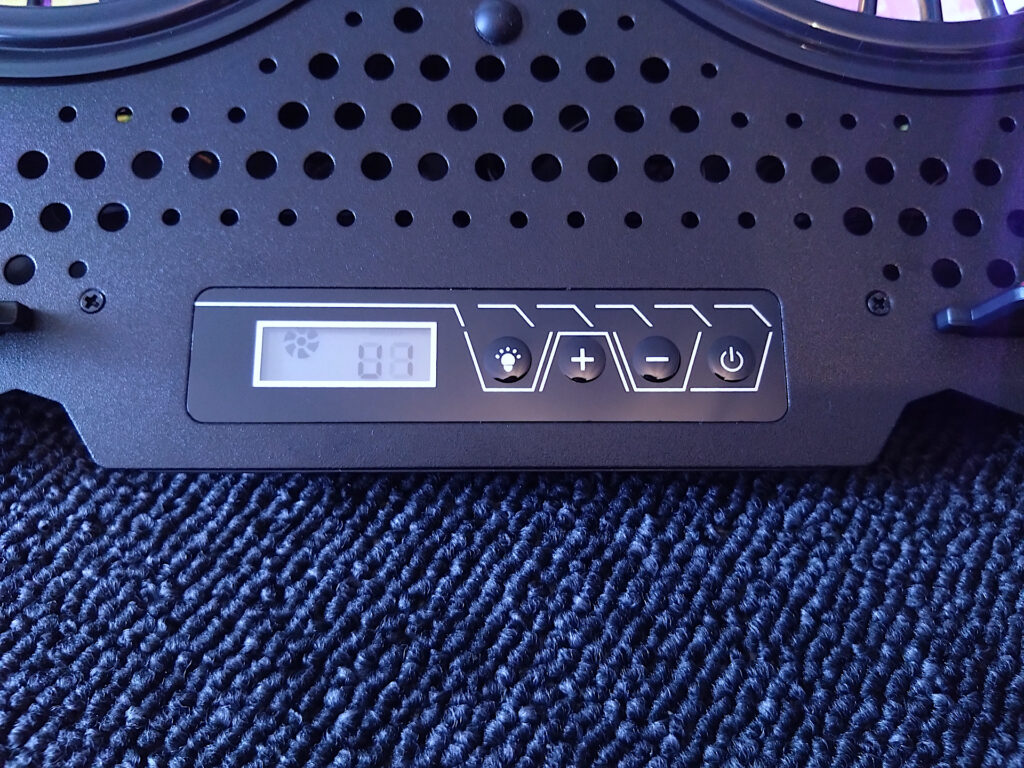
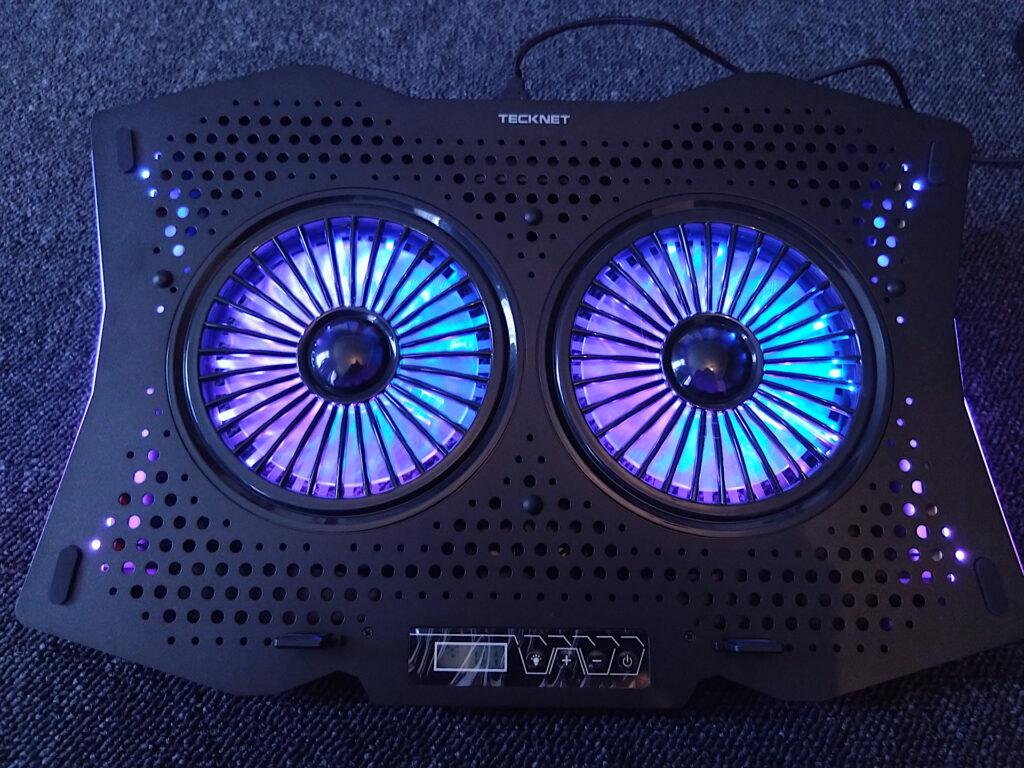
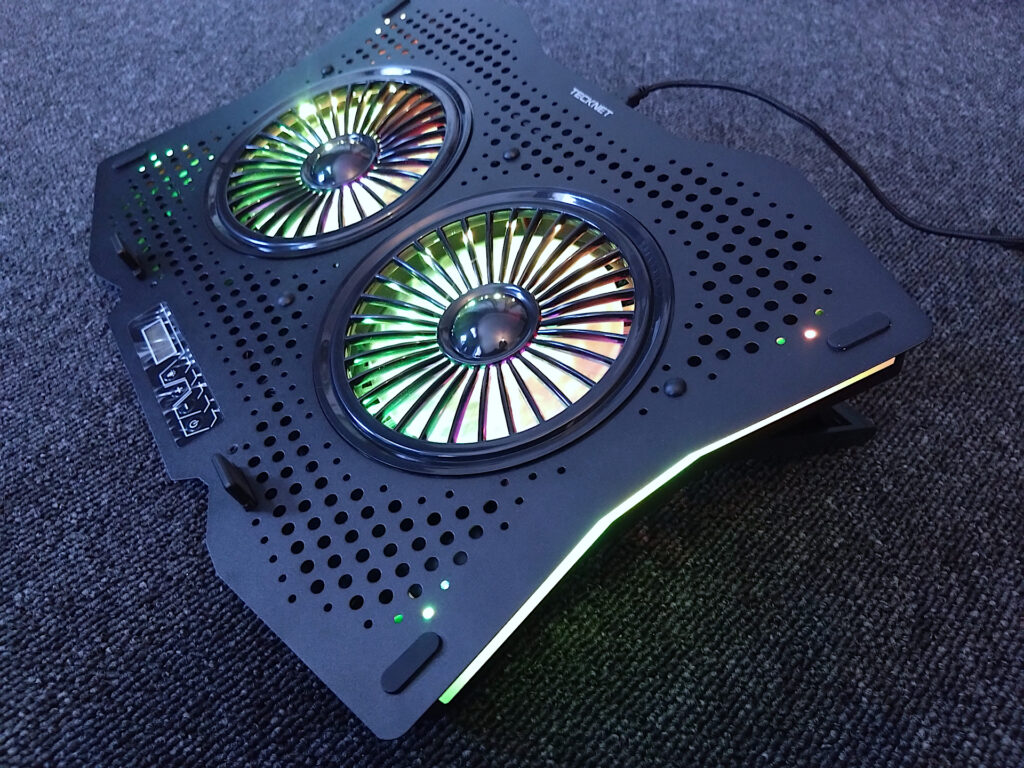
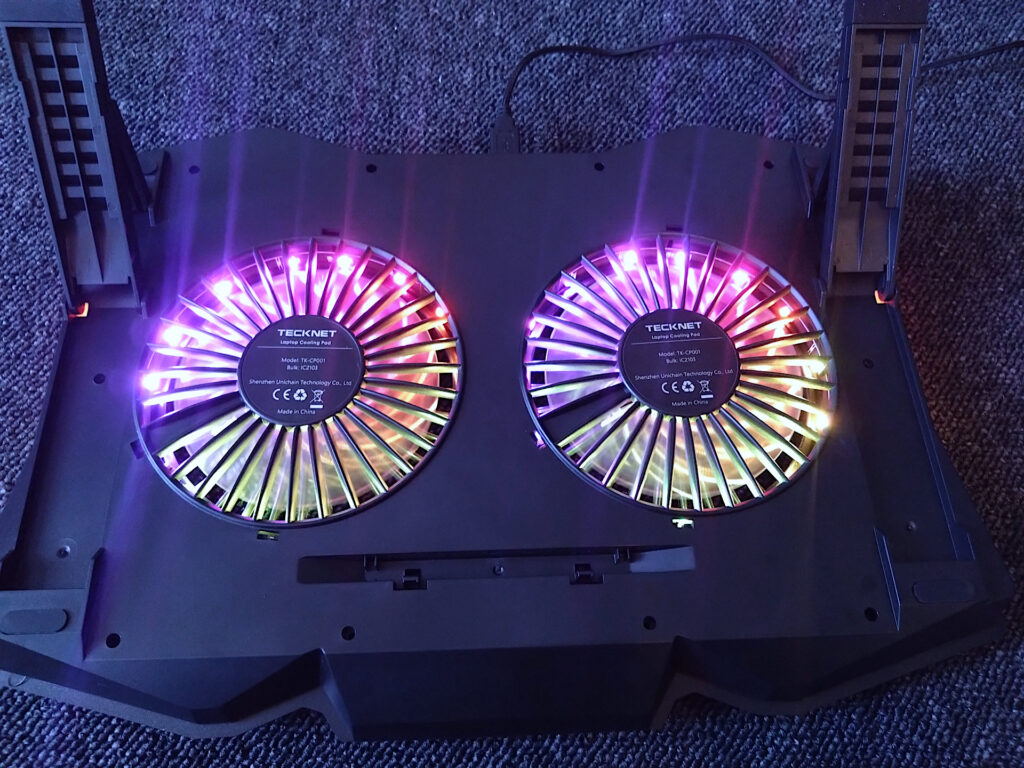
Build quality is good, It features 6 fan speed settings including an off mode, various RGB light effects and adjustable feet / tilt. The fans are noticeable on the low setting and on max rpm it’s loud, as loud as the laptop when it’s own internal fans are at full speed. It’s rated at 1400RPM, actual airflow (CFM) is not quoted so I can only assume it’s around 50CFM.
Testing The Cooling Pad
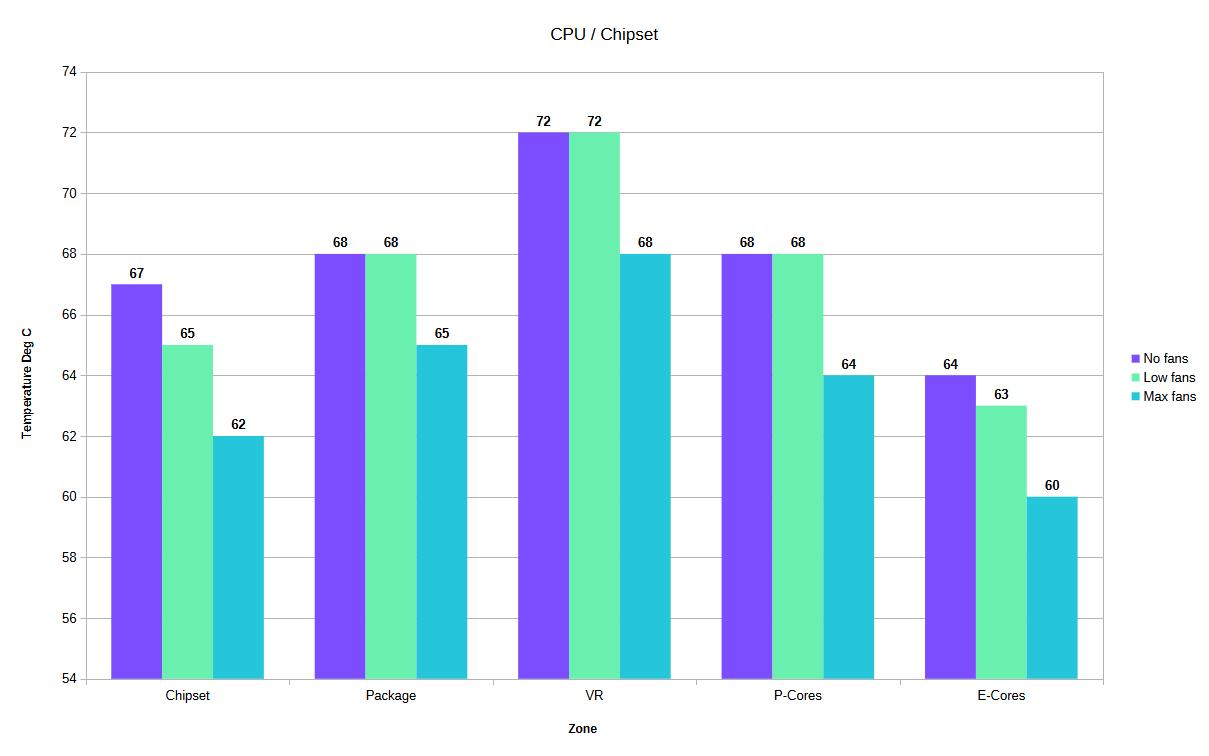
To see how it performs I ran Unigine Valley Benchmark with uncapped FPS, hardware monitor to log the peak temperatures and used my adjusted 14900HX settings.
- First run is 15mins with no fans, then cleared hardware monitor min/max values then a further 15 mins to obtain the peak temperature.
- Second run is 15 mins on low setting, cleared hardware monitor min/max values then a further 15 mins to obtain the peak temperature.
- Third run is 15 mins on max setting, cleared hardware monitor min/max values then a further 15 mins to obtain the peak temperature.
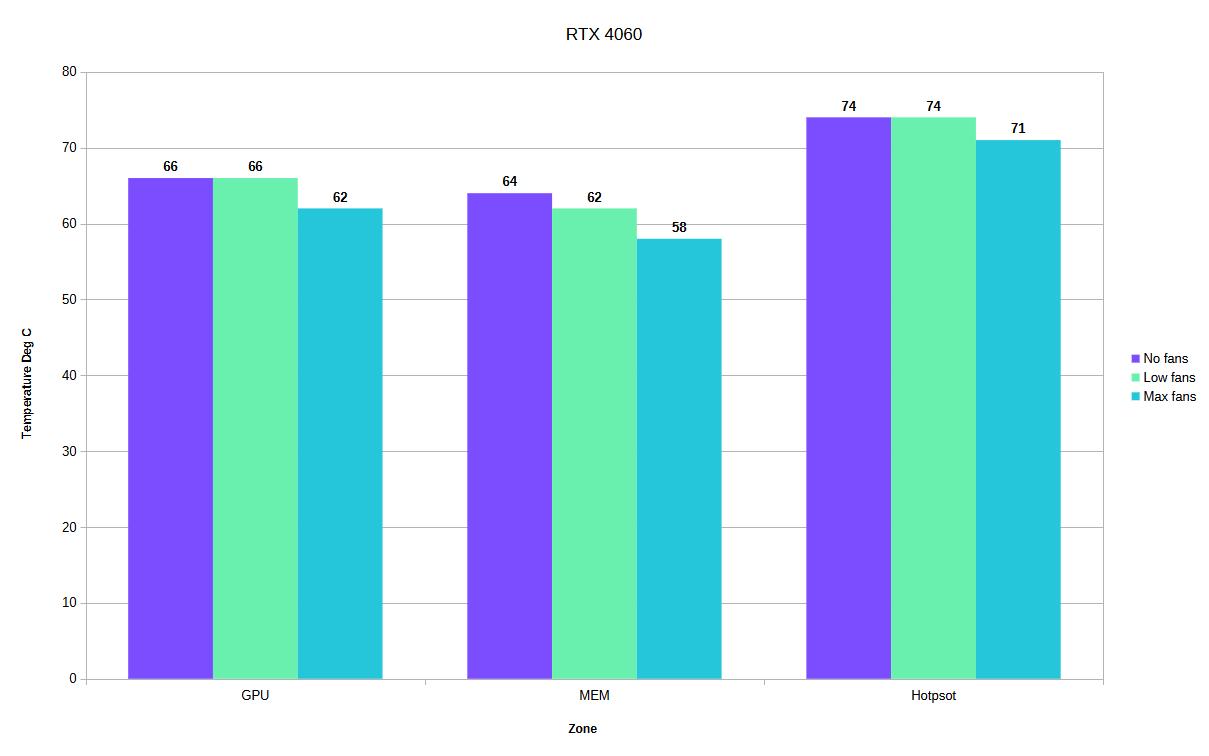
| Fans Off | Low Setting | Max Setting | Off Vs Low | Off Vs Max | |
| Chipset Temp | 67 | 65 | 62 | -2 | -5 |
| Package Temp | 68 | 68 | 65 | 0 | -3 |
| VR Temp | 72 | 72 | 68 | 0 | -4 |
| P-Cores Temp | 68 | 68 | 64 | 0 | -4 |
| E-Cores Temp | 64 | 63 | 60 | -1 | -4 |
| GPU Temp | 66 | 66 | 62 | 0 | -4 |
| GPU Memory Temp | 64 | 62 | 58 | -2 | -6 |
| GPU Hotspot Temp | 74 | 74 | 71 | 0 | -3 |
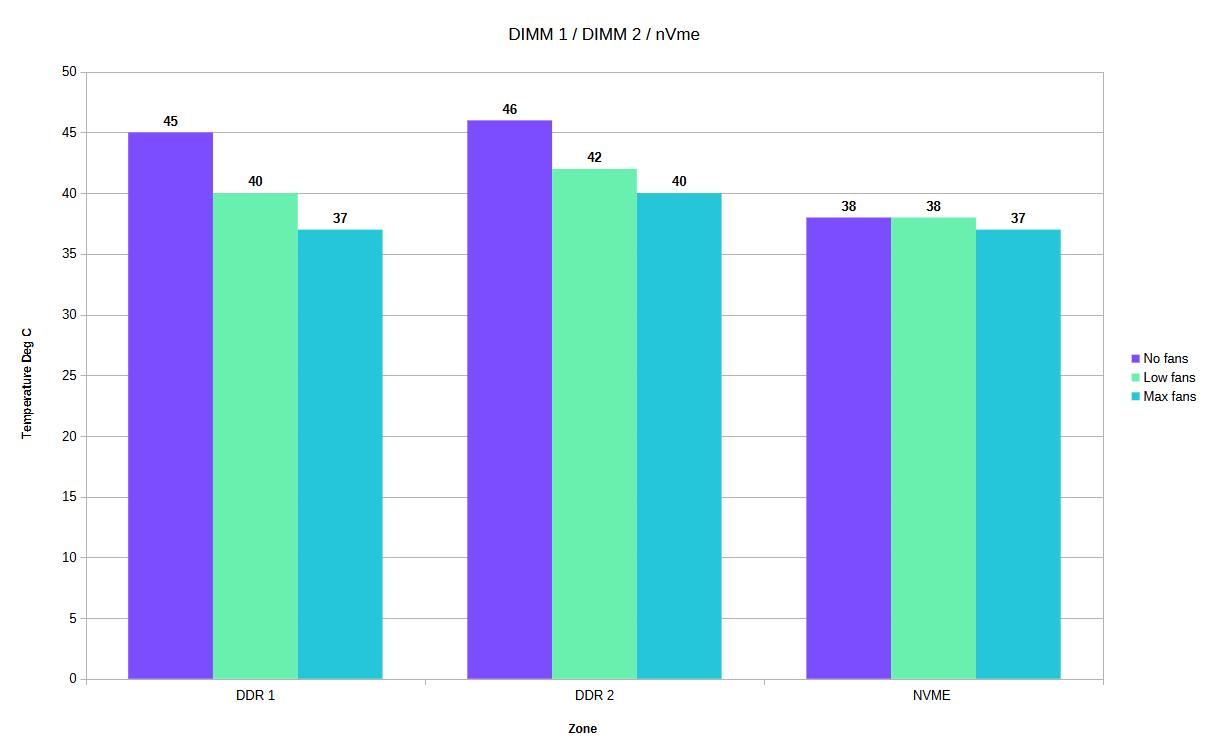
| DDR1 Temp | 45 | 40 | 37 | -5 | -8 |
| DDR2 Temp | 46 | 42 | 40 | -4 | -6 |
| NVMe Temp | 38 | 38 | 37 | 0 | -1 |
The results show that there is a difference when using the cooling pad, low fan speeds doesn’t really have much of an impact to the CPU or GPU but the extra airflow does benefit the DDR5 memory which shows a lower temperature by 5-4 Degrees C.
With the cooling pad fans at max speed there is a noticeable difference to all the temperature readings, on average the main areas, Chipset, CPU and GPU show a 5 Degrees C lower temperature difference. The DDR5 memory modules are showing an 8-6 Degree C decrease. The NVMe drive showed virtually no difference which might seem odd but when you look at the laptop base and the area where the NVMe drive is located it makes sense.
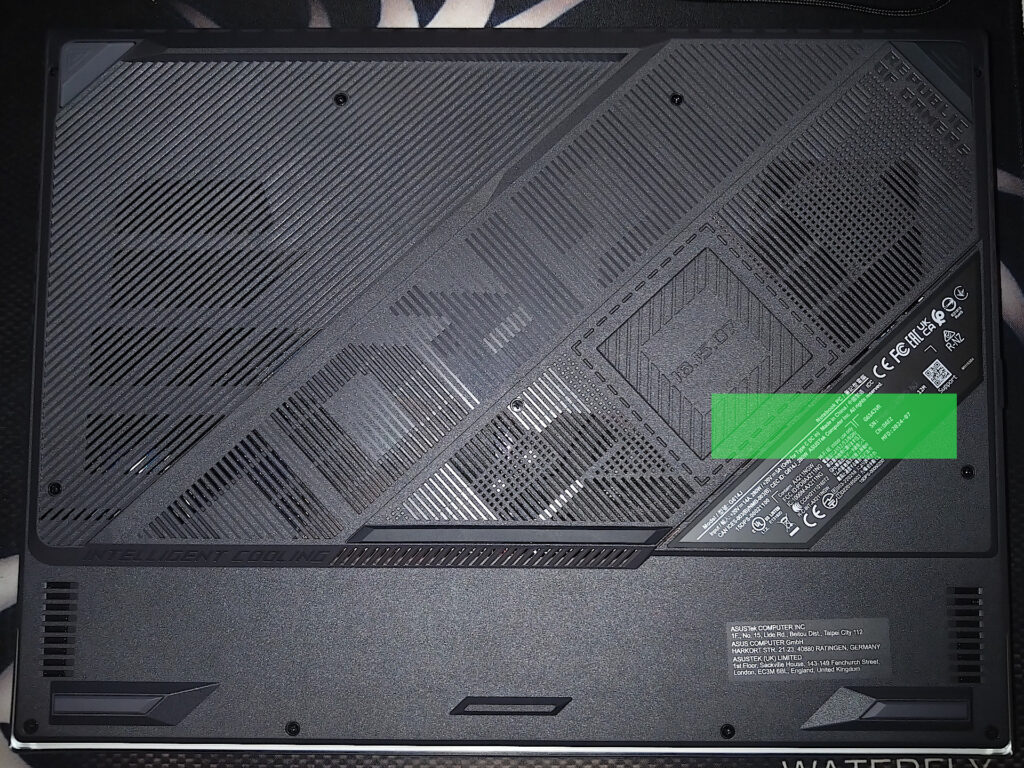
The green area is the location of the standard NVMe drive which has no ventilation holes on the casing / base so the extra air flow from the cooling pad is unable to have any direct impact. (This laptop does have another NVMe slot on the left side which you can see does have ventilation holes).
I think this generally highlights one important aspect of any cooling pad, if the laptop doesn’t have decent ventilation holes the impact will be minimal to the motherboard components.
Conclusion
This cooling pad did work on the ASUS ROG STRIX G16 (2024) gaming laptop and whilst gains are minimal on low fan speeds there are advantages but it did much better with more airflow / higher fan speeds. I think in a hotter environment, like summer time this will have more of an impact but is it needed? With my current temperatures and adjusted settings for the Intel 14900HX, not really. I do like the tilt as it is raised the laptop off the desk so I can hide some cables underneath including my external NVMe drive. What I don’t particularly like about this cooling pad is the low fan speed noise which sounds like the fan is not well suited to the PWM controller at low RPM (it’s a grumpy kind of sound).