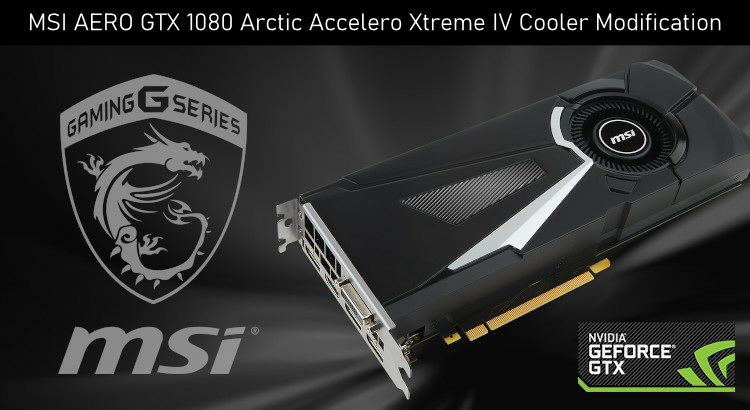
Graphic cards come with different style cooling fans / heat sinks, some perform better than others but in most cases the blower type cooler as featured on the MSI GTX 1080 Aero are worse when it comes to cooling performance. There are situations where the lower profile design can work better but it requires a direct supply of air, another fan to be channeling air towards the blower fan in order for it to function efficiently. This particular card when running various games / tests the temperature easily hits 90 Degrees C, 83 Degrees C being the thermal throttle threshold which means the GPU is trying to reduce the workload by down clocking and limiting performance. There is no other way to say it, MSI has crippled the GTX 1080 Aero by using a weak performing cooler.
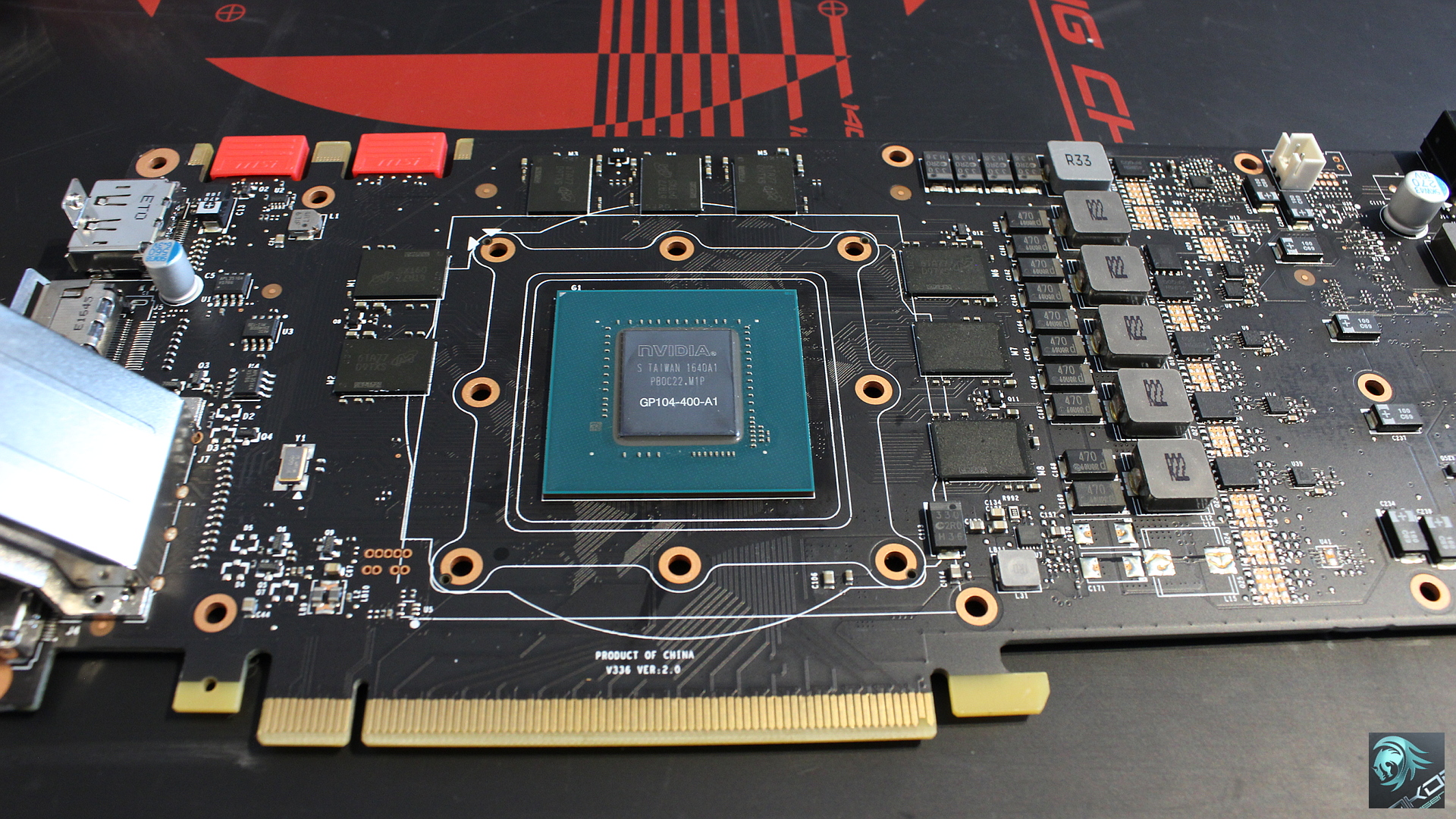
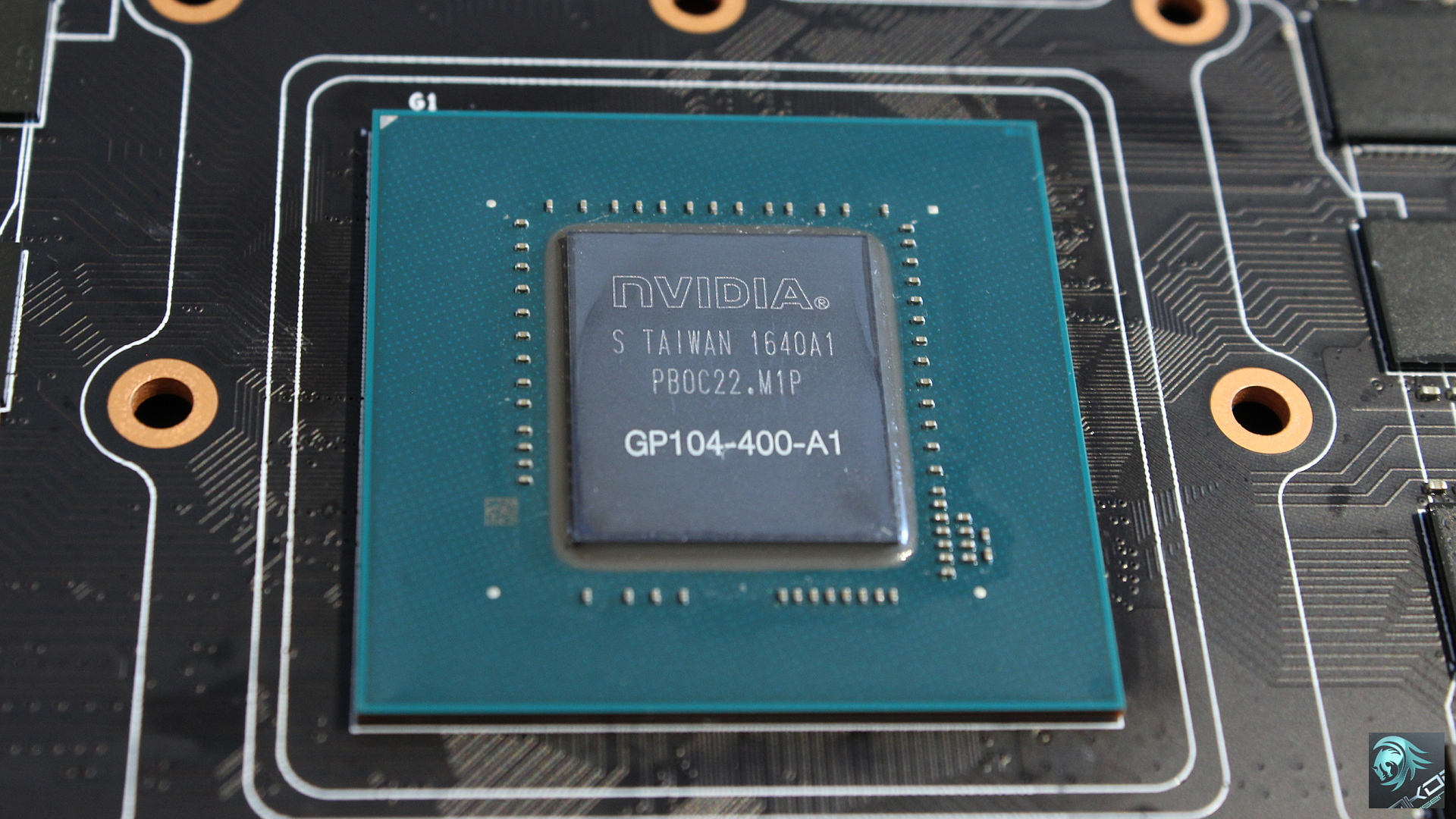
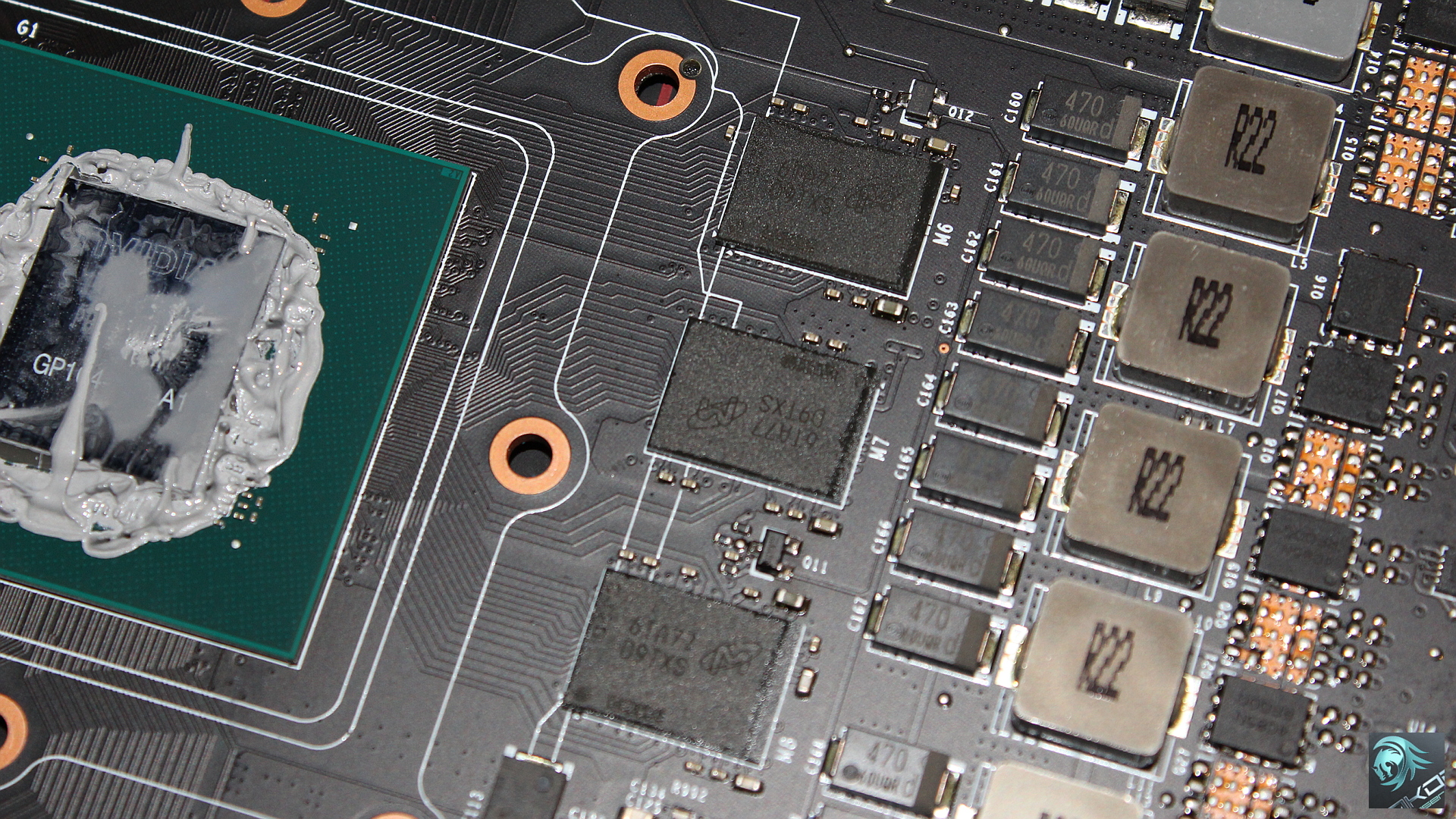
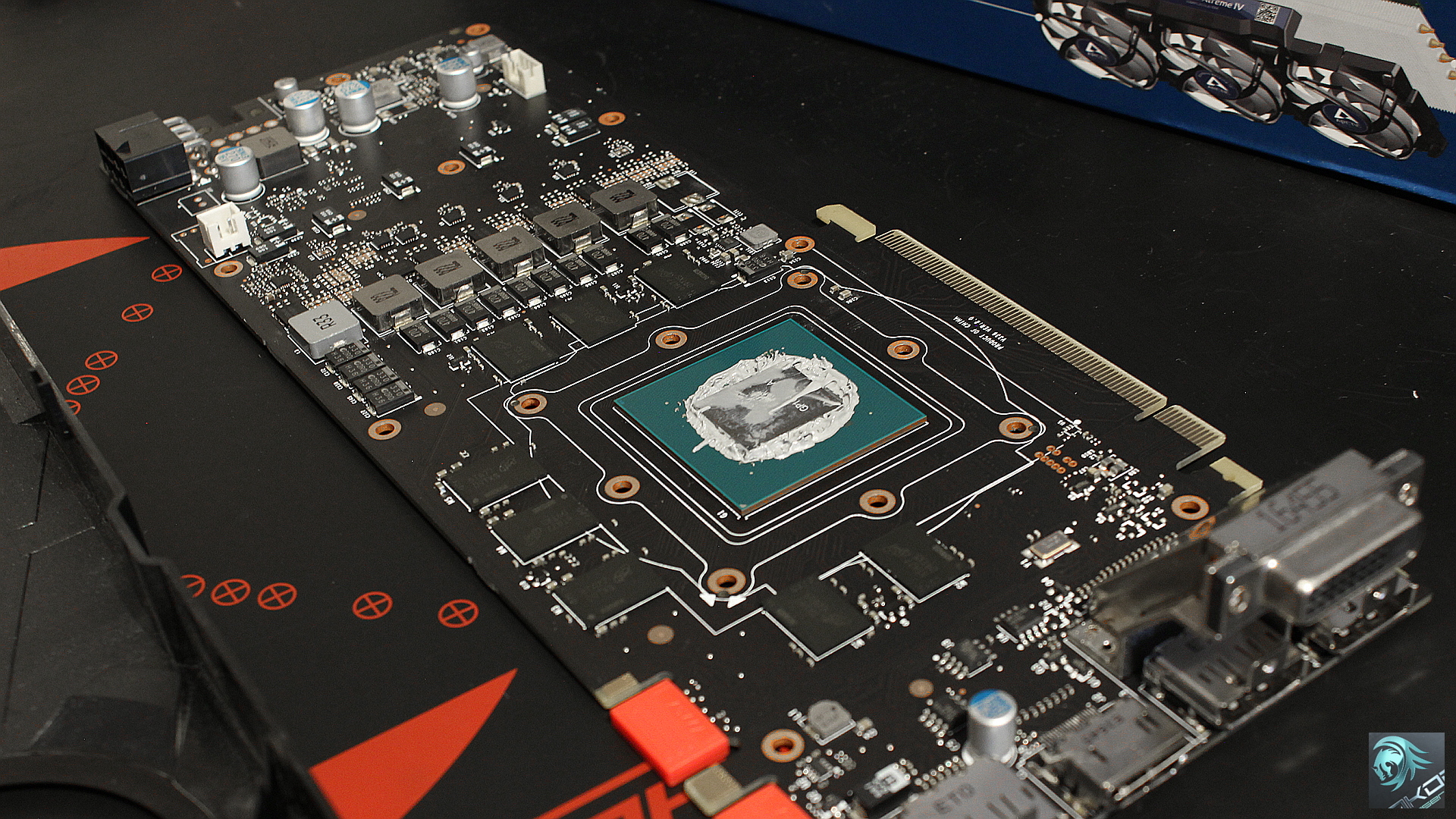
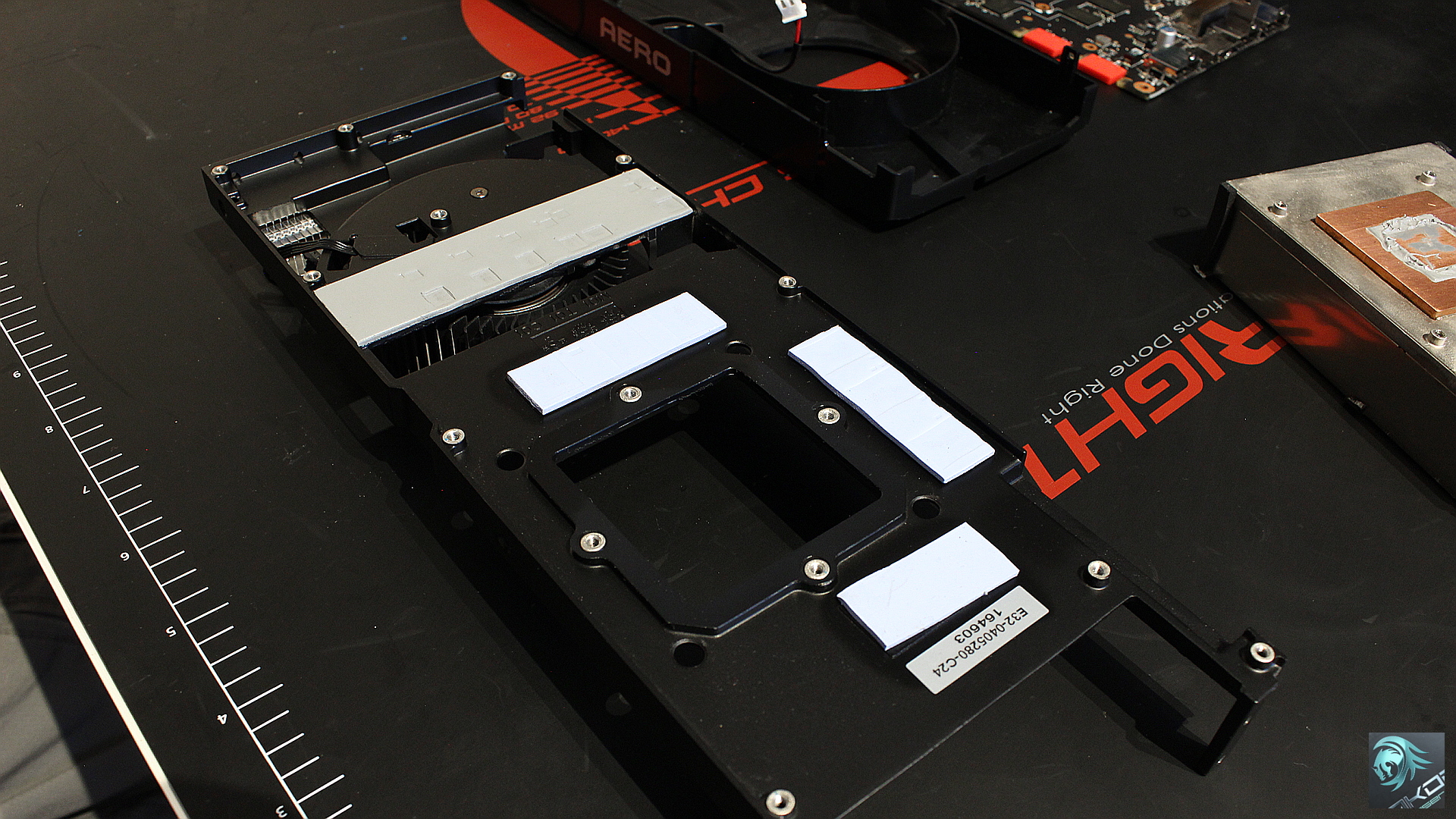
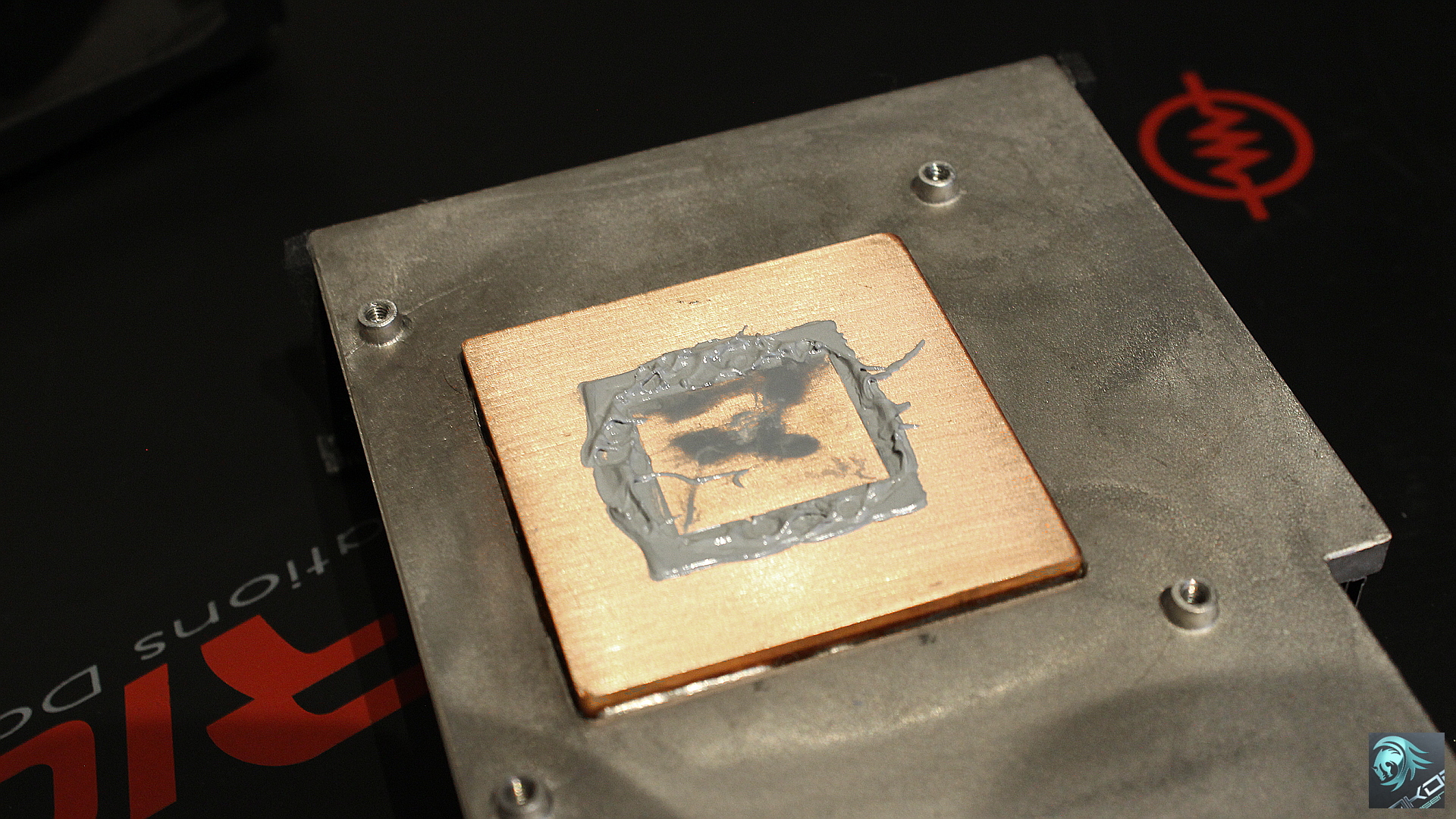
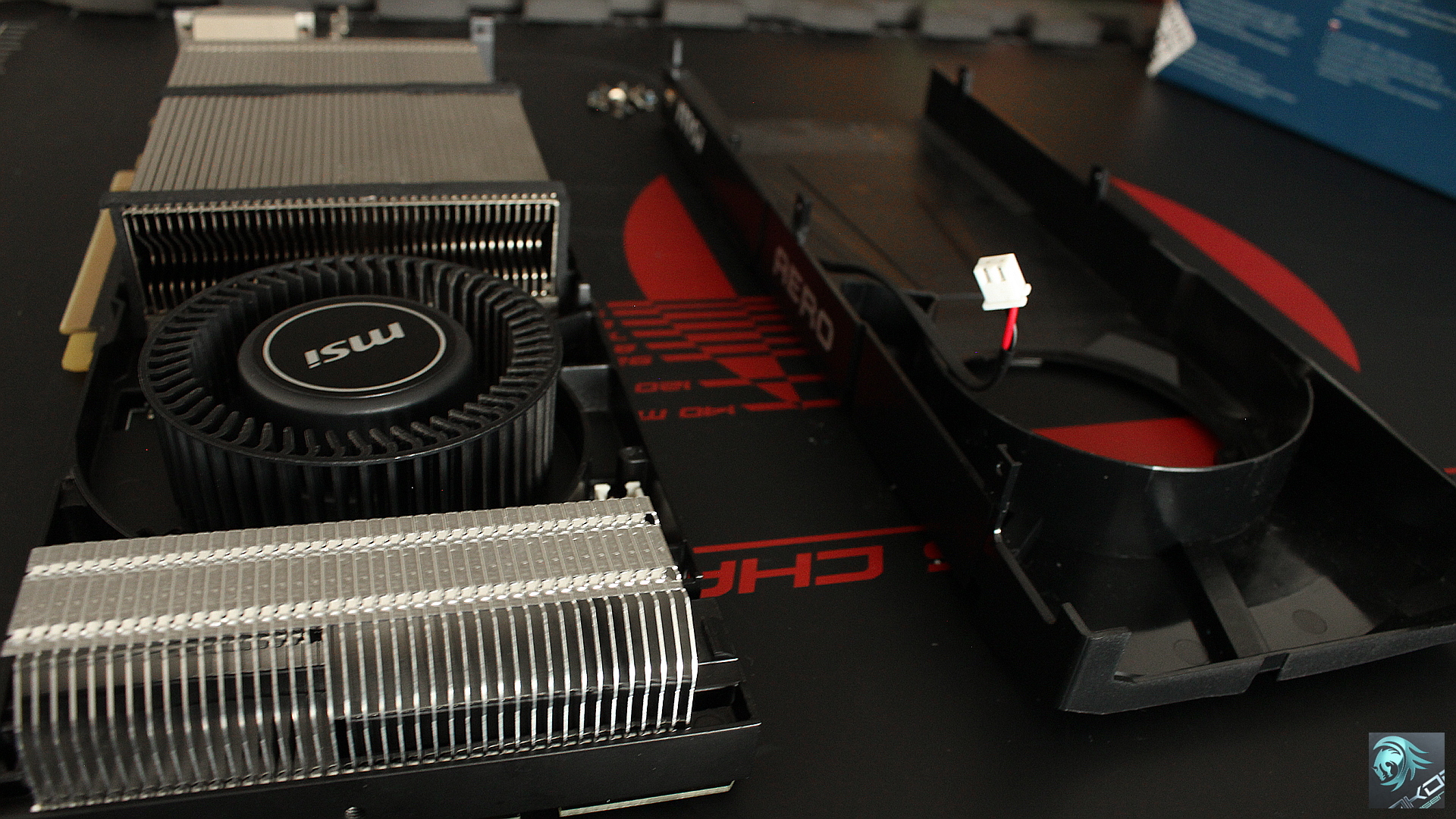
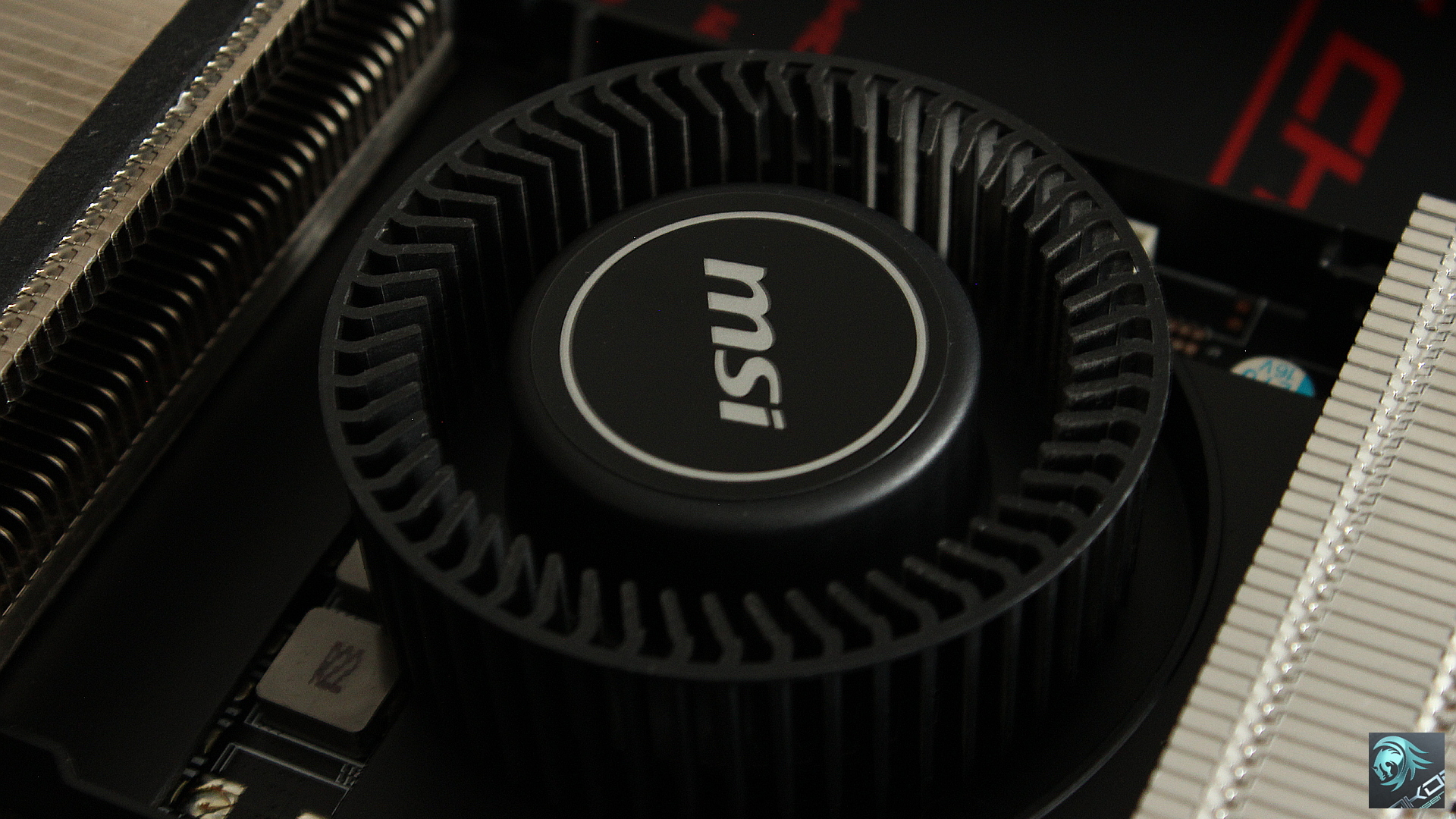
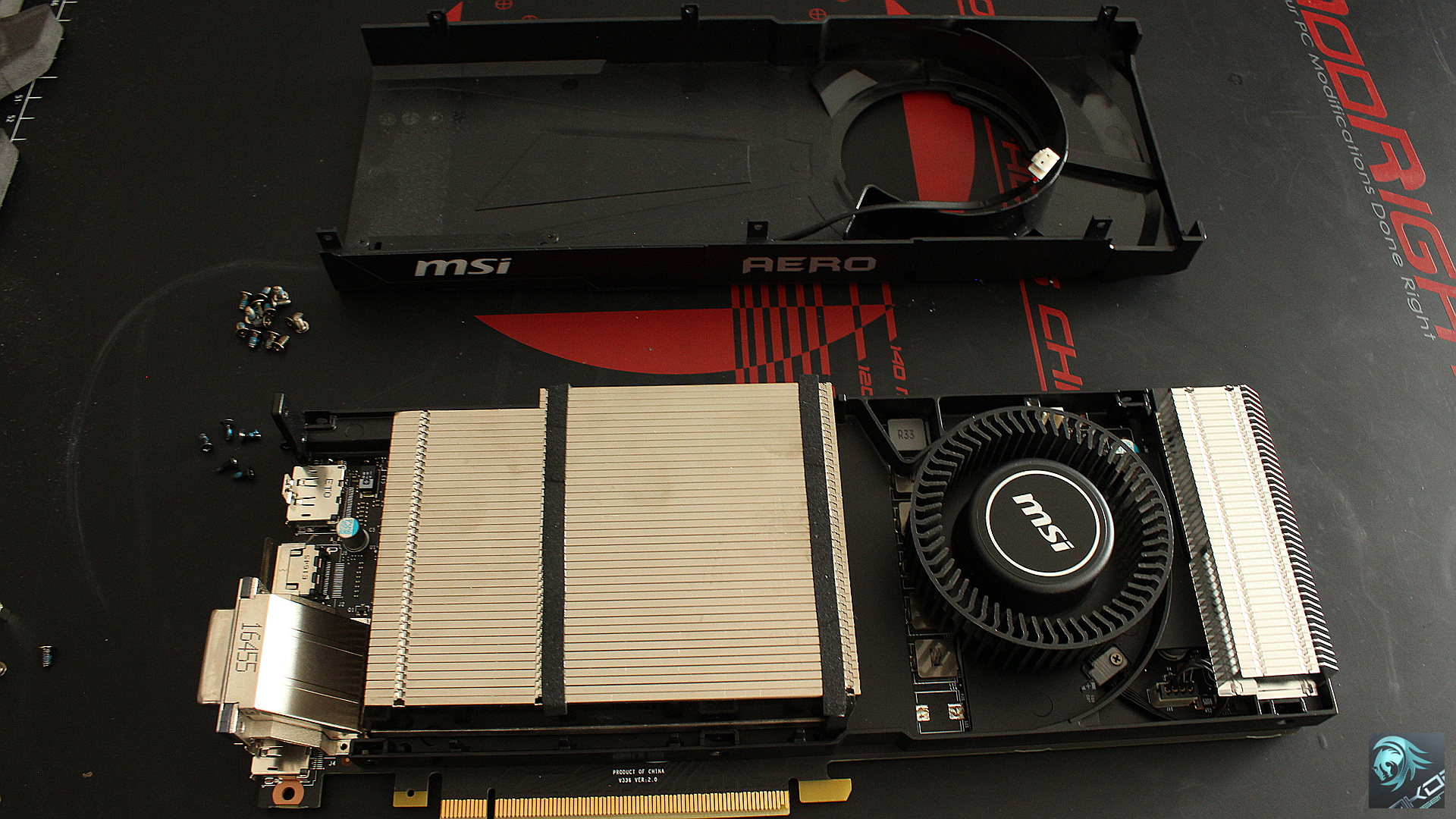
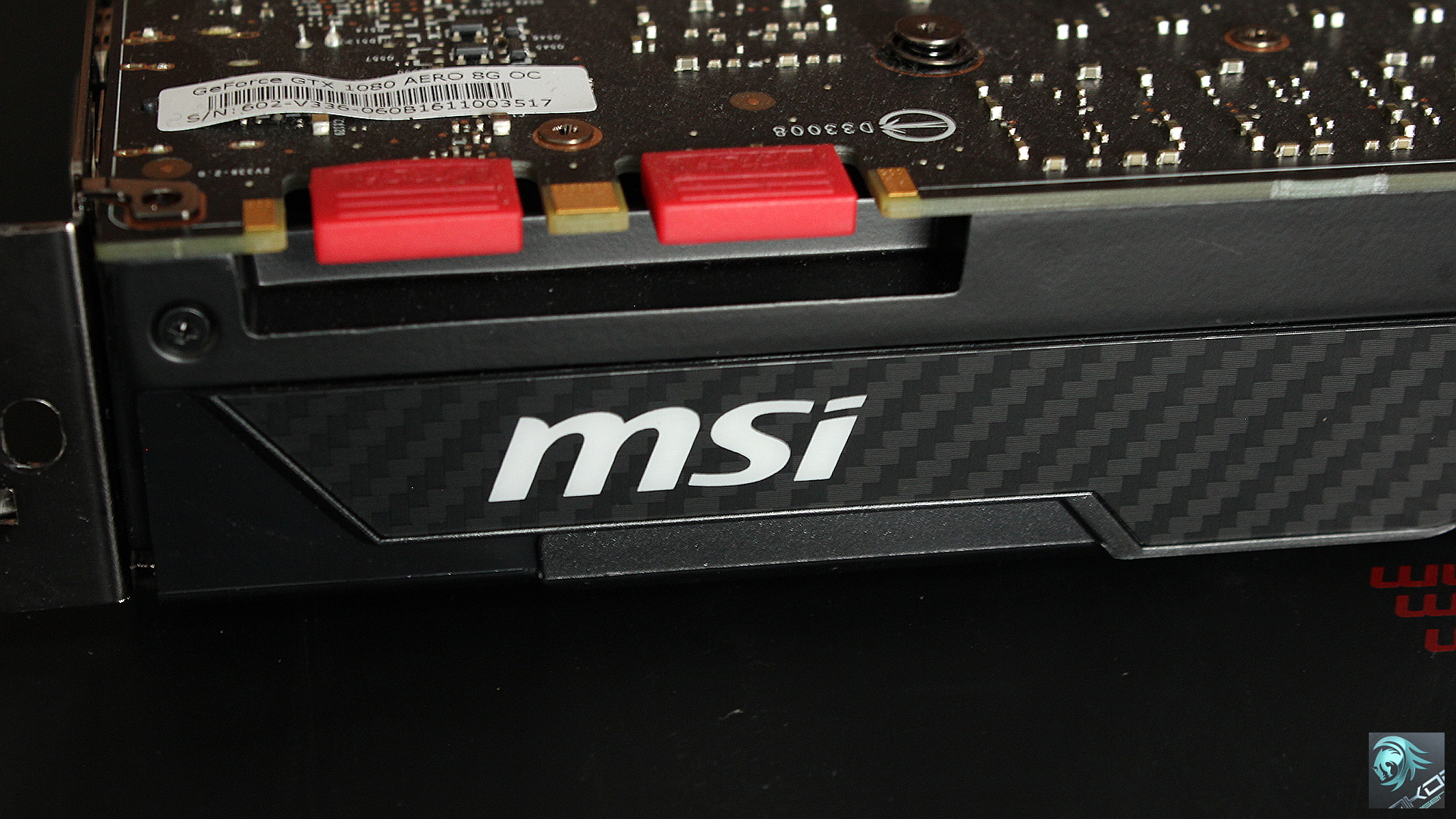
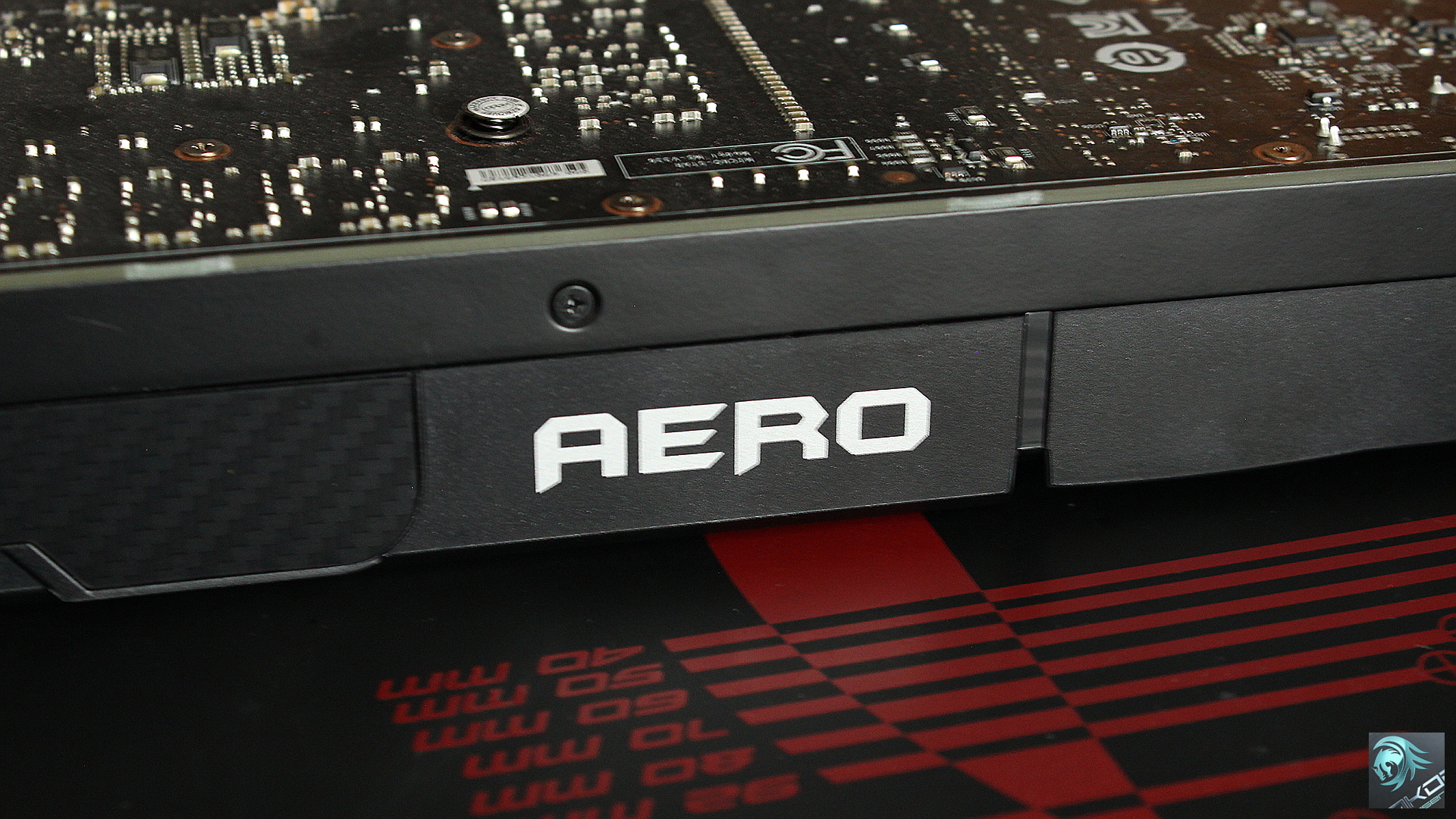
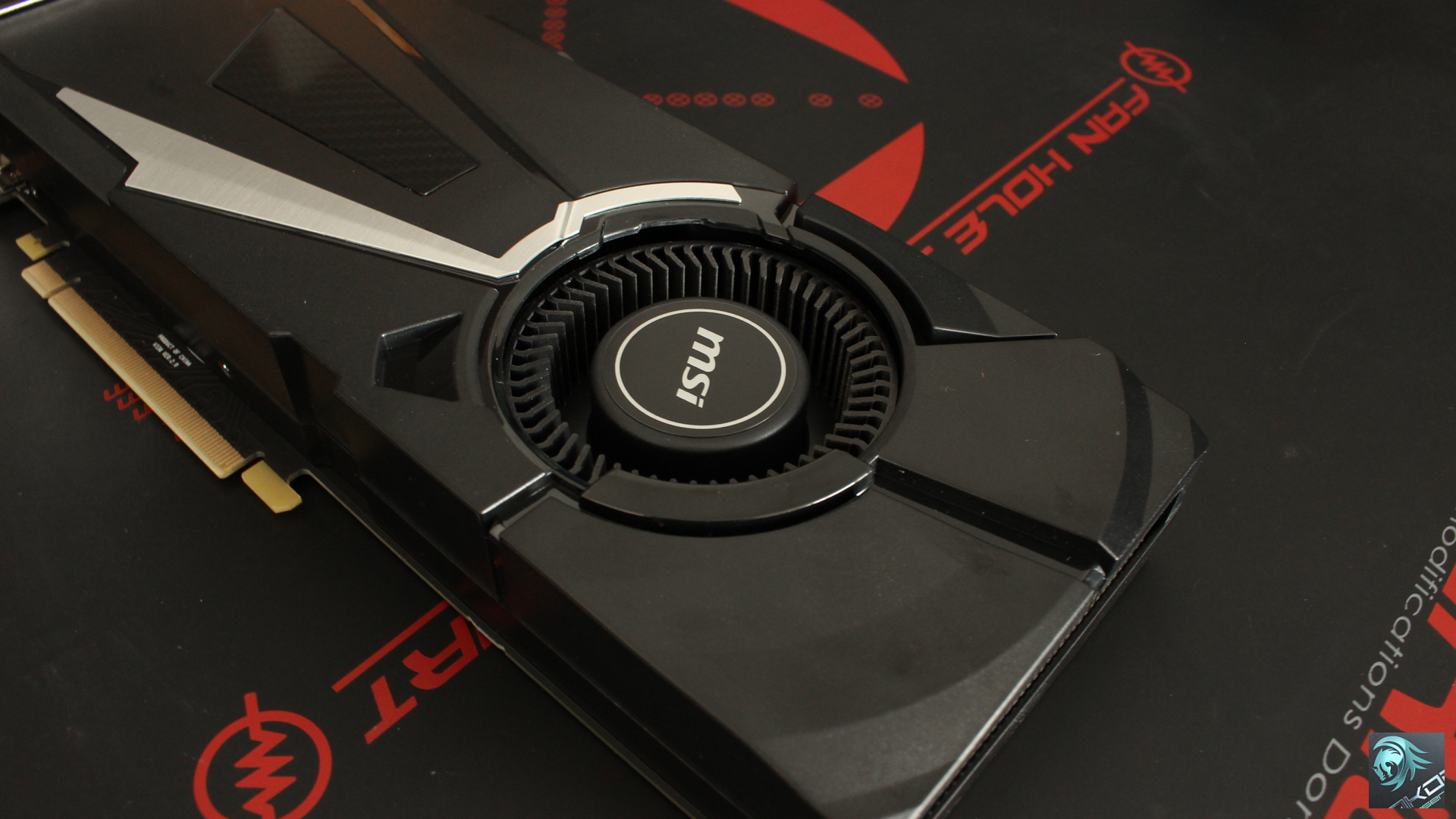
Looking at the default MSI cooler provides a clear indication of what it is not capable of doing, the small heat sink is suppose to handle the GTX 1080’s 180W TDP rating. The way forward is to replace it with an aftermarket cooler such as an Arctic Accelero Xtreme IV.
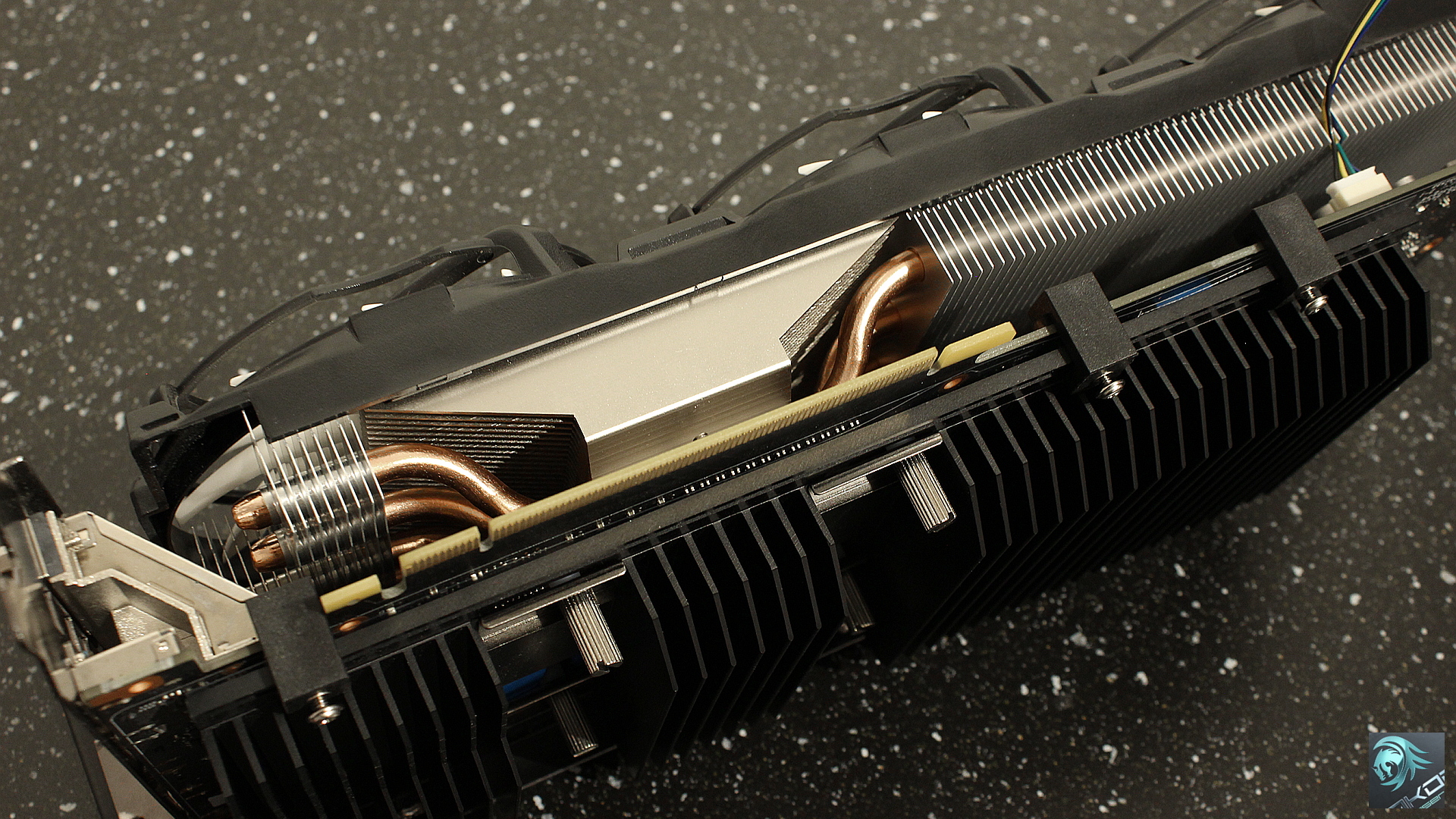
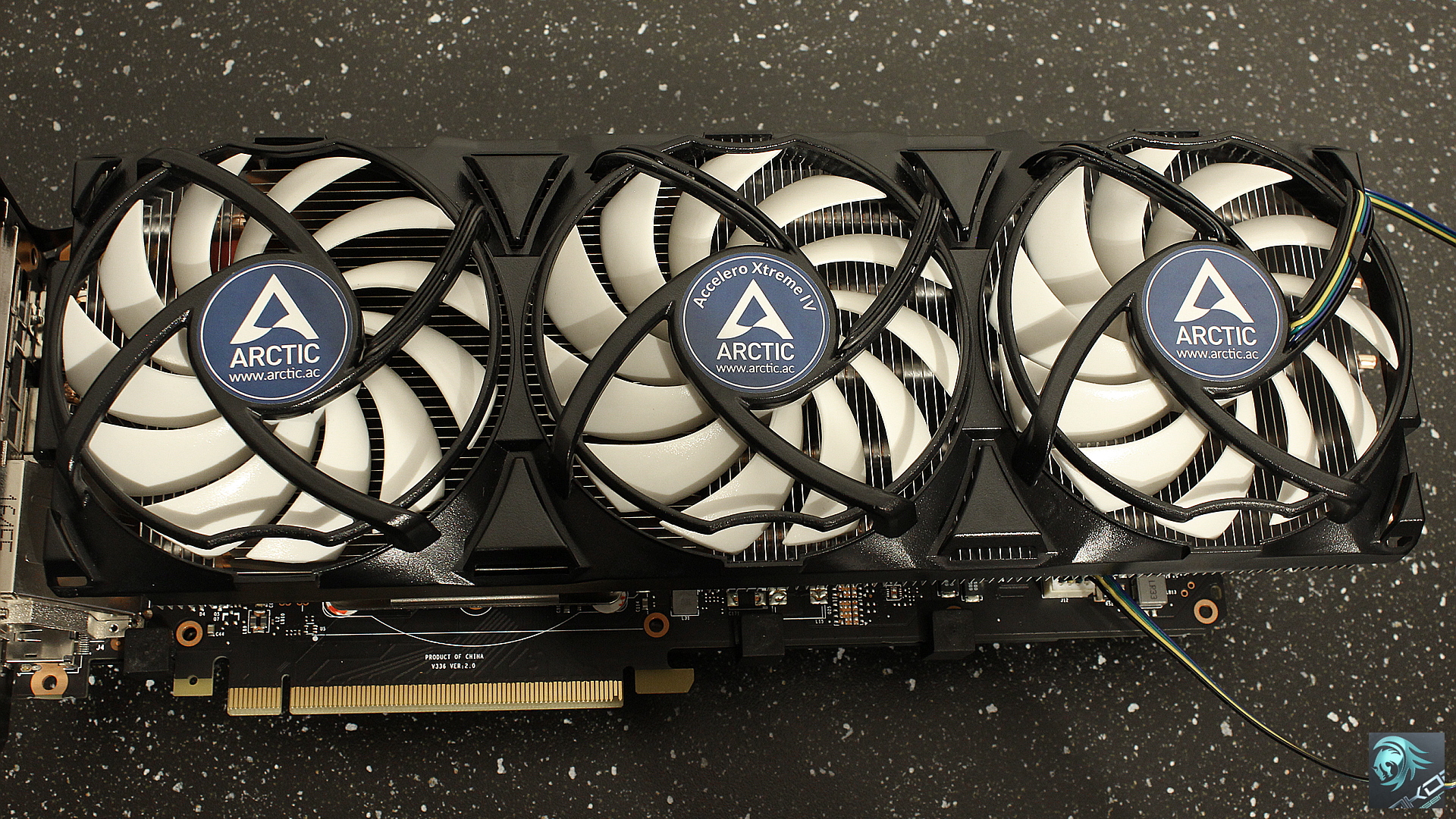
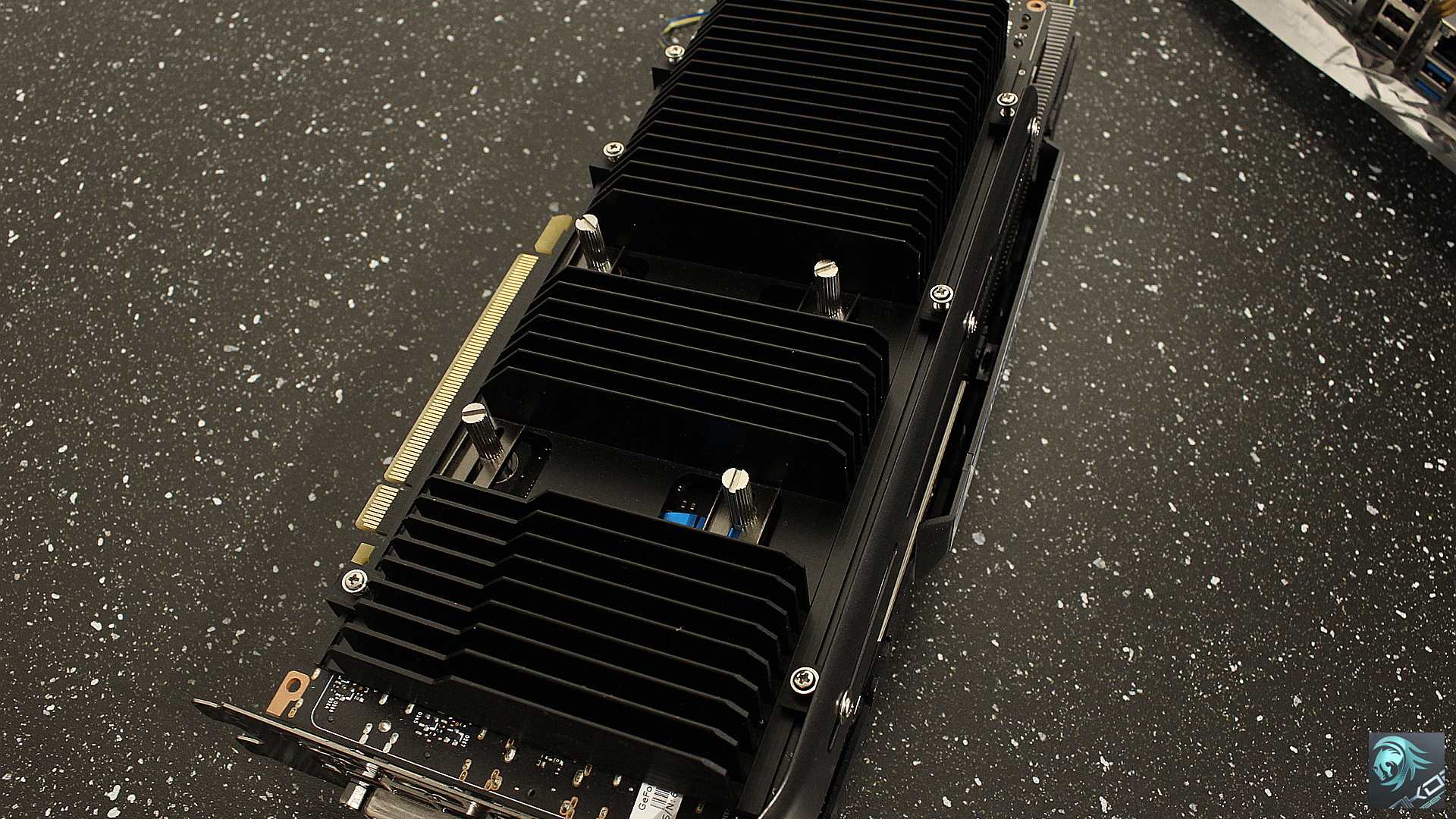
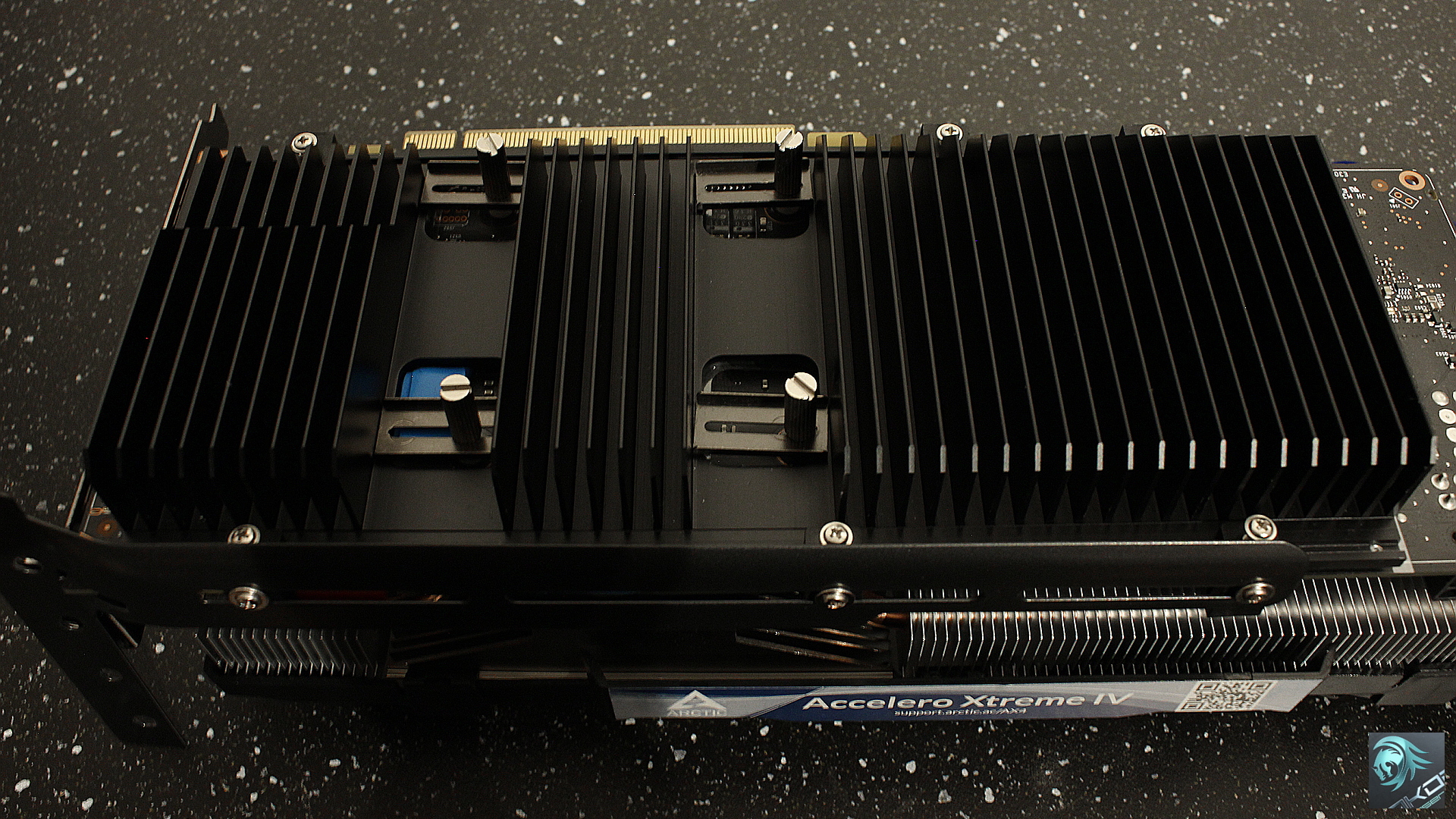
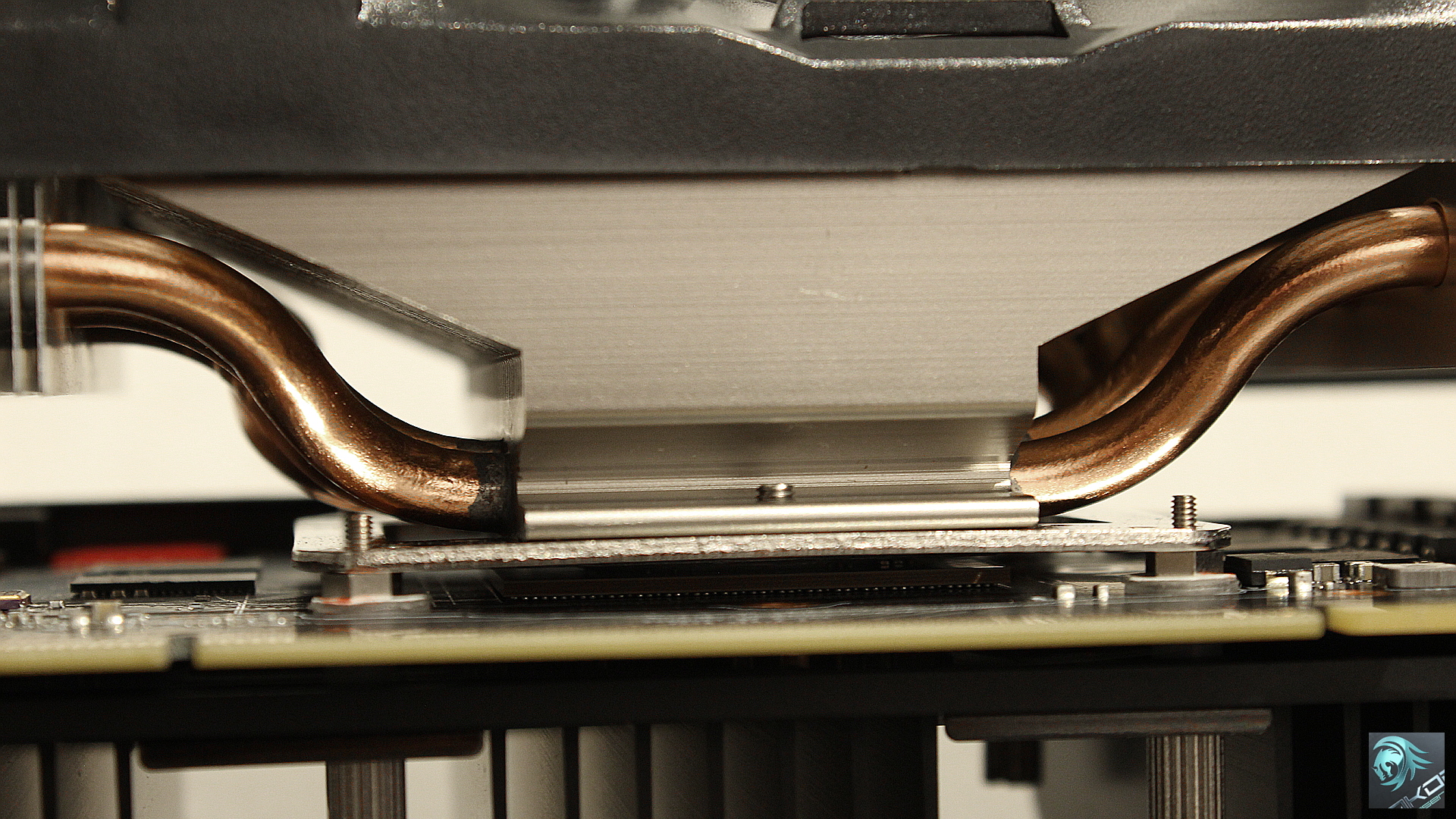
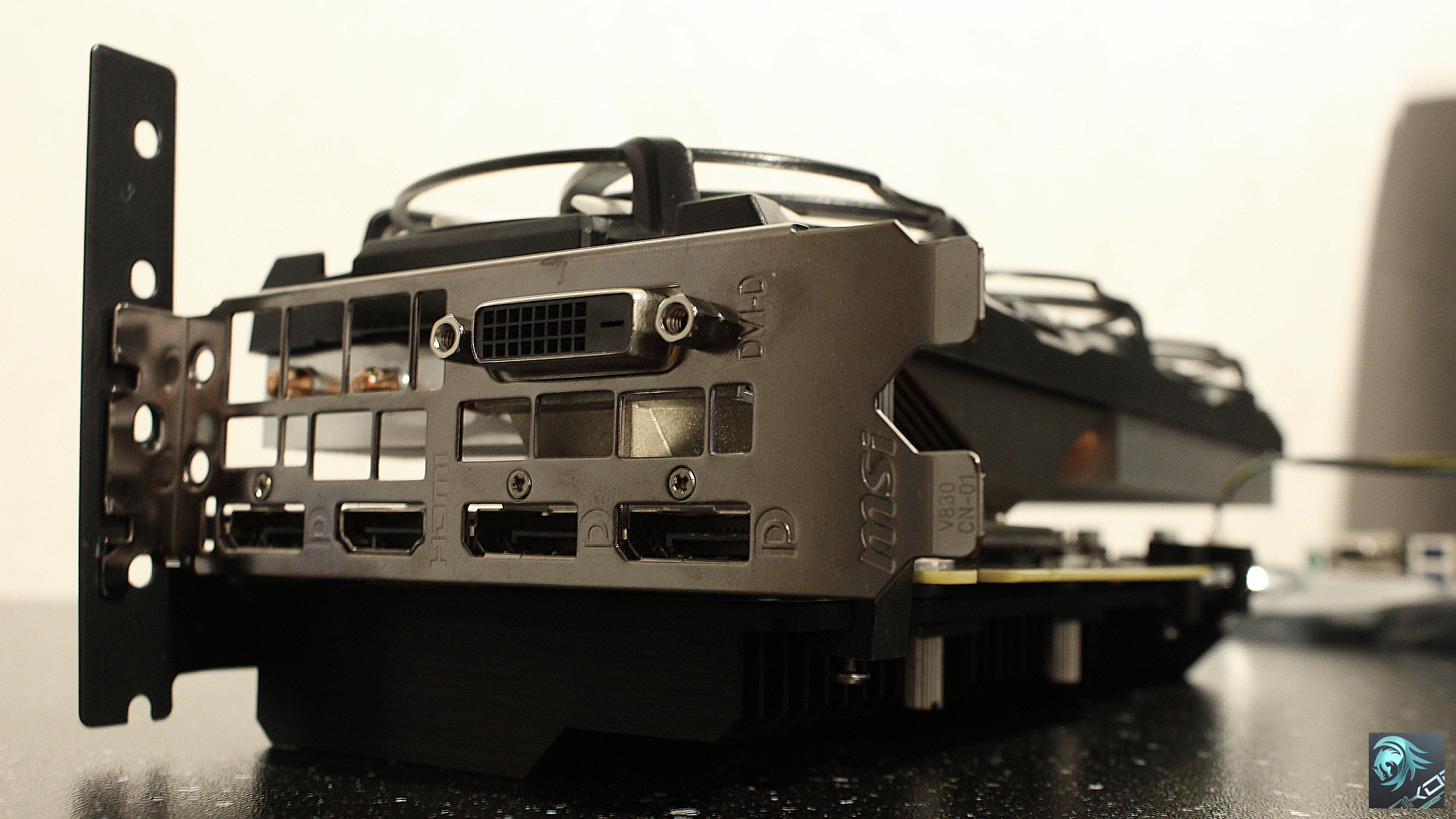
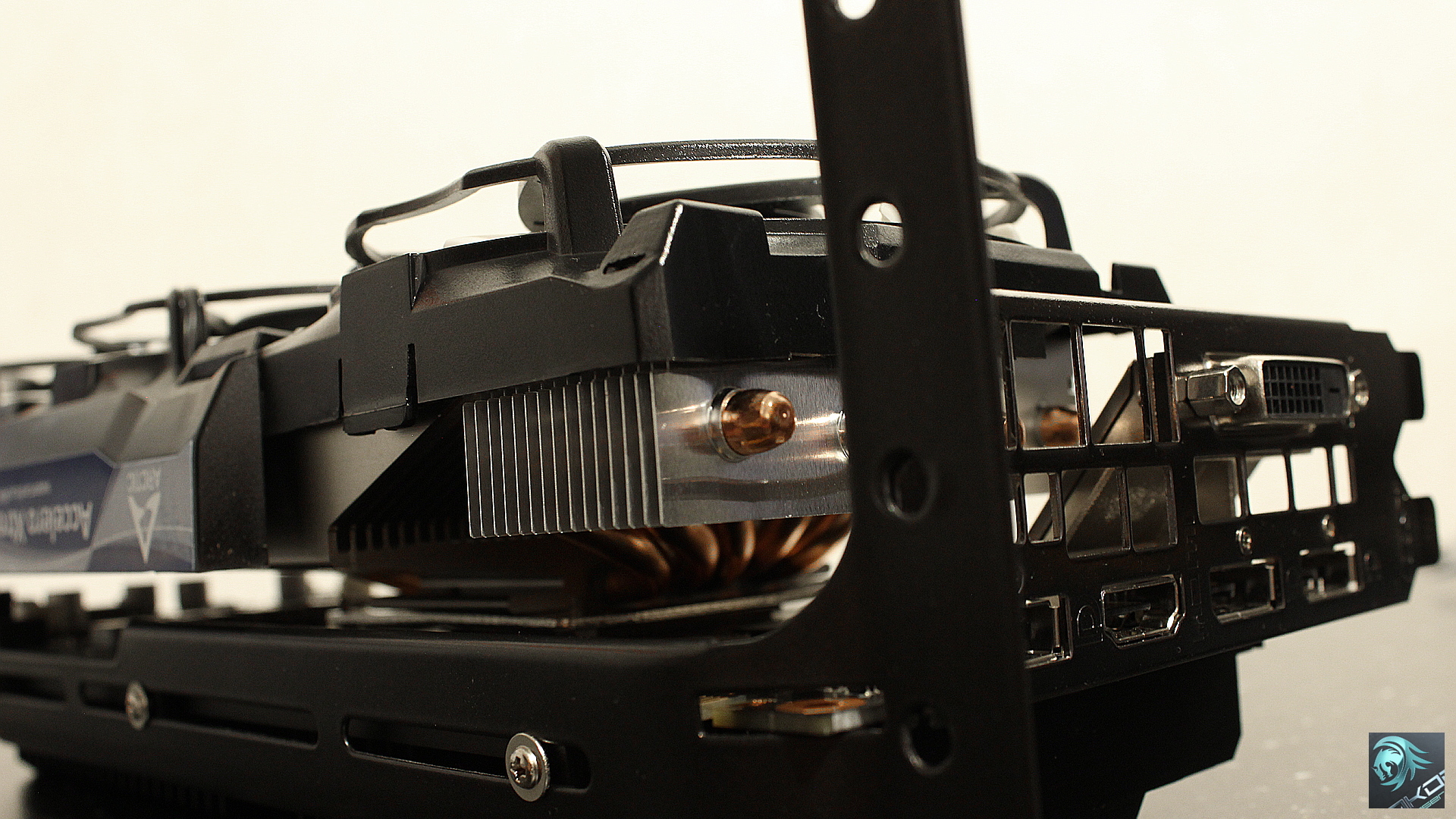
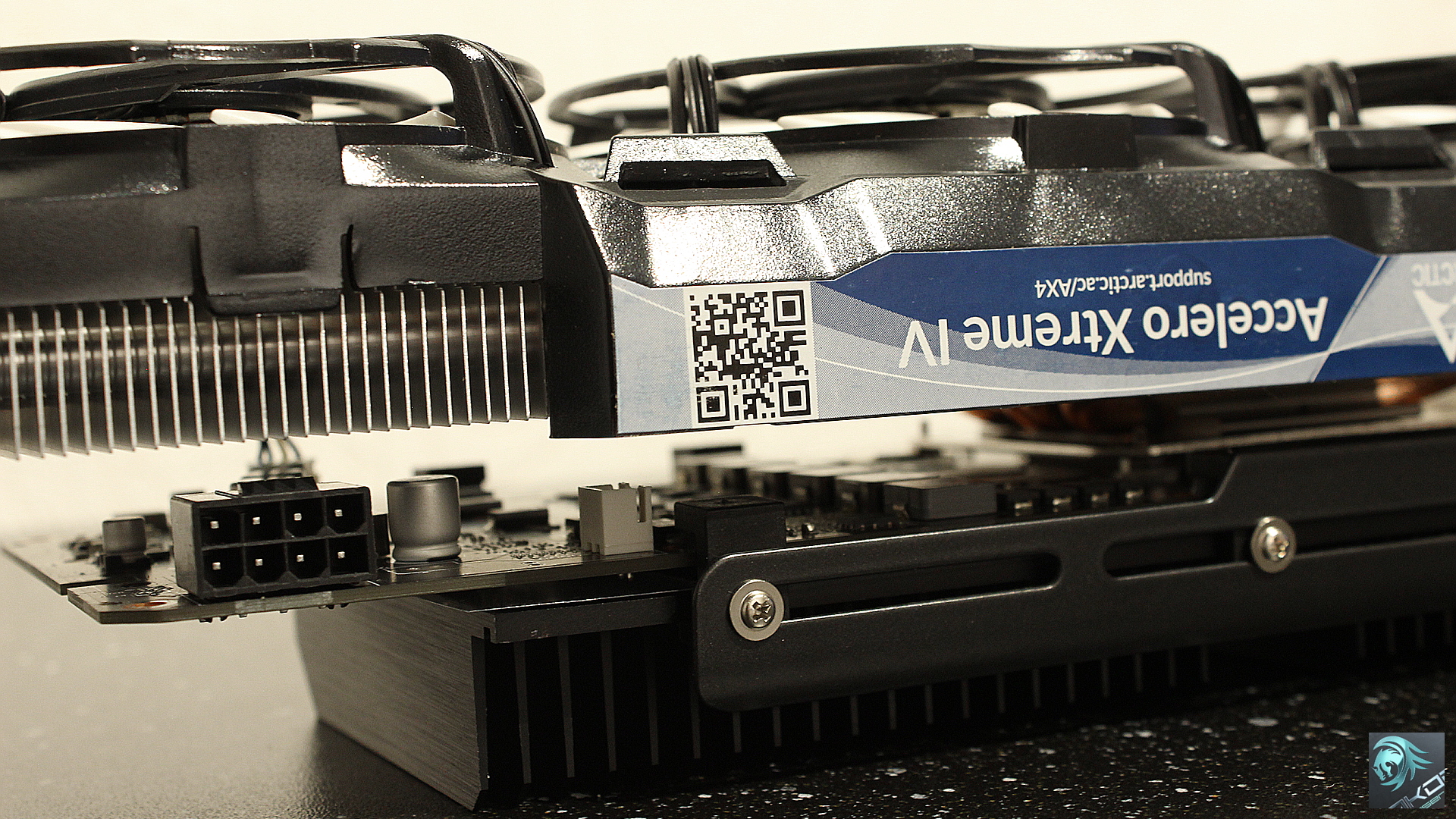
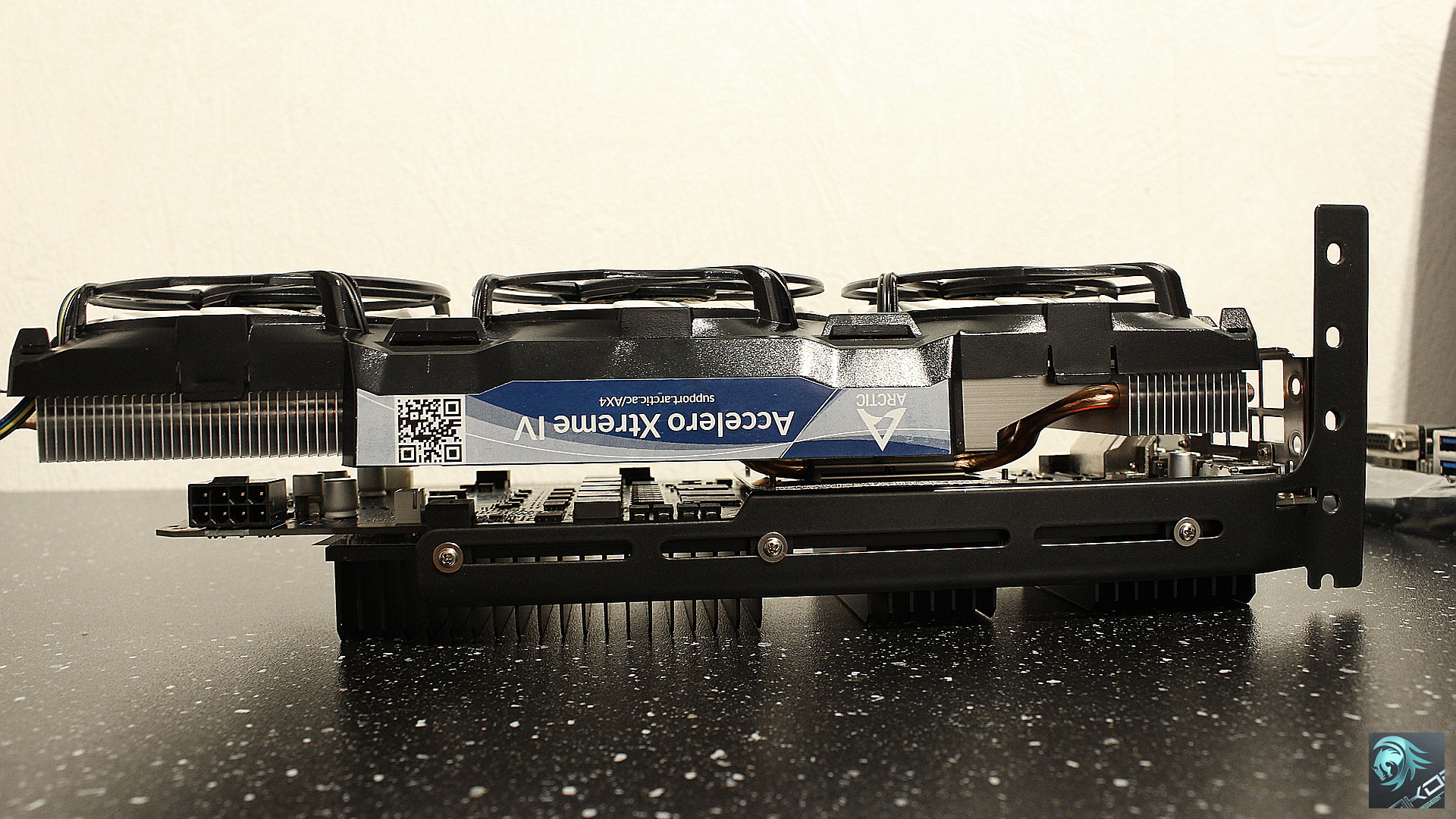
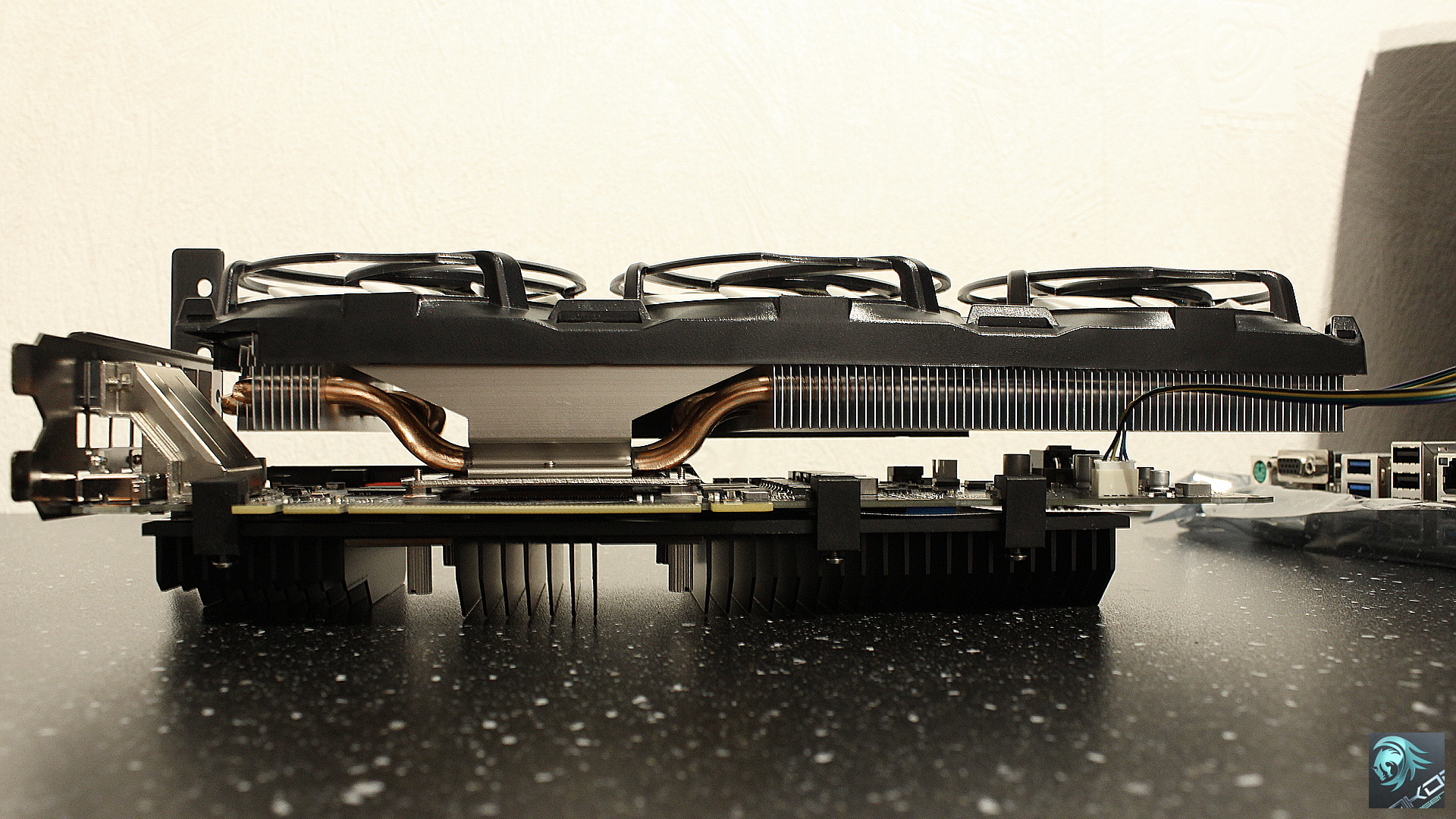
Arctic have done a good job with the design, it may be heavy and extremely big but cooling performance cannot be matched. The card has gone from 90 Deg C to 50 Deg C in the Ghost Recon Wildlands benchmark and achieved higher scores due to no thermal throttling.
The entire back part of the PCB is covered by the black heat sink which is supplied with thermal pads for memory ICs / VRM components and the rear side of the GPU. Directly over the VRM components there is space for additional heat sinks but with just the Arctic fans blowing directly above this will also assist cooling, I’ll check the VRM area temperatures later.
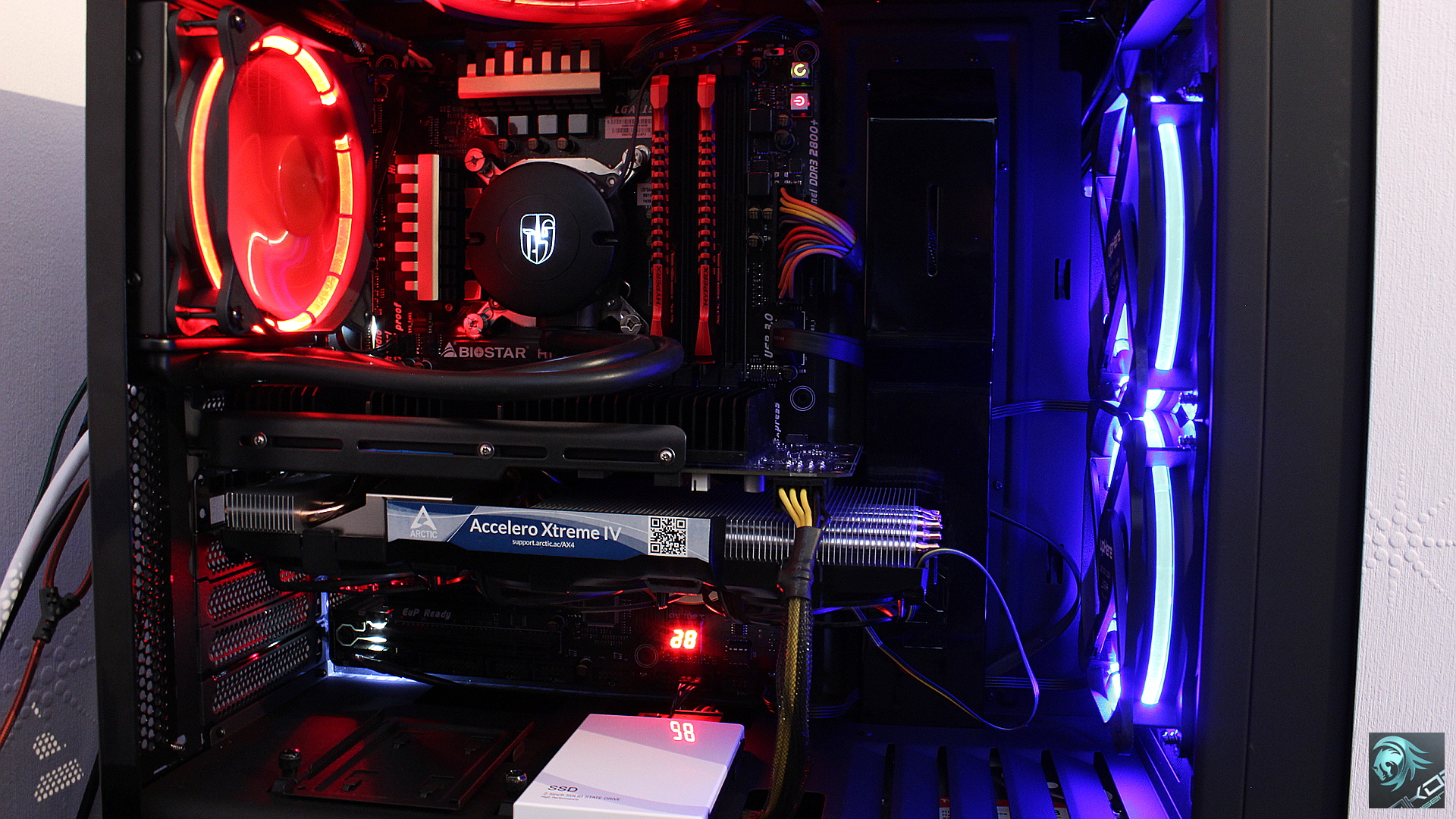
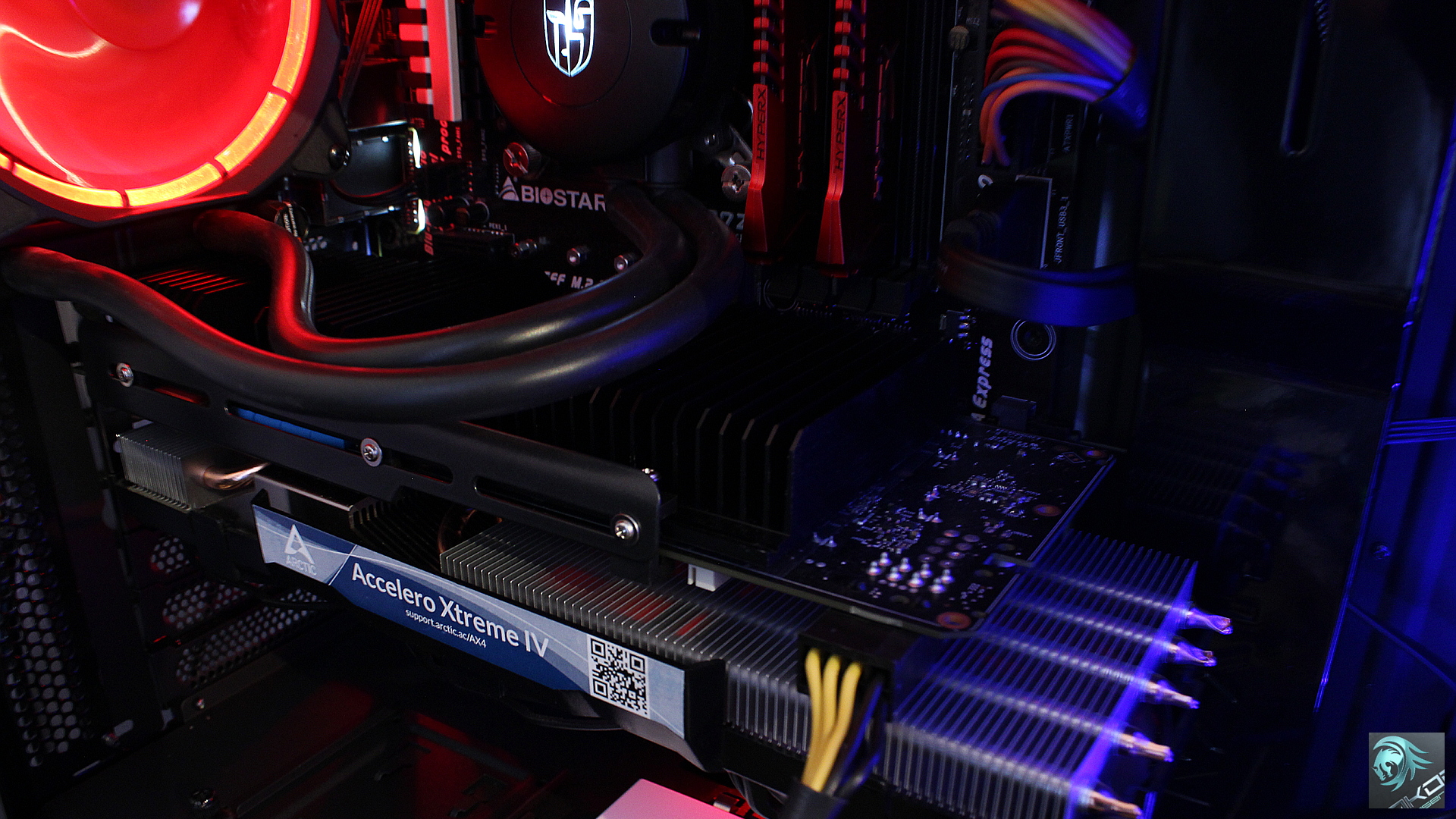
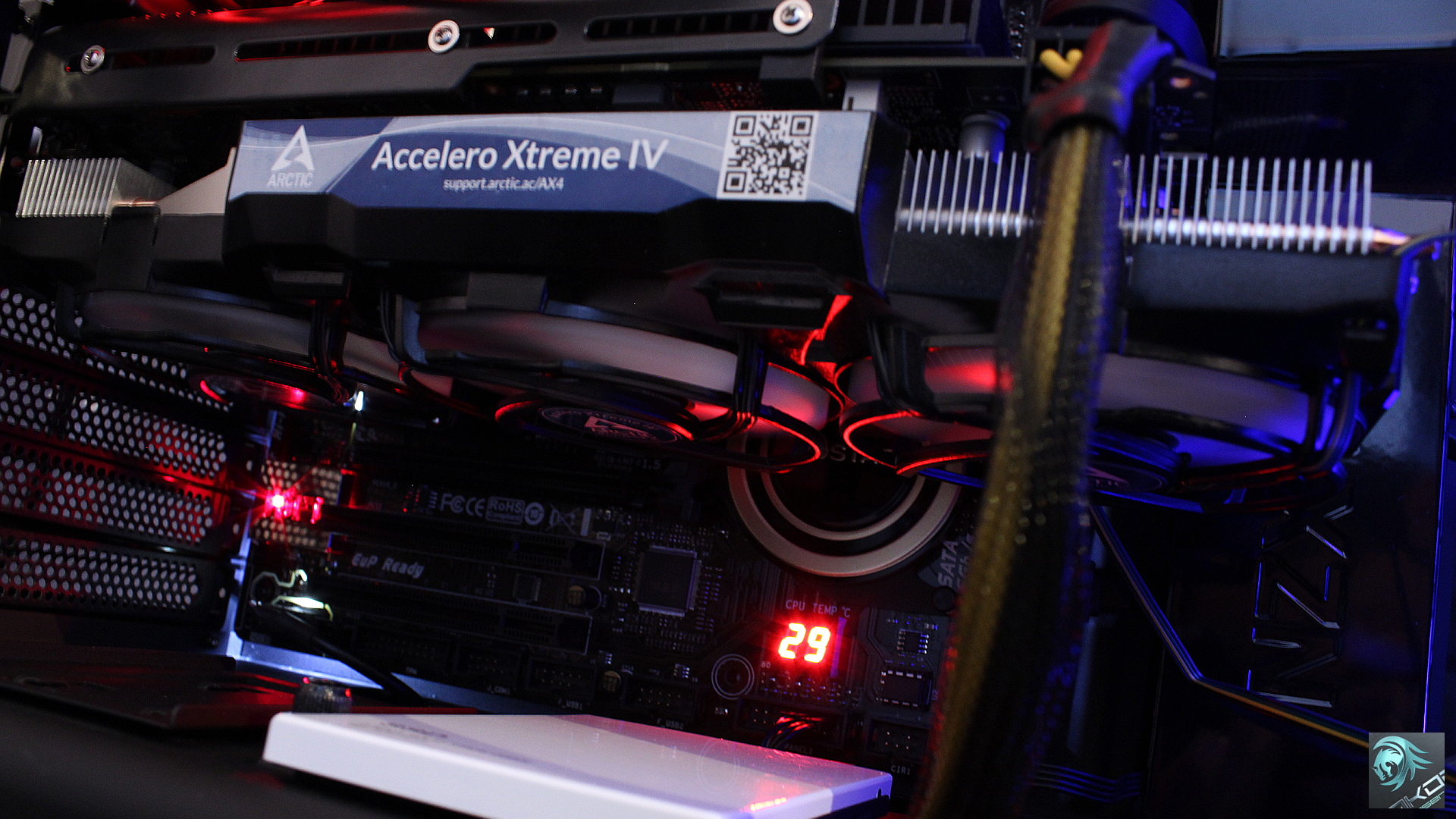
The finished product inside the PC case shows you just how much space is required. Motherboards with a single PCI-E x16 slot as the first slot will have issues with this cooler and if SATA connectors are not towards the edge of the motherboard it will not fit.
EDIT: 14/07/18 VRM Temperature update.
Using Furmark I measured the VRM area with an infrared thermometer to get an idea of the temperatures under a very high load.
-
- GPU: 72.0 Deg C
- VRM: 64.8 Deg C
- Room: 26.0 Deg C
- Arctic fans running at 56%