Almost 5 years ago I upgraded my GPU to a Gigabyte AORUS RTX 3080 Xtreme Waterforce WB which also had an Intel i7-6700K CPU but later in October 2023 switched to the AMD Ryzen 9 5900X CPU. Both have been running well and I did keep the AMD 5900X CPU on an all core boost of 4.4GHz at 1.28V so it ran extremely cool with no issues until some recent games.
The RTX 3080 always seemed to have an odd stutter in some games and sadly suffered from excessive coil whine regardless of FPS. I was also mainly running a 1920×1080 screen at 60Hz so never had any performance issues but one reason why I decided to upgrade the RTX 3080 was due to my laptop.
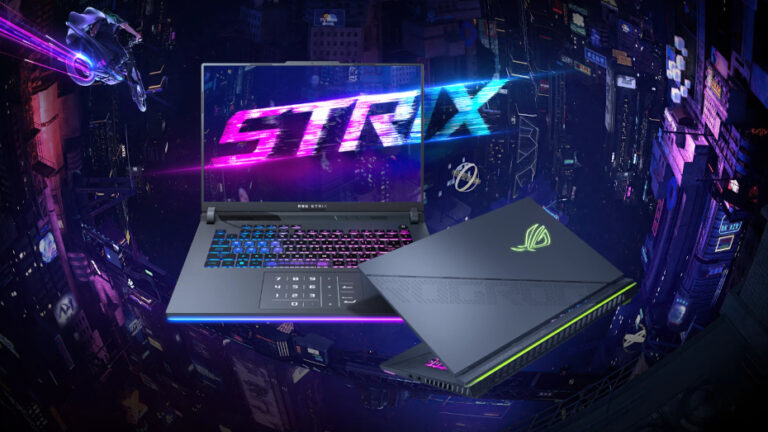
At the end of 2024 I got an ASUS ROG Strix G16 laptop which features an i9-14900HX CPU and RTX 4060 8GB (140W TGP) GPU with a 1920×1200 165Hz screen. Running at 165Hz was actually quite impressive, the smoothness compared to 60Hz was so much better but also the way the RTX 4060 performed in some games it just felt so much more responsive even at 60Hz. I remember reading a lot at the time how one of the main differences between the 3000 series and 4000 series is an overall improvement to frame time latency which would actually explain why it felt more responsive on the RTX 4060 Laptop GPU.
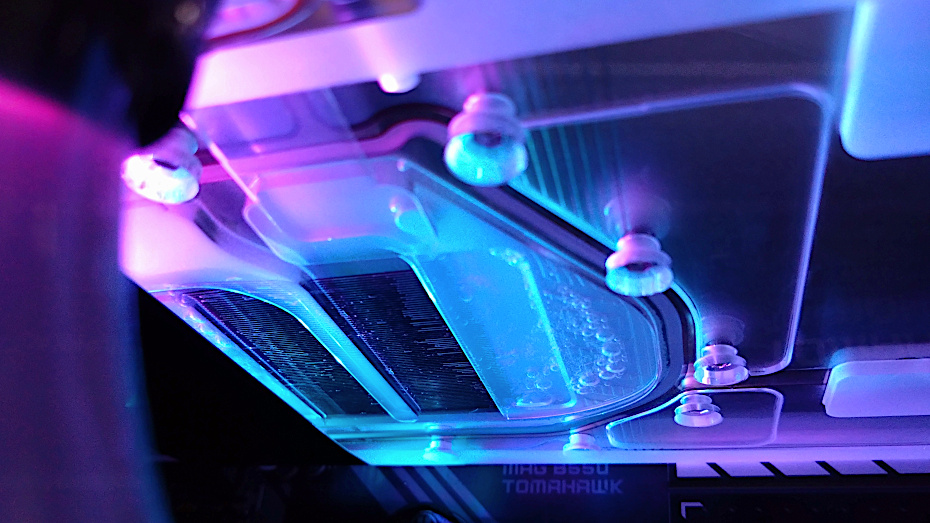
Also newer games are now relying heavily on DLSS features for improved framerates to compensate for terrible performance and this is another area the RTX 3000 series struggles with. Whilst it does have some support it is not to the same level as the newer generation cards which actually perform much better on a like for like basis. So I felt it was time to change the RTX 3080 to an RTX 5080 and after waiting due to stock shortages / excessive pricing I eventually went for the Gigabyte AORUS RTX 5080 Xtreme Waterforce WB version as it should be a direct fit to my water cooling loop.
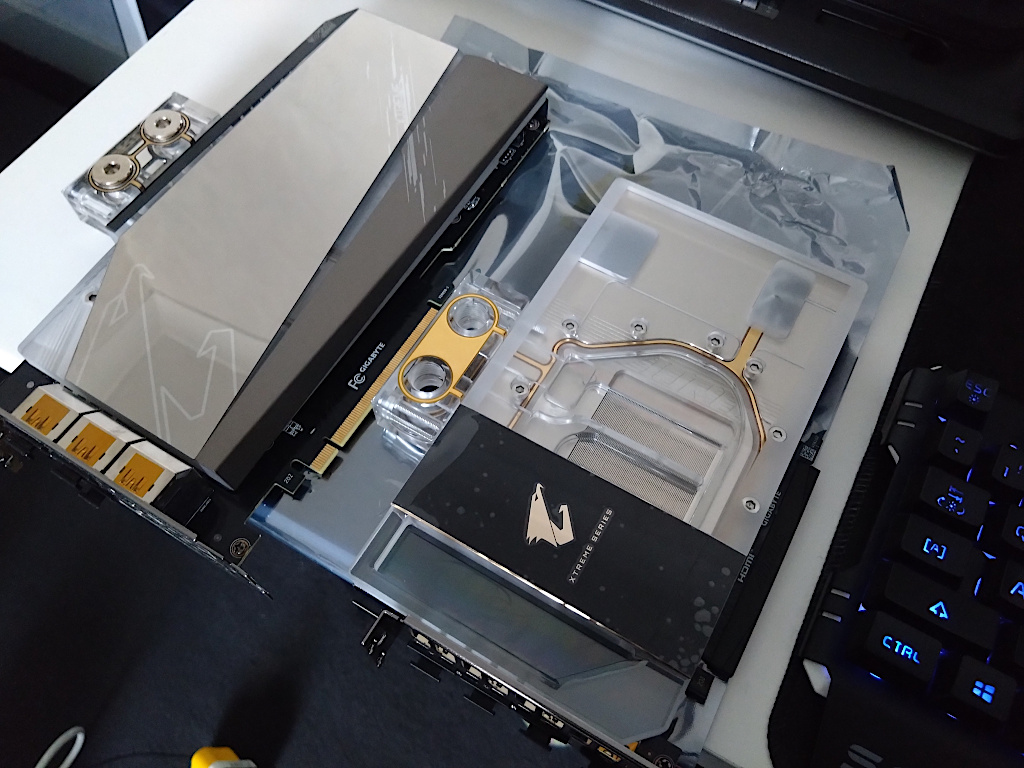
Using The RTX 5080 With An AMD Ryzen 9 5900X AM4 Processor (CPU)
How well is it going to perform? That’s what I’m going to find out however specification wise my current CPU and motherboard only support a max PCI-Express speed of 16GT/s (Gen4) whilst the RTX 5080 GPU is capable of 32GT/s (Gen5). This may look like a 50% reduction in the PCI-Express link speed however it comes down to the RTX 5080 GPU throughput when in use and the actual data it pushes over the PCI-E slot so in practice this will not be much of a difference.
Is the AMD 5900X CPU still capable? It’s a 12 core CPU, dual CCDs rated at a base frequency of 3.7GHz and a Boost up to 4.8GHz. The CPU doesn’t run all the cores at 4.8GHz and this is actually only on 2 cores, on each CCD provided the other cores are not active. It also never runs a high all core boost at the same time if left on default settings so it’s a bit slow unless adjusted however, 12 cores all at 4.4GHz it’s actually still very strong in most games so I’m sure it will not hinder performance too much but alternatively I have the ability to push the all core overclock higher if needed.
I don’t use AMD PBO settings as it doesn’t offer the best performance for this CPU other than highlight slightly faster single core benchmark scores. In gaming it’s not useful but also there are differences that need to be explained on how the AMD boost feature operates on this CPU. AMD PBO scales all the core frequencies depending on load and is limited by the boost algorithm / power limits so under an all core dynamic load it doesn’t sustain a high all core frequency boost. This is a big subject so I’ll add another post later to explain my reasoning but for the purpose of this test and maintaining a default configuration I will run the AMD 5900X CPU on default settings with PBO enabled so it’s more representative to similar / standard configurations.
The RTX 5080 Installed
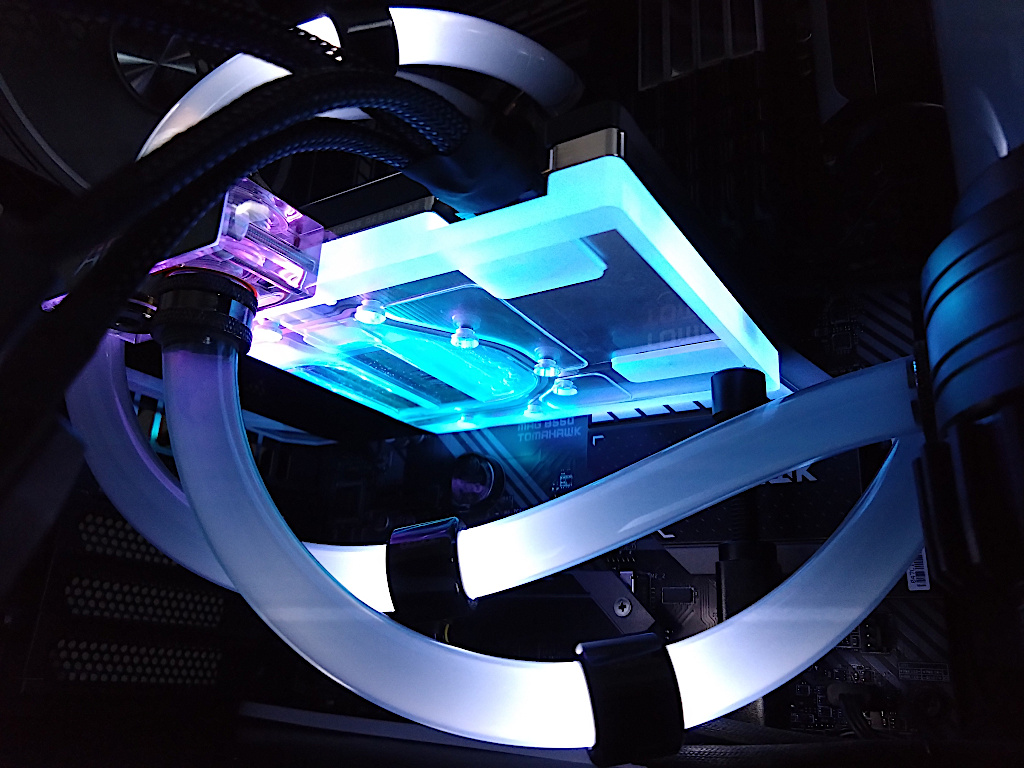
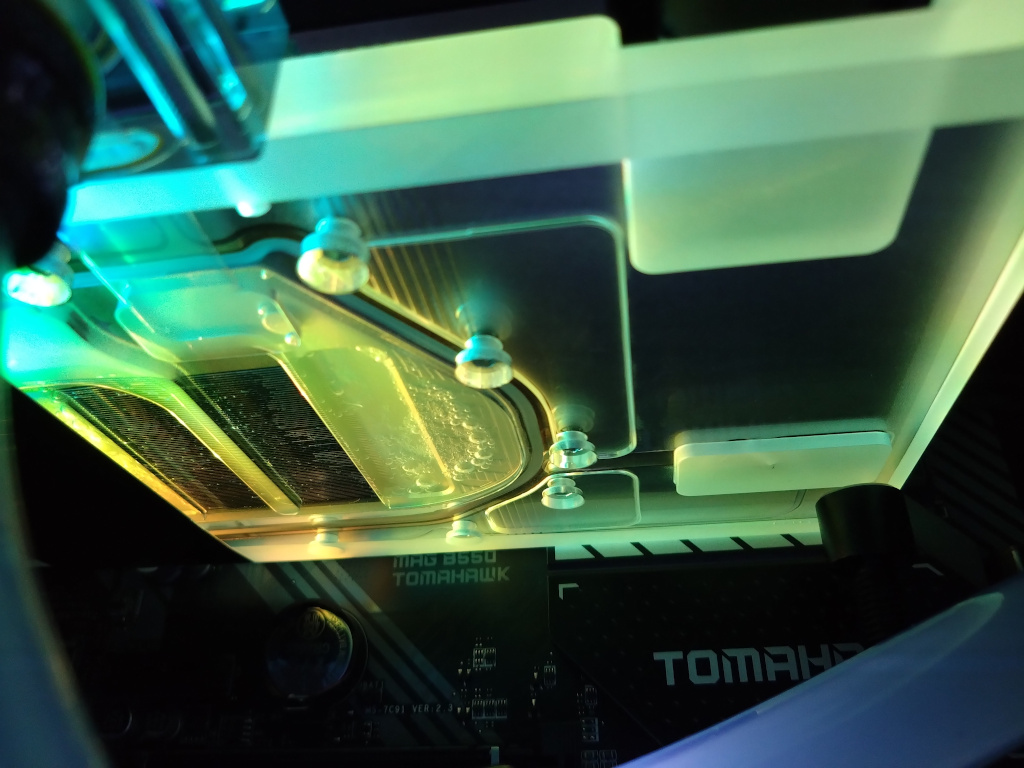
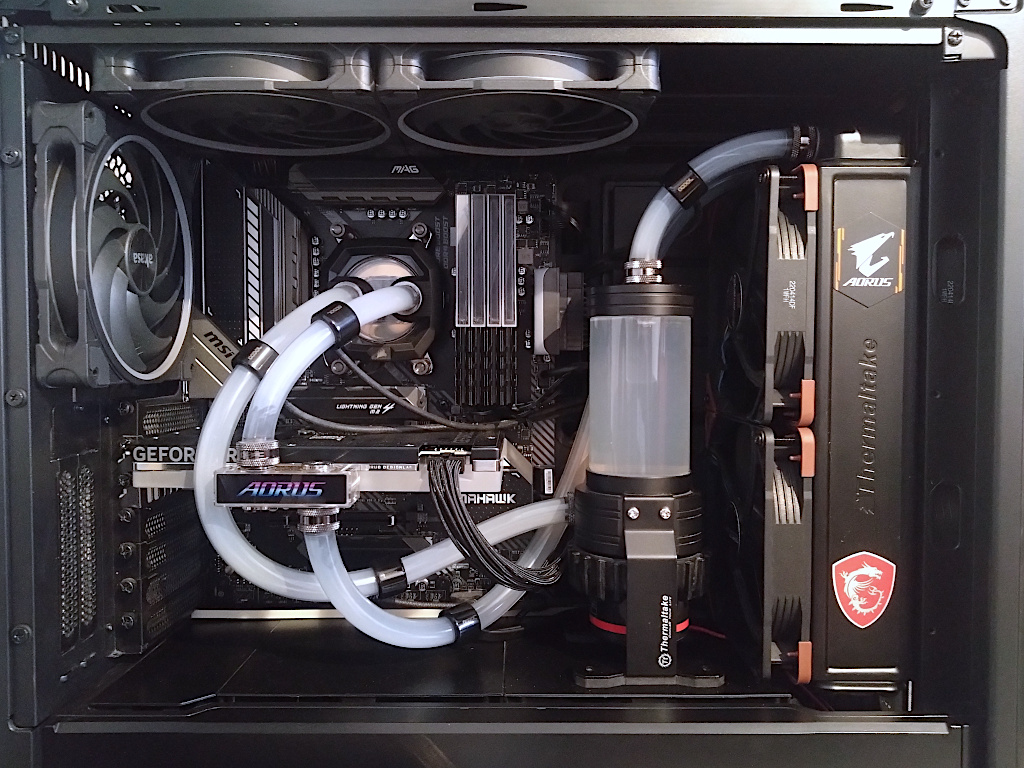
With the flexible water tubes this was easy to install with minimal lose of coolant but the entire loop could benefit from a clean. The opaque / misty coolant has faded to clear and my soft tubes seem to have a coating on the inner wall which means there are deposits within the loop.
Test System Details
| Processor | AMD Ryzen 9 5900X AM4 | Default BIOS PBO Settings |
| Memory | Kingston Fury Beast 3600MT/s 4x8GB DDR4 | XMP Profile Enabled |
| Motherboard | MSI MAG B550 Tomahawk | |
| Operating System | Windows 11 25H2 |
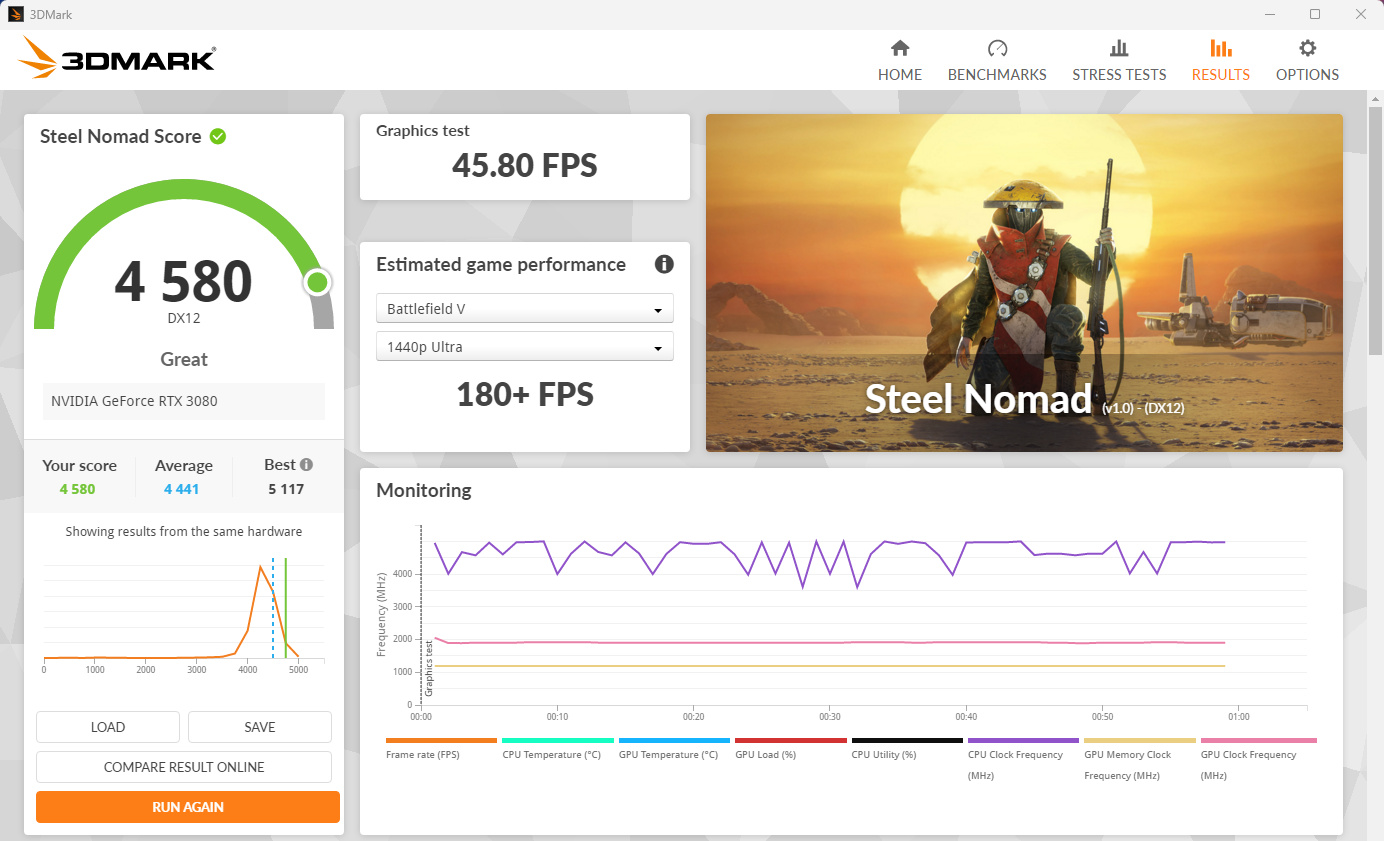
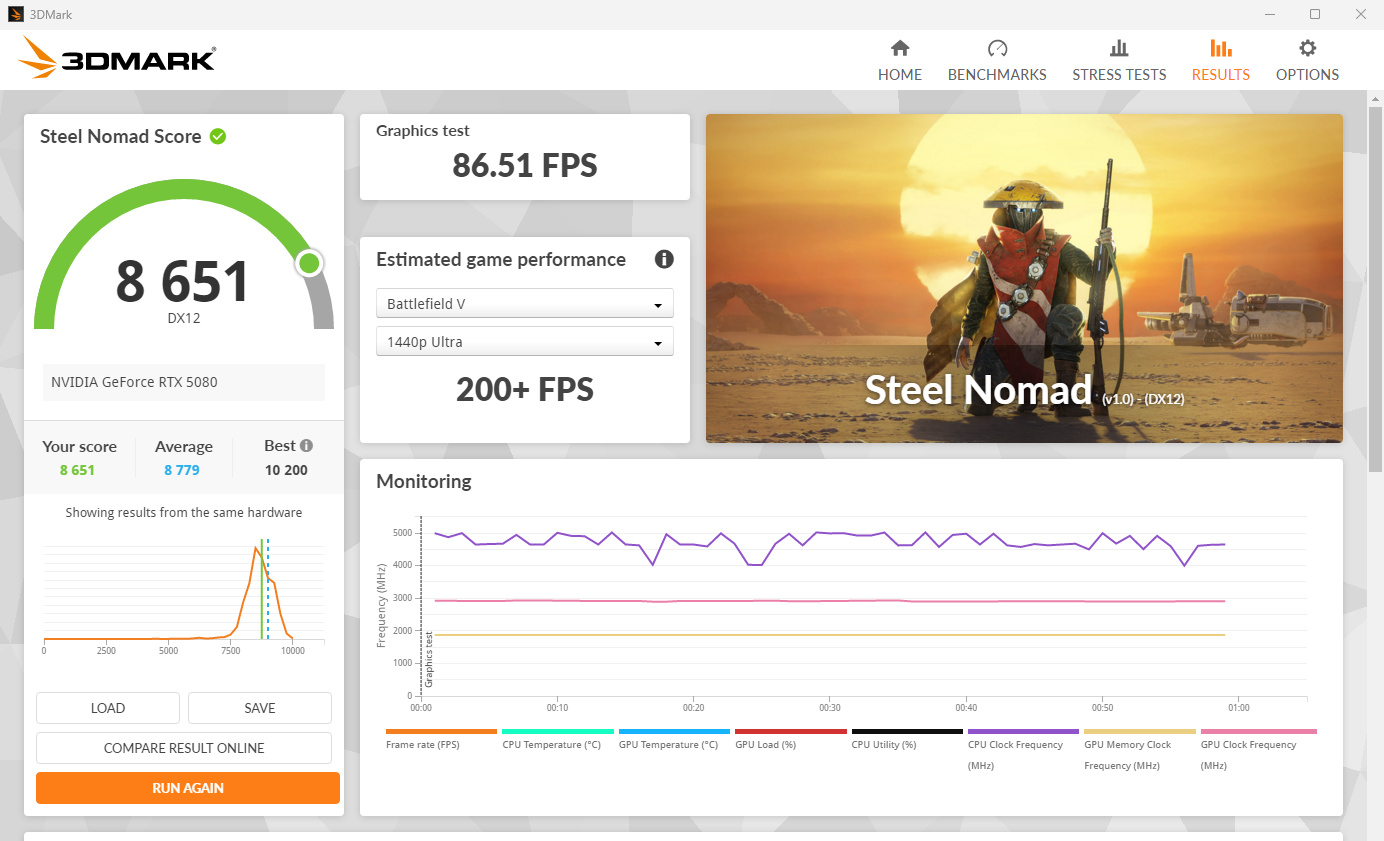
3DMark Steel Nomad RTX 3080 vs RTX 5080
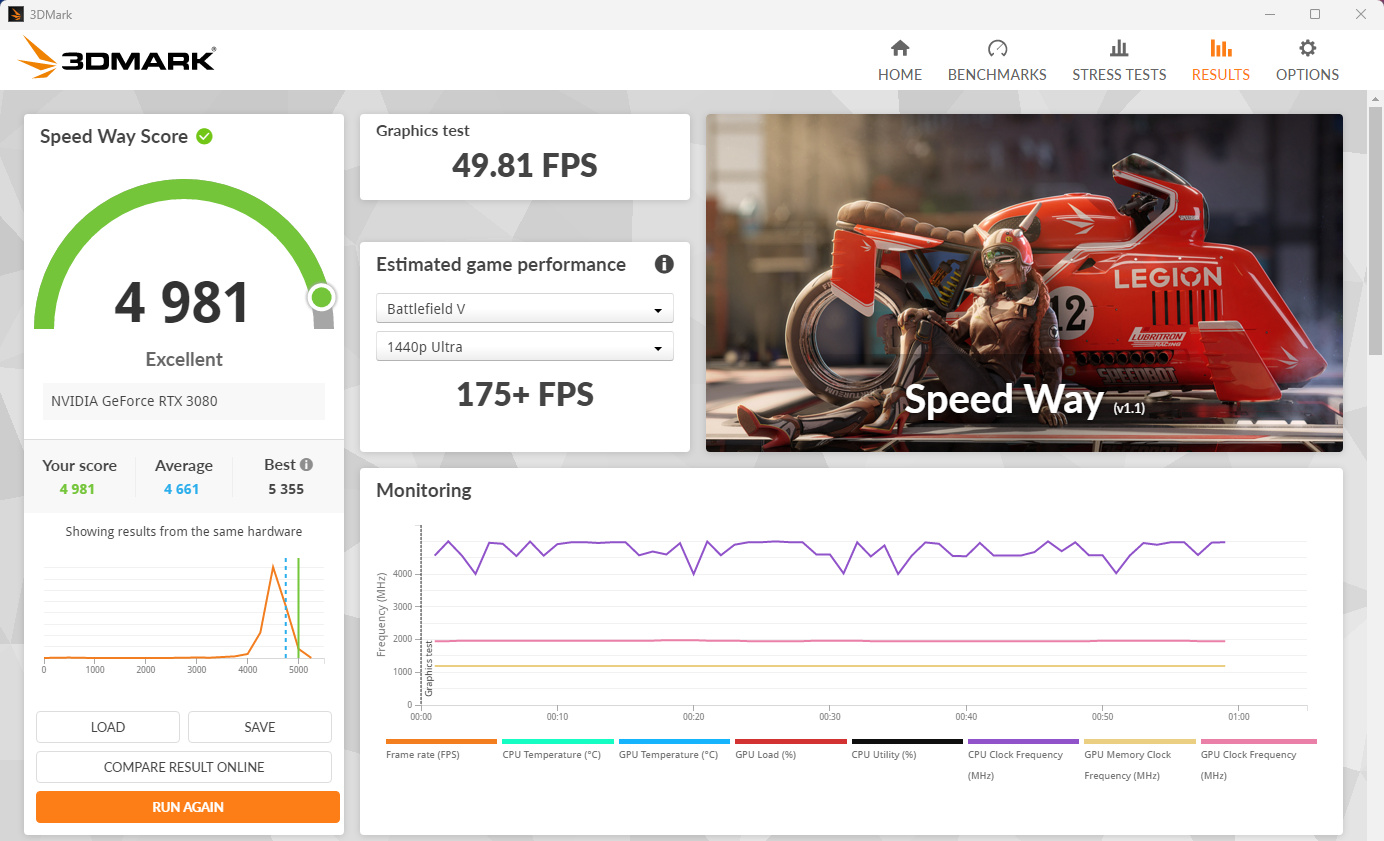
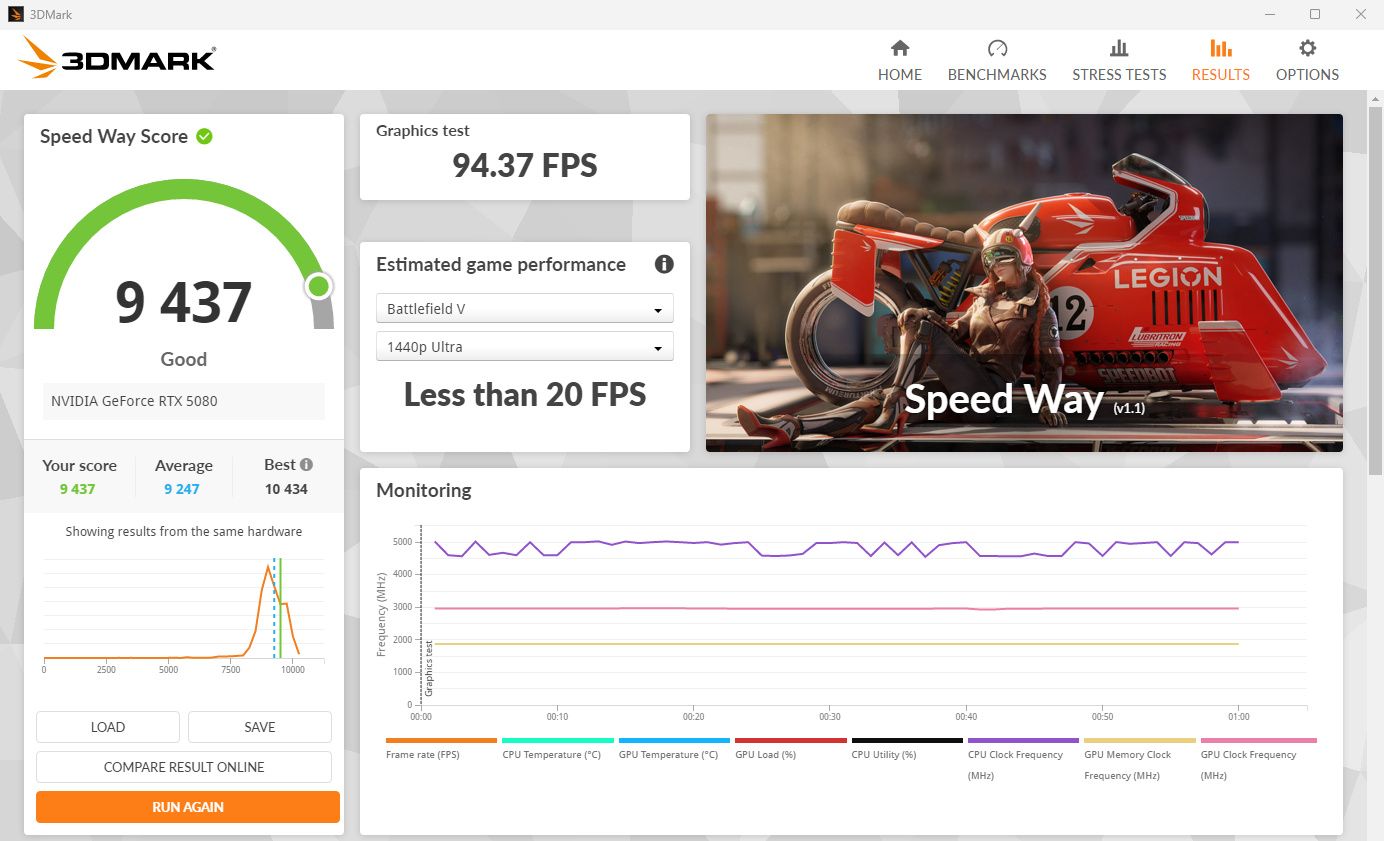
3DMark Speed Way RTX 3080 vs RTX 5080
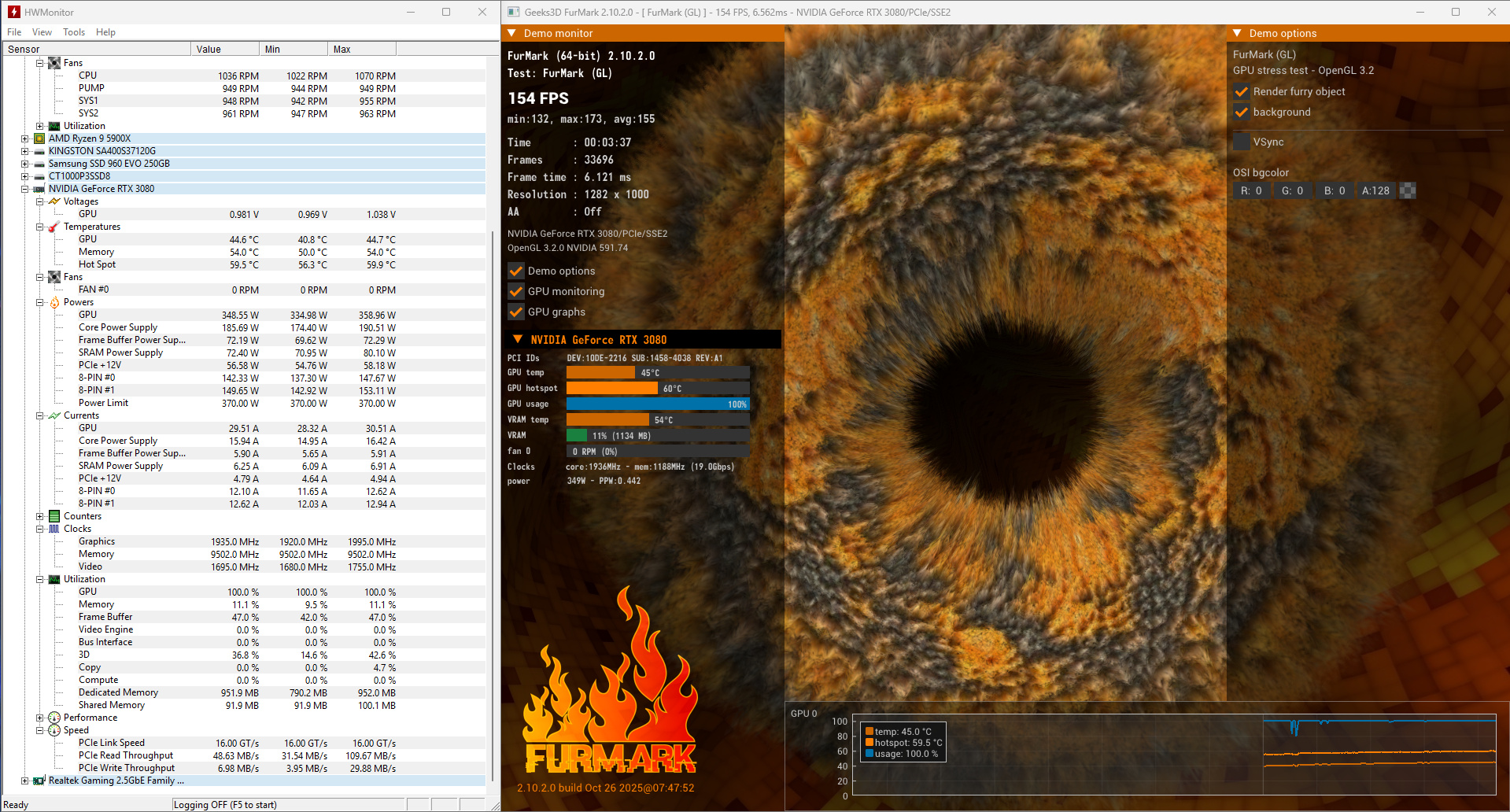
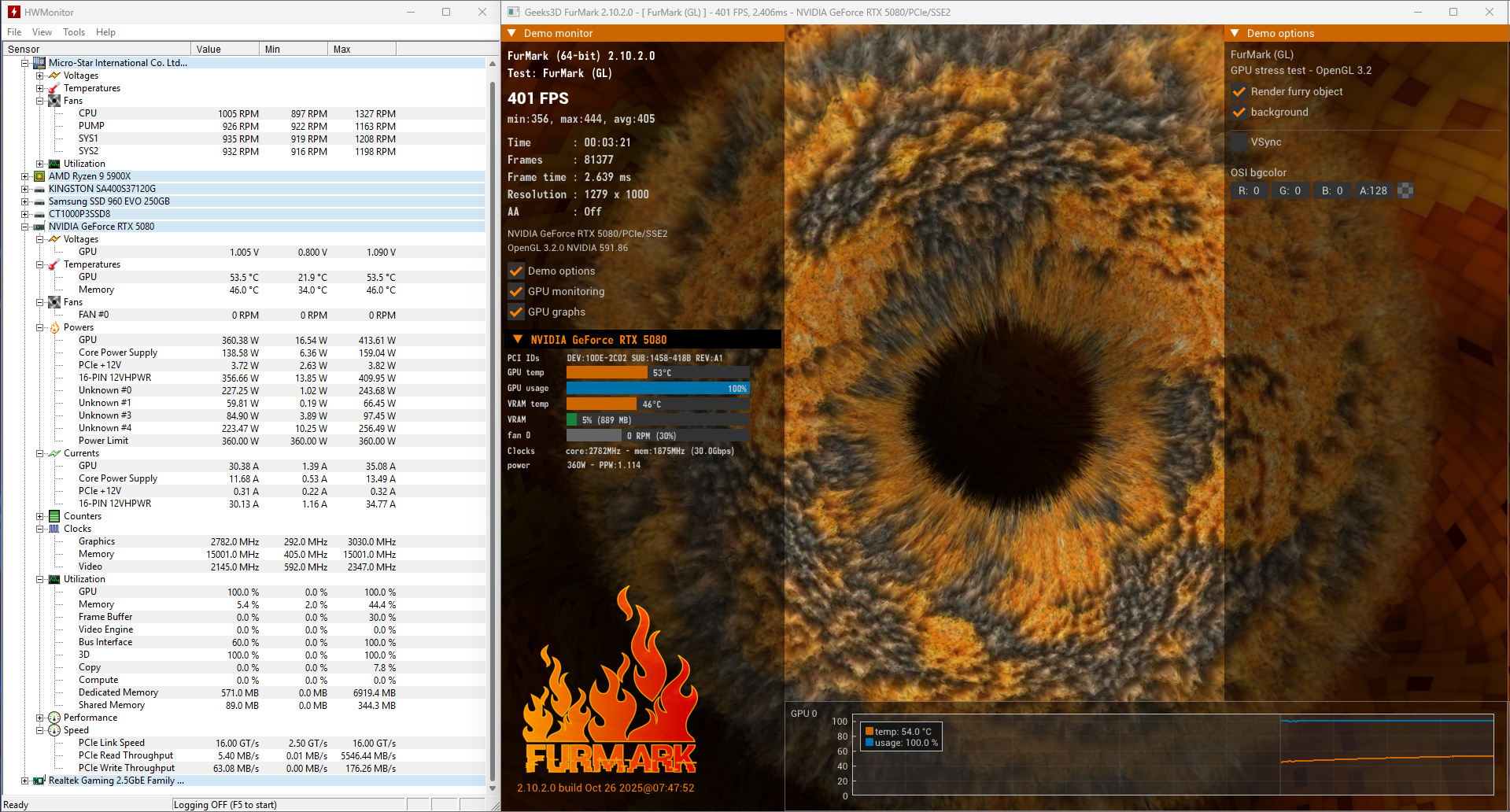
Furmark2 Power and Temperature RTX 3080 vs RTX 5080
Results overview
The RTX 5080 appears to be nearly twice the performance of the RTX 3080 in these benchmarks with temperatures staying under 60 DegC at 360W in a short Furmark2 run and virtually no coil whine :). Based on these benchmark scores the AMD 5900X CPU doesn’t appear to be much of a problem but the real test will be when I run some actual games.