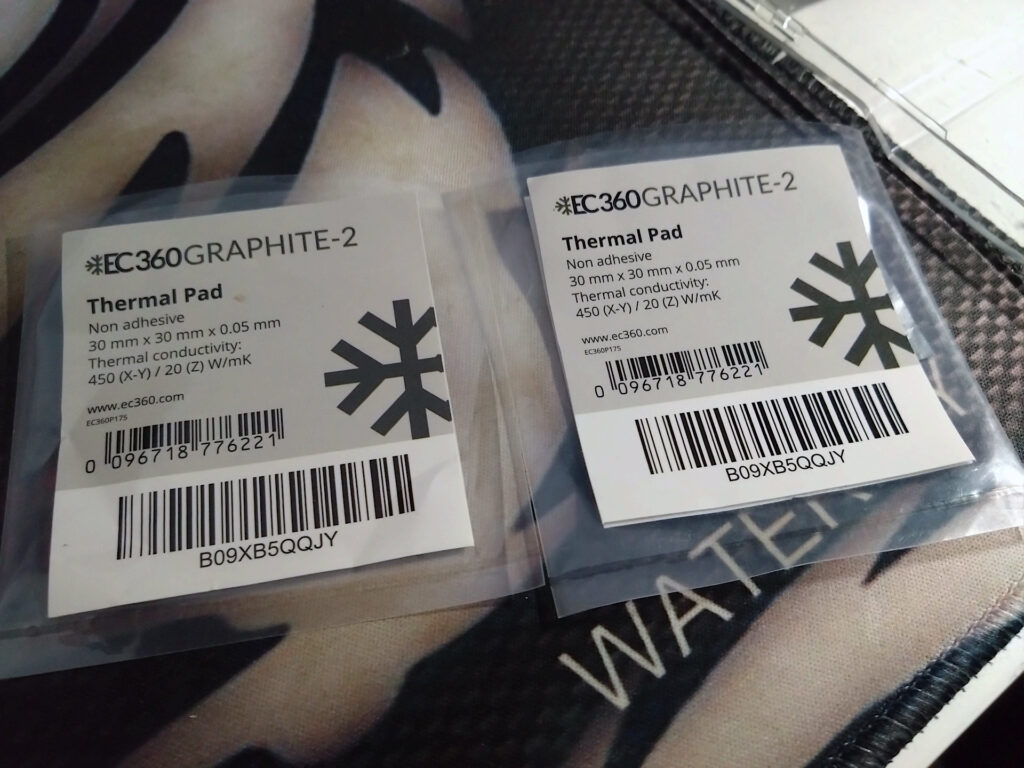
This seems like an interesting product, a 0.05mm thick graphite pad with a 20 W/mK thermal conductivity rating vertically and 450 W/mK horizontally. I plan to try this instead of liquid metal on the CPU and seeing as the GPU is also in need of something I’ll give it a go there too. I picked this one over a Thermal Grizzly Kryosheet due to the spec as the Kryosheet is thicker (0.2mm) and doesn’t have the same horizontal conductivity which from my point of view is something that might be beneficial.
Whilst it’s true that the heat from the CPU / GPU will travel upwards the graphite might actually be able to help if it covers a larger area than just the DIE. It should be able to apply some kind of “wicking effect” and pull the heat sideways too so if you then have a heatsink above making good contact this should in theory provide more heat transfer instead of relying on just a pad cut to the die size only. So for the purpose of this experiment my graphite pads will be much larger than the DIE area and I’ll try to improve heatsink contact in the zone around the DIE.
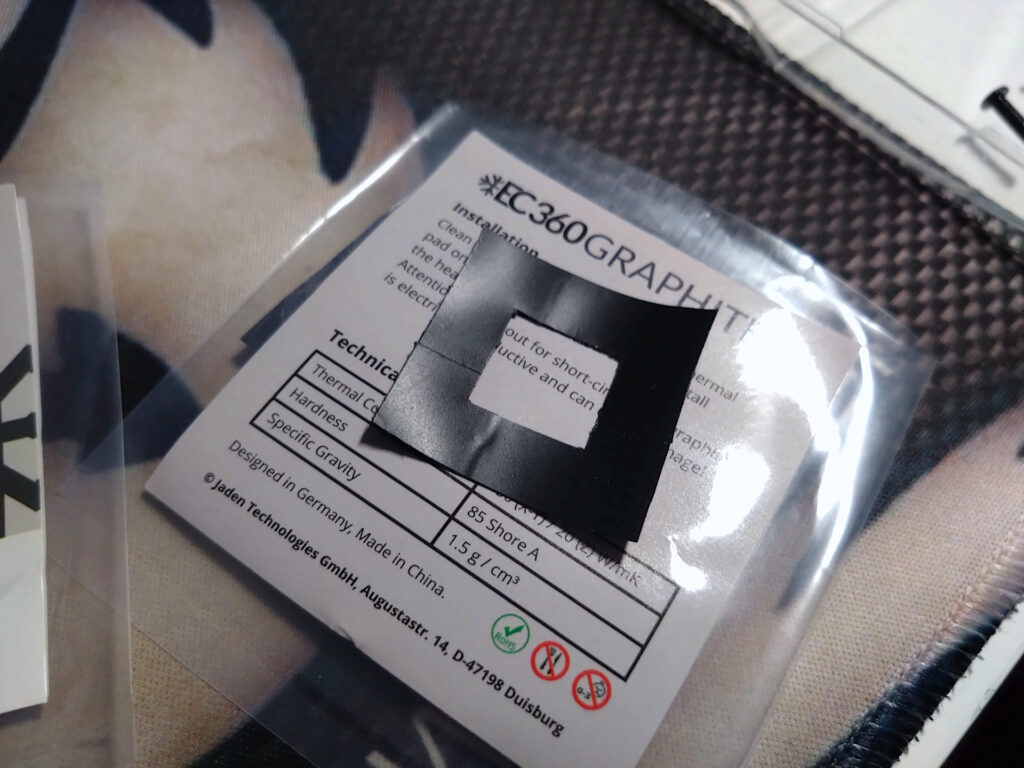
Prior to using this on the GPU some prep work is required as the pad is conductive so I have made a insulation barrier using electrical insulation tape, its just 2 rows placed side by side, then another 2 rows stuck on top but rotated 90 degrees to make a square (sticky side to sticky side), then I cut out the dimensions with a sharp knife. This will be able to take the heat without much of an issue and provide a good level of insulation so the graphite pad can’t short out the bridges on top the GPU.
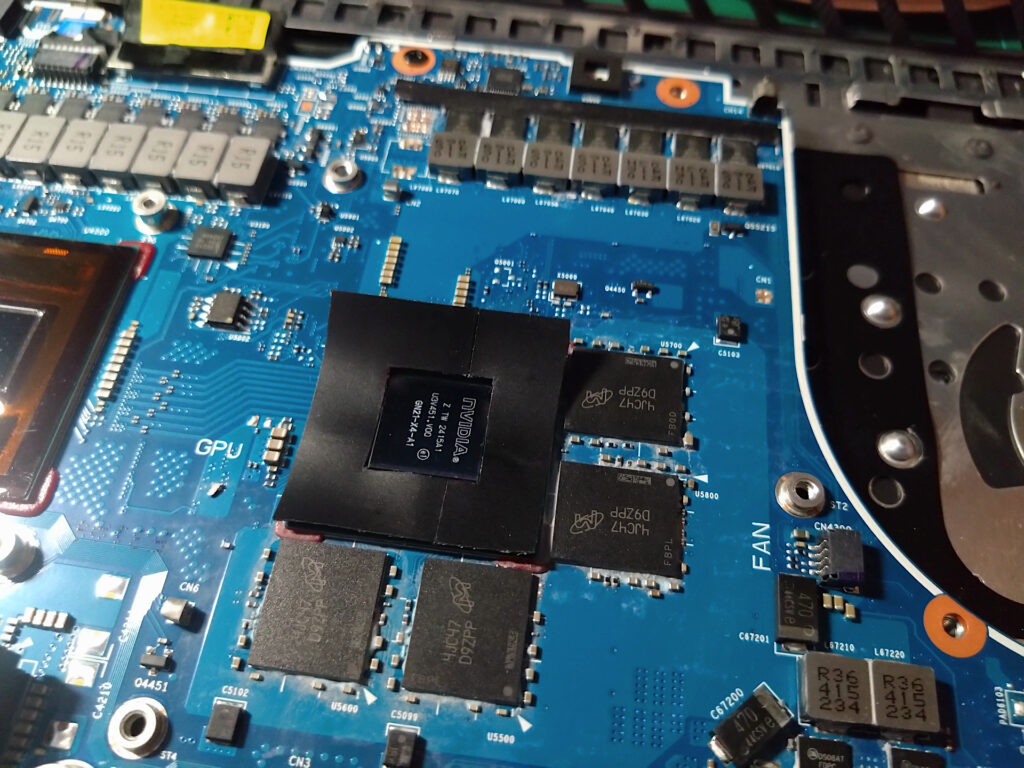
Should this work it means no more messing around with liquid metal, no risk of leaks and a laptop heatsink that will require 0 maintenance apart from dust removal to the heatsink fins and fans.
Dust control whilst working on electronics
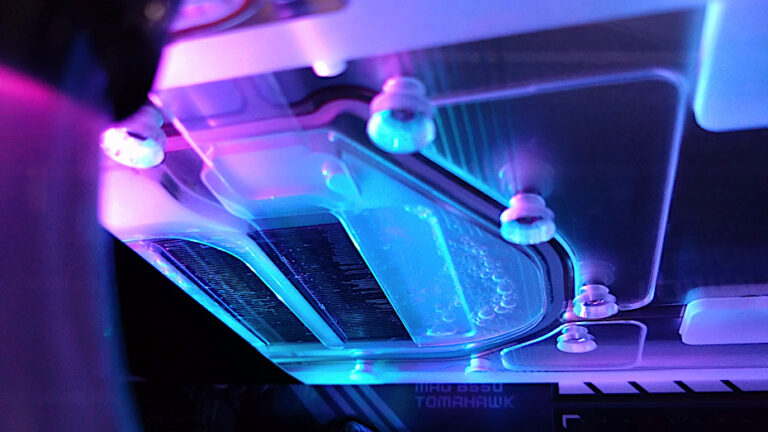
In a controlled clean environment dust control is taken quite seriously and when working on laptops / computers you should also limit dust particles. You might see that in test labs they use a clean room / chamber with a fan above to pull any dust particles? I have my PC running 4x Noctua 140mm industrial fans on a 280mm Radiator (158CFM x4) which is currently acting as my dust filter when working on the laptop. It’s does a good job preventing particles settling on the board as I work on it.
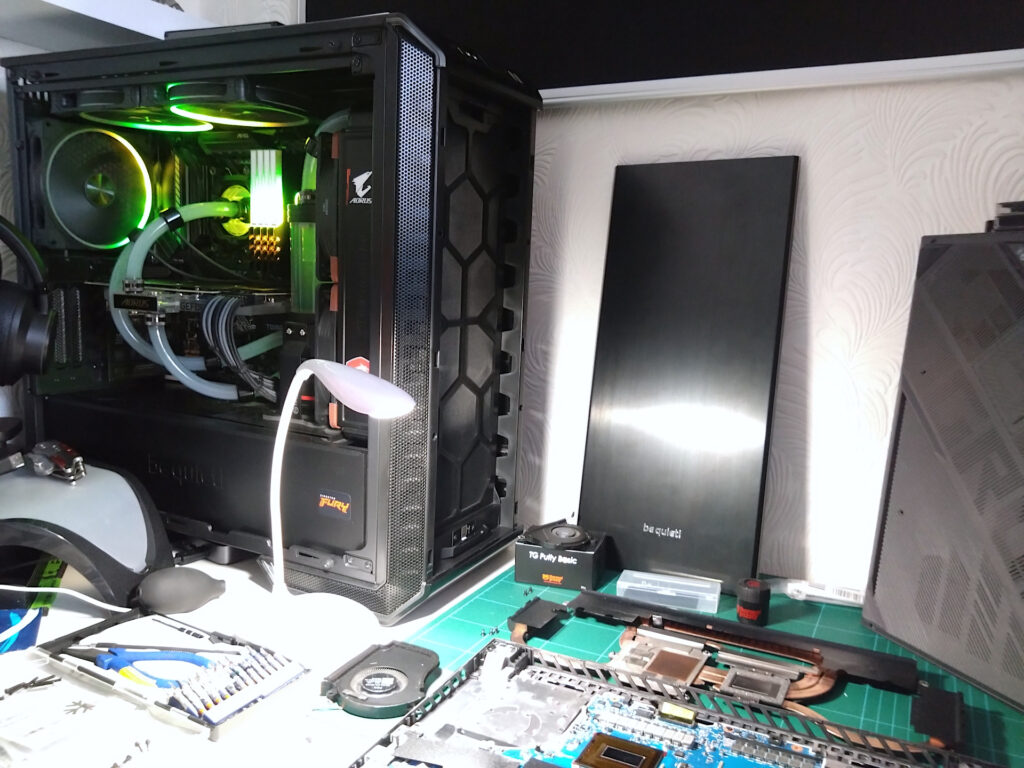
This is what happens when you have to work with the tools you have, anything can be used or re-purposed if you think of a way to make use of it. Anyway, I’ll try to finish up the laptop when I get round to it. (I also have an ESD strap in use just in case)